Embeddings and vector databases, explained for web developers
Embeddings turn text, images and products into lists of numbers that capture meaning — the technology behind semantic search, recommendations and RAG. Here’s how they work and how to use them in a real app.
 Nasir Mollah
5 min read
On this page10 sections
Classic search matches words. Search for “cheap car hire” and a keyword engine looks for pages containing cheap, car and hire — and may miss a page about “affordable vehicle rental”, even though it’s exactly what you wanted.
Embeddings fix this by matching meaning instead of words. They power semantic search, “related articles”, product recommendations, duplicate detection and retrieval-augmented generation (RAG). This guide explains what they are and how to use them in a web application.
What an embedding is
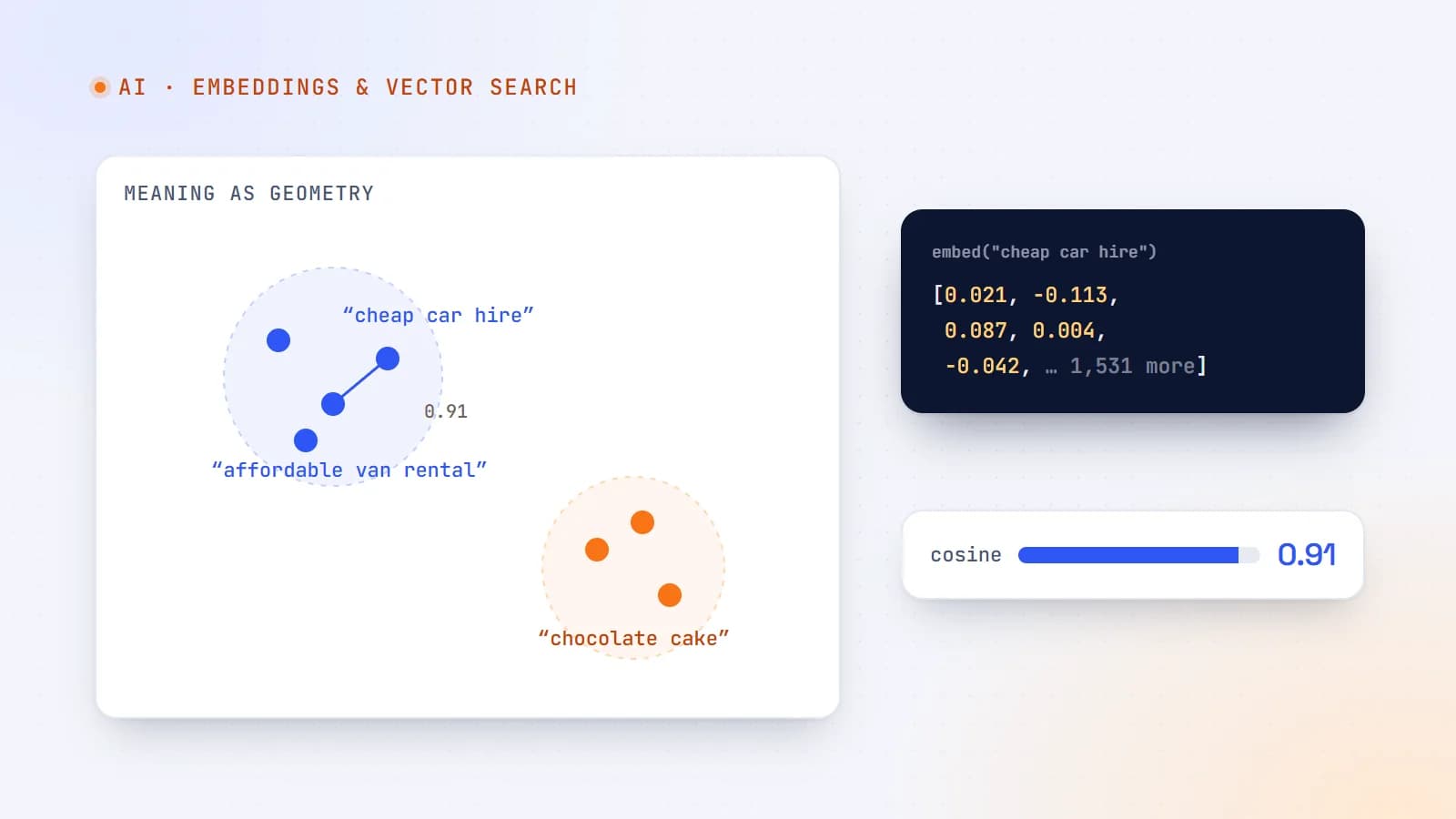
An embedding is a list of numbers — a vector — that represents a piece of content. An embedding model reads a sentence, paragraph, image or product description and outputs something like:
"affordable vehicle rental in Lugano"
→ [0.021, -0.113, 0.087, 0.004, … ]   (hundreds or thousands of numbers)
The individual numbers don’t mean anything on their own. What matters is the geometry: the model is trained so that content with similar meaning produces vectors that point in similar directions. “Cheap car hire” and “affordable vehicle rental” end up close together; “cheap car hire” and “chocolate cake recipe” end up far apart.
Measuring similarity
To compare two embeddings, you measure how close they are. The most common measure is cosine similarity: the cosine of the angle between two vectors.
- Close to 1 → very similar meaning.
- Around 0 → unrelated.
function cosineSimilarity(a: number[], b: number[]) {
  let dot = 0, normA = 0, normB = 0;
  for (let i = 0; i < a.length; i++) {
    dot += a[i] * b[i];
    normA += a[i] * a[i];
    normB += b[i] * b[i];
  }
  return dot / (Math.sqrt(normA) * Math.sqrt(normB));
}
Many embedding models return normalized vectors (length 1), in which case cosine similarity is just the dot product — cheaper to compute. Other distance measures such as Euclidean distance exist; use whichever your model’s documentation recommends.
The basic workflow
Every embedding-powered feature follows the same pattern:
- Embed your content once — articles, products, help pages, listings — and store the vectors.
- Embed the query at request time using the same model.
- Find the nearest vectors to the query vector.
- Return (or further process) the matching items.
// 1. Indexing (run when content changes)
for (const article of articles) {
  const vector = await embed(`${article.title}\n\n${article.body}`);
  await db.articles.update(article.id, { embedding: vector });
}

// 2–4. Searching
const queryVector = await embed(userQuery);
const results = await vectorSearch(queryVector, { limit: 10 });
The embed function calls an embedding model — a hosted API or an open-source model you run yourself.
Why you need a vector index
Comparing a query against every stored vector (a “brute-force” scan) is fine for a few thousand items. For hundreds of thousands or millions, it’s too slow.
Vector indexes use approximate nearest neighbor (ANN) algorithms — HNSW is a popular one — to find very close matches quickly without checking everything. You trade a tiny bit of accuracy for huge speed gains.
Where to store vectors
You have more options than you might think:
- Your existing database. PostgreSQL with the pgvector extension, MongoDB Atlas Vector Search, and several other databases now support vector columns and indexes. For many apps, this is the simplest choice: one database, transactional consistency, normal filtering.
- Dedicated vector databases. Purpose-built services for very large collections, high query volumes or advanced vector features.
- In memory. For small, static datasets — a few thousand items — loading vectors into memory and scanning them can be perfectly adequate.
An example with PostgreSQL and pgvector:
CREATE EXTENSION IF NOT EXISTS vector;

CREATE TABLE articles (
  id bigserial PRIMARY KEY,
  title text NOT NULL,
  body text NOT NULL,
  embedding vector(1536)            -- must match your model's dimensions
);

CREATE INDEX ON articles USING hnsw (embedding vector_cosine_ops);

-- nearest neighbors to a query vector ($1), cosine distance
SELECT id, title, 1 - (embedding <=> $1) AS similarity
FROM articles
ORDER BY embedding <=> $1
LIMIT 10;
What you can build
Semantic search
Users describe what they want in their own words and still find it. Especially valuable for help centers, documentation, directories and catalogs where people don’t know your exact terminology.
“Related” and recommendations
Embed every item; show the nearest neighbors of the item being viewed. Instant “related articles” or “similar vehicles” without manual tagging.
Retrieval-augmented generation (RAG)
Find the passages most relevant to a question and give them to a language model to answer from (RAG explained). Embeddings are the retrieval half of most RAG systems.
Clustering and deduplication
Group similar support tickets, detect near-duplicate listings or reviews, or discover topics in feedback.
Classification with few examples
Compare new items to the embeddings of a few labeled examples per category — a lightweight alternative to training a classifier.
Practical tips
- Use the same model for indexing and querying. Vectors from different models aren’t comparable. If you switch models, re-embed everything.
- Choose what to embed carefully. Titles plus key content usually beat raw HTML. Strip navigation and boilerplate.
- Chunk long documents. One embedding for a 30-page manual blurs everything together; embed sections or paragraphs instead.
- Combine with filters. Real queries need constraints: language, category, price range, availability, permissions. Most vector stores support filtering alongside similarity.
- Combine with keyword search (hybrid search). Embeddings can miss exact terms such as product codes, names and error messages. Blending keyword and vector results usually gives the best of both.
- Store metadata — IDs, titles, URLs, timestamps — next to each vector so results are useful without extra lookups.
- Keep embeddings in sync. Re-embed when content changes; delete vectors when content is removed.
- Evaluate. Build a small set of real queries with the results you expect, and measure before and after changes.
Costs and performance
- Embedding costs are usually small per item but add up across large catalogs and frequent re-indexing. Cache embeddings and only re-embed changed content.
- Storage grows with dimensions × items. Some models let you request shorter vectors, trading a little quality for less storage and faster search.
- Latency comes from both embedding the query and searching. For search-as-you-type, consider debouncing input and caching popular queries.
Privacy considerations
When you use a hosted embedding API, the content you embed is sent to that provider. Check its data-retention and training policies, and be careful with personal or sensitive data. For highly sensitive content, consider running an open-source embedding model on your own infrastructure.
The takeaway
Embeddings turn meaning into geometry: similar things become nearby points. Store them in a vector-capable database, search by similarity, combine with filters and keywords, and you can add semantic search, recommendations and RAG to an ordinary web app — often with the database you already use.
- AI
- Embeddings
- Vector Search
- Machine Learning
Keep reading
9 min read
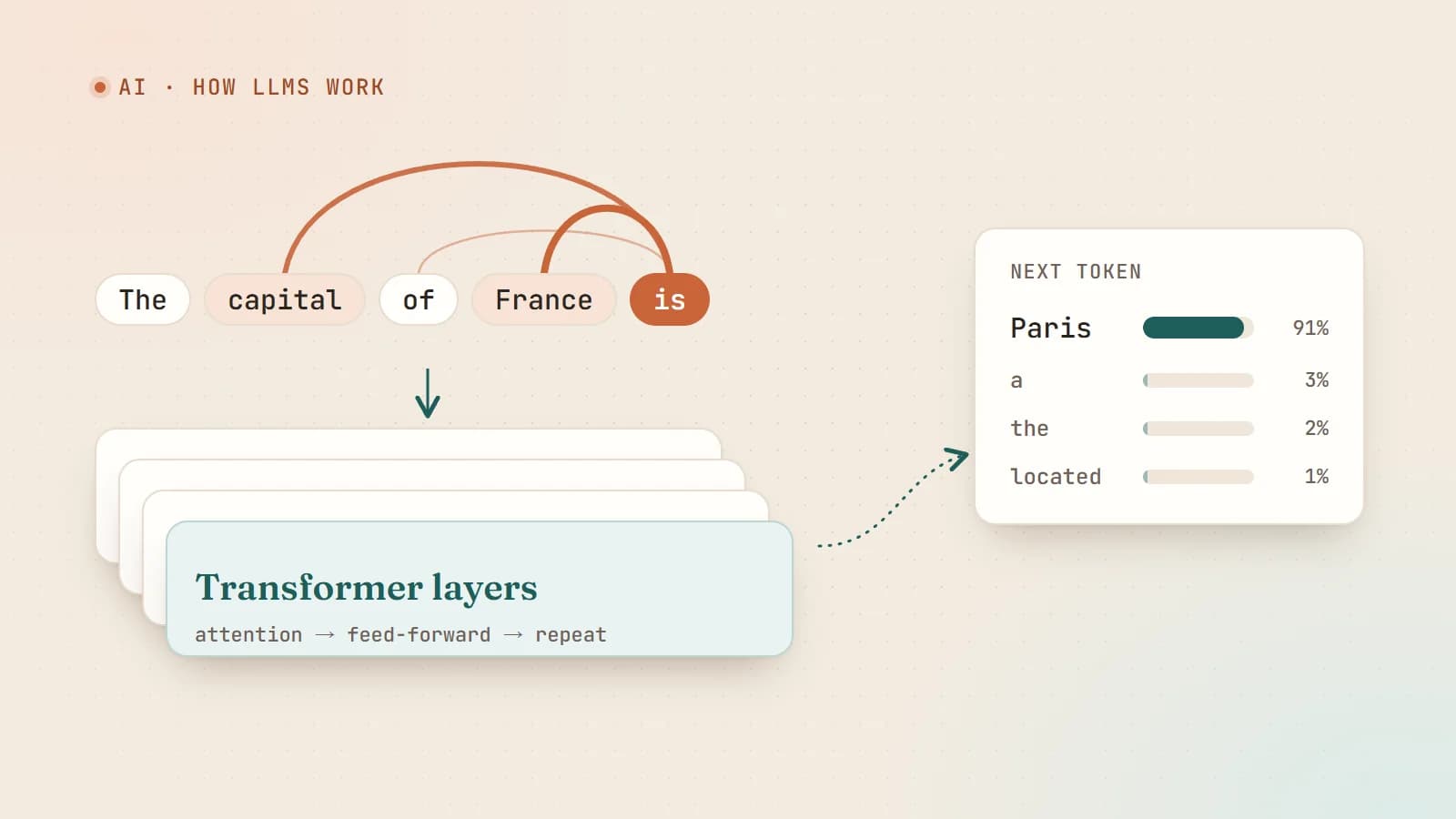
How large language models actually work — a plain-English guide for developers
Tokens, embeddings, attention, training and sampling — what really happens between your prompt and the model’s answer, explained without the hype and without a math degree.
- AI
- LLMs
- Machine Learning
- Fundamentals
7 min read
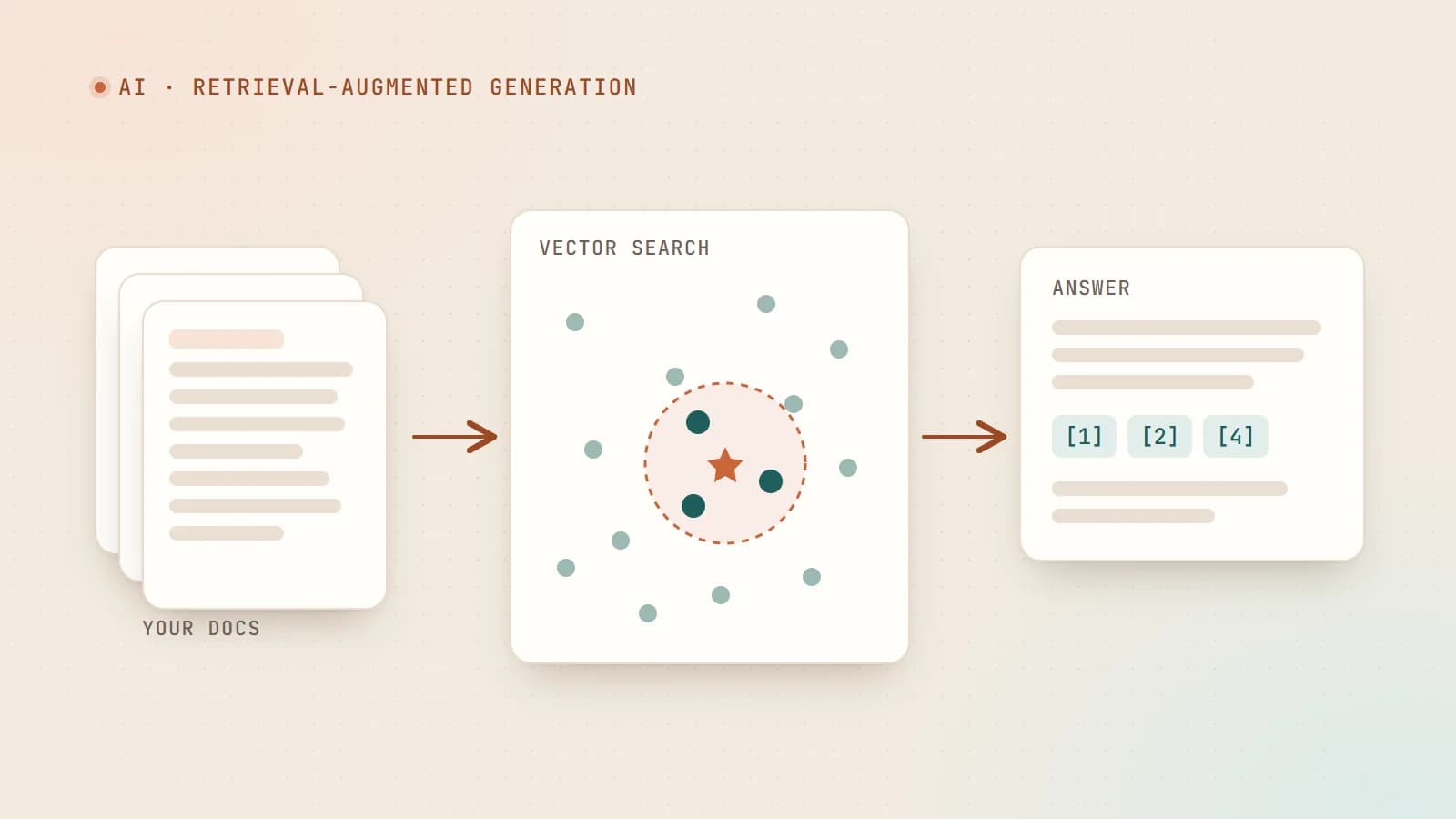
RAG explained: how to make AI answer from your own data
Retrieval-augmented generation lets a language model answer questions using your documents instead of its memory. Here’s how the pipeline works — chunking, embeddings, vector search, prompting — and how to build one that’s actually reliable.
- AI
- RAG
- LLMs
- Vector Search

6 min read
AI coding agents on a real codebase: a production playbook
Tools like Claude Code, Cursor and GitHub Copilot can now plan, edit files, run tests and open pull requests. Here’s how to use AI coding agents on production code without losing quality, security or understanding — with concrete team guidelines.
- AI
- AI Agents
- Developer Workflow
- Code Quality
Building something? Let’s talk.
If you’re planning a web app, a website or a new feature, a free call is a good place to start — you’ll get honest options, a fixed price and a timeline.