RAG explained: how to make AI answer from your own data
Retrieval-augmented generation lets a language model answer questions using your documents instead of its memory. Here’s how the pipeline works — chunking, embeddings, vector search, prompting — and how to build one that’s actually reliable.
 Nasir Mollah
7 min read
On this page14 sections
Ask a general-purpose AI model about your company’s refund policy, your product’s API, or last week’s meeting notes and it will either admit it doesn’t know or — worse — invent something plausible. The model was never trained on your private data, and its knowledge stops at its training cut-off.
Retrieval-augmented generation (RAG) is the standard fix (if you want the background on why models make things up, see how large language models work). Instead of hoping the model remembers, you find the relevant information first and put it into the prompt, then ask the model to answer from that material. It’s how most “chat with your docs”, support assistants and internal knowledge bots work.
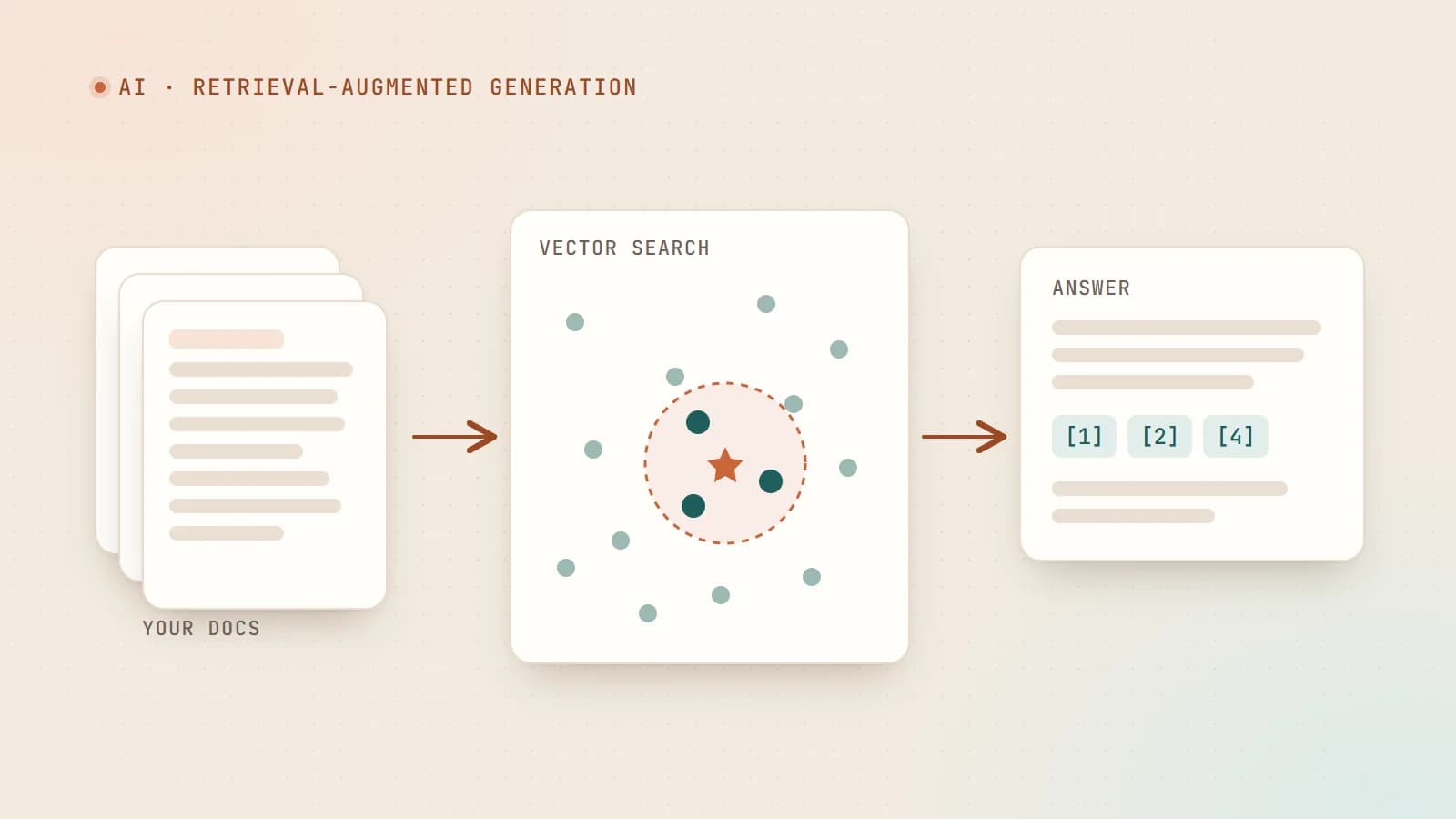
The idea in one picture
Question ──► Retrieve relevant passages ──► Build prompt ──► LLM ──► Answer + sources
                  ▲
                  │
        Your documents (indexed ahead of time)
There are two phases:
- Indexing (ahead of time): split your documents into chunks, turn each chunk into an embedding, and store them in a searchable index.
- Answering (per question): embed the question, find the most similar chunks, and give them to the model along with the question.
Why not just fine-tune the model?
Fine-tuning changes a model’s weights by training it on examples. It’s great for teaching style, format or a specialized task, but it’s a poor way to teach facts:
- Facts change. Re-training every time a policy changes is slow and expensive.
- Fine-tuned knowledge is still “remembered”, so the model can still mix things up — and it can’t tell you where an answer came from.
- Access control is impossible: everything trained in is available to every user.
RAG keeps knowledge outside the model. Update a document and the next answer reflects it. Show the user the exact passages used. Filter results by who is asking. For factual question answering over your data, RAG is almost always the right first step.
Step 1: Load and clean your documents
Start by collecting the sources: help-center articles, PDFs, Markdown docs, database records, tickets. Convert them into clean text and keep useful metadata — title, URL, section, last-updated date, product, access level.
Cleaning matters more than people expect. Navigation menus, cookie banners, repeated headers and broken PDF extraction all end up in your index as noise.
Step 2: Chunking
Documents are split into chunks because:
- embeddings work best on focused passages, not 40-page manuals;
- you only want to put the relevant parts into the prompt.
Common strategies:
- Fixed size with overlap — for example, around 300–800 tokens per chunk with some overlap between neighbors so sentences aren’t cut off mid-thought.
- Structure-aware splitting — split on headings, paragraphs or list items so each chunk is a coherent section.
- Adding context to chunks — prefix each chunk with its document title and section heading (“Refund policy › Annual plans: …”) so it still makes sense on its own.
There’s no universal best size. Small chunks are precise but can lose context; large chunks carry context but dilute relevance. Test with real questions.
Step 3: Embeddings
An embedding model turns text into a vector — a list of numbers — such that texts with similar meaning produce vectors that are close together. “How do I get my money back?” and “Refund policy” end up near each other even though they share no words.
You embed every chunk once during indexing, and embed each incoming question at query time. Use the same embedding model for both, and re-embed everything if you change models.
Step 4: Store and search vectors
The vectors go into a vector index that can quickly find the nearest neighbors to a query vector. Options include dedicated vector databases and vector search built into databases you may already use — for example PostgreSQL with the pgvector extension or MongoDB Atlas Vector Search.
Here’s a simplified example of the query side using MongoDB Atlas Vector Search:
const queryVector = await embed(question); // same model used for indexing

const results = await db.collection("chunks").aggregate([
  {
    $vectorSearch: {
      index: "chunks_vector_index",
      path: "embedding",
      queryVector,
      numCandidates: 200,
      limit: 8,
      filter: { product: "billing" }, // metadata filter
    },
  },
  { $project: { text: 1, title: 1, url: 1, score: { $meta: "vectorSearchScore" } } },
]).toArray();
Most production systems also use metadata filters (only search documents this user may see, only the current product version) and often hybrid search — combining vector similarity with classic keyword search (BM25). Keyword search is much better at exact terms: error codes, product names, IDs.
Step 5: Rerank (optional but powerful)
Vector search is fast but approximate. A common upgrade is to retrieve more candidates — say 30–50 — and then use a reranker model that reads the question and each candidate together and scores how well it actually answers the question. Keep the top handful.
Reranking is one of the most reliable ways to improve answer quality without changing anything else.
Step 6: Build the prompt
Now assemble the prompt with clear structure: instructions, the retrieved passages (with IDs and sources), and the question.
You are the support assistant for Acme Booking.
Answer the customer's question using ONLY the documents below.
If the documents don't contain the answer, say you don't know and
suggest contacting support. Cite the document IDs you used, like [2].

<documents>
<document id="1" title="Refund policy" url="/help/refunds">
...
</document>
<document id="2" title="Annual plans" url="/help/annual-plans">
...
</document>
</documents>

<question>
Can I get a refund if I cancel my annual plan after two months?
</question>
Three instructions do most of the work here: answer only from the documents, say when you don’t know, and cite sources. Show those citations to the user as links so they can verify.
Step 7: Generate and post-process
Send the prompt to the model, stream the answer, and turn citation markers into links. In many apps it’s also worth:
- checking that cited IDs actually exist in the retrieved set;
- logging the question, retrieved chunks and answer for later review;
- offering a “this didn’t help” button that feeds into your evaluation set.
Why RAG systems fail (and how to fix them)
When a RAG answer is wrong, the cause is usually retrieval, not the model. Debug in this order:
- Was the answer in the knowledge base at all? Missing or outdated content is the most common cause.
- Was the right chunk retrieved? Look at what was actually returned. If not, adjust chunking, add titles to chunks, try hybrid search or reranking.
- Was it retrieved but ignored or misread? Improve the prompt, reduce irrelevant chunks, or put the most relevant ones first.
- Did the question need several pieces combined? Consider query rewriting (turning a vague question into a precise search query) or splitting into sub-questions.
Evaluate like an engineer
Build a small evaluation set: 30–100 real questions with known correct answers and the documents that contain them. Then measure:
- Retrieval quality: is the right document in the top k results?
- Faithfulness: does every statement in the answer come from the retrieved text?
- Answer quality: is it correct, complete and helpful?
Run the set every time you change chunking, embedding models, prompts or models. Without it, you are tuning by anecdote.
Security and privacy
- Enforce permissions at retrieval time. Never retrieve documents a user isn’t allowed to see and rely on the prompt to “keep them secret”.
- Treat retrieved text as untrusted. A document can contain instructions aimed at the model (prompt injection). Keep instructions and documents clearly separated and don’t give the model unnecessary powers.
- Mind personal data. Know what you index, where embeddings are stored and who your providers are.
When RAG is — and isn’t — the answer
RAG is ideal for answering questions from a body of text that changes: documentation, policies, knowledge bases, product catalogs, support history.
It’s less suited to questions that require aggregating everything (“How many tickets mentioned billing last quarter?”). That’s a database query or analytics job — though an AI model can help write the query. And for very small knowledge bases, simply putting the entire content into the context window can be simpler and work just as well.
A sensible first version
- Clean your top 50–200 documents and keep titles and URLs.
- Chunk by headings with modest overlap; prefix chunks with titles.
- Embed and store them with metadata.
- Retrieve with hybrid search, rerank, keep 5–8 chunks.
- Prompt the model to answer only from sources, admit uncertainty and cite.
- Build an evaluation set from day one.
RAG isn’t magic — it’s search plus a good writer. Get the search right, keep the writer honest, and you get an assistant that answers from your knowledge rather than its imagination.
- AI
- RAG
- LLMs
- Vector Search
Keep reading
6 min read
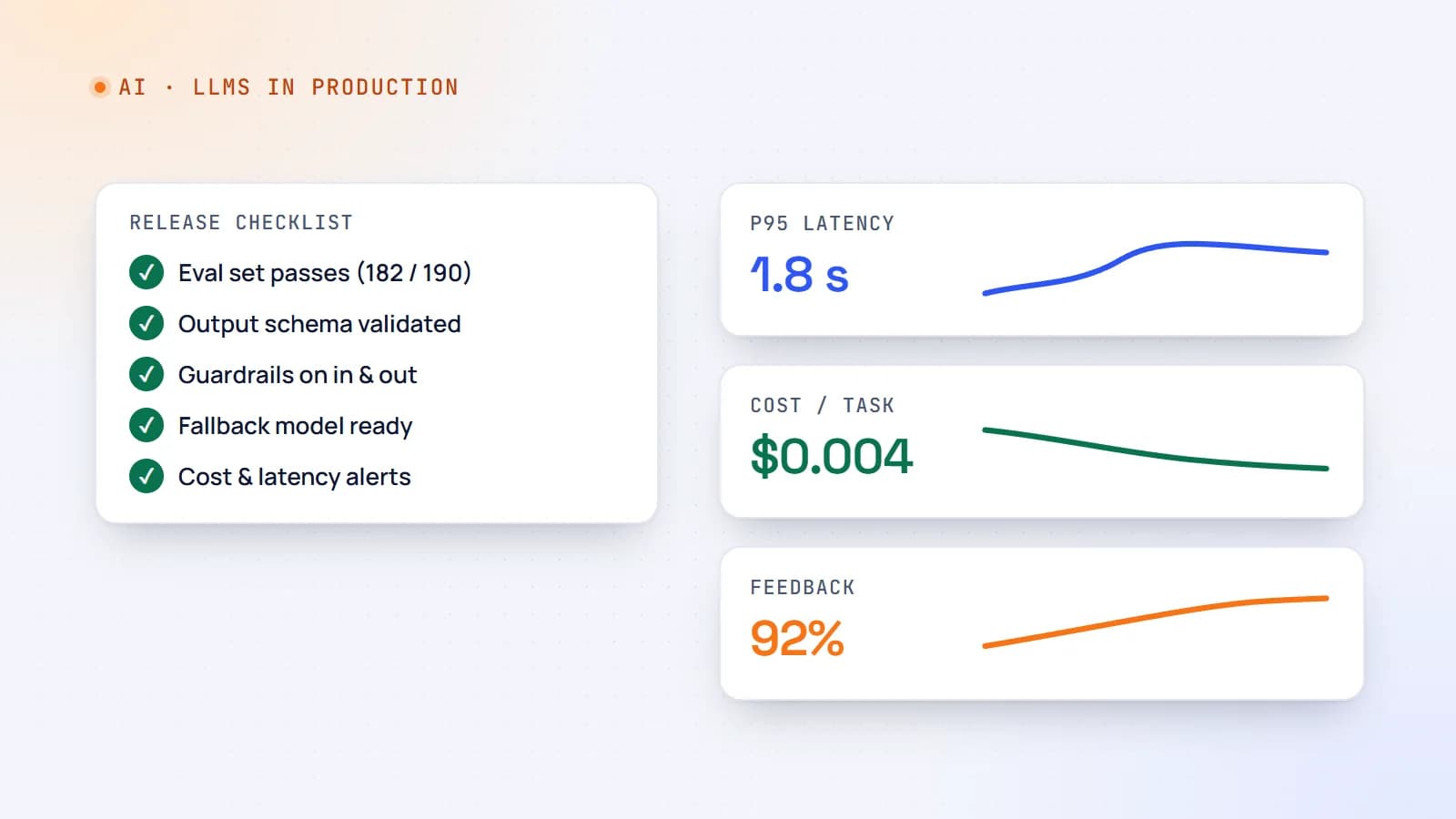
Shipping LLM features to production: evals, guardrails, cost and monitoring
A demo that works on ten examples is not a product. Here’s a practical production checklist for AI features — evaluation sets, guardrails, fallbacks, cost and latency control, monitoring and rollout — so your LLM feature stays reliable after launch.
- AI
- LLMs
- DevOps
- Production
6 min read
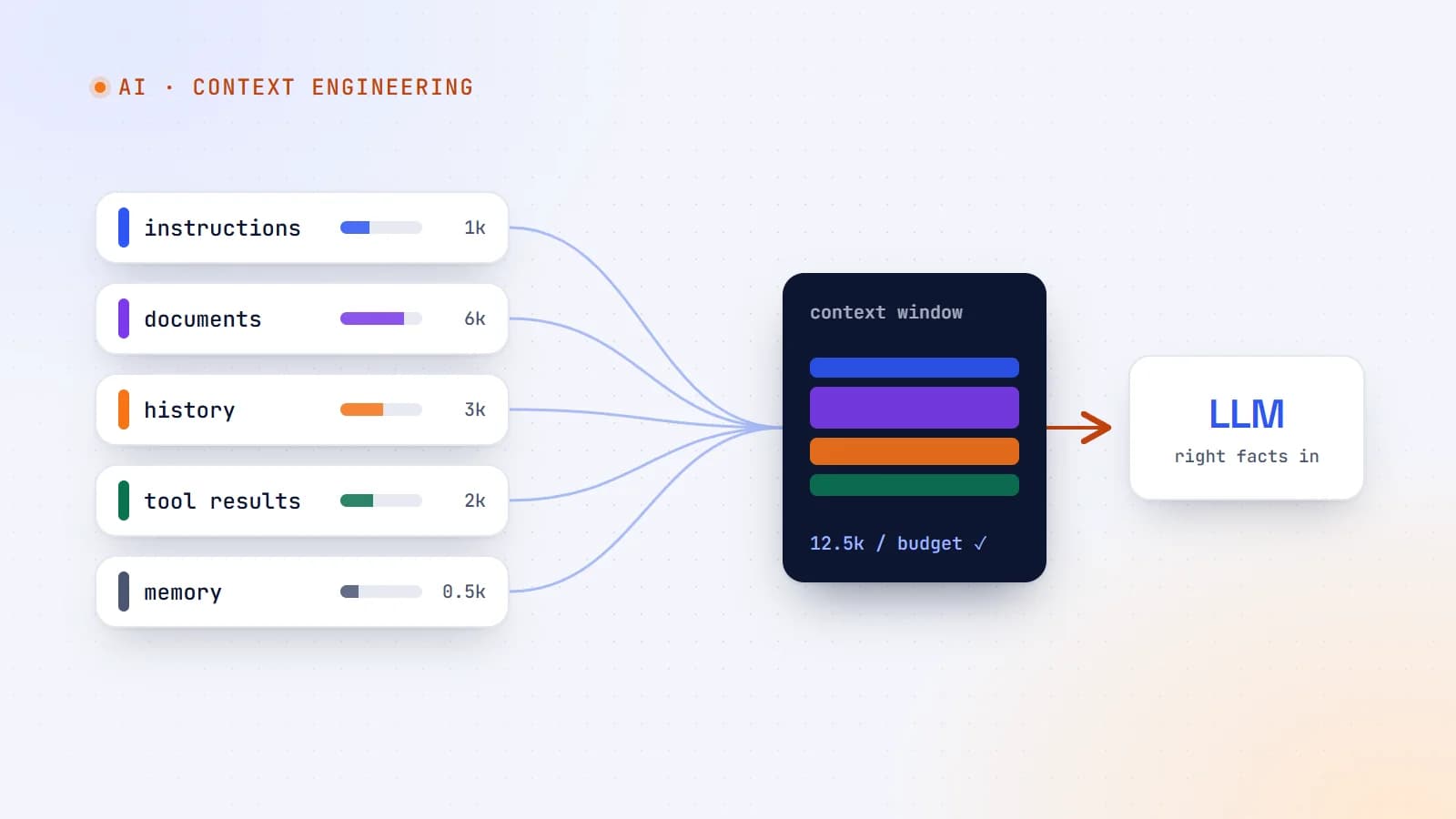
Context engineering: the skill that’s replacing prompt engineering
The best AI features aren’t built on clever prompts — they’re built on giving the model exactly the right information at the right moment. Here’s what context engineering is, why it matters more as models get smarter, and production guidelines for doing it well.
- AI
- Context Engineering
- LLMs
- AI Agents
9 min read
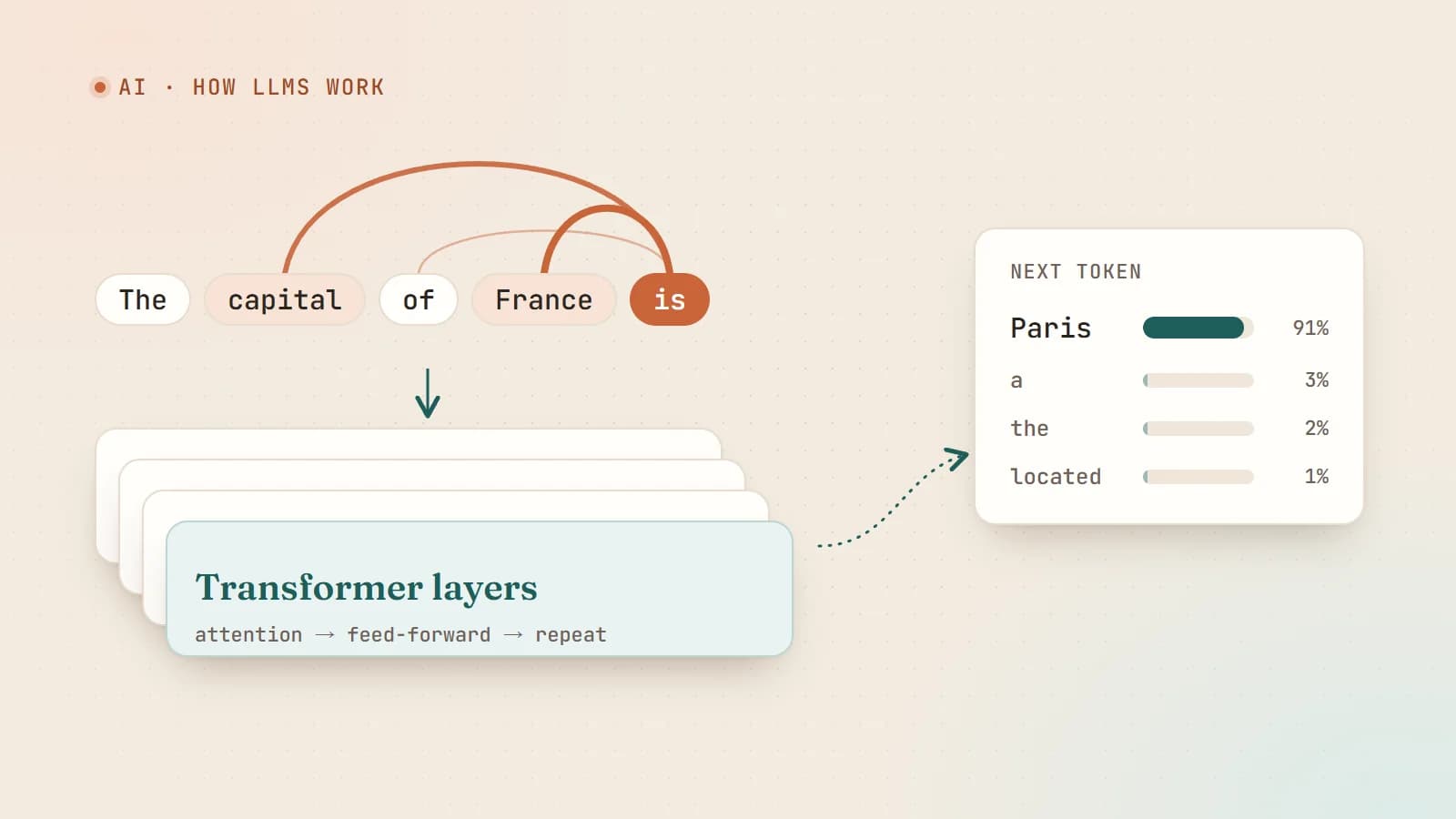
How large language models actually work — a plain-English guide for developers
Tokens, embeddings, attention, training and sampling — what really happens between your prompt and the model’s answer, explained without the hype and without a math degree.
- AI
- LLMs
- Machine Learning
- Fundamentals
Building something? Let’s talk.
If you’re planning a web app, a website or a new feature, a free call is a good place to start — you’ll get honest options, a fixed price and a timeline.