Shipping LLM features to production: evals, guardrails, cost and monitoring
A demo that works on ten examples is not a product. Here’s a practical production checklist for AI features — evaluation sets, guardrails, fallbacks, cost and latency control, monitoring and rollout — so your LLM feature stays reliable after launch.
 Nasir Mollah
6 min read
On this page13 sections
Building an impressive AI demo takes an afternoon. Keeping an AI feature reliable for thousands of real users is a different job. Inputs get weirder, costs add up, providers have outages, models get updated, and a single bad answer can end up in a screenshot on social media.
This guide is a practical production checklist for LLM features — summarizers, assistants, classifiers, extractors and agents — based on the patterns that consistently separate demos from dependable products.
1. Define what “good” means before you build
Write down, for your feature:
- The job — e.g. “Summarize a support ticket into three bullet points and a category.”
- Quality criteria — accurate, complete, no invented facts, correct category, under 80 words.
- Unacceptable outputs — personal data in the summary, rude tone, a category that doesn’t exist.
- Targets — acceptable latency, cost per request, and error rate.
Without this, every later decision — model choice, prompt changes, release approval — is a matter of opinion.
2. Build an evaluation set (and keep growing it)
An evaluation set is a collection of real inputs with expected outputs or grading criteria. It’s the single most important production asset for an AI feature.
- Start with 50–200 real examples: typical cases, edge cases, long inputs, other languages, messy data.
- Add every production failure you find. Your eval set should grow with your product.
- Grade with a mix of automatic checks (valid JSON, correct category, length limits, required fields) and rubric-based grading — a careful human or a second model call with a clear scoring guide, spot-checked by humans.
Run the full set on every change to the prompt, model, retrieval or code, and compare results before shipping. This is your regression test suite.
for (const example of evalSet) {
  const output = await summarizeTicket(example.input);
  results.push({
    id: example.id,
    validJson: isValid(output),
    categoryCorrect: output.category === example.expected.category,
    rubricScore: await gradeWithRubric(example, output), // 1–5
  });
}
report(results); // compare against the previous version before merging
3. Make outputs predictable
Free-form text is hard for code to trust. Wherever software consumes the output:
- Ask for structured output and use your provider’s structured-output or tool-calling features to constrain it to a schema.
- Validate every response in code (for example with Zod or Pydantic).
- On validation failure, retry once with the error message included, then fall back.
- Use low temperature for extraction, classification and other tasks that need consistency.
4. Add guardrails on the way in and the way out
Input guardrails:
- Limit input length and reject or truncate oversized requests.
- Detect obviously off-topic or abusive requests before spending tokens on them.
- Remove or mask personal data that the task doesn’t need.
- Treat user content and retrieved documents as untrusted — they may contain prompt injection attempts (web security basics).
Output guardrails:
- Validate format and required fields.
- Check for disallowed content: personal data, secrets, competitor names, unsafe advice for your domain.
- For factual answers grounded in documents, require citations and verify that cited sources exist.
- For actions (sending emails, refunds, deletions), require human confirmation or strict rules — never let model output trigger irreversible actions unchecked.
5. Plan for failure: timeouts, retries and fallbacks
Model APIs are network services. They time out, rate-limit and occasionally go down.
- Set timeouts on every call and show users progress (streaming helps a lot).
- Retry transient errors with exponential backoff and jitter — but not forever.
- Have a fallback: a secondary model or provider, a cached answer, a simpler rule-based path, or a polite “this feature is temporarily unavailable” with a manual alternative.
- Make AI features degrade gracefully — the rest of the page or workflow should still work if the AI part fails.
6. Control cost
LLM costs scale with tokens, and tokens scale with usage in ways that surprise teams.
- Choose the smallest model that passes your evals. Many tasks — classification, extraction, routing — don’t need the largest model.
- Route by difficulty: send easy requests to a fast, cheap model and escalate hard ones.
- Keep prompts and contexts lean — trim history, retrieve fewer but better documents (see context engineering).
- Use prompt caching for long, repeated instructions or documents where your provider supports it.
- Cache results for identical or near-identical requests (caching strategies).
- Batch non-urgent work through batch APIs where available, which are usually cheaper.
- Set budgets and alerts per feature and per customer, and rate-limit heavy users.
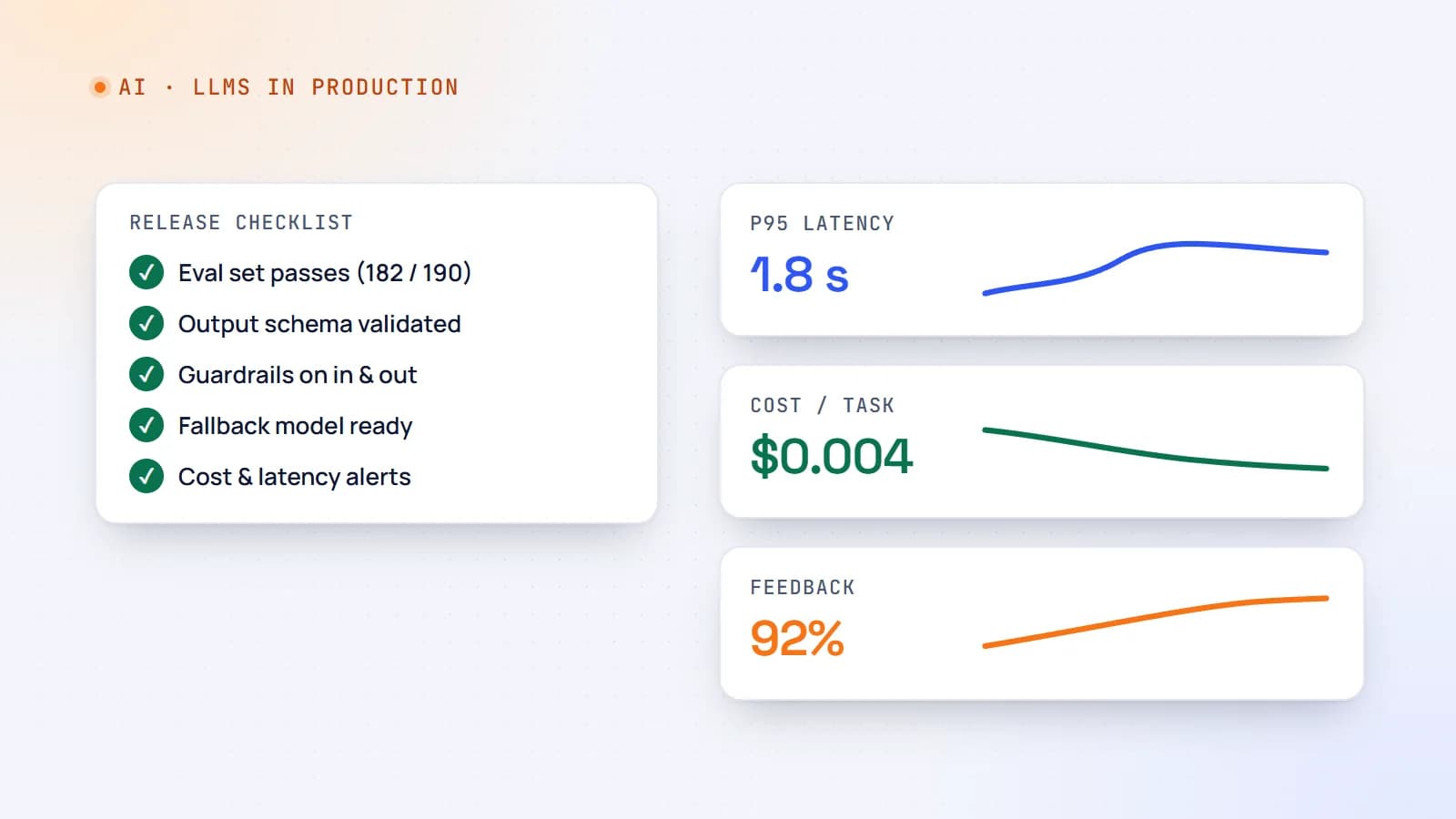
Track cost per successful task, not just total spend — that’s the number that tells you whether the feature is economically viable.
7. Control latency
- Stream responses so users see progress immediately.
- Use smaller models for latency-sensitive steps.
- Run independent calls in parallel (for example, retrieval and classification at the same time).
- Precompute what you can: summaries, embeddings and classifications can often be generated when content changes rather than when users ask.
8. Observability: log what you’ll need at 2 a.m.
For every LLM call, record:
- the prompt template version, model name and parameters;
- the full input and context (with personal data masked as needed), and the output;
- token counts, latency, cost and any errors or retries;
- the user or tenant (pseudonymized), and a request ID to tie it to the rest of your logs;
- user feedback (thumbs up/down, edits, “regenerate” clicks).
Build dashboards for error rate, latency percentiles, cost per request and feedback rate, and alert on sudden changes. Regularly read a sample of real conversations — numbers alone won’t tell you why quality dropped.
9. Version everything and roll out gradually
Prompts, model choices, retrieval settings and tool definitions are all part of your feature’s behavior. Treat them like code:
- Store prompts in version control with review, not in an untracked admin text box.
- Pin model versions where your provider allows it, and test new versions against your eval set before switching. Providers update and retire models — have a migration plan.
- Release changes behind a feature flag, to a small percentage of traffic first, and compare metrics before going to 100%.
- Keep rollback one click away.
10. Privacy, security and compliance
- Know what data you send to which provider, and check their data-retention and training terms.
- Minimize personal data in prompts; mask what you can.
- Apply access control before retrieval — never rely on the prompt to “keep secrets”.
- Give agents and tools least-privilege credentials.
- Be transparent with users when they’re interacting with AI, and offer a route to a human where it matters.
- For regulated domains (health, finance, legal), involve the people responsible for compliance early.
11. Close the loop with users
Real users are your best testers:
- Add lightweight feedback (helpful / not helpful, with an optional comment).
- Treat edits as signal — if users always rewrite the second paragraph, your output has a pattern problem.
- Route negative feedback into your eval set so the same failure can’t silently return.
A production readiness checklist
Before launch, you should be able to say yes to each of these:
- Quality criteria and unacceptable outputs are written down.
- An evaluation set of real examples exists and runs in CI.
- Outputs are validated; failures retry once, then fall back.
- Input and output guardrails are in place; irreversible actions need confirmation.
- Timeouts, retries and a fallback path are implemented.
- Cost per request is measured, with budgets and alerts.
- Latency meets the target, with streaming where users wait.
- Every call is logged with version, tokens, cost and latency.
- Prompts and model versions are version-controlled; rollout is gradual with rollback.
- Data handling has been reviewed for privacy and security.
- Users can give feedback, and it feeds the eval set.
The takeaway
LLM features fail differently from normal software: not with crashes, but with confident, plausible mistakes and slowly rising costs. The answer is the same discipline you’d apply to any critical system — clear requirements, tests, guardrails, monitoring and careful releases — adapted to probabilistic outputs. Do that, and your AI feature becomes something you can actually rely on.
- AI
- LLMs
- DevOps
- Production
Keep reading
6 min read
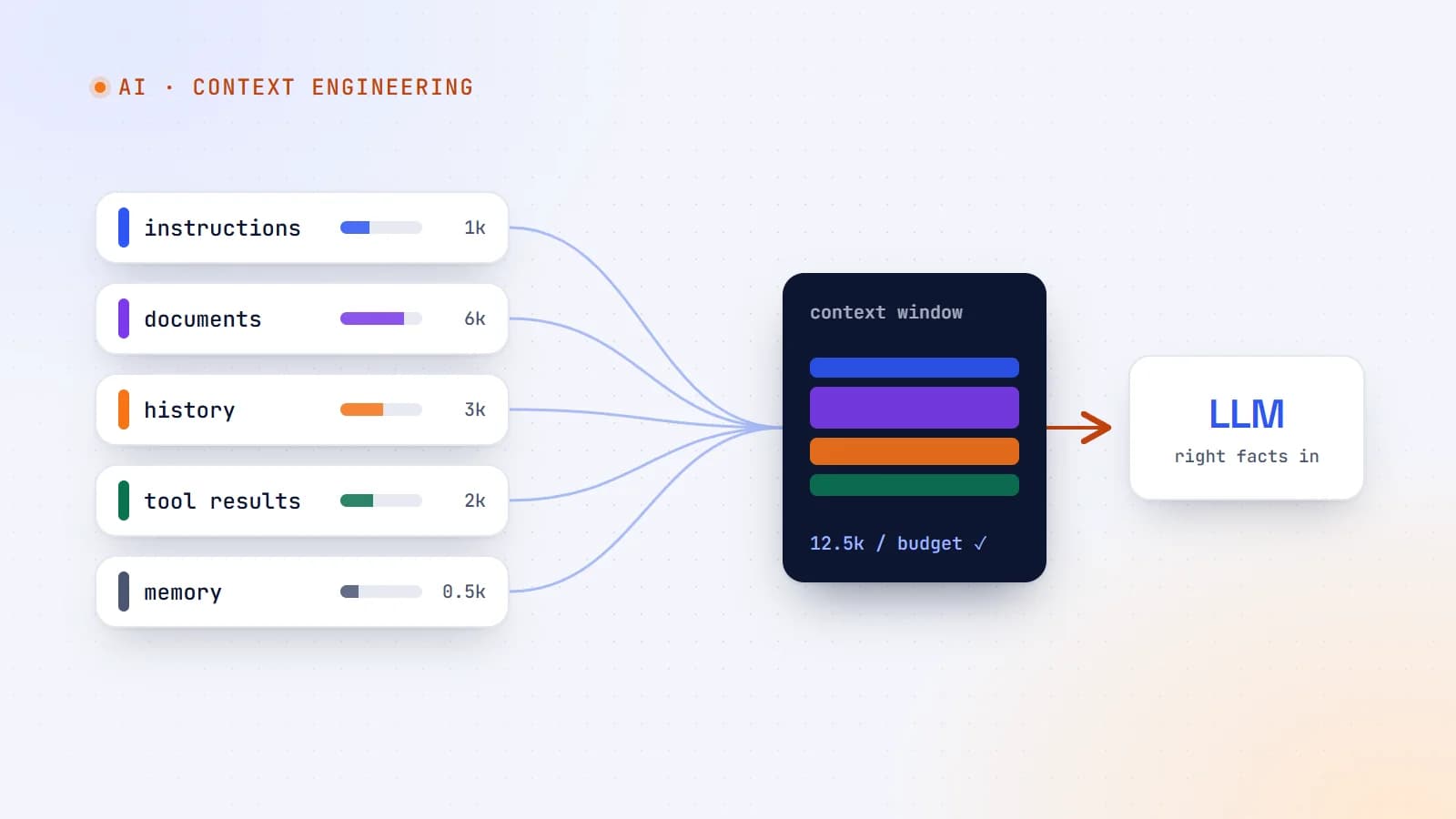
Context engineering: the skill that’s replacing prompt engineering
The best AI features aren’t built on clever prompts — they’re built on giving the model exactly the right information at the right moment. Here’s what context engineering is, why it matters more as models get smarter, and production guidelines for doing it well.
- AI
- Context Engineering
- LLMs
- AI Agents
9 min read
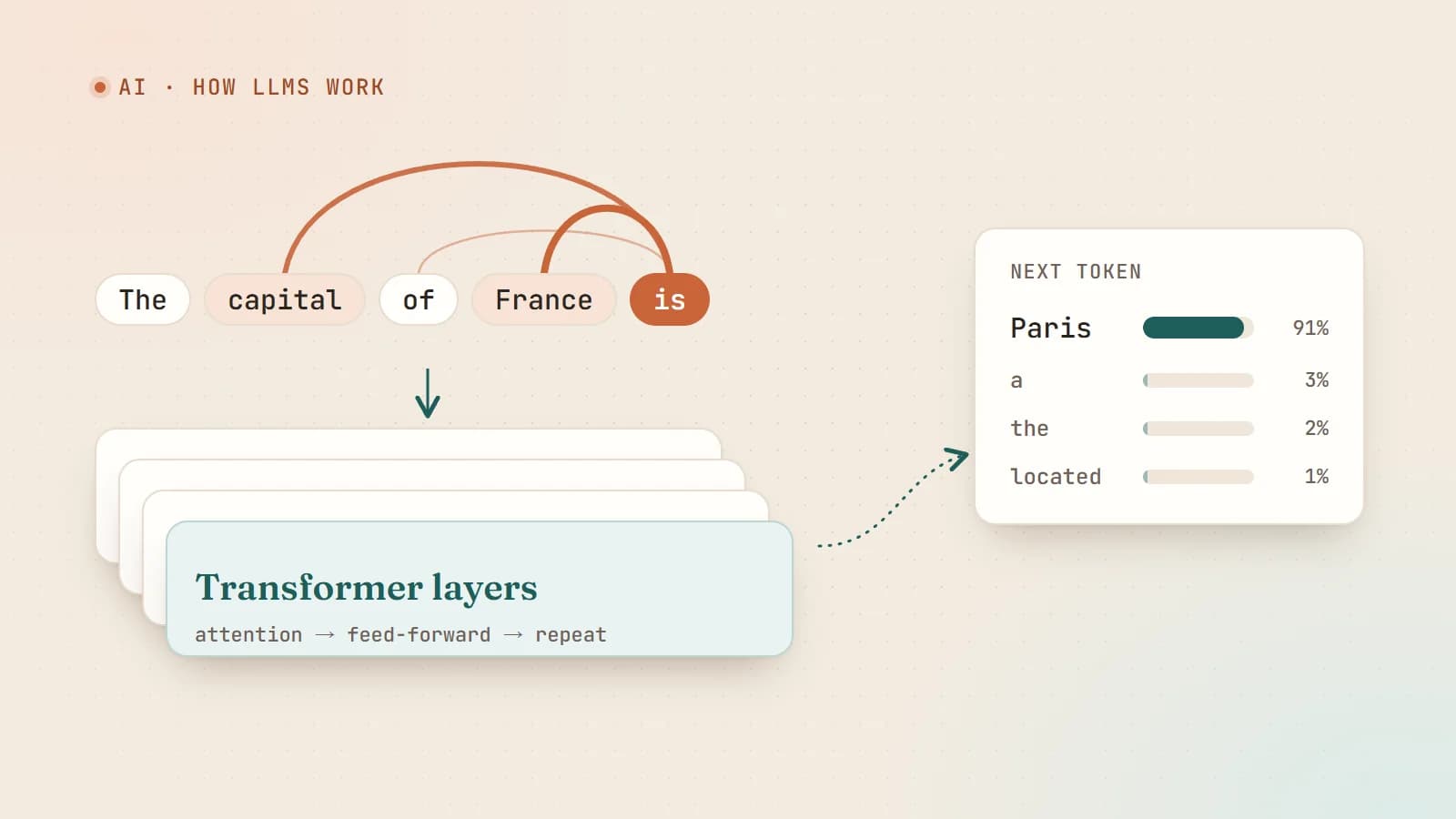
How large language models actually work — a plain-English guide for developers
Tokens, embeddings, attention, training and sampling — what really happens between your prompt and the model’s answer, explained without the hype and without a math degree.
- AI
- LLMs
- Machine Learning
- Fundamentals
7 min read
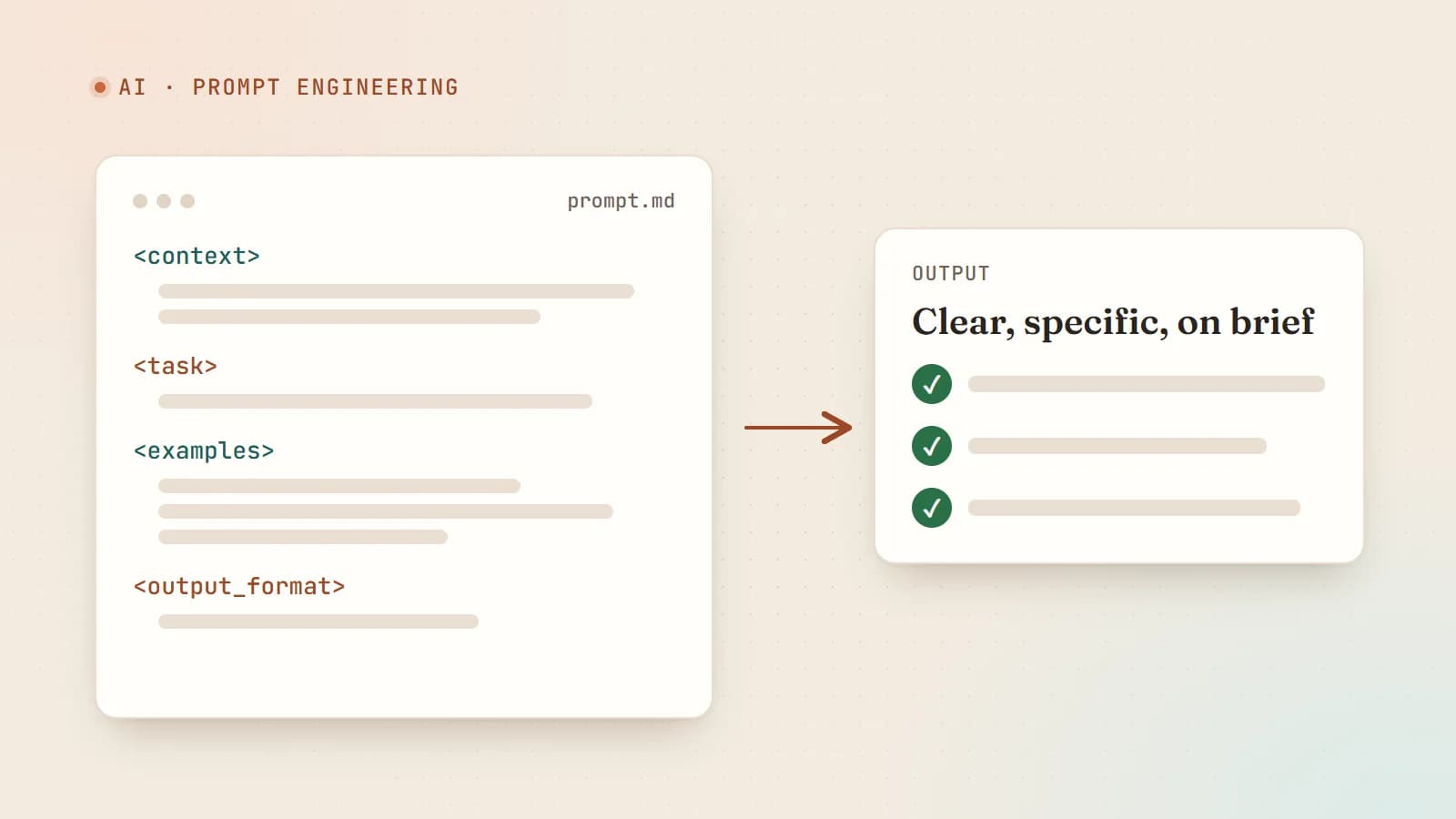
Prompt engineering that actually works: a practical guide
Forget magic phrases. Good prompts are clear briefs — context, a precise task, examples, structure and a way to check the result. Here are the techniques that consistently make AI output better.
- AI
- Prompt Engineering
- LLMs
- Productivity
Building something? Let’s talk.
If you’re planning a web app, a website or a new feature, a free call is a good place to start — you’ll get honest options, a fixed price and a timeline.