Caching for web apps: browser, CDN, server and Redis — explained
Caching is the cheapest way to make a website faster and an API cheaper to run — and the easiest way to show users stale data. Here’s how each caching layer works, which headers to use, and how to keep caches correct.
 Nasir Mollah
5 min read
On this page9 sections
There’s an old joke that there are only two hard things in computer science: cache invalidation and naming things. It’s funny because it’s true. Caching is the most effective way to make a web app faster and cheaper — and the most common cause of “why am I still seeing the old version?”
This guide walks through the caching layers in a typical web app, from the visitor’s browser to your database, and how to use each one safely.
Why cache at all?
A cache stores the result of expensive work so you can reuse it:
- Faster responses — serving from memory or a nearby CDN beats rebuilding a page or querying a database, which shows up directly in Core Web Vitals.
- Lower costs — fewer server CPU cycles, database queries and paid API calls.
- Better resilience — a cache can keep serving content during traffic spikes or brief outages.
The trade-off is always freshness: cached data may be out of date. Good caching is about deciding, for each piece of data, how stale is acceptable.
Layer 1: the browser cache (HTTP caching)
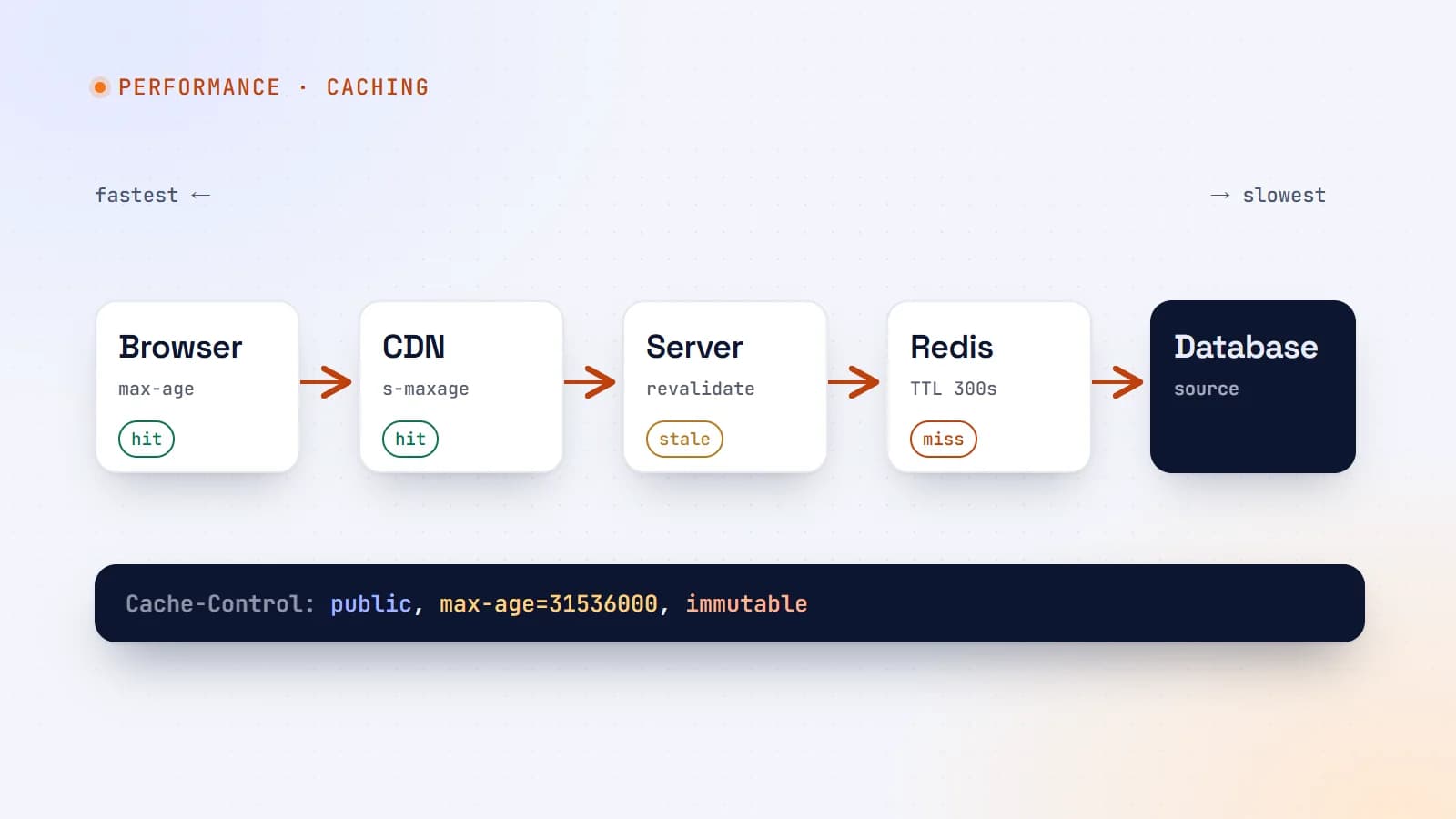
Browsers cache responses according to HTTP headers your server sends. The most important is Cache-Control.
Static assets: cache for a long time
Build tools add a content hash to file names (app.3f9a2c.js). When the file changes, the name changes — so the old version can be cached forever:
Cache-Control: public, max-age=31536000, immutable
HTML pages: revalidate
HTML URLs don’t change when content does, so browsers should check for updates:
Cache-Control: no-cache
Despite its name, no-cache means “you may store this, but revalidate before using it”. Combined with an ETag or Last-Modified header, the browser asks “has this changed?” and gets a tiny 304 Not Modified response when it hasn’t.
Private data: don’t store
Cache-Control: private, no-store
Use no-store for responses with personal or sensitive data (account pages, dashboards, API responses with user data), and private for anything that must never be cached by shared caches like CDNs.
Useful directives
max-age=N— fresh for N seconds in the browser.s-maxage=N— fresh for N seconds in shared caches (CDNs), overridingmax-agethere.stale-while-revalidate=N— after expiry, serve the stale copy for up to N seconds while fetching a fresh one in the background. Great for speed without long staleness.
Layer 2: the CDN
A content delivery network stores copies of your responses in data centers around the world, close to visitors.
- Static assets (images, CSS, JavaScript, fonts) should always be served through a CDN.
- Public HTML that’s the same for everyone — marketing pages, blog posts, product listings — can be cached at the CDN too, using
s-maxageandstale-while-revalidate:
Cache-Control: public, s-maxage=600, stale-while-revalidate=86400
This serves pages from the CDN for 10 minutes, then keeps serving them while refreshing in the background.
Be careful with personalized pages. If a response contains user-specific content, a CDN must never cache it — or one visitor may see another’s data. Mark such responses private and make sure cookies or authorization headers bypass the CDN cache.
Most CDNs also support purging (invalidating) specific URLs or tags on demand, so you can clear a page as soon as its content changes.
Layer 3: framework and server caching
Modern frameworks can cache rendered pages and data on the server:
- Static generation — build pages once (at deploy or on demand) and serve the HTML until it’s regenerated.
- Incremental regeneration — serve a cached page and regenerate it after a set time or when triggered.
- Data caches — cache the results of database queries or API calls, tagged so related entries can be invalidated together.
In Next.js, for example, you can cache data and then call revalidatePath or tag-based revalidation after a content change, so a dashboard edit updates the public page immediately while every other request is served from cache. Caching APIs evolve between framework versions, so check the docs for the version you use.
Layer 4: application caching with Redis
For data shared across many requests — expensive queries, external API results, computed rankings, sessions, rate-limit counters — an in-memory store like Redis is the classic tool.
The cache-aside pattern
The most common pattern: check the cache first; on a miss, load from the source and store the result with a time-to-live (TTL).
import { createClient } from "redis";

const redis = createClient({ url: process.env.REDIS_URL });
await redis.connect();

async function getVehicle(id: string) {
  const key = `vehicle:${id}`;
  const cached = await redis.get(key);
  if (cached) return JSON.parse(cached);

  const vehicle = await db.vehicle.findUnique({ where: { id } });
  if (vehicle) await redis.set(key, JSON.stringify(vehicle), { EX: 300 }); // 5 minutes
  return vehicle;
}

async function updateVehicle(id: string, data: VehicleUpdate) {
  const vehicle = await db.vehicle.update({ where: { id }, data });
  await redis.del(`vehicle:${id}`);   // invalidate on write
  return vehicle;
}
Other useful Redis patterns
- Rate limiting — count requests per user or IP with expiring keys.
- Sessions — fast, shared session storage across server instances.
- Queues and background jobs — libraries such as BullMQ use Redis to schedule work.
- Leaderboards and counters — sorted sets and atomic increments.
Keeping caches correct: invalidation strategies
- Time-based expiry (TTL) — simplest. Accept up to N seconds of staleness. Choose N per data type: prices maybe a minute, a blog post maybe an hour.
- Invalidate on write — delete or update cache entries whenever the underlying data changes (as in
updateVehicleabove). Precise, but every write path must remember to do it. - Versioned keys — include a version or content hash in the key (
vehicle:42:v7, or hashed asset file names). New data gets a new key; old entries simply expire. - Tag-based invalidation — group entries by tag (“vehicles”, “vehicle-42”) and clear a whole group at once. Many frameworks and CDNs support this.
Combine them: invalidate on write for correctness, plus a TTL as a safety net in case something is missed.
Common pitfalls
- Caching personalized data publicly. The most serious caching bug: user A sees user B’s page. Be explicit with
private/no-storeand vary caches correctly. - Cache stampede. A popular entry expires and hundreds of requests hit the database at once. Mitigate with
stale-while-revalidate, request coalescing (one request refreshes, others wait), or slightly randomized TTLs. - Caching errors. Don’t store failed or empty responses for long — or you’ll serve the error to everyone.
- Unbounded keys. Caching on raw user input (search queries, filters) can fill memory. Set TTLs and memory limits with an eviction policy.
- Forgetting the cache exists. Document what’s cached where, for how long, and how to clear it.
A sensible default setup
- Hashed static assets:
public, max-age=31536000, immutable, served from a CDN. - Public pages: cached at the server/CDN with short
s-maxageplusstale-while-revalidate, and on-demand invalidation when content changes. - Logged-in pages and APIs with user data:
private, no-store. - Expensive shared queries: Redis cache-aside with sensible TTLs and invalidation on write.
The takeaway
Caching works in layers — browser, CDN, server and application — and each layer needs an answer to the same question: how stale is acceptable, and how do we refresh it? Get the headers right, never cache private data publicly, invalidate on write with a TTL as backup, and your app will be faster, cheaper and still correct.
- Caching
- Performance
- Redis
- DevOps
Keep reading

5 min read
Node2Shell (CVE-2026-111497) explained: is your Node.js app exposed, and how to patch it
Node2Shell is a high-severity bug in the Brotli decoder bundled with Node.js that can lead to remote code execution. Here’s who is exposed, how to check your servers, Docker images and CI, and which versions fix it.
- Node.js
- Security
- DevOps
- Docker
6 min read
Shipping LLM features to production: evals, guardrails, cost and monitoring
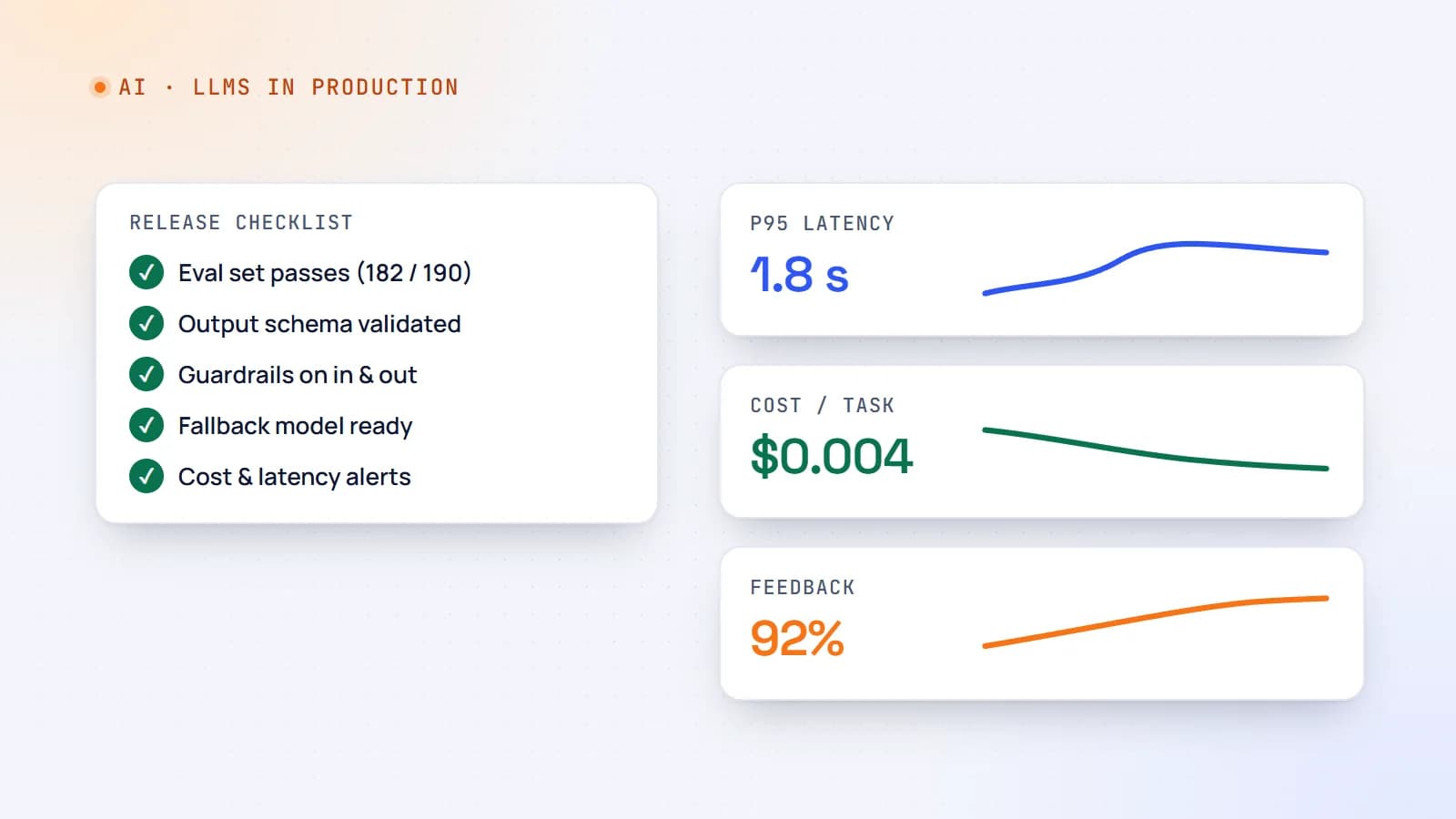
A demo that works on ten examples is not a product. Here’s a practical production checklist for AI features — evaluation sets, guardrails, fallbacks, cost and latency control, monitoring and rollout — so your LLM feature stays reliable after launch.
- AI
- LLMs
- DevOps
- Production
5 min read
Monorepos with Turborepo: share code between your website, dashboard and API
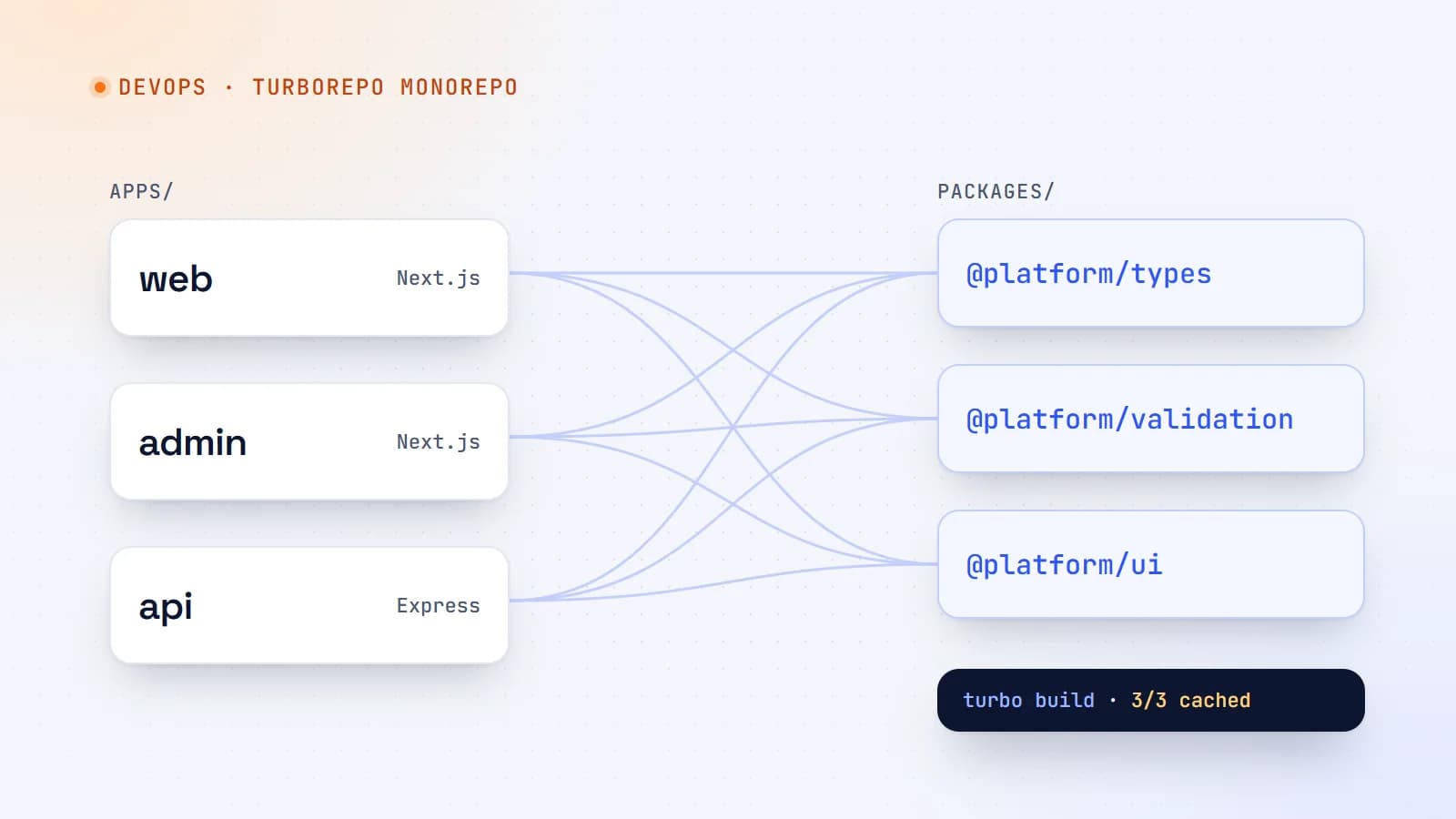
When a project grows into a website, an admin dashboard and an API, keeping them in separate repositories gets painful. Here’s how a Turborepo monorepo works, how to set one up, and the caching that makes it fast.
- Turborepo
- Monorepo
- DevOps
- TypeScript
Building something? Let’s talk.
If you’re planning a web app, a website or a new feature, a free call is a good place to start — you’ll get honest options, a fixed price and a timeline.