Node2Shell (CVE-2026-111497) explained: is your Node.js app exposed, and how to patch it
Node2Shell is a high-severity bug in the Brotli decoder bundled with Node.js that can lead to remote code execution. Here’s who is exposed, how to check your servers, Docker images and CI, and which versions fix it.
 Nasir Mollah
5 min read
On this page11 sections
On October 21, 2026, the Node.js project shipped security releases for every supported release line. The most talked-about fix is CVE-2026-111497, an out-of-bounds write in the Brotli decoder that Node.js bundles. Security researchers at Imperva nicknamed it Node2Shell — and within a day they showed code execution against an unpatched Node.js 24 build.
If you run anything on Node.js — an Express API, a Next.js app, a background worker — this one is worth ten minutes of your time. Here’s what it is, who is actually exposed, and how to make sure every place your code runs is patched.
The short answer
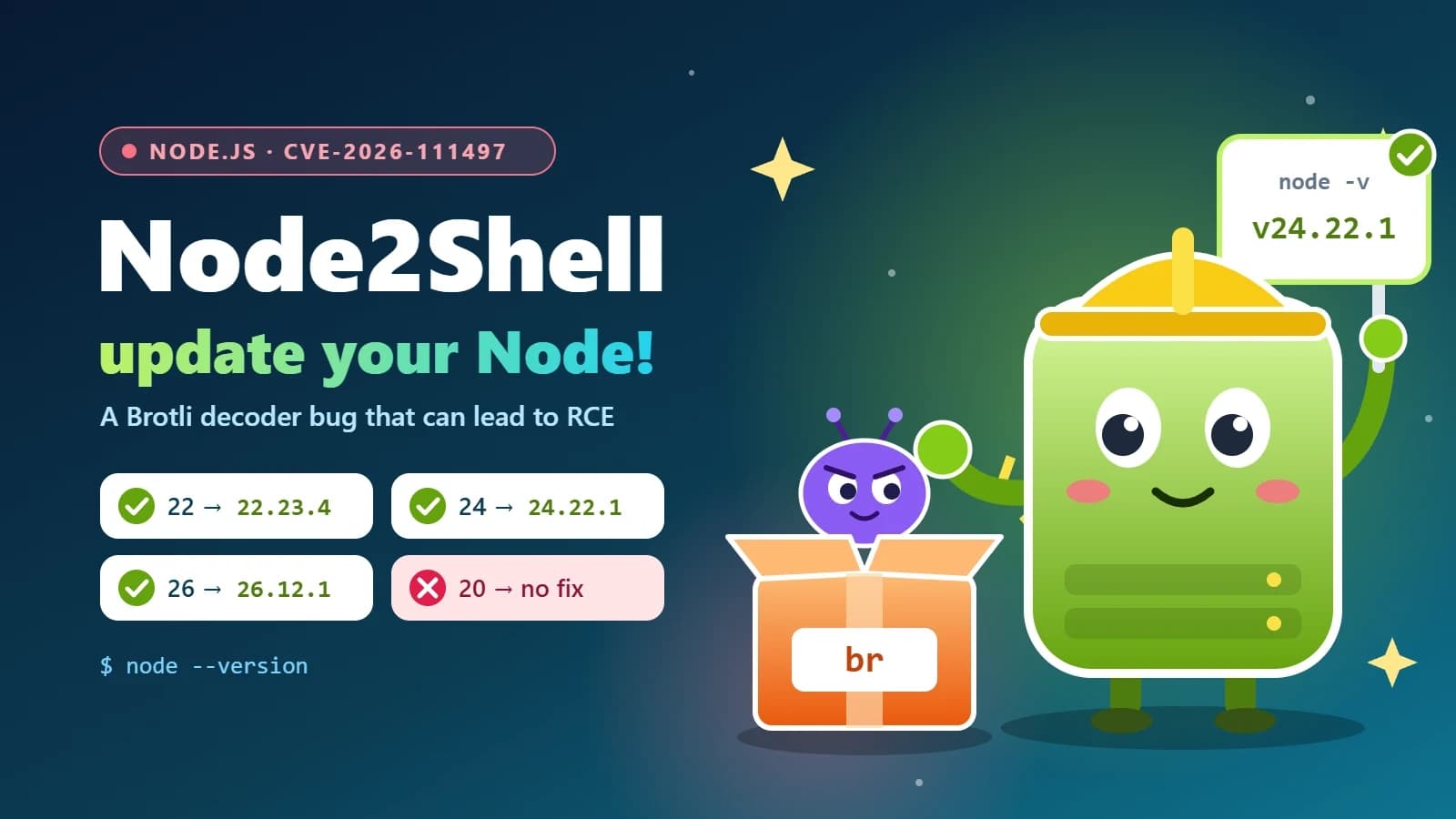
Node.js 22 → upgrade to 22.23.4 or later
Node.js 24 → upgrade to 24.22.1 or later
Node.js 26 → upgrade to 26.12.1 or later
Node.js 20, 18 and odd-numbered lines (21, 23, 25) → no fix. These are end of life. Move to 22, 24 or 26.
What is Node2Shell?
Brotli is a compression format used across the web — browsers and servers use it to make responses smaller. Node.js ships its own copy of the Brotli library inside node:zlib.
The bug: a specially crafted Brotli stream can make the decoder write past the end of an internal buffer. The official Node.js advisory rates it high severity and says it can lead to a crash, memory disclosure or remote code execution. The vulnerability was reported by researchers from OpenAI’s Codex Security team.
One uncomfortable detail: according to Aikido’s analysis, the fix landed in the upstream Brotli repository back in February 2026, but Node.js releases containing it only shipped on October 21. That’s a long window — and a good reminder that your runtime is a dependency too.
Am I exposed?
You’re exposed when Node.js decompresses Brotli data that someone else controls. That happens in three common ways:
1. Incoming request bodies
Express 5 and body-parser 2.x automatically decompress request bodies sent with the Content-Encoding: br header — and any client can send that header. If you run a public Express 5 API, assume you’re in scope.
2. Outgoing fetch() calls
Node’s built-in fetch() automatically decompresses Brotli responses. If your server calls third-party APIs, a malicious or compromised API could reach the bug through its response. Next.js server code that fetches external data counts here.
3. Direct node:zlib usage
Any code that calls Brotli functions from node:zlib on untrusted input — file uploads, proxies, scrapers — is in scope.
Is it being exploited?
As of CISA’s Known Exploited Vulnerabilities catalog dated October 23, 2026, Node2Shell was not listed, and no exploitation in the wild had been reported. But proof-of-concept code is public, and a lab demonstration of code execution on Node.js 24.22.0 exists. That’s usually the point where scanning starts. Patch now rather than later.
How to check every place Node runs
The trap with runtime bugs is that npm audit won’t see them. The Node.js binary isn’t in your package.json. You need to check each environment:
Your server or VPS
node --versionInside a Docker image
docker run --rm your-image:tag node --versionAn image built before October 21 still has the old runtime, even if the base tag looks right. Pull the latest base image (for example node:22, node:24 or a pinned patched version) and rebuild. More on this in Docker for web developers.
CI runners
If you use actions/setup-node with a major version like node-version: 22, new runs pick up the latest patch automatically. If you pinned an exact version, bump it. See CI/CD with GitHub Actions.
Managed platforms
On Vercel, Netlify, Render and similar hosts, check which Node.js major your project uses. If it’s still set to 20.x, switch to 22.x or 24.x and redeploy — Node 20 reached end of life on April 30, 2026 and gets no fix.
Your laptop
Last, and least important — but it’s where you build things. Update with your version manager (nvm install 22, fnm install 22, or the official installer).
Temporary mitigation if you can’t upgrade today
There’s no official workaround, but you can cut the inbound path:
Reject requests with
Content-Encoding: brat your reverse proxy (Nginx, Caddy, Cloudflare WAF) or in middleware.Vercel enabled WAF rules on October 21 that block this inbound for its projects.
Neither protects the outbound path — Brotli responses from APIs your app calls. Only the runtime upgrade fixes that.
The other fixes in the same release
The October 21 release fixed several other issues too, including a high-severity TLS certificate hostname bypass when an IP address is written with fullwidth digits (CVE-2026-105483, affecting 24.x and 26.x), plus an updated c-ares DNS library. One upgrade covers all of them.
Patch order for a typical web stack
Public APIs on Express 5 / body-parser 2.x.
Servers that call third-party APIs with
fetch().Next.js apps — and while you’re there, apply the October Next.js security update too.
Background workers, scrapers, file processors.
Anything still on Node 20 or older: plan the migration now.
FAQ
What is CVE-2026-111497?
It’s a high-severity out-of-bounds write in the Brotli decoder bundled with Node.js, nicknamed Node2Shell. It can crash the process, leak memory or allow remote code execution. It’s fixed in Node.js 22.23.4, 24.22.1 and 26.12.1.
Is Node.js 20 fixed?
No. Node.js 20 reached end of life on April 30, 2026, so the Node.js project doesn’t ship fixes for it. The same applies to Node 18 and the odd-numbered lines.
Does npm audit detect Node2Shell?
No — it’s a bug in the Node.js runtime, not an npm package. Check node --version in every environment that runs your code.
Does upgrading Next.js fix it?
No. Next.js runs on top of Node.js. You need to upgrade both.
The takeaway
Treat the Node.js runtime like any other dependency: track it, pin it, and rebuild when it changes. Upgrade to 22.23.4, 24.22.1 or 26.12.1, rebuild your Docker images, and retire Node 20. Then add runtime checks to your regular security routine — the OWASP Top 10 guide is a good starting point.
Running Node.js in production and not sure where the old runtime is hiding? Get in touch.
Sources
- Node.js
- Security
- DevOps
- Docker
Keep reading
6 min read
Docker for web developers: from “works on my machine” to production
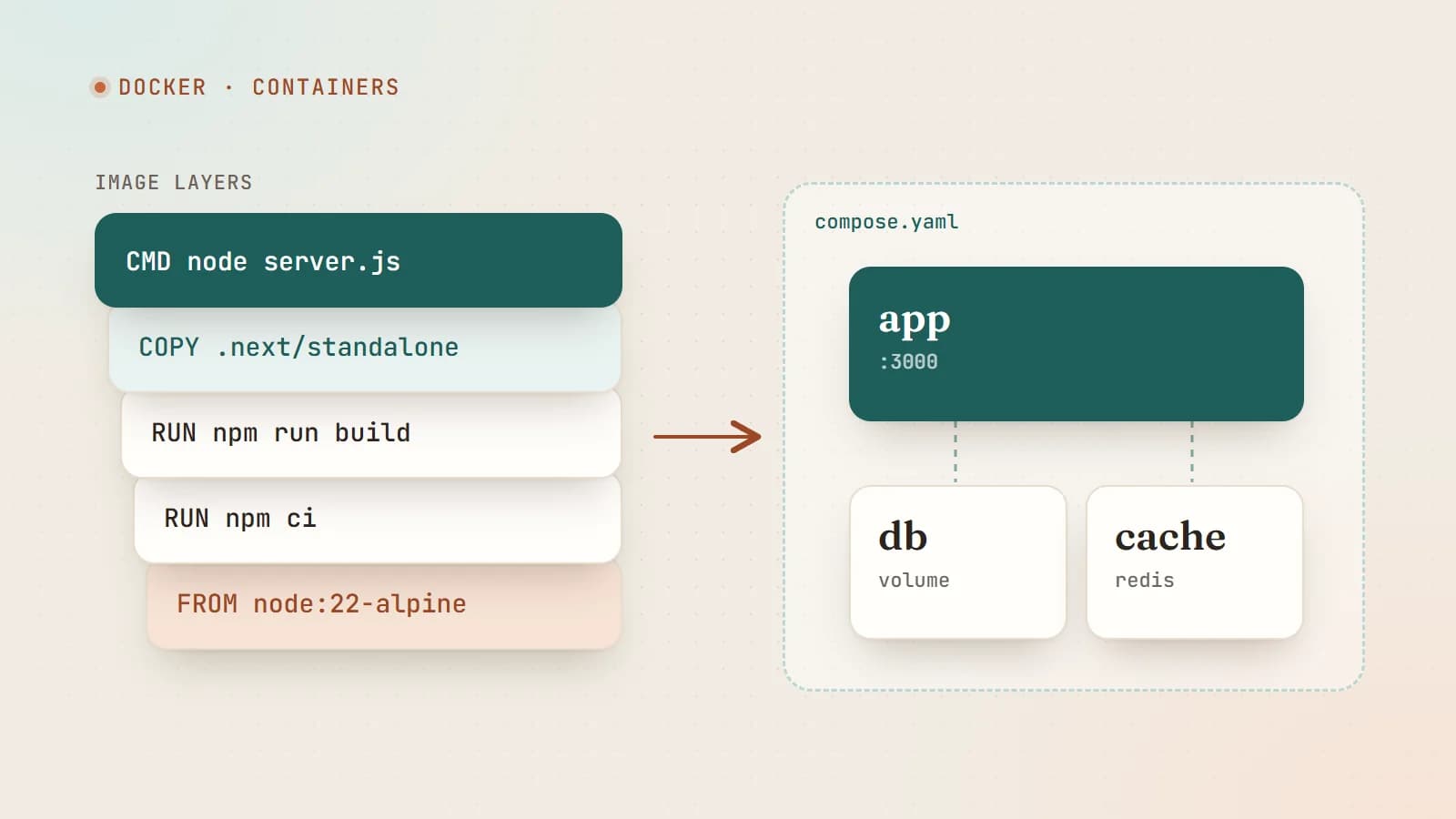
Docker packages your app with everything it needs to run, so it behaves the same on your laptop, your teammate’s laptop and your server. Here’s how images, containers and Compose work — with a production-ready Dockerfile for a Node.js app.
- Docker
- DevOps
- Node.js
- Deployment
6 min read
Next.js security update October 2026: which versions are vulnerable and how to upgrade
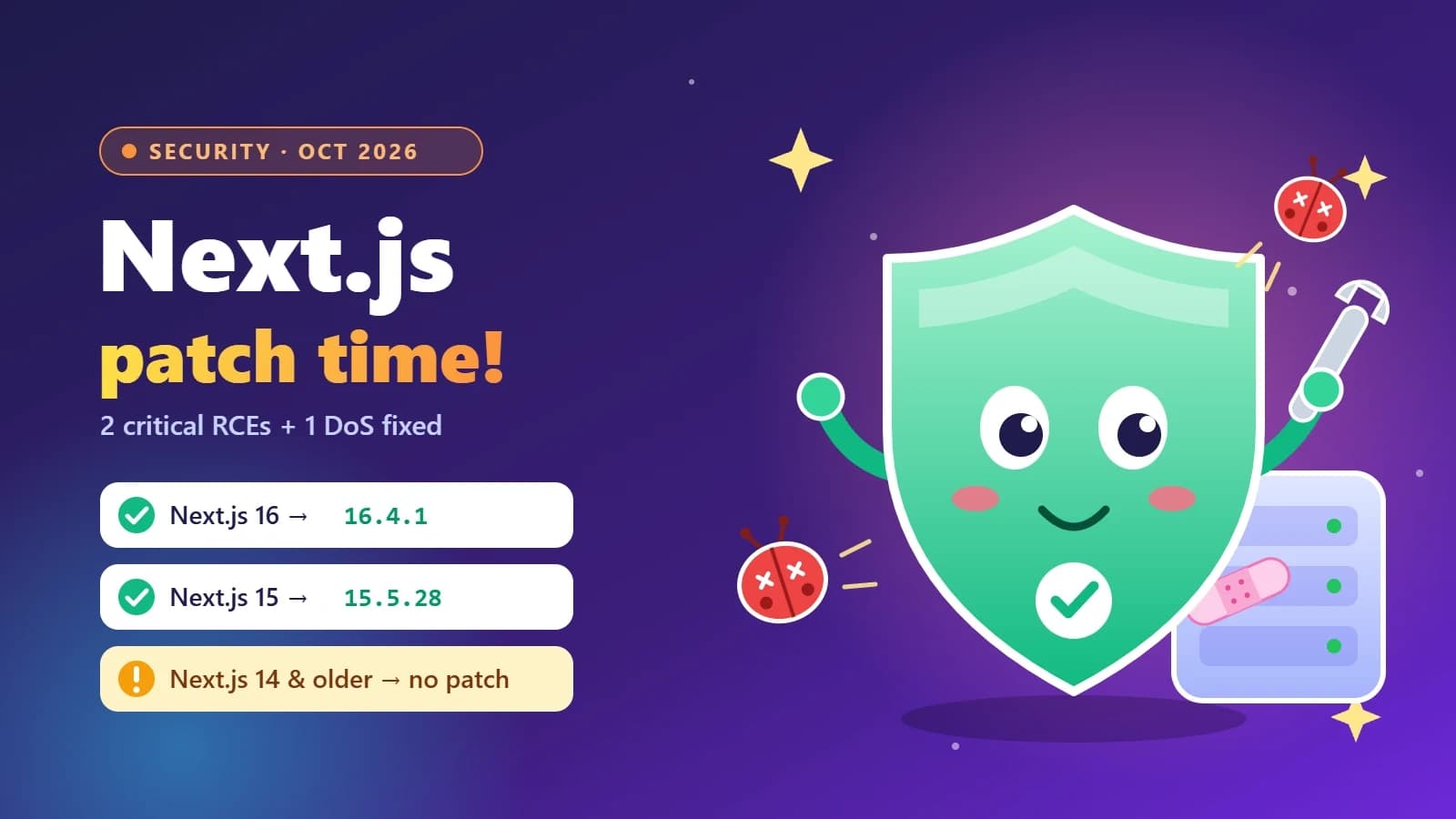
Next.js 16.4.1 and 15.5.28 fix two critical remote code execution bugs and a Server Actions denial of service. Here’s how to tell if your app is affected, how to upgrade safely, and what the November 3 security release means for you.
- Next.js
- Security
- Web Development
- Node.js
6 min read
Authentication explained: sessions, JWTs, OAuth and passkeys
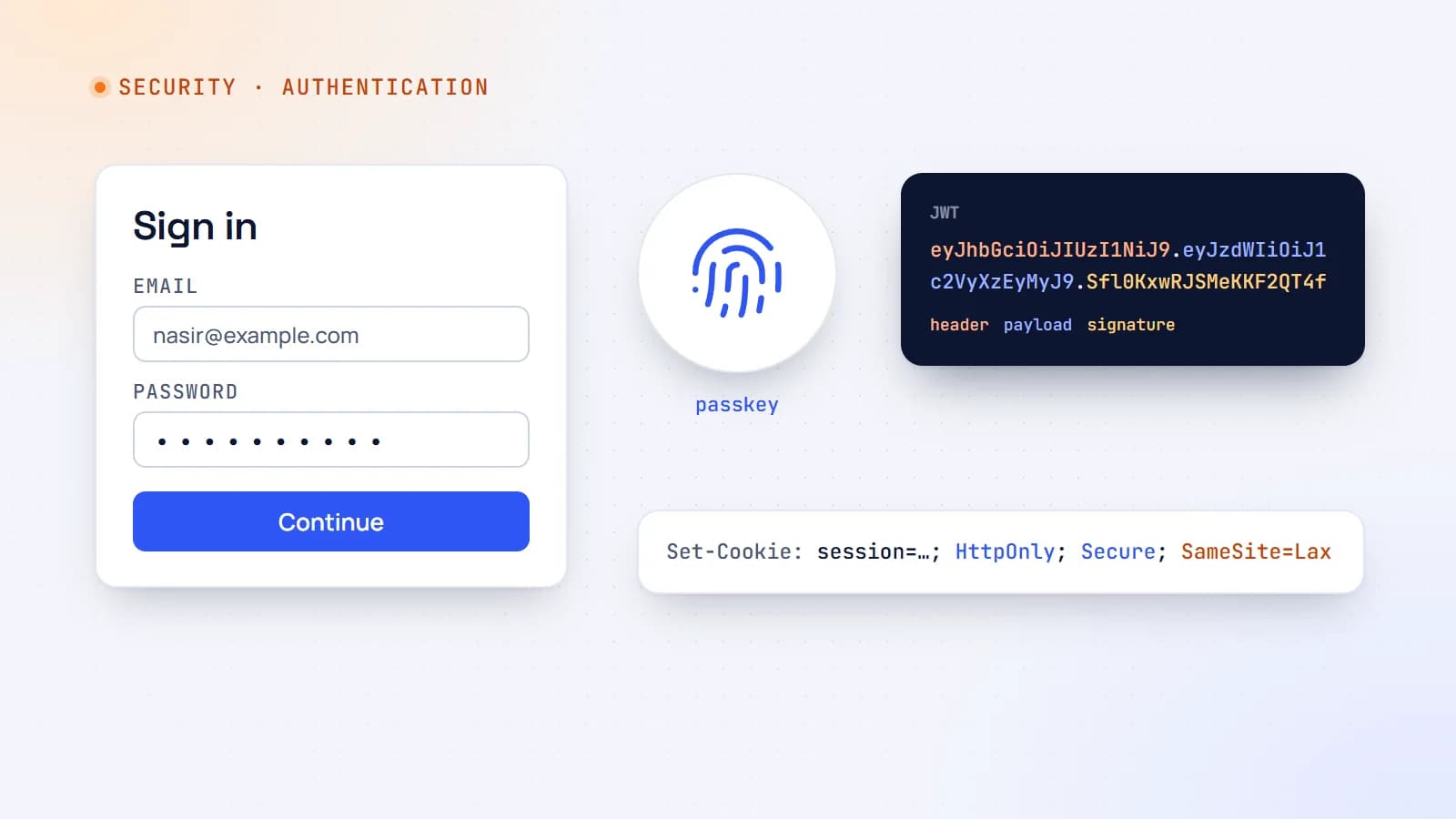
Every login form hides a set of design decisions — sessions or tokens, cookies or headers, passwords or passkeys. Here’s how modern web authentication works and how to choose a setup that’s secure without being complicated.
- Authentication
- Security
- Web Development
- Node.js
Building something? Let’s talk.
If you’re planning a web app, a website or a new feature, a free call is a good place to start — you’ll get honest options, a fixed price and a timeline.