Next.js security update October 2026: which versions are vulnerable and how to upgrade
Next.js 16.4.1 and 15.5.28 fix two critical remote code execution bugs and a Server Actions denial of service. Here’s how to tell if your app is affected, how to upgrade safely, and what the November 3 security release means for you.
 Nasir Mollah
6 min read
On this page10 sections
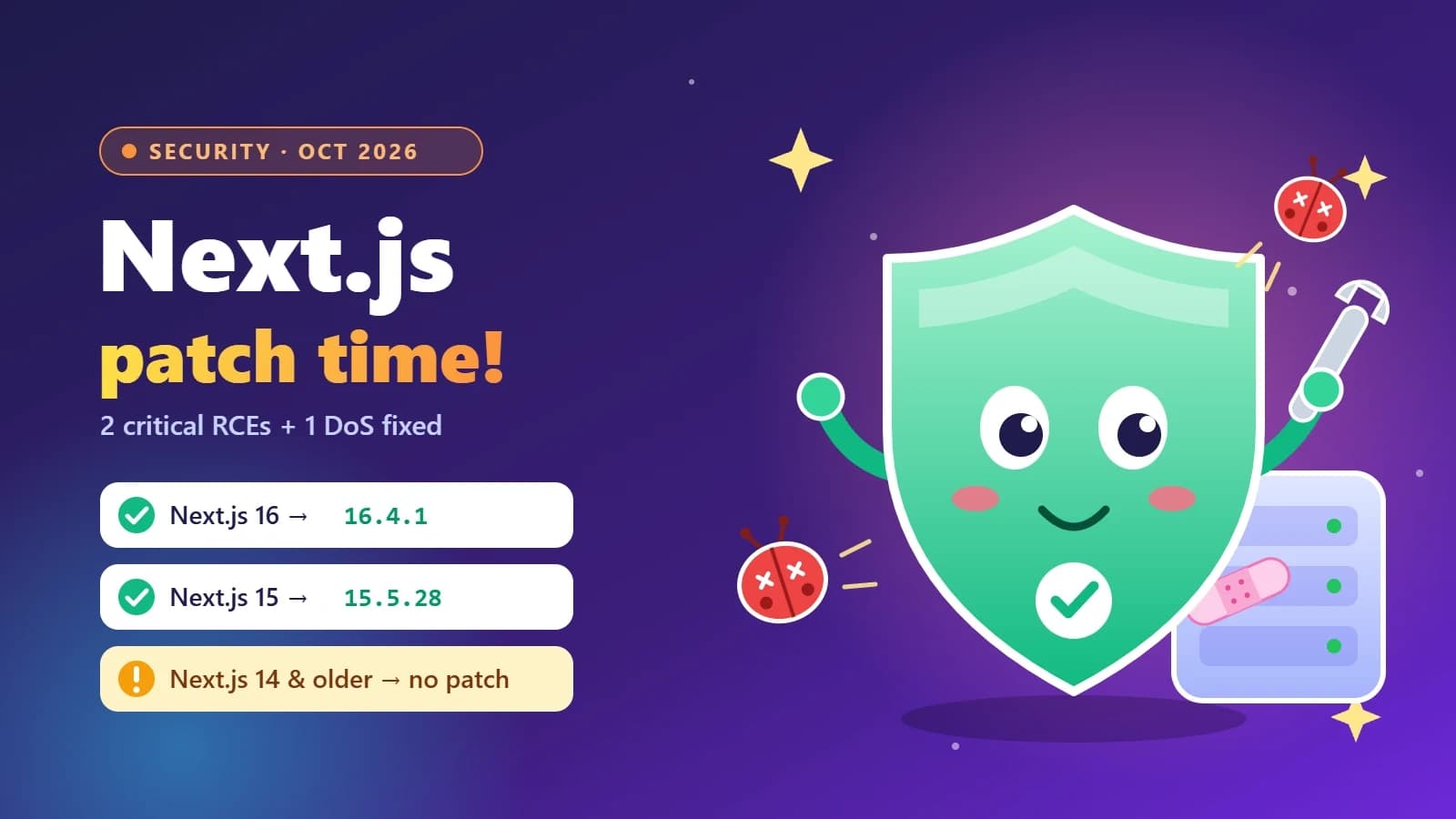
On October 14, 2026, the Next.js team shipped an out-of-band security update that fixes two critical remote code execution (RCE) vulnerabilities and one high-severity denial of service. Two of the three were critical enough that Singapore’s Cyber Security Agency issued a public alert rating both at 9.5 out of 10 on the CVSS v4 scale.
If you run a Next.js app in production — a client site, a SaaS dashboard, your own portfolio — this is the update you should not postpone. This guide explains what was fixed in plain English, how to check your version in under a minute, and how to upgrade without breaking your build.
The short answer
On Next.js 16: upgrade to 16.4.1 or later.
On Next.js 15: upgrade to 15.5.28 or later.
On Next.js 14 or older: there is no patched release. Plan your move to 15.5.28 (or better, 16) now.
Also patch Node.js — upgrading the
nextpackage does not fix the runtime it runs on. See Node2Shell explained.
What was fixed on October 14
The Next.js team announced the release a week early, on October 8, and explained that two of the fixes had been held back from the September security release while upstream dependencies were coordinated. All three issues come from libraries Next.js depends on, which is why they hit so many versions at once.
1. Remote code execution in use cache functions (critical)
Advisory: GHSA-673q-mjm6-r5xr, with the root cause in React Server Components (GHSA-xqc2-xf4c-x3h3).
Affected: Next.js 16.0.0 to 16.4.0, on apps that use the App Router with Cache Components — specifically a use cache function that returns typed arrays.
That sounds narrow, and it is an unusual pattern. But the advice from the advisory is to upgrade regardless, rather than auditing your code for typed arrays. A wrong guess here means an attacker can run code on your server without logging in.
2. Remote code execution in Image Optimization with SVG (critical)
Advisory: CVE-2026-96889 / GHSA-2464-fhr4-w9xw.
Affected: Next.js 10.0.0 to 15.5.27 and 16.0.0 to 16.4.0, when running on glibc-based Linux (for example, Debian or Ubuntu Docker images).
The bug is memory corruption in an upstream image-processing library used by the Image Optimization API. This is the one issue with a real workaround: make sure the sharp package your app uses is 0.35.5 or later. That matters most for teams stuck on Next.js 13 or 14, which will never get a patched release.
3. Denial of service in Server Actions (high)
Advisory: GHSA-p3m5-59mp-jv5r.
Affected: App Router apps with at least one Server Action, on 13.0.0 to 15.5.27 and 16.0.0 to 16.4.0.
A crafted request can burn CPU and stall the process. Apps that only use the Pages Router, or that have no Server Actions, are not affected. On serverless hosts with autoscaling the impact is smaller, but on a single VPS or container it can take your site down.
Check your version in one minute
From your project root, run:
npm ls next sharpYou’re safe from the October issues if:
nextis 16.4.1+ (on 16.x) or 15.5.28+ (on 15.x), andevery
sharplisted is 0.35.5 or higher.
Using pnpm or Yarn? pnpm why sharp and yarn why sharp show the same information, including copies pulled in by other packages.
How to upgrade safely
Create a branch. Never upgrade a framework directly on
main.Install the patched version:
npm install next@lateston 16.x, ornpm install next@15.5.28if you need to stay on 15 for now.Update sharp:
npm update sharp, then confirm withnpm ls sharp.Run a production build locally:
npm run build && npm start. Click through pages that use images, forms (Server Actions) and cached data.Let CI prove it. If you have a pipeline, your tests and build should run on every push — see CI/CD with GitHub Actions.
Rebuild Docker images. An image built last week still contains last week’s dependencies. If you deploy with containers, rebuild and redeploy — more in Docker for web developers.
Commit your lockfile. The lockfile is what actually pins the patched version in production.
What if I’m still on Next.js 14?
Next.js 14 and older receive no fix for these advisories. You can close the Image Optimization RCE by forcing sharp to 0.35.5 or later, but the Server Actions denial of service stays open until you upgrade. Treat this as the push to finally schedule the migration: move to 15.5.28 first if 16 feels too big a jump, then to 16 when your team has time to test.
If you’re planning a bigger rebuild anyway, it’s a good moment to clean up your data layer too — see building full-stack apps with Next.js and Prisma.
Another release is coming on November 3
On October 27, the Next.js team announced a scheduled security release for Tuesday, November 3, 2026, covering seven medium-severity vulnerabilities. Full advisories will be published on the day.
Practical advice: don’t wait for November 3 to apply the October fix. Upgrade now, then do a second, smaller upgrade when the November patch lands. Small, frequent upgrades are far less painful than one big jump across many versions.
Make patching a habit, not a fire drill
Next.js has shipped several security releases in a short span this year. The teams that handle this calmly have a few things in common:
Dependabot or Renovate opens upgrade pull requests automatically.
A CI pipeline builds and tests every pull request, so an upgrade is a review, not a gamble.
Someone watches the Next.js blog and the GitHub security advisories for the frameworks they use.
Docker images are rebuilt regularly, not only when code changes.
Security basics are in place — authentication checks on the server, not only in middleware. See the OWASP Top 10 for developers.
FAQ
Which Next.js versions are vulnerable to the October 2026 RCEs?
The use cache RCE affects 16.0.0 to 16.4.0. The Image Optimization RCE affects 10.0.0 to 15.5.27 and 16.0.0 to 16.4.0. The Server Actions DoS affects 13.0.0 to 15.5.27 and 16.0.0 to 16.4.0. The fixed versions are 16.4.1 and 15.5.28.
Is there a workaround if I can’t upgrade today?
Only for the Image Optimization RCE: upgrade sharp to 0.35.5 or later. The other two issues need the framework upgrade.
I use the Pages Router. Am I safe?
You’re not affected by the Server Actions DoS or the use cache RCE, but you can still be affected by the Image Optimization RCE if you use next/image on glibc Linux. Upgrade anyway.
Does upgrading Next.js also fix Node.js?
No. Node.js shipped its own security releases on October 21, 2026, including a high-severity Brotli bug nicknamed Node2Shell. Read how to check and patch your Node.js runtime.
The takeaway
Upgrade to Next.js 16.4.1+ or 15.5.28+, make sure sharp is 0.35.5+, rebuild your images, and get ready for the November 3 release. If you run client sites, do it for them too — a quick patch is much cheaper than explaining a compromised server.
Need help upgrading a Next.js app or setting up automated dependency updates? Get in touch.
Sources
- Next.js
- Security
- Web Development
- Node.js
Keep reading
6 min read
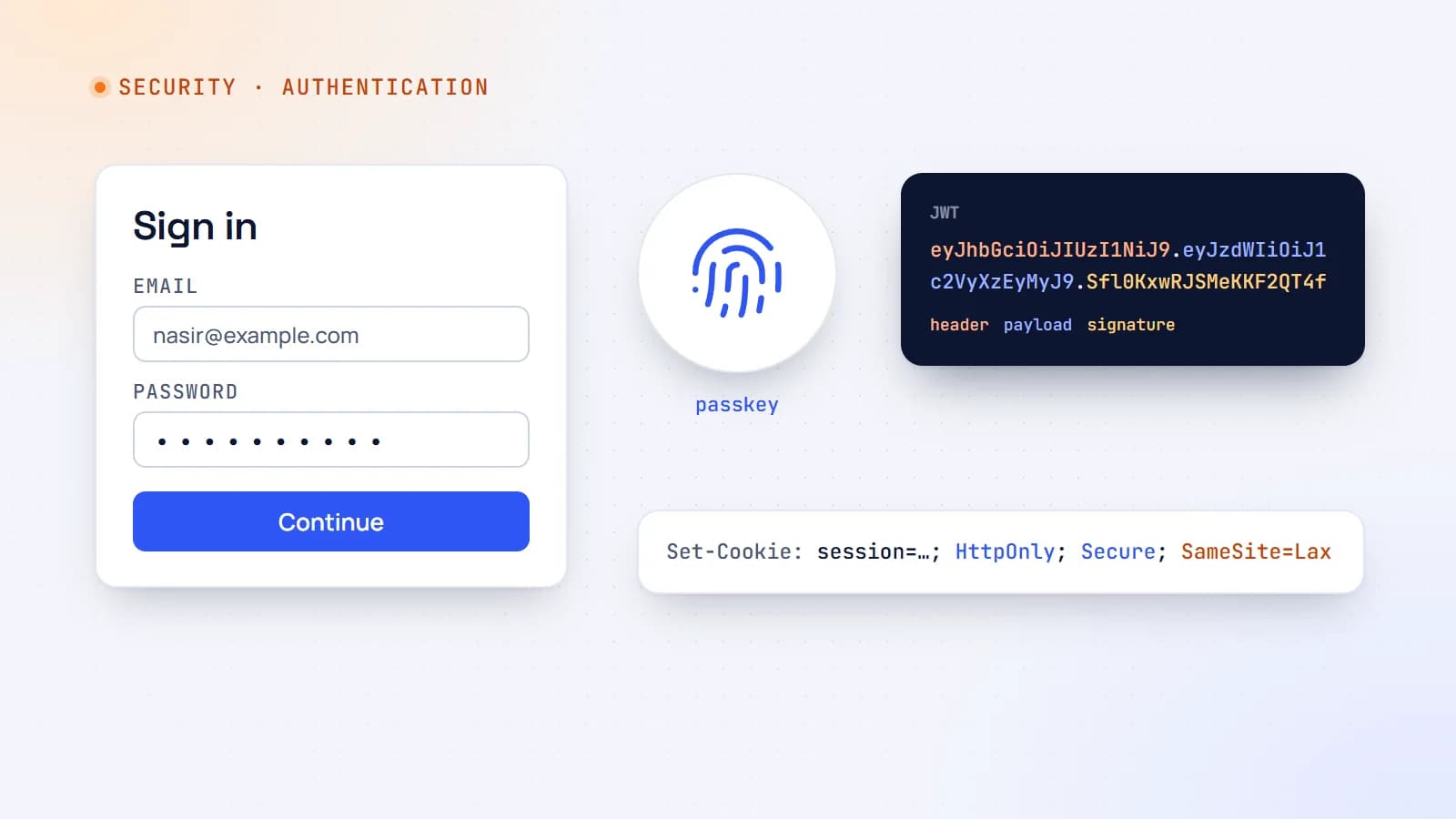
Authentication explained: sessions, JWTs, OAuth and passkeys
Every login form hides a set of design decisions — sessions or tokens, cookies or headers, passwords or passkeys. Here’s how modern web authentication works and how to choose a setup that’s secure without being complicated.
- Authentication
- Security
- Web Development
- Node.js
5 min read
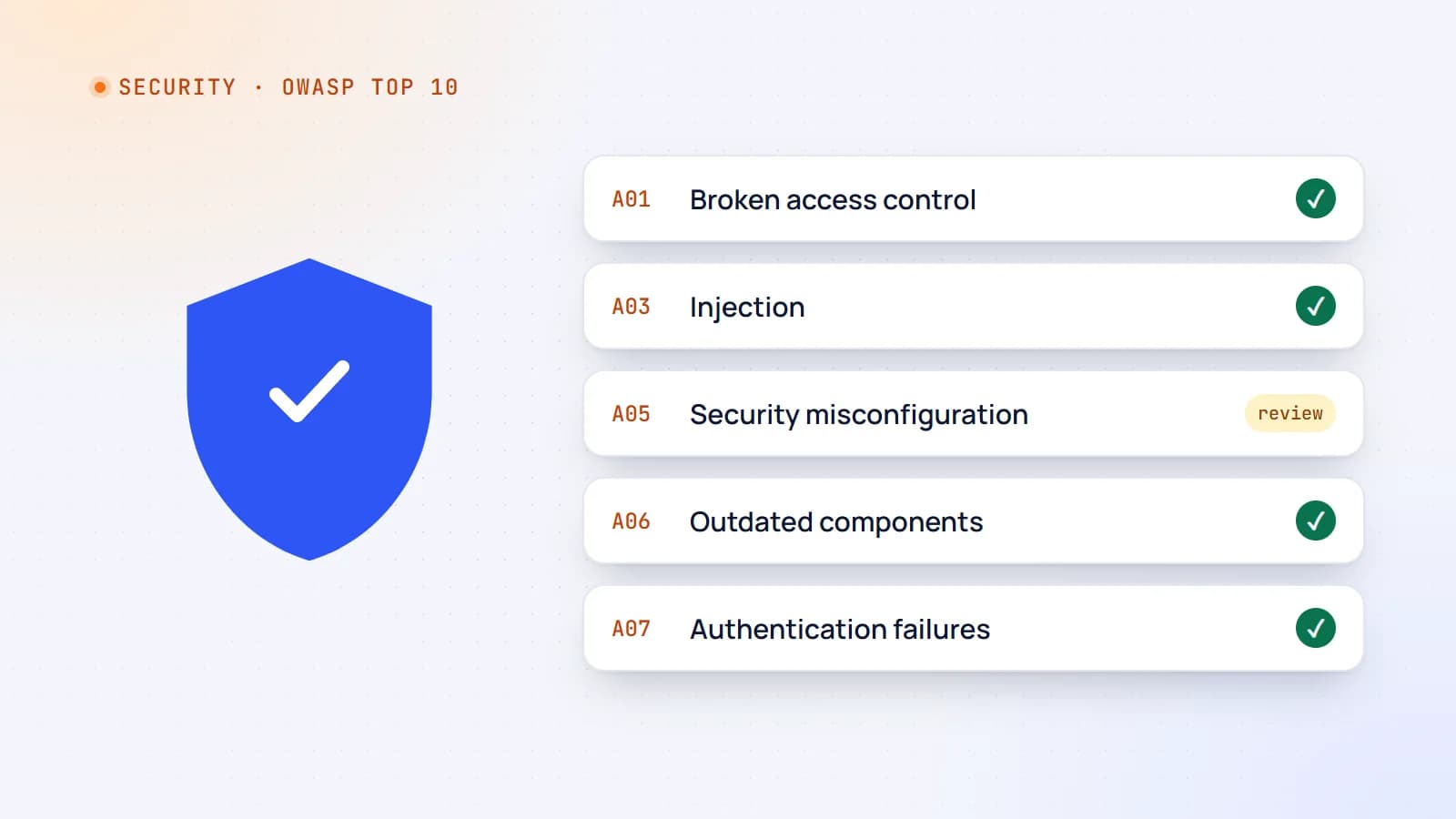
Web security essentials: the OWASP Top 10 explained for developers
Most web breaches don’t need genius hackers — they exploit a familiar list of mistakes. Here’s a practical tour of the OWASP Top 10 risks, with concrete examples and the habits that prevent them.
- Security
- Web Development
- Node.js
- Code Quality
5 min read
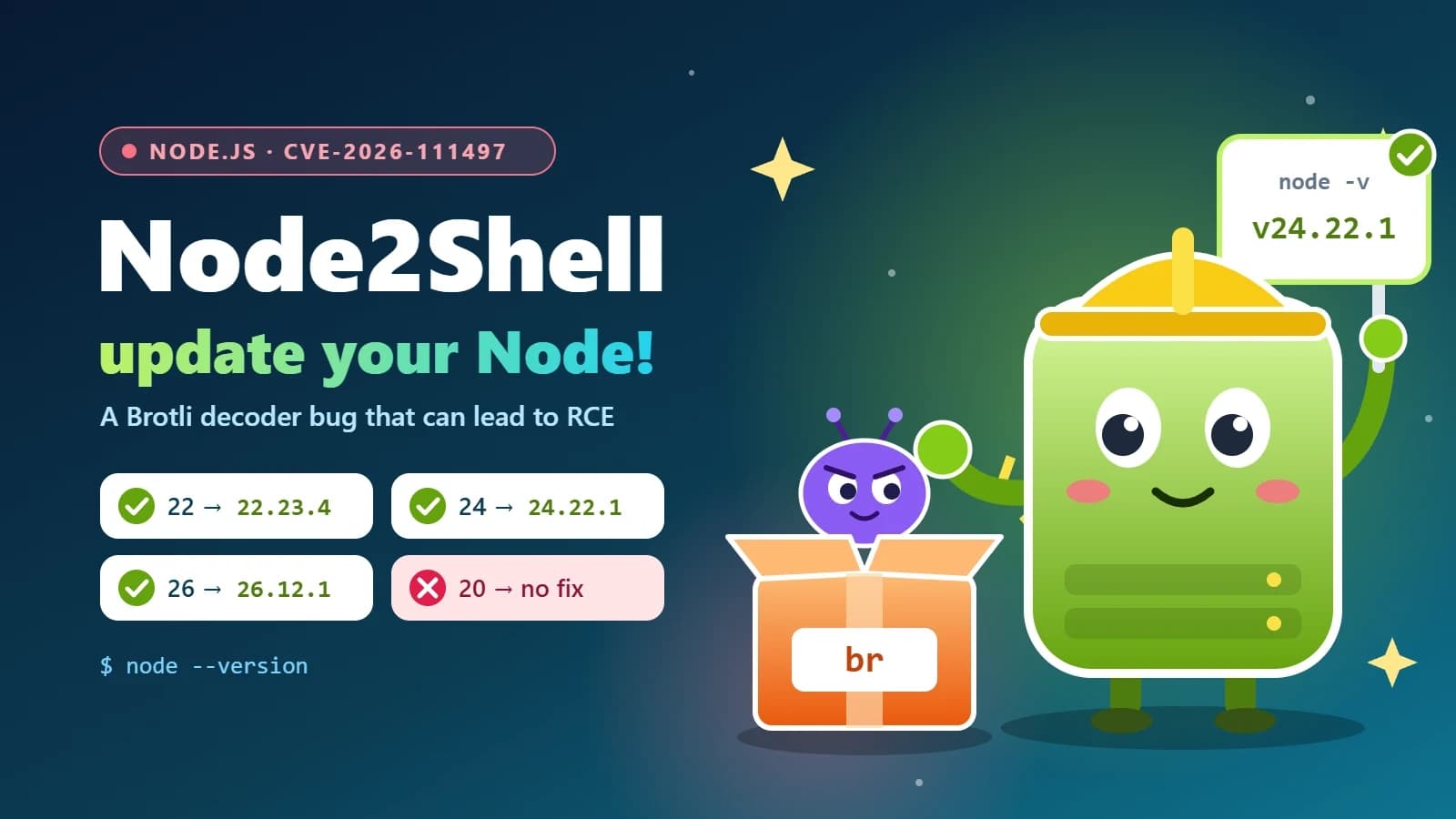
Node2Shell (CVE-2026-111497) explained: is your Node.js app exposed, and how to patch it
Node2Shell is a high-severity bug in the Brotli decoder bundled with Node.js that can lead to remote code execution. Here’s who is exposed, how to check your servers, Docker images and CI, and which versions fix it.
- Node.js
- Security
- DevOps
- Docker
Building something? Let’s talk.
If you’re planning a web app, a website or a new feature, a free call is a good place to start — you’ll get honest options, a fixed price and a timeline.