Authentication explained: sessions, JWTs, OAuth and passkeys
Every login form hides a set of design decisions — sessions or tokens, cookies or headers, passwords or passkeys. Here’s how modern web authentication works and how to choose a setup that’s secure without being complicated.
 Nasir Mollah
6 min read
On this page9 sections
“Add login” sounds like a small task. In practice it’s one of the most security-sensitive parts of any app: it decides who someone is, what they can see and how hard it is to impersonate them.
This guide explains the main building blocks of modern web authentication — sessions, JWTs, OAuth, OpenID Connect and passkeys — what each is good for, and the practical defaults that keep you out of trouble.
Authentication vs authorization
Two words that get mixed up constantly:
- Authentication answers who are you? — logging in, proving identity.
- Authorization answers what are you allowed to do? — permissions, roles, ownership.
Most serious security bugs in web apps are actually authorization bugs: a logged-in user can view or change something that belongs to someone else. Keep both questions in mind; this article focuses on the first.
Step one: storing passwords safely
If your app uses passwords, never store them in plain text — or with a fast hash like MD5 or SHA-256. Use a slow, salted password-hashing algorithm designed for the job:
- Argon2id — the modern recommendation.
- bcrypt — older, still widely used and acceptable.
- scrypt — also acceptable.
import bcrypt from "bcryptjs";

const hash = await bcrypt.hash(password, 12);          // on sign-up
const ok = await bcrypt.compare(attempt, hash);         // on login
Slow hashing means an attacker who steals your database can only try a limited number of guesses per second. Also add rate limiting on login attempts, and consider checking new passwords against lists of known breached passwords.
After login: how does the app remember you?
HTTP is stateless. After a successful login, every later request must carry proof of who’s making it. There are two main approaches.
Option 1: server-side sessions
- On login, the server creates a session record (in memory, a database or Redis) with a random ID.
- It sends that ID to the browser in a cookie.
- On each request, the browser sends the cookie; the server looks up the session.
Strengths: simple, and you can revoke a session instantly by deleting it — “log out everywhere” just works. Trade-off: the server needs a session store that every instance can reach.
Option 2: tokens (often JWTs)
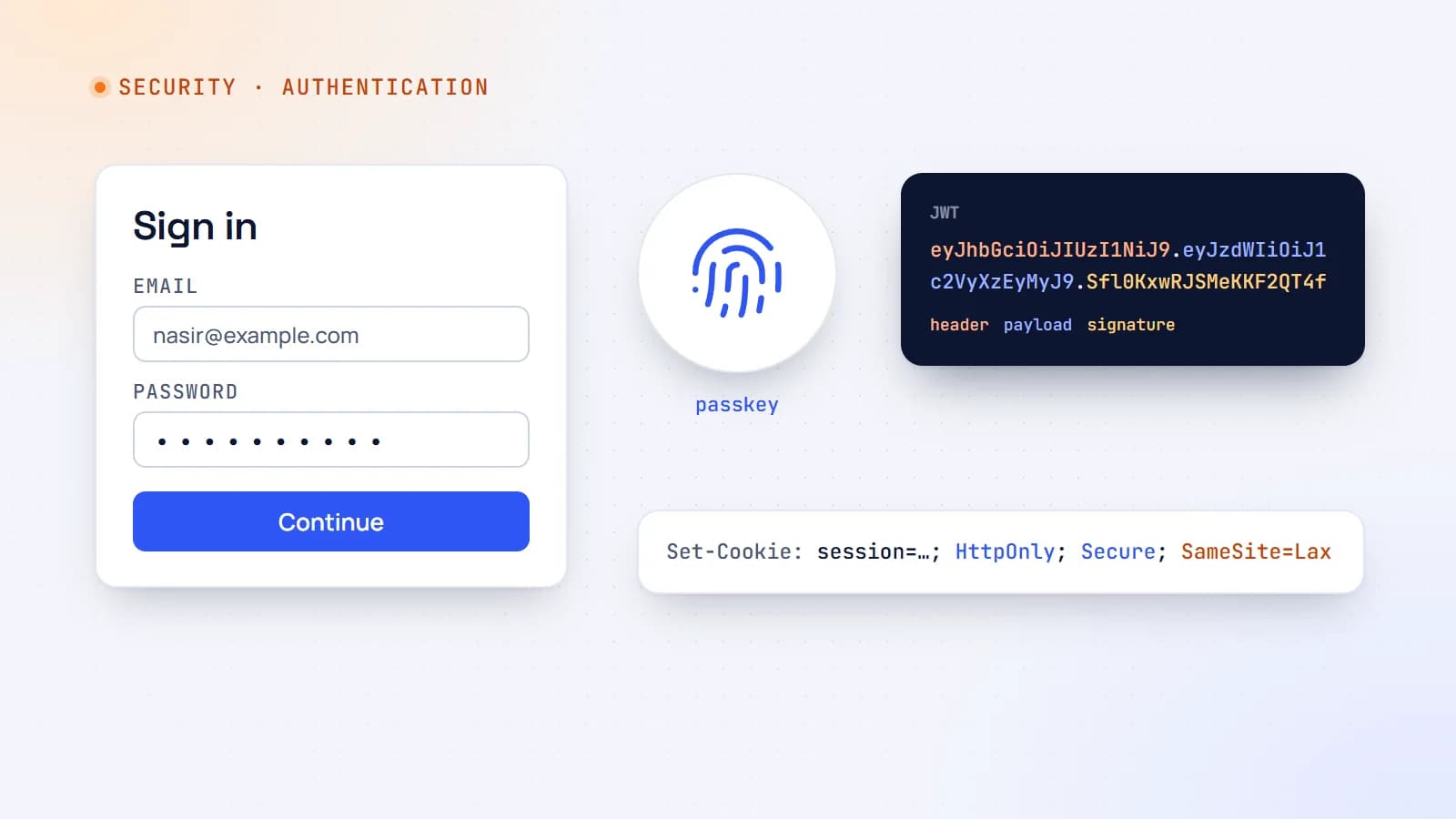
A JSON Web Token (JWT) is a signed piece of JSON — for example { "sub": "user_123", "role": "admin", "exp": 1767225600 } — that the server can verify without a database lookup, because only it knows the signing key.
Strengths: stateless verification, handy across multiple services and for APIs used by mobile apps. Trade-offs: a JWT stays valid until it expires, so revoking it early is hard. The usual fix is short-lived access tokens (minutes) plus a refresh token that can be revoked server-side — which brings back some state.
A JWT is signed, not encrypted. Anyone holding it can read its contents, so never put secrets in it.
Which should you choose?
For a typical web app where the browser talks to your own backend, sessions in secure cookies are the simplest and safest default. Many frameworks — and auth libraries such as Auth.js — also store a signed or encrypted token inside a cookie, which combines stateless verification with cookie security. Reach for bearer tokens in headers mainly for APIs used by mobile apps or third parties.
Cookies done right
Whatever you put in a cookie, set these attributes:
Set-Cookie: session=abc123; HttpOnly; Secure; SameSite=Lax; Path=/; Max-Age=43200
- HttpOnly — JavaScript can’t read the cookie, so a cross-site scripting (XSS) bug can’t simply steal it.
- Secure — only sent over HTTPS.
- SameSite=Lax (or
Strict) — the browser doesn’t send it on most cross-site requests, which blocks most cross-site request forgery (CSRF) attacks. - Max-Age / Expires — sessions shouldn’t live forever.
Avoid storing tokens in localStorage: any script running on your page — including a compromised third-party script — can read it.
CSRF in one paragraph
Because browsers attach cookies automatically, a malicious site could try to make a user’s browser submit a request to your app. SameSite cookies stop most of this; for sensitive actions, also verify the request’s Origin header or use CSRF tokens. Many modern frameworks handle this for their form and action endpoints — check that yours does.
“Log in with Google”: OAuth 2.0 and OpenID Connect
OAuth 2.0 is a protocol for delegated authorization: it lets a user give your app limited access to their data on another service without sharing their password. OpenID Connect (OIDC) builds on OAuth to provide authentication — a standard way to learn who the user is.
The modern flow for web and mobile apps is the authorization code flow with PKCE:
- Your app redirects the user to the provider (Google, GitHub, Microsoft…).
- The user signs in there and approves access.
- The provider redirects back with a short-lived authorization code.
- Your server exchanges the code (plus a PKCE verifier proving it started the flow) for tokens, including an ID token describing the user.
Social login means no passwords to store and a faster sign-up. Use a well-maintained library rather than implementing the flow yourself — the details (state parameters, redirect URI validation, token verification) are where vulnerabilities hide.
Passkeys: logins without passwords
Passkeys are built on the WebAuthn standard. Instead of a password, the user’s device creates a public/private key pair for your site:
- the private key stays on the device (or in the user’s password manager), protected by fingerprint, face or PIN;
- your server stores only the public key.
At login, the server sends a challenge, the device signs it, and the server checks the signature. There’s no shared secret to steal from your database, nothing to reuse across sites, and phishing is far harder because passkeys are bound to your domain.
Browser and platform support is now broad, and passkeys sync across a user’s devices through their platform or password manager. Offering passkeys alongside other options is an increasingly good choice.
Multi-factor authentication
For accounts that matter — admin panels, finance, health data — require a second factor:
- Passkeys or security keys — strongest and phishing-resistant.
- Authenticator apps (TOTP) — good and widely supported.
- SMS codes — better than nothing, but vulnerable to SIM-swapping.
Common mistakes to avoid
- Rolling your own crypto or auth protocol. Use proven libraries and managed providers.
- Trusting user IDs from the client. Always take the user’s identity from the verified session or token, never from a form field or URL.
- Missing authorization checks. Check ownership and roles on every request that reads or changes data — in API routes, server actions and background jobs alike.
- No rate limiting on login, sign-up and password-reset endpoints.
- Leaky error messages like “this email isn’t registered”, which help attackers enumerate accounts.
- Long-lived tokens with no way to revoke them.
- Password reset links that don’t expire or can be reused.
A sensible default setup
For most web apps:
- Use a mature auth library or managed provider.
- Offer social login (OIDC) and/or passkeys; if you use passwords, hash them with Argon2id or bcrypt.
- Keep sessions in
HttpOnly,Secure,SameSite=Laxcookies with sensible expiry. - Rate-limit authentication endpoints and log suspicious activity.
- Require MFA for admin accounts.
- Enforce authorization on the server for every protected action.
For the wider picture, see the OWASP Top 10 explained. Authentication is a solved problem in the sense that good, well-tested building blocks exist. The job is to choose them deliberately, configure them carefully, and never assume that being logged in means being allowed.
- Authentication
- Security
- Web Development
- Node.js
Keep reading
6 min read
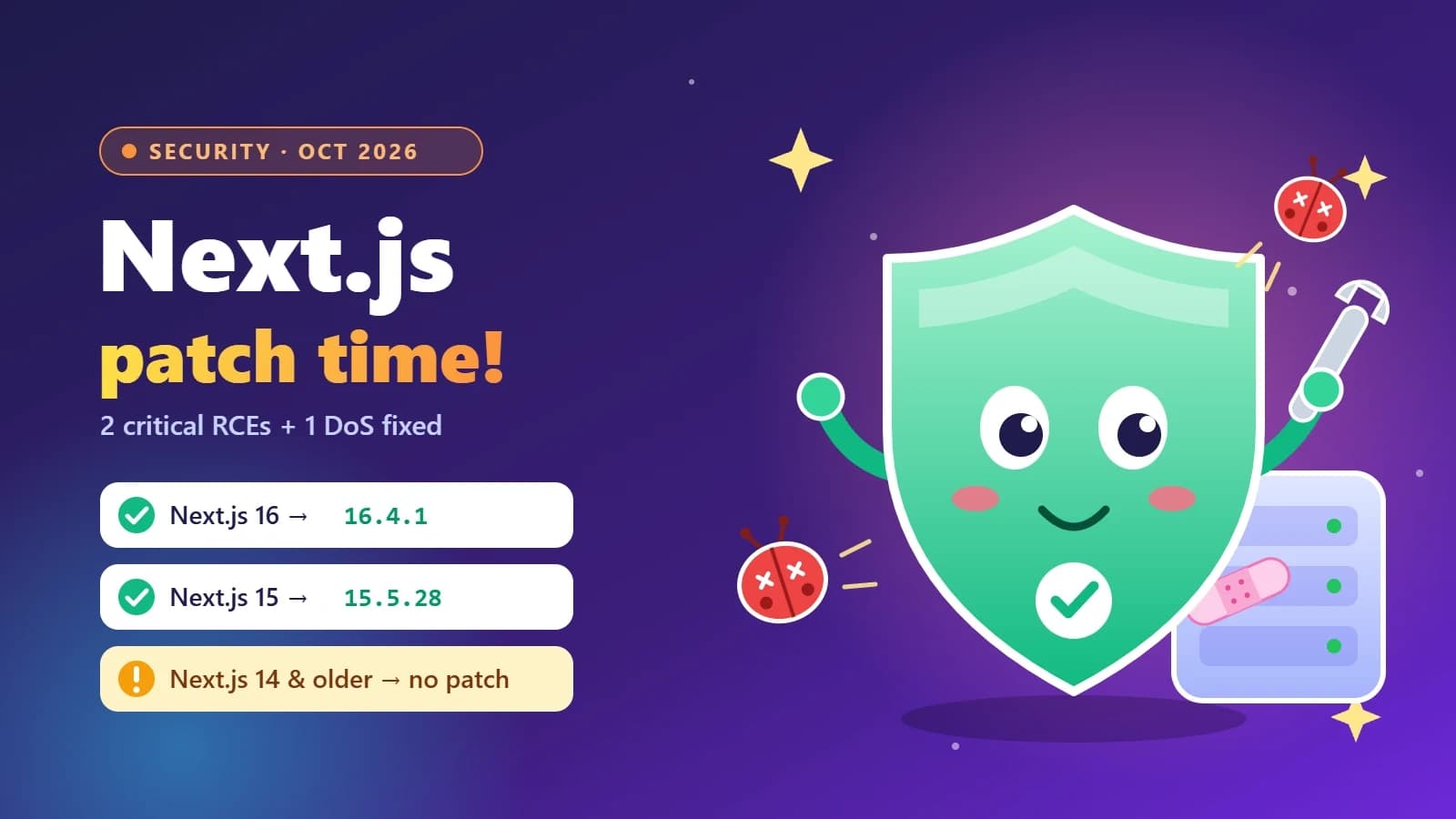
Next.js security update October 2026: which versions are vulnerable and how to upgrade
Next.js 16.4.1 and 15.5.28 fix two critical remote code execution bugs and a Server Actions denial of service. Here’s how to tell if your app is affected, how to upgrade safely, and what the November 3 security release means for you.
- Next.js
- Security
- Web Development
- Node.js
5 min read
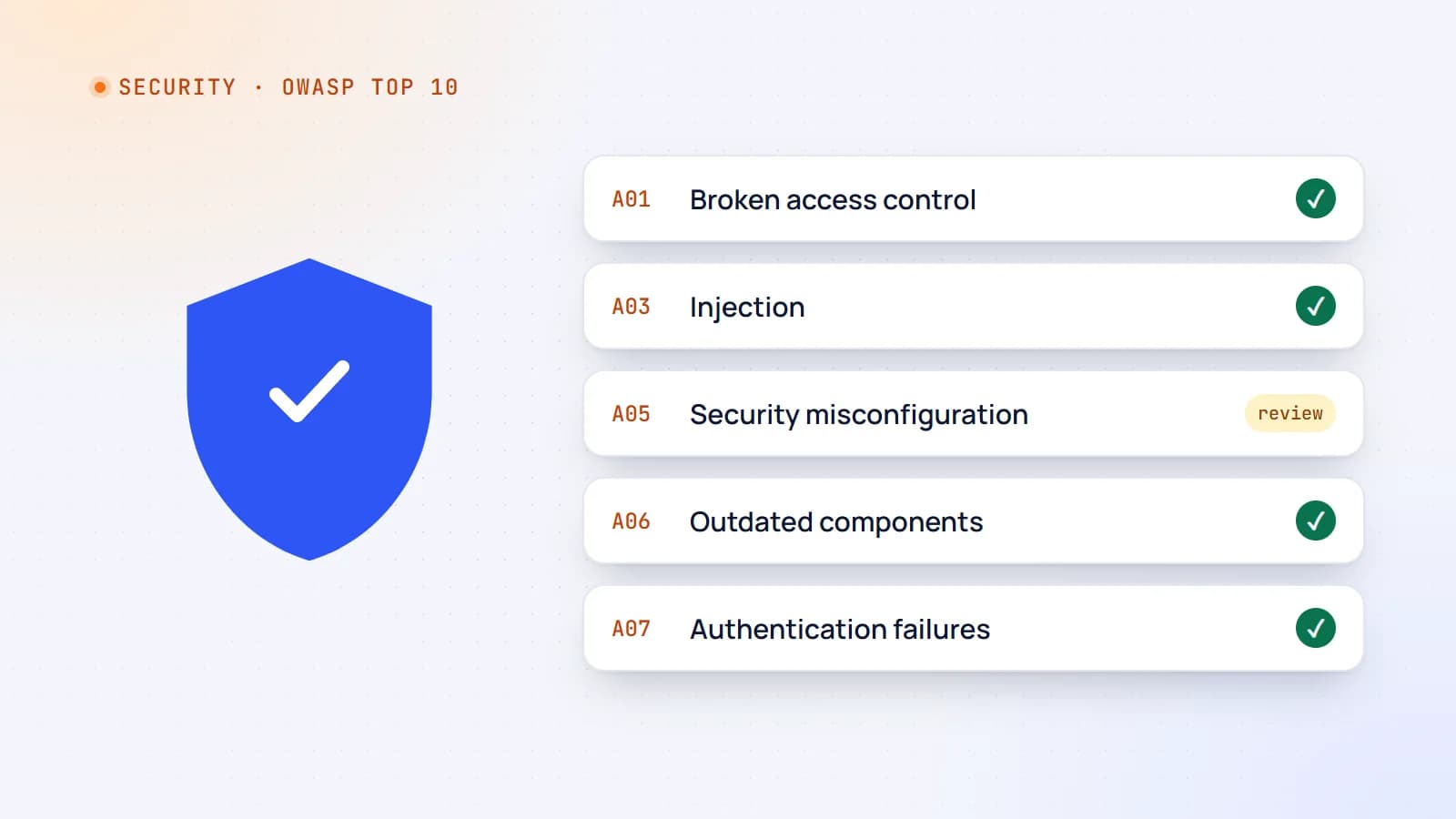
Web security essentials: the OWASP Top 10 explained for developers
Most web breaches don’t need genius hackers — they exploit a familiar list of mistakes. Here’s a practical tour of the OWASP Top 10 risks, with concrete examples and the habits that prevent them.
- Security
- Web Development
- Node.js
- Code Quality
5 min read
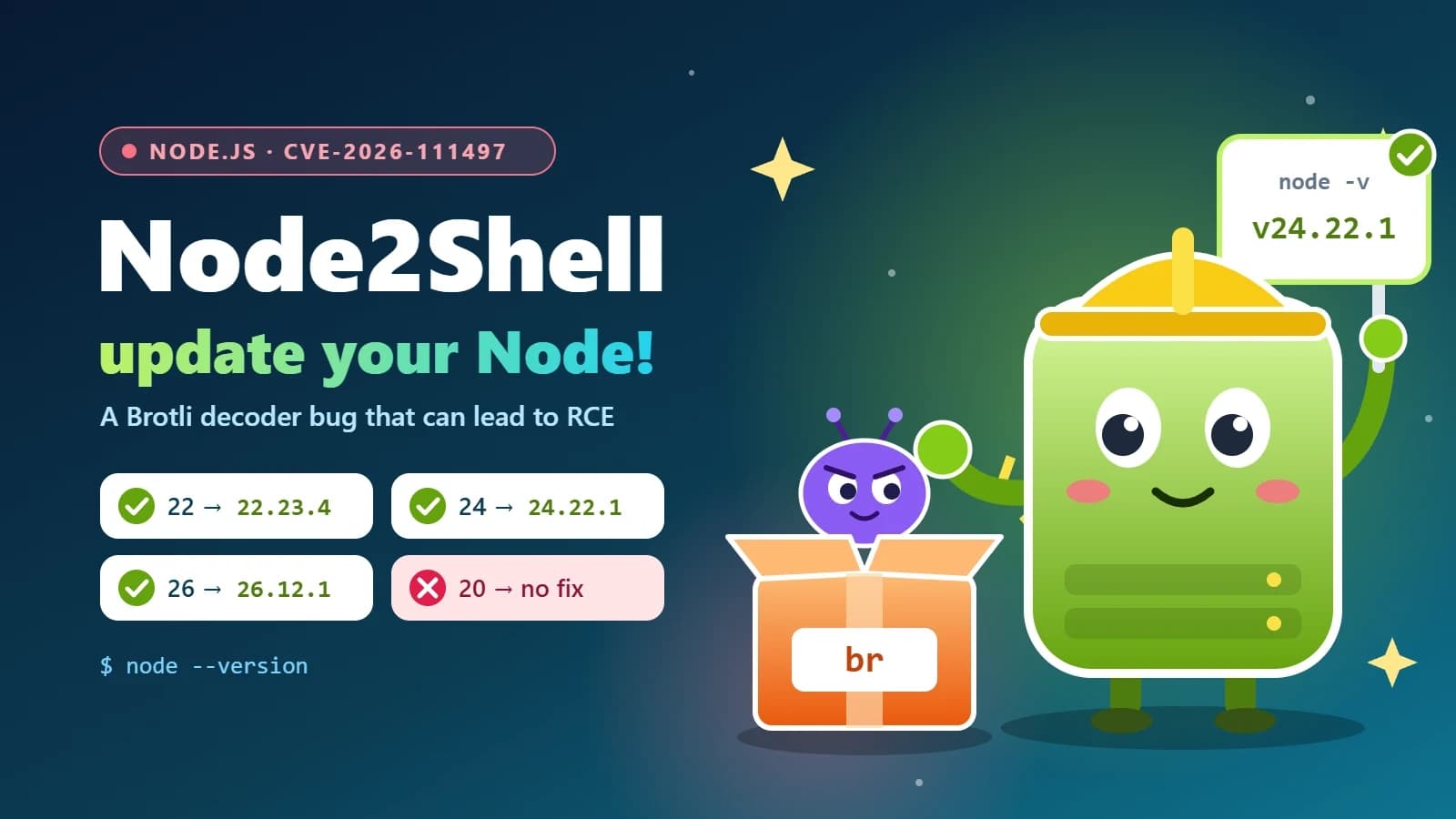
Node2Shell (CVE-2026-111497) explained: is your Node.js app exposed, and how to patch it
Node2Shell is a high-severity bug in the Brotli decoder bundled with Node.js that can lead to remote code execution. Here’s who is exposed, how to check your servers, Docker images and CI, and which versions fix it.
- Node.js
- Security
- DevOps
- Docker
Building something? Let’s talk.
If you’re planning a web app, a website or a new feature, a free call is a good place to start — you’ll get honest options, a fixed price and a timeline.