Web security essentials: the OWASP Top 10 explained for developers
Most web breaches don’t need genius hackers — they exploit a familiar list of mistakes. Here’s a practical tour of the OWASP Top 10 risks, with concrete examples and the habits that prevent them.
 Nasir Mollah
5 min read
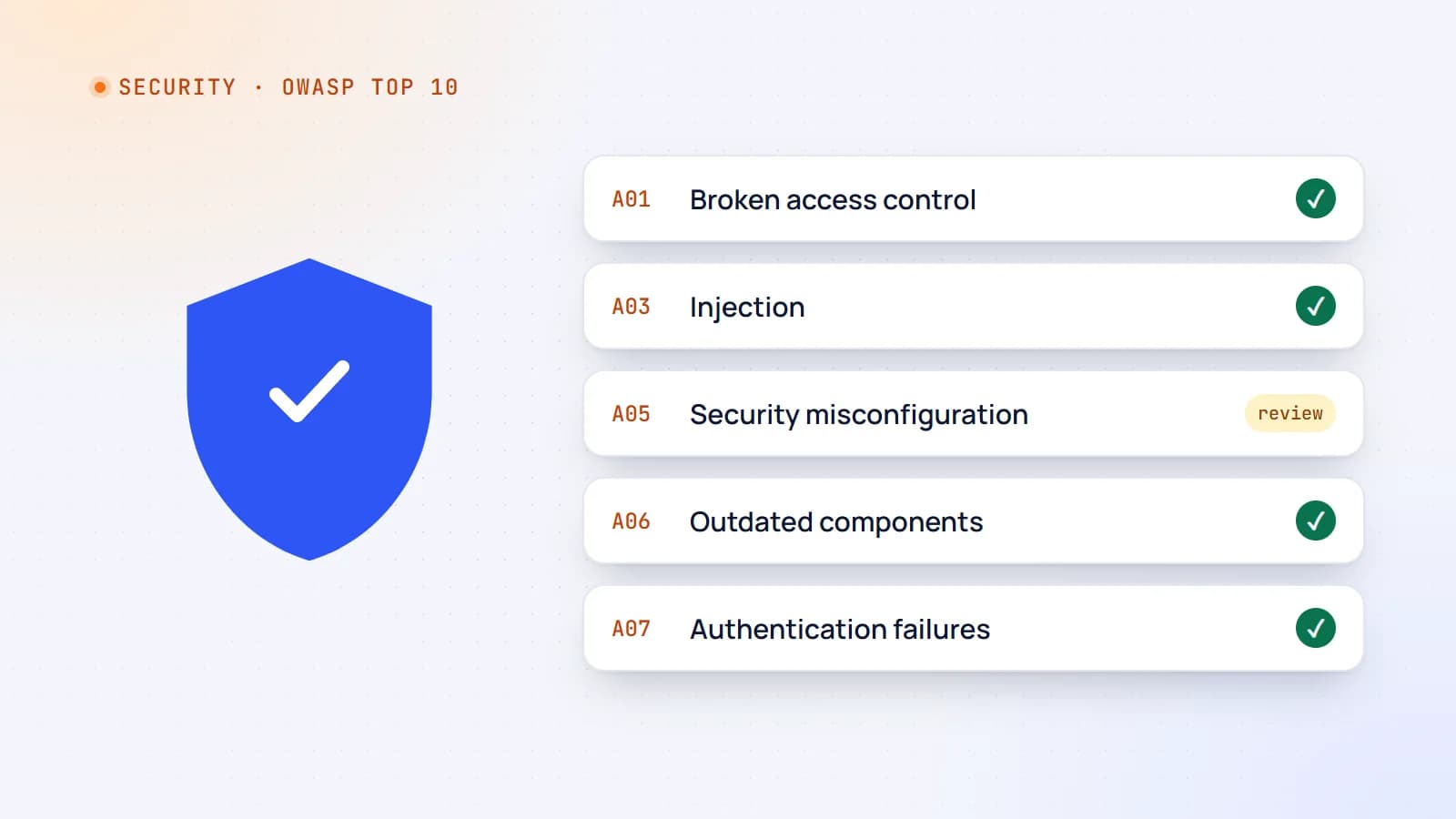
On this page12 sections
Most websites aren’t hacked by brilliant attackers with zero-day exploits. They’re hacked through ordinary mistakes: a missing permission check, an unvalidated input, an outdated package, a debug page left online. The good news is that these mistakes are well known — and preventable.
The OWASP Top 10 is the industry’s standard list of the most critical web application security risks, maintained by the Open Web Application Security Project and updated every few years. This guide walks through the main categories (based on the widely used 2021 edition; newer editions reshuffle the list and put extra emphasis on software supply-chain risks) with practical examples for modern JavaScript and TypeScript apps.
1. Broken access control
The number-one risk: users can act outside their intended permissions — viewing another customer’s invoice, editing someone else’s profile, reaching admin functions.
A classic example is an insecure direct object reference:
// ❌ Anyone logged in can read any booking by changing the ID in the URL
app.get("/api/bookings/:id", requireLogin, async (req, res) => {
  res.json(await db.booking.findUnique({ where: { id: req.params.id } }));
});

// ✅ Scope the query to the current user
app.get("/api/bookings/:id", requireLogin, async (req, res) => {
  const booking = await db.booking.findFirst({
    where: { id: req.params.id, customerId: req.user.id },
  });
  if (!booking) return res.status(404).end();
  res.json(booking);
});
Prevent it:
- Deny by default; grant access explicitly.
- Check ownership and roles on the server for every request — API routes, server actions, background jobs.
- Never rely on hiding buttons in the UI.
- Write tests that try to access other users’ data.
2. Cryptographic failures
Sensitive data exposed because it’s unencrypted or protected badly: passwords stored with weak hashes, personal data sent over plain HTTP, secrets committed to repositories.
Prevent it:
- HTTPS everywhere, with HSTS.
- Hash passwords with Argon2id or bcrypt — never MD5 or SHA-1.
- Encrypt especially sensitive fields at rest, and manage keys outside the codebase.
- Don’t collect or keep sensitive data you don’t need.
3. Injection
Untrusted input is interpreted as code or commands: SQL injection, NoSQL injection, command injection — and cross-site scripting (XSS), which is injection into HTML.
// ❌ SQL built from user input
db.query(`SELECT * FROM users WHERE email = '${req.body.email}'`);

// ✅ Parameterized query
db.query("SELECT * FROM users WHERE email = $1", [req.body.email]);
NoSQL databases aren’t immune: passing a raw JSON body into a MongoDB query can let an attacker send { "$ne": null } instead of a password.
Prevent it:
- Use parameterized queries or an ORM — and avoid raw-query escape hatches with user input.
- Validate input against a schema (for example with Zod): types, lengths, formats, allowed values.
- For HTML, rely on your framework’s automatic escaping. Treat every
dangerouslySetInnerHTMLorinnerHTMLas a red flag; sanitize with a proven library if you must render user HTML. - Add a Content Security Policy to limit the damage if XSS slips through.
4. Insecure design
Some flaws aren’t coding bugs but missing safeguards in the design itself: a password-reset flow that can be brute-forced, a checkout that trusts the price sent by the browser, a booking system with no limit on how many requests one person can create.
Prevent it:
- Think about abuse cases early: “How could someone misuse this feature?”
- Rate-limit sensitive actions.
- Recalculate anything important (prices, permissions, totals) on the server.
- Use proven patterns for authentication, payments and file uploads.
5. Security misconfiguration
Default passwords, verbose error messages showing stack traces, open cloud storage buckets, unnecessary services exposed, missing security headers, permissive CORS.
Prevent it:
- Use secure defaults and repeatable configuration (infrastructure as code, environment templates).
- Disable debug modes and detailed errors in production.
- Set security headers:
Content-Security-Policy,Strict-Transport-Security,X-Content-Type-Options: nosniff,Referrer-Policy, and frame protection. - Restrict CORS to the origins that genuinely need it.
- Review database and storage access rules — “temporarily public” has a way of becoming permanent.
6. Vulnerable and outdated components
Your app is mostly other people’s code. A vulnerable dependency — npm package, framework, plugin, base Docker image — is a vulnerability in your app.
Prevent it:
- Keep a lockfile and update dependencies regularly, not once a year.
- Use automated tools (
npm audit, Dependabot, Renovate, container scanners) and act on their alerts. - Remove packages you don’t use.
- Be cautious with new, little-known packages; check maintenance activity and popularity before adding one.
7. Identification and authentication failures
Weak login protection (how modern authentication works): no rate limiting, credential stuffing, weak password rules, session IDs in URLs, sessions that never expire.
Prevent it:
- Rate-limit and monitor login, sign-up and password-reset endpoints.
- Offer multi-factor authentication or passkeys — and require MFA for admins.
- Use secure cookies (
HttpOnly,Secure,SameSite) and sensible session lifetimes. - Use a mature authentication library instead of building your own.
8. Software and data integrity failures
Trusting code or data without verifying it: installing packages from compromised sources, CI/CD pipelines anyone can modify, auto-updates without signature checks, deserializing untrusted data.
Prevent it:
- Protect your CI/CD pipeline: limit who can change workflows, pin third-party actions to specific versions, and keep secrets scoped.
- Verify integrity of scripts loaded from CDNs (Subresource Integrity) or self-host them.
- Require code review for changes to main branches.
- Verify webhook signatures before trusting their payloads.
9. Security logging and monitoring failures
Attacks that go unnoticed for months because nobody was watching: no logs of failed logins, no alerts on unusual activity, logs nobody reads.
Prevent it:
- Log security-relevant events: logins, failed logins, permission denials, password resets, admin actions.
- Never log secrets, passwords or full payment details.
- Set up alerts for spikes and anomalies.
- Know how you’d respond to an incident before you need to.
10. Server-side request forgery (SSRF)
Your server fetches a URL supplied by the user — a webhook URL, an image import, a link preview — and an attacker points it at internal services such as cloud metadata endpoints or private admin panels.
Prevent it:
- Allow-list the domains or URL patterns your server may fetch.
- Block requests to private and internal IP ranges.
- Don’t return raw responses from server-side fetches to the user.
Beyond the list: habits that matter most
The Top 10 is a map, not a checklist to tick once. The habits that prevent most real incidents are simple:
- Validate all input on the server, every time.
- Check authorization on every data access.
- Keep dependencies updated.
- Keep secrets out of code and out of the browser.
- Use secure defaults and proven libraries for auth, crypto and payments.
- Rate-limit anything that can be abused.
- Log and monitor what matters.
- Review code with security in mind — including AI-generated code, which often looks right while missing exactly these checks.
Testing your app
- Run automated dependency and container scans in CI.
- Add tests for authorization (“user A can’t read user B’s data”).
- Use a dynamic scanner such as OWASP ZAP against a staging environment.
- For apps handling money or sensitive data, budget for an independent security review or penetration test.
Security isn’t a feature you add at the end. It’s a series of small, consistent decisions — and the OWASP Top 10 is the best starting point for making them well.
- Security
- Web Development
- Node.js
- Code Quality
Keep reading
6 min read
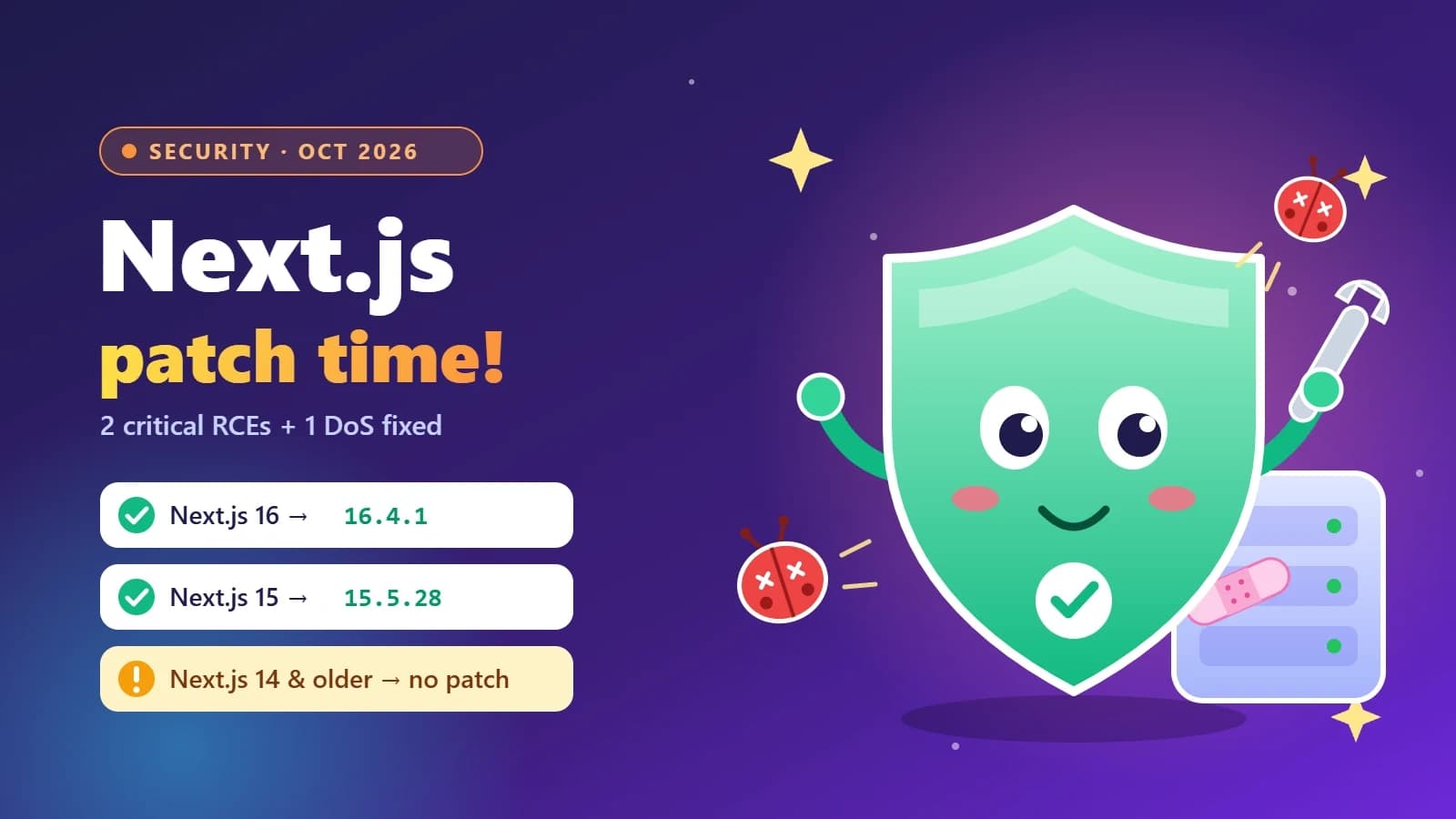
Next.js security update October 2026: which versions are vulnerable and how to upgrade
Next.js 16.4.1 and 15.5.28 fix two critical remote code execution bugs and a Server Actions denial of service. Here’s how to tell if your app is affected, how to upgrade safely, and what the November 3 security release means for you.
- Next.js
- Security
- Web Development
- Node.js
6 min read
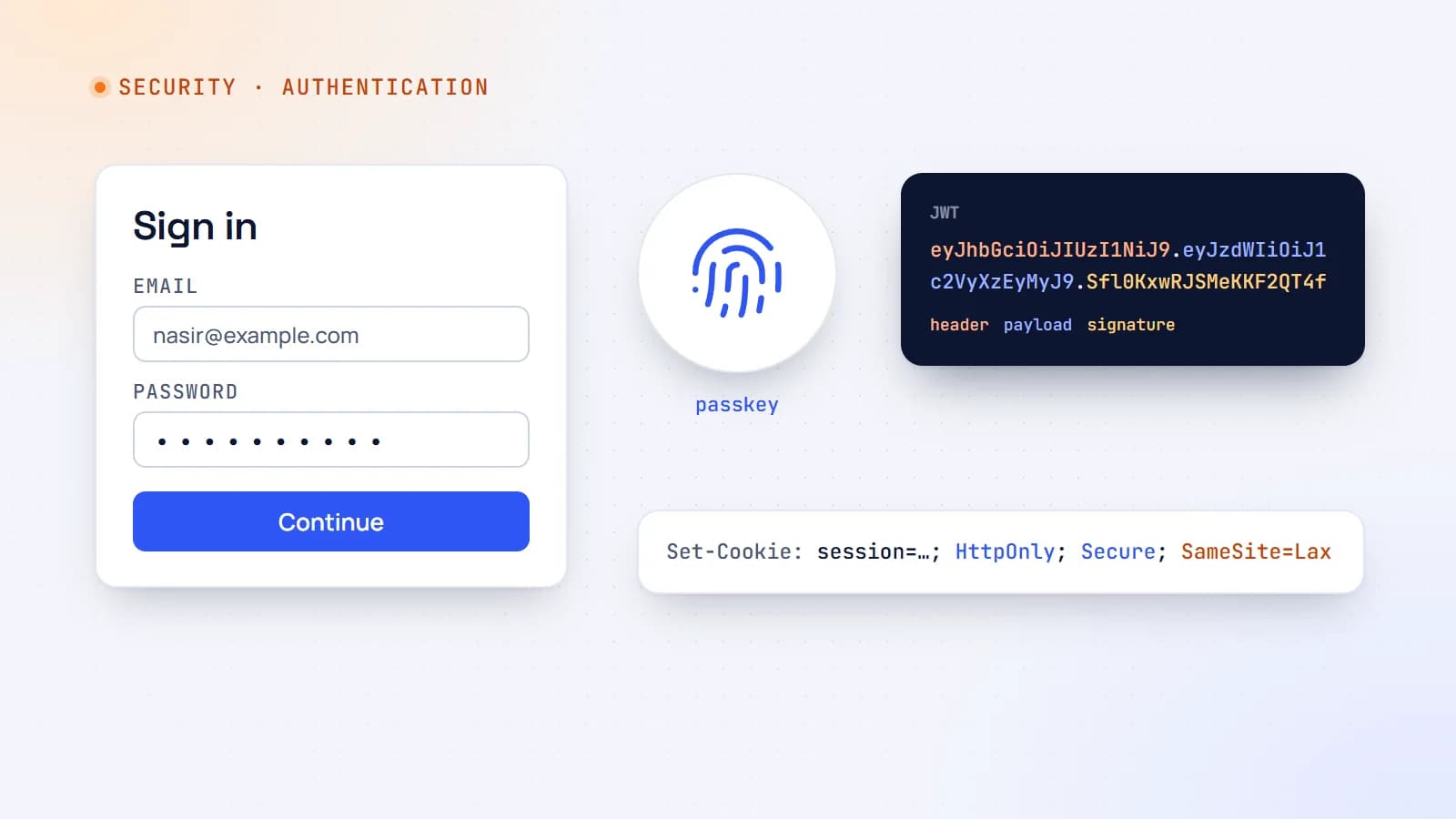
Authentication explained: sessions, JWTs, OAuth and passkeys
Every login form hides a set of design decisions — sessions or tokens, cookies or headers, passwords or passkeys. Here’s how modern web authentication works and how to choose a setup that’s secure without being complicated.
- Authentication
- Security
- Web Development
- Node.js

5 min read
Node2Shell (CVE-2026-111497) explained: is your Node.js app exposed, and how to patch it
Node2Shell is a high-severity bug in the Brotli decoder bundled with Node.js that can lead to remote code execution. Here’s who is exposed, how to check your servers, Docker images and CI, and which versions fix it.
- Node.js
- Security
- DevOps
- Docker
Building something? Let’s talk.
If you’re planning a web app, a website or a new feature, a free call is a good place to start — you’ll get honest options, a fixed price and a timeline.