Vibe coding: what it’s great for, where it breaks, and how to do it responsibly
Describing what you want and letting AI write the code has gone from joke to everyday workflow. Here’s an honest look at what vibe coding does well, the risks it hides, and a practical way to use it without shipping a mess.
 Nasir Mollah
6 min read
On this page8 sections
In early 2025, AI researcher Andrej Karpathy described a new way he’d been building small projects: you “fully give in to the vibes”, talk to an AI coding assistant, accept its changes without reading them closely, paste error messages back in, and “forget that the code even exists”. He called it vibe coding.
The name stuck because it described something many people were already doing. Today the term is used loosely for any style of building software mainly by describing what you want in natural language and letting AI tools write most of the code.
It’s genuinely powerful. It’s also genuinely risky. Both are true, and the useful question isn’t “is vibe coding good or bad?” but “when is it the right tool, and how do I use it without getting hurt?”
What vibe coding looks like in practice
A typical session:
- You describe the app: “A page where my team can log daily stand-up notes, filter by person, and export to CSV.”
- An AI assistant (in an editor, a terminal agent or a browser-based app builder) scaffolds the project, writes components, sets up a database and runs it.
- You try it, describe what’s wrong or missing, and the AI changes the code.
- Errors appear; you paste them back; the AI fixes them.
- Repeat until it works well enough.
In pure vibe coding, you rarely open the files yourself. You judge the software by what it does, not by how it’s written.
Where vibe coding shines
Prototypes and proof-of-concepts
Turning an idea into something clickable in an afternoon is transformative. Founders can test an idea with real users before hiring anyone. Designers can show interactions instead of describing them. Developers can explore three approaches before committing to one.
Personal tools and internal utilities
A script that renames your photos, a dashboard that only you use, a one-off data cleanup — the stakes are low, the audience is you, and speed matters more than elegance.
Learning and exploration
Asking an AI to build something in an unfamiliar framework, then reading what it produced, is a fast way to learn a new technology’s shape — if you take the time to read.
Getting unstuck
Even experienced developers use the same loop for boilerplate, configuration and “how do I wire X to Y” tasks that would otherwise eat an hour of documentation reading.
Where it breaks
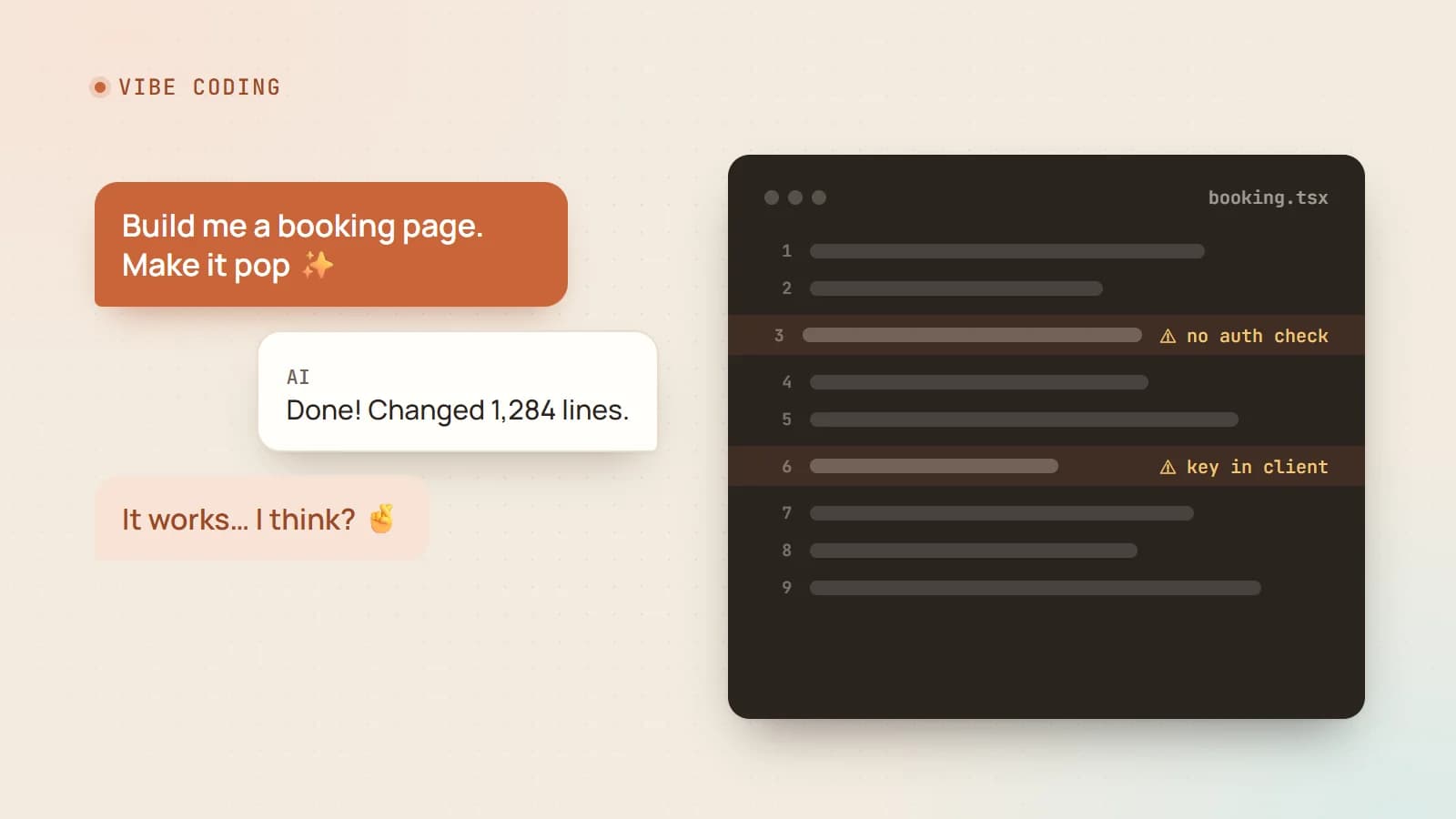
The problems with vibe coding are mostly invisible at demo time. The app works when you click through it. The issues appear later — with real users, real data and real attackers.
Security
AI-generated code often looks right while missing the details that matter:
- API routes without authentication or authorization checks;
- secrets and API keys committed to the repository or exposed to the browser;
- database rules left open, so anyone can read or modify data;
- user input passed into queries or HTML without validation or escaping;
- no rate limiting on forms, logins or expensive endpoints.
If you never read the code, you can’t know which of these are present. Neither can the AI, unless you ask it to check — and even then, review matters.
Maintainability
Each prompt solves the immediate problem, often by adding more code rather than improving what’s there. Over many iterations you can get duplicated logic, inconsistent patterns, dead code and fixes layered on fixes. Eventually every change breaks something else, and the AI starts going in circles.
Correctness at the edges
The happy path works because that’s what you tested. Empty states, time zones, concurrent users, slow networks, large files, unusual inputs — these are where unreviewed code tends to fail.
Understanding and ownership
When something breaks in production at 2 a.m., someone has to understand the system. If nobody does, every incident becomes a guessing game. Code you don’t understand is code you can’t confidently change.
Cost and performance
Generated code may work while making far more database queries, API calls or re-renders than needed. That’s fine for ten users and expensive for ten thousand.
The spectrum: from vibes to AI-assisted engineering
It helps to think of AI coding as a spectrum rather than a yes/no choice:
- Pure vibe coding: you don’t read the code. Fine for throwaway prototypes and personal tools.
- Supervised vibe coding: you let the AI write, but you review diffs, run tests and understand the architecture. Suitable for internal tools and early products.
- AI-assisted engineering: you design the system, the AI writes much of the code within that design, and everything goes through the same review, testing and security standards as human-written code. Right for anything handling customers, money or personal data.
The mistake isn’t using vibe coding. It’s shipping a prototype-grade codebase as a production product without moving along the spectrum.
A responsible workflow
Here’s a practical way to get most of the speed with far less of the risk.
1. Start with a short spec
Before prompting, write down what you’re building: users, main features, data, and what must never happen (“customers can only see their own bookings”). Give this to the AI at the start of every session. Many AI coding tools support a project instructions file for exactly this.
2. Choose boring, well-known technology
AI tools are best at popular frameworks with lots of examples. Pick mainstream choices and tell the AI which ones to use, rather than letting each prompt invent its own approach.
3. Work in small, reviewable steps
“Build the whole app” produces a huge diff nobody can review. “Add the booking form with validation; don’t change anything else” produces a change you can read in two minutes.
4. Use version control religiously
Commit after every working step. When the AI breaks something — and it will — you can see exactly what changed and roll back instantly instead of asking it to “undo” from memory.
5. Make the AI write tests
Ask for tests alongside features, and run them yourself. Tests turn “it seems to work” into “it demonstrably works” — especially when they run automatically on every change — and they protect earlier features when later prompts change shared code.
6. Read the parts that matter
You don’t have to read every line of CSS. You do need to read anything involving authentication, authorization, payments, personal data, database access rules, secrets and file uploads. Ask the AI to explain those parts, then check the explanation against the code.
7. Run a security pass before launch
Ask the AI (and ideally a human) to review specifically for security issues: exposed secrets, missing auth checks, unvalidated input, open database rules, missing rate limits. Use your platform’s security scanners and dependency checks too.
8. Refactor periodically
Every so often, stop adding features and ask the AI to consolidate duplicated code, remove dead code and make patterns consistent — with tests running to confirm nothing broke.
For business owners: should you vibe-code your website?
For a personal landing page or an internal tool, AI builders can be a great, inexpensive start.
For anything customers rely on — bookings, payments, accounts, personal or health information — be cautious. The site might look finished while hiding security gaps, poor search visibility, accessibility problems or performance issues you can’t see. A sensible middle ground is to use AI to build a prototype that shows exactly what you want, then have an experienced developer review it or build the production version properly.
For developers: your role is changing, not disappearing
AI can now write a lot of code. That makes the skills around code more valuable:
- knowing what to build and how to break it into steps;
- designing systems that stay maintainable;
- recognizing insecure or fragile code at a glance;
- testing, debugging and operating software in production;
- explaining trade-offs to people who aren’t technical.
The developers getting the most out of AI aren’t the ones who stopped thinking. They’re the ones who use AI to move faster on the parts that don’t need deep thought — and spend the saved time on the parts that do.
The bottom line
Vibe coding is a fantastic way to start. It’s rarely a good way to finish. Use it to explore, prototype and build personal tools at incredible speed. When real users, real data or real money get involved, bring back the engineering discipline: specs, small steps, version control, tests, review and security checks.
The vibes get you to the demo. Engineering gets you to production.
- AI
- Vibe Coding
- Developer Workflow
- Code Quality
Keep reading
6 min read
AI coding agents on a real codebase: a production playbook
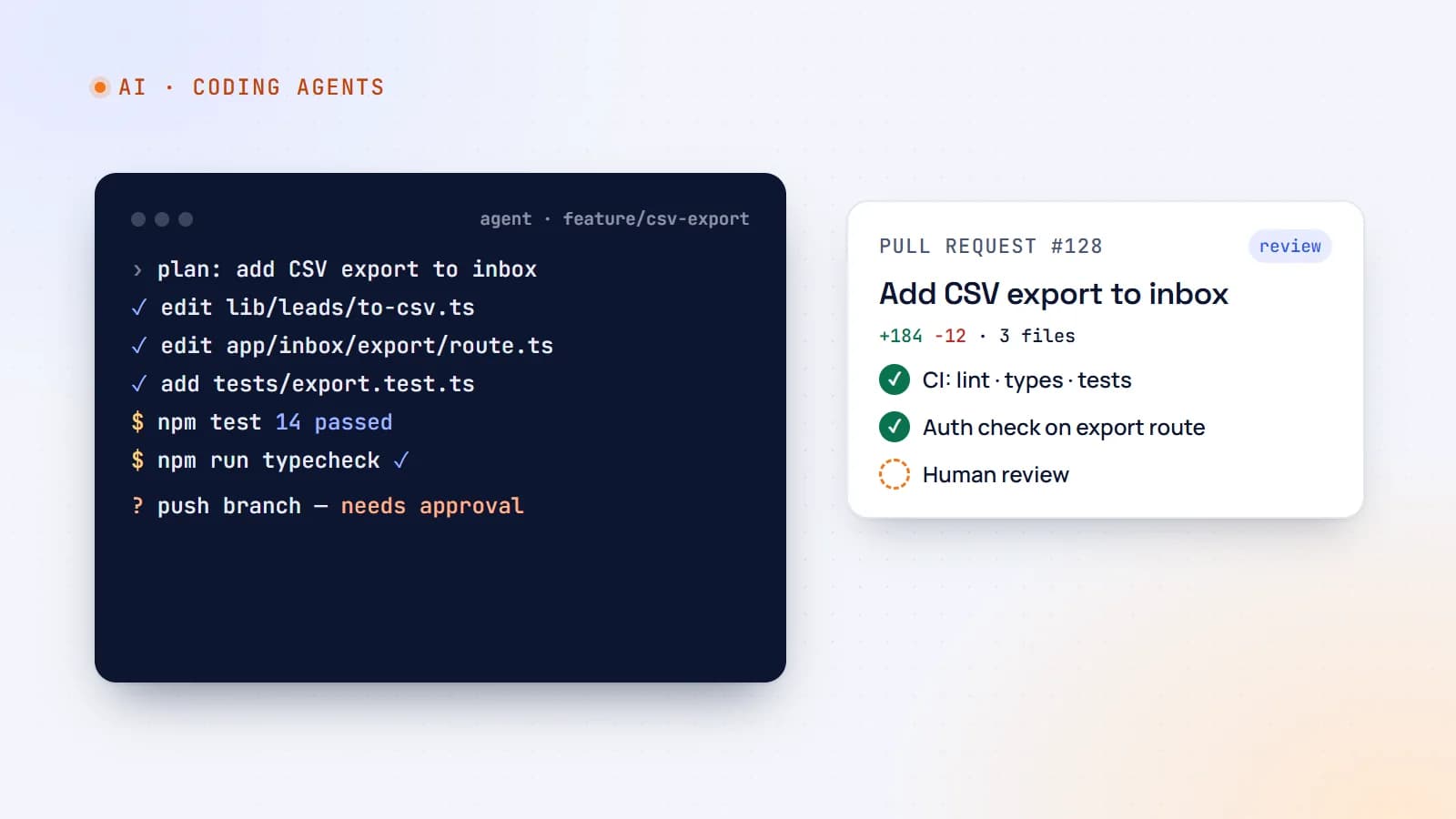
Tools like Claude Code, Cursor and GitHub Copilot can now plan, edit files, run tests and open pull requests. Here’s how to use AI coding agents on production code without losing quality, security or understanding — with concrete team guidelines.
- AI
- AI Agents
- Developer Workflow
- Code Quality
6 min read
Shipping LLM features to production: evals, guardrails, cost and monitoring
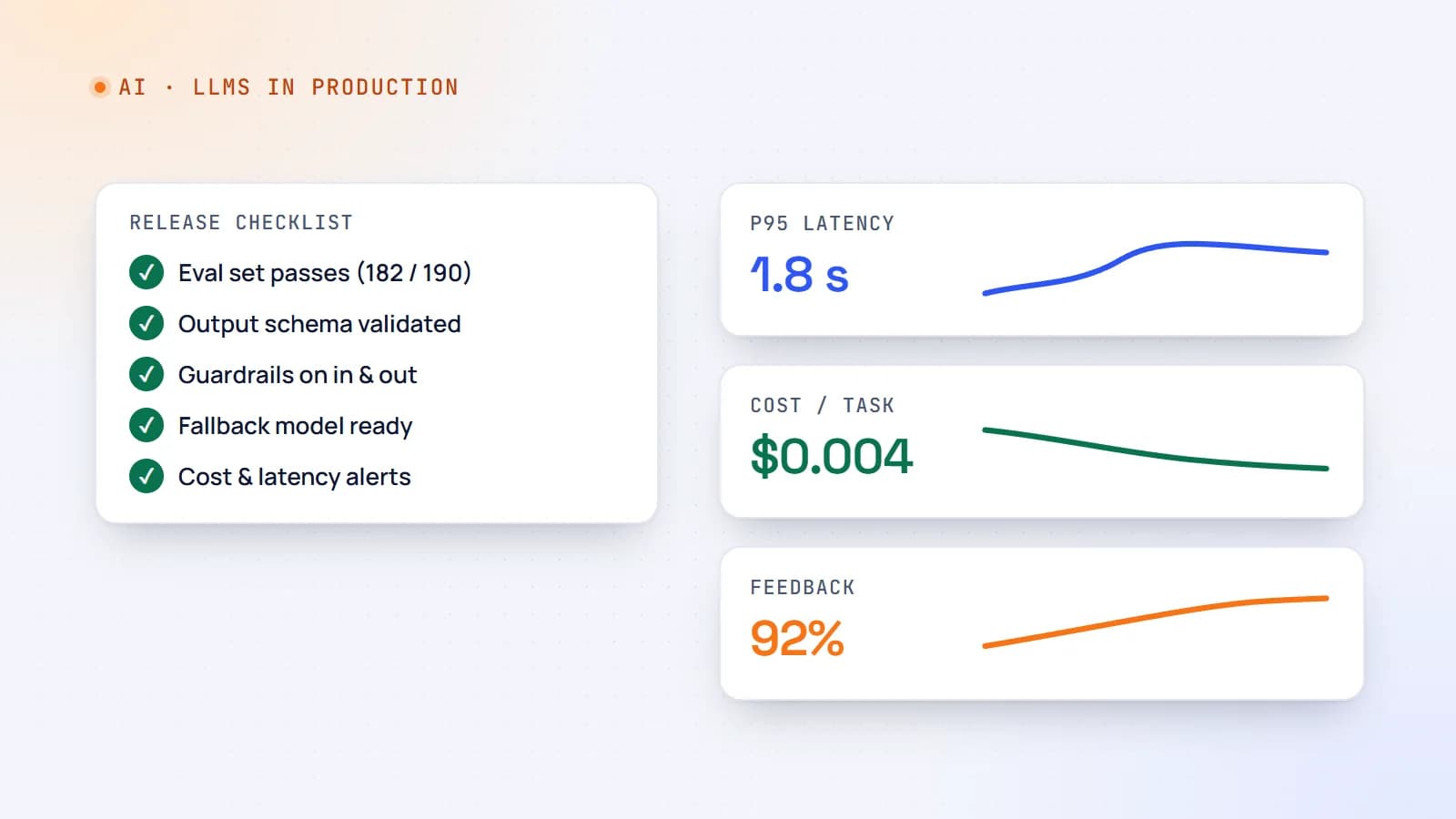
A demo that works on ten examples is not a product. Here’s a practical production checklist for AI features — evaluation sets, guardrails, fallbacks, cost and latency control, monitoring and rollout — so your LLM feature stays reliable after launch.
- AI
- LLMs
- DevOps
- Production
6 min read
Context engineering: the skill that’s replacing prompt engineering
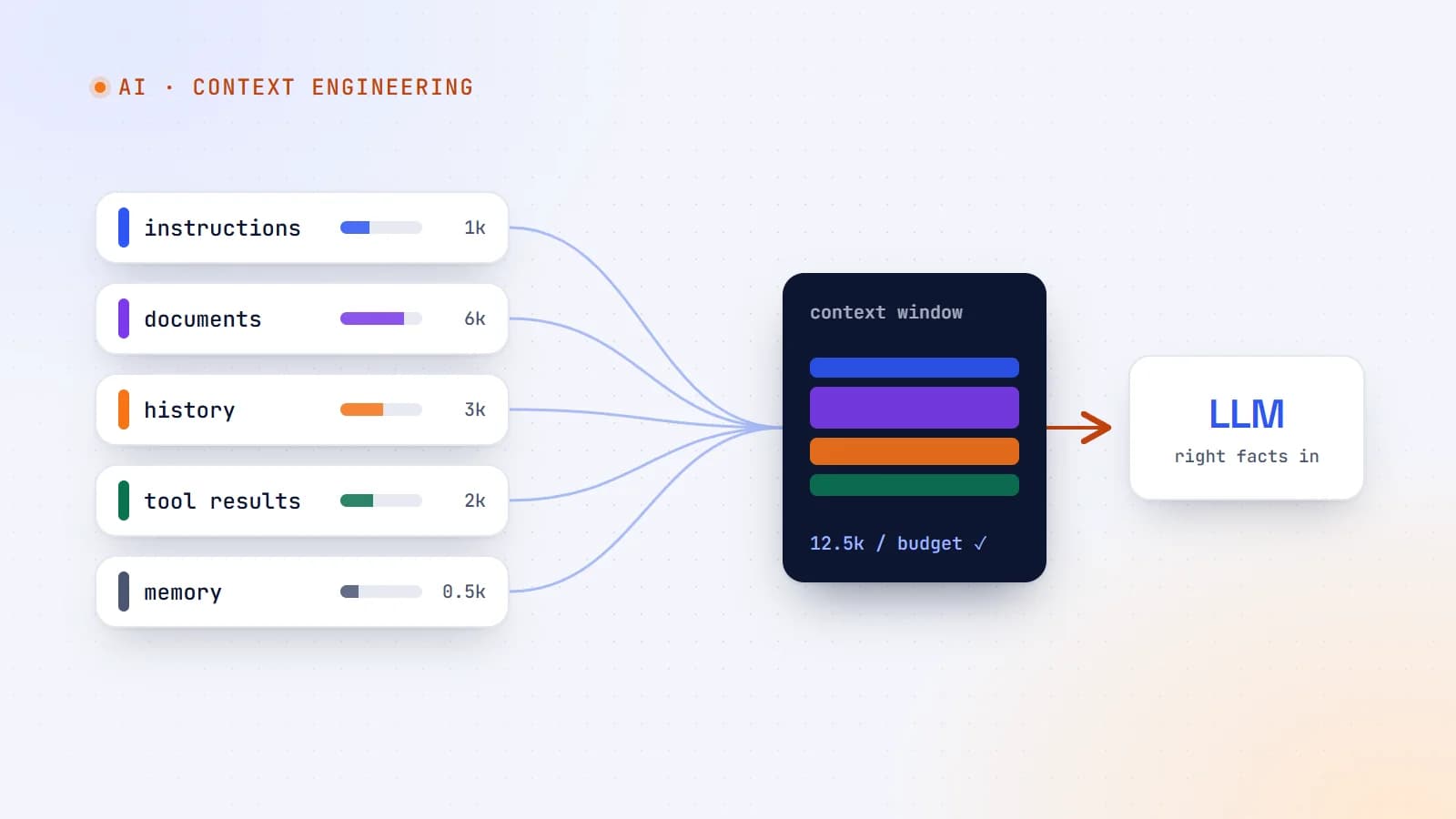
The best AI features aren’t built on clever prompts — they’re built on giving the model exactly the right information at the right moment. Here’s what context engineering is, why it matters more as models get smarter, and production guidelines for doing it well.
- AI
- Context Engineering
- LLMs
- AI Agents
Building something? Let’s talk.
If you’re planning a web app, a website or a new feature, a free call is a good place to start — you’ll get honest options, a fixed price and a timeline.