AI coding agents on a real codebase: a production playbook
Tools like Claude Code, Cursor and GitHub Copilot can now plan, edit files, run tests and open pull requests. Here’s how to use AI coding agents on production code without losing quality, security or understanding — with concrete team guidelines.
 Nasir Mollah
6 min read
On this page11 sections
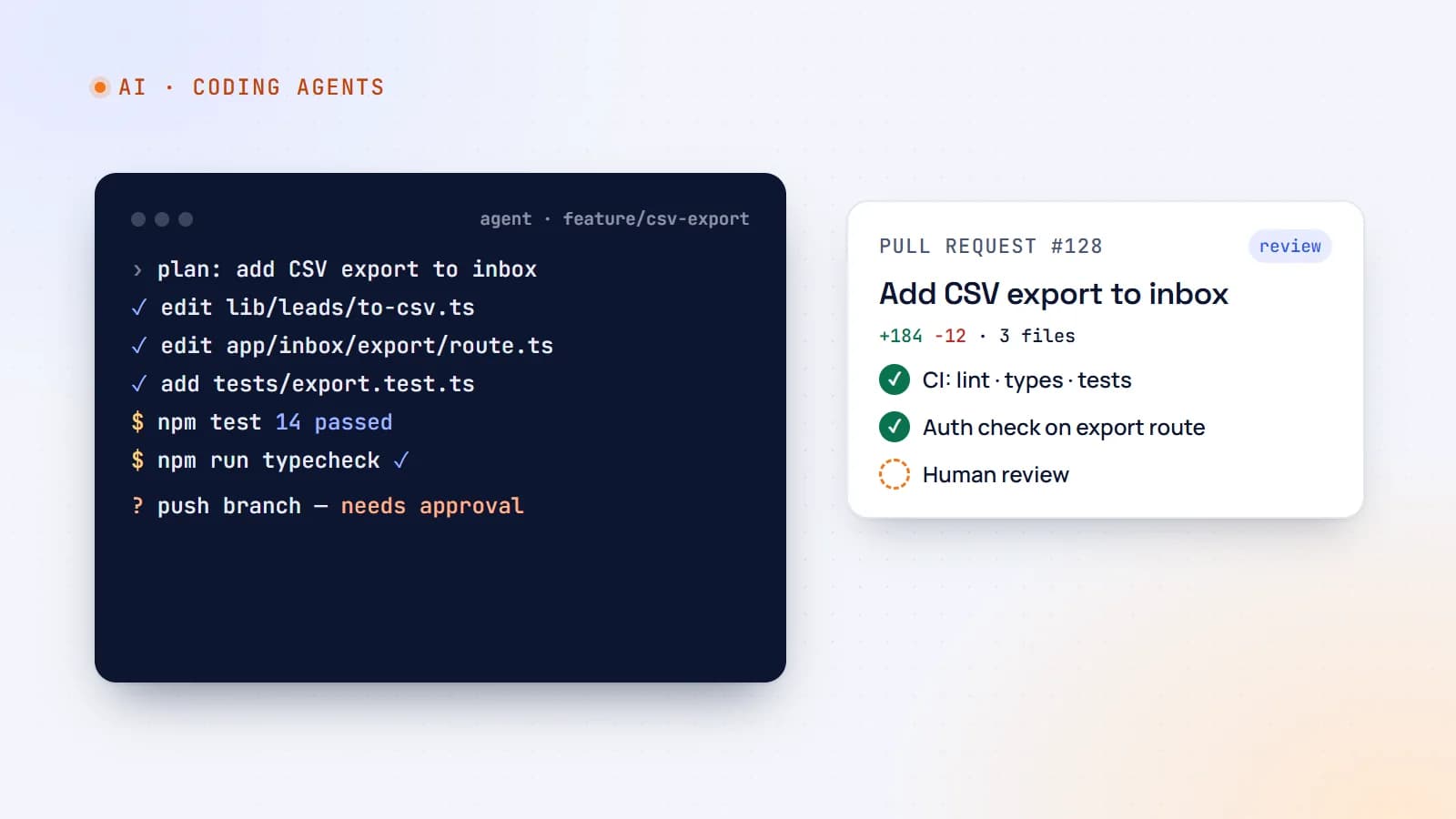
AI coding tools have moved from autocomplete — and vibe coding — to agents. Tools such as Claude Code, Cursor, GitHub Copilot’s agent features and others can read a repository, plan a change, edit many files, run commands and tests, and open a pull request — often in minutes.
That’s a huge productivity gain on a real codebase, and also a new kind of risk: large changes nobody fully read, subtle security gaps, and a codebase the team understands a little less every week. This playbook covers how to get the speed without the damage.
What coding agents are good at
- Well-defined changes with clear acceptance criteria: “add pagination to the bookings API and update the client”.
- Mechanical work: migrations, renames, dependency upgrades, converting files to TypeScript, adding types and tests.
- Exploration: “where is the booking price calculated, and what calls it?”
- First drafts of features, tests and documentation that a developer then refines.
- Debugging with feedback: reproduce a failing test, propose a fix, run the tests again.
Where they need the most supervision
- Ambiguous requirements — the agent will make assumptions, confidently.
- Security-sensitive code — authentication, authorization, payments, personal data, file uploads.
- Architecture decisions — agents optimize for the task in front of them, not your long-term design.
- Large, sprawling changes — more files touched means more places for subtle mistakes and harder review.
- Unfamiliar or poorly tested areas — without tests, neither you nor the agent can tell if behavior changed.
1. Give the agent your project’s rules
Most coding agents read a project instructions file — for example CLAUDE.md, AGENTS.md, or editor-specific rule files. Treat it like onboarding documentation for a new teammate:
# Project guide

## Stack
Next.js (App Router), TypeScript strict, Prisma + PostgreSQL, Tailwind.

## Commands
- `npm run lint`, `npm run typecheck`, `npm test` must pass before you finish.

## Conventions
- Server data access only in `lib/data/`; never query the database from components.
- Validate all external input with Zod schemas in `lib/validation/`.
- Every API route and server action checks the session and ownership.

## Never
- Commit secrets or edit `.env*` files.
- Disable lint rules or tests to make a change pass.
- Change database migrations that are already deployed.
Keep it short, specific and current. Every rule the agent gets wrong twice belongs in this file.
2. Size tasks like you would for a junior developer
The best results come from tasks that a capable new team member could complete in one focused session:
- One goal per task, with acceptance criteria.
- Point to the relevant files or examples of the pattern to follow.
- State constraints: “don’t change the public API”, “keep the existing styles”.
- For bigger work, ask for a plan first, review it, then let the agent implement step by step.
“Improve the dashboard” invites a sprawling rewrite. “Add a CSV export button to the inbox page using the existing toCsv helper; include a test” gets a reviewable change.
3. Let tests and tooling do the checking
Agents work best in a tight feedback loop:
- Tests — ask the agent to write or update tests alongside the change, and to run them.
- Type checking and linting — strict TypeScript settings catch a whole class of agent mistakes automatically.
- Reproduce before fixing — for bugs, have the agent write a failing test first, then fix it.
- CI as the gate — the same checks run on every pull request, regardless of who (or what) wrote the code (CI/CD with GitHub Actions).
A codebase with good tests is dramatically safer to use agents on. Investing in tests is now also investing in AI productivity.
4. Review like it matters — because it does
AI-written code should go through the same review standard as human code, and reviewers should know what to look for:
- Does it do what was asked — and only that? Watch for unrelated changes and scope creep.
- Authorization and validation — every data access checked against the current user; every input validated.
- Error handling — agents often handle the happy path well and the failure path vaguely.
- Duplication — did it add a new helper when one already existed?
- Tests that test something — assertions that would actually fail if the behavior broke.
- Dependencies — any new package needs a reason. Check it really exists, is maintained, and is the one intended; similarly named packages are a known supply-chain risk.
Keep pull requests small enough to review properly. If a change is too big to read, it’s too big to merge.
5. Security and permissions
Agents can run commands on your machine or in the cloud. Configure them deliberately:
- Least privilege — limit which commands and directories the agent can use without asking. Require approval for anything destructive or outward-facing (deploys, pushes, database writes).
- Keep secrets out of reach — no production credentials in the repository or the agent’s environment; use separate development keys.
- Be careful with untrusted input — issues, web pages and documents the agent reads can contain prompt-injection instructions. Don’t give an agent that reads untrusted content the power to push or deploy unattended.
- Sandbox autonomous runs — background or cloud agents should work in isolated environments and branches, with changes landing only through pull requests.
- Audit — keep logs of what agents ran and changed, as you would for any automation with write access.
6. Keep the team’s understanding intact
The quiet long-term risk is a codebase nobody understands. Counter it deliberately:
- The person who prompts the agent owns the change as if they wrote it — they must be able to explain it in review.
- Ask agents to explain non-obvious decisions in the pull request description.
- Rotate who works in which area, so knowledge doesn’t drain away into agent sessions.
- Keep architecture decisions with humans; record them in docs the agent can read.
7. Measure the real impact
“It feels faster” isn’t a metric. Track over time:
- Cycle time — from task start to merged and deployed.
- Change failure rate — how often merged changes cause bugs or rollbacks.
- Review load — are reviewers drowning in large AI-generated pull requests?
- Rework — how much AI-written code is rewritten soon after merging.
If speed goes up but failures and rework go up too, tighten task sizing, tests and review.
A team policy you can adopt today
- A maintained project instructions file in every repository.
- Tasks are small and specific; large work starts with a reviewed plan.
- Lint, type checks and tests must pass locally and in CI — no disabling checks to get green.
- AI-written code gets the same review as any code; the author owns it.
- Security-sensitive changes need an extra reviewer.
- New dependencies require justification and verification.
- Agents never hold production credentials; destructive or outward-facing actions require human approval.
- Autonomous agents work on branches and deliver through pull requests.
The takeaway
Coding agents are force multipliers: they make a strong engineering process much faster — and a weak one much faster at producing problems. Give them clear project rules, well-sized tasks, good tests and strict review, keep humans responsible for design and security, and they’ll handle the tedious parts of your work while your team stays in control of the codebase.
- AI
- AI Agents
- Developer Workflow
- Code Quality
Keep reading
6 min read
Vibe coding: what it’s great for, where it breaks, and how to do it responsibly
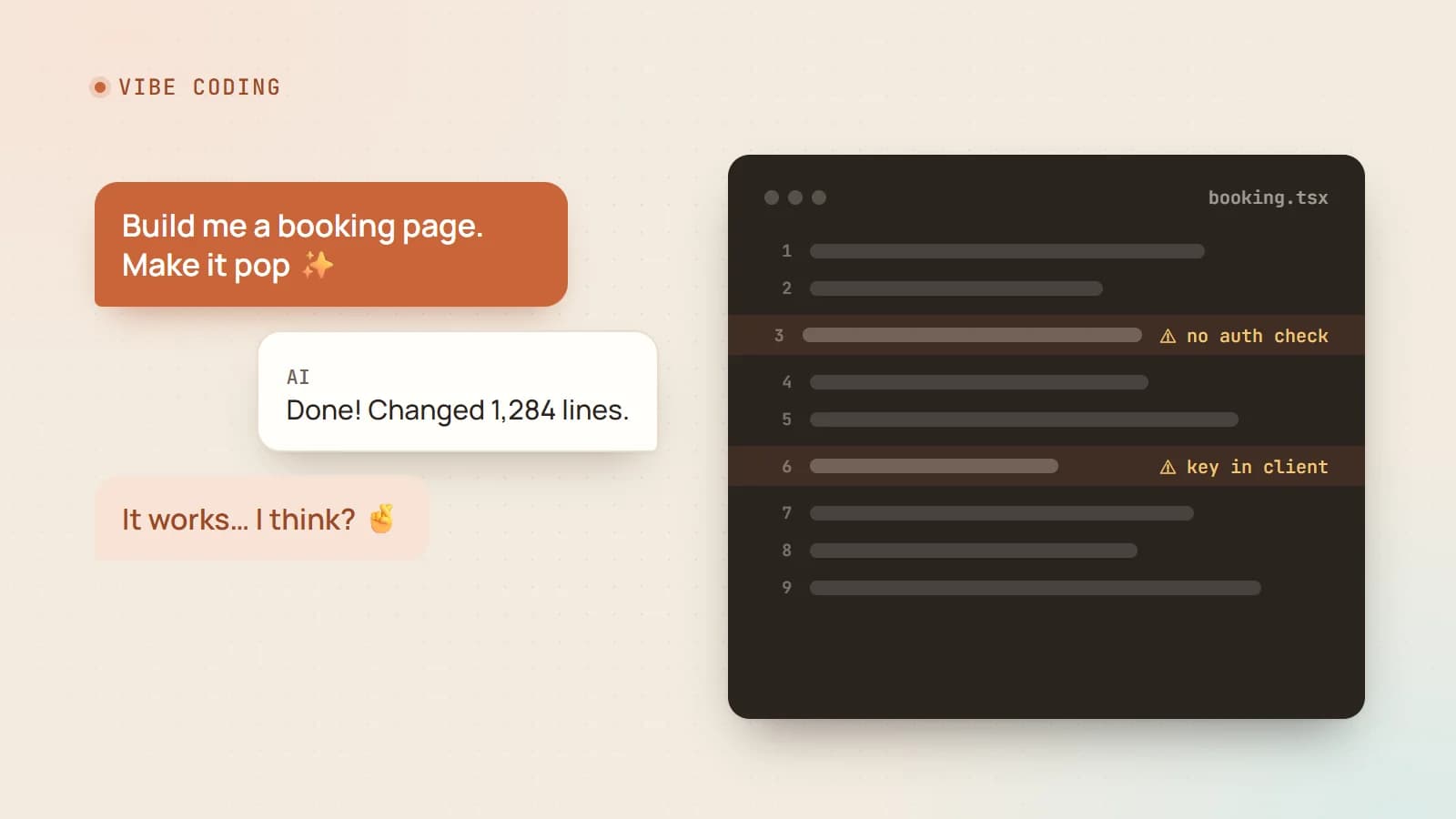
Describing what you want and letting AI write the code has gone from joke to everyday workflow. Here’s an honest look at what vibe coding does well, the risks it hides, and a practical way to use it without shipping a mess.
- AI
- Vibe Coding
- Developer Workflow
- Code Quality
6 min read
Context engineering: the skill that’s replacing prompt engineering
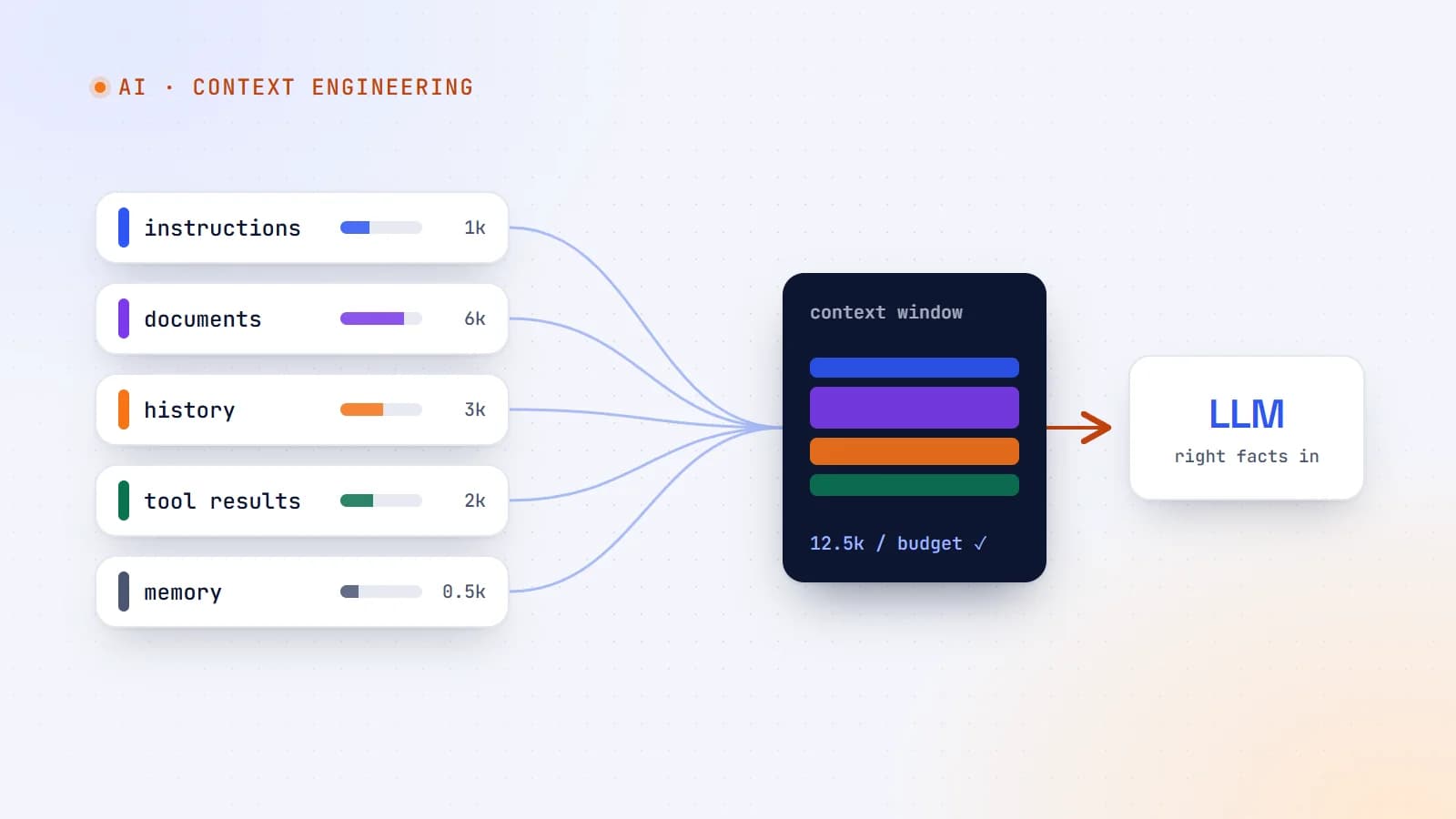
The best AI features aren’t built on clever prompts — they’re built on giving the model exactly the right information at the right moment. Here’s what context engineering is, why it matters more as models get smarter, and production guidelines for doing it well.
- AI
- Context Engineering
- LLMs
- AI Agents
7 min read
AI agents, tool use and MCP: how AI goes from talking to doing
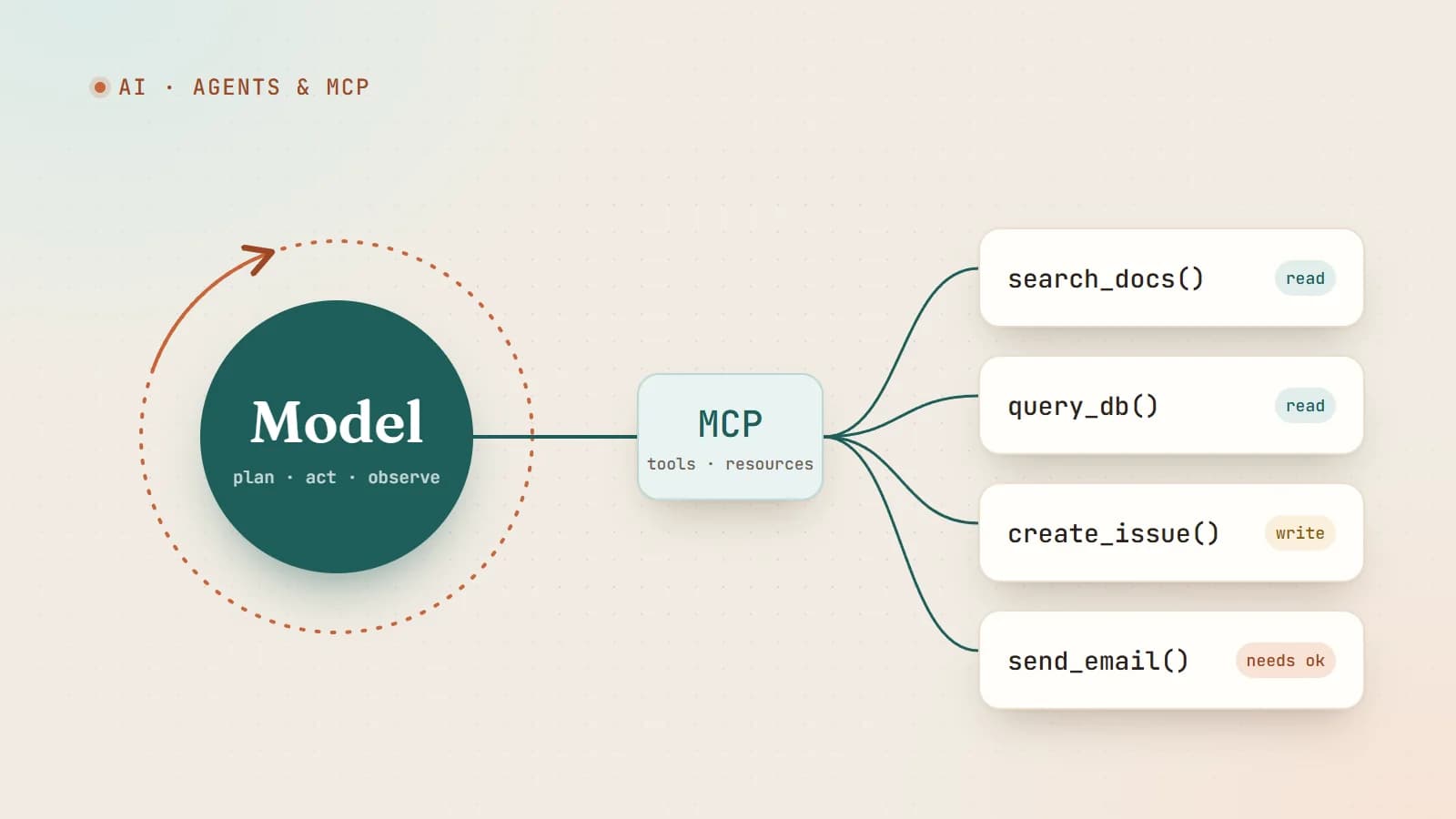
An AI agent is a language model in a loop with tools. Here’s how tool calling works, what the Model Context Protocol (MCP) standardizes, and how to build agents that are useful without being dangerous.
- AI
- AI Agents
- MCP
- LLMs
Building something? Let’s talk.
If you’re planning a web app, a website or a new feature, a free call is a good place to start — you’ll get honest options, a fixed price and a timeline.