Context engineering: the skill that’s replacing prompt engineering
The best AI features aren’t built on clever prompts — they’re built on giving the model exactly the right information at the right moment. Here’s what context engineering is, why it matters more as models get smarter, and production guidelines for doing it well.
 Nasir Mollah
6 min read
On this page8 sections
For a while, “prompt engineering” was the hot skill: find the right words and the model does what you want. As models have become better at following plain instructions, a different problem has taken over. The model is rarely confused by how you asked. It fails because it didn’t have the information it needed — or because the information it needed was buried under ten thousand tokens it didn’t.
That’s why many teams now talk about context engineering: deliberately designing everything that goes into a model call — instructions, facts, examples, tool results, conversation history and memory — so the model has exactly what it needs to do the job, and little else.
What “context” actually means
A language model only knows two things when it answers: what it learned in training, and what’s in its context window for this request. The context window typically contains:
- System instructions — role, rules, tone, output format.
- The task — the user’s message or the job your code is asking for.
- Knowledge — documents, database records, search results, product data.
- Examples — what good output looks like.
- Tool definitions and tool results — what the model can do, and what happened when it did.
- History and memory — earlier turns, summaries, user preferences.
Prompt engineering focuses on the wording of the first two. Context engineering is about the whole list: what to include, where it comes from, how it’s formatted, in what order, and what to leave out.
Why it matters more as models get smarter
Better models amplify both good and bad context:
- Models trust what you give them. If the retrieved document is outdated, the model will confidently repeat outdated facts.
- More context isn’t free. Every token costs money and latency, and long, noisy contexts make it harder for the model to find what matters. Models can miss details buried in the middle of very long inputs.
- Agents generate their own context. An agent that calls ten tools accumulates tool output fast. Without management, its context fills with stale, irrelevant results and its decisions get worse as the task gets longer.
The result: two products using the same model can perform very differently purely because of how they build context.
The four jobs of context engineering
1. Select: include only what’s relevant
The goal is the smallest set of high-signal information that lets the model do the task.
- Retrieve documents with search (keyword, vector or both) instead of pasting entire knowledge bases — the core of RAG.
- Filter by metadata: the user’s account, the current product version, the right language, permissions.
- Rerank retrieved passages and keep the top few rather than everything that matched.
- For structured data, send only the fields the task needs — not whole database rows with forty columns.
2. Structure: make it easy to use
How information is laid out affects how well the model uses it.
- Separate sections clearly with headings or tags:
<instructions>,<documents>,<customer_profile>,<question>. - Give each document a title, source and date, so the model can cite and judge freshness.
- Put long reference material first and the specific question or task last.
- Use consistent formats across requests so behavior is predictable.
3. Compress: keep long tasks under control
Conversations and agent runs grow. Without compression, you hit limits — or quality quietly degrades long before you do.
- Summarize older turns and keep recent ones verbatim.
- Trim tool results: return the relevant rows, not the full API response. Have tools paginate and filter.
- Clear what’s done: once a sub-task is finished, replace its working notes with a short result.
- Store, don’t stuff: write notes, plans and intermediate results to a file or database and load them back only when needed.
4. Isolate: split work so each call stays focused
Large tasks often go better as several smaller calls, each with a clean context:
- A router decides what kind of request this is.
- A specialist call handles it with only the context that kind of task needs.
- Sub-agents can research separate questions in parallel and return short summaries to a coordinating agent, instead of filling one shared context with everything they read.
Memory: what to remember, and when to bring it back
Many products now “remember” users across sessions. Under the hood, this is context engineering: storing facts somewhere and deciding when to put them back into the context.
Good memory design:
- Store explicit, useful facts (“prefers metric units”, “account on the Pro plan”), not raw transcripts.
- Retrieve memories by relevance to the current task, not all of them every time.
- Let users see and delete what’s remembered — it’s their data.
- Expire or update facts that change, so stale memories don’t contradict reality.
Context for agents and tools
Tool definitions are context too (how agents and tools work). Every tool’s name, description and schema is sent to the model, and so is every result.
- Keep the tool list small and well described; too many overlapping tools confuse selection.
- Make tool outputs concise and structured, with clear error messages the model can act on.
- Load tools on demand where your framework supports it, instead of listing every possible tool on every call.
- Treat content returned by tools as untrusted — a fetched web page or email can contain instructions aimed at the model.
Production guidelines
These are the rules that hold up once real users arrive.
Measure the context, not just the output
Log, for every request: what was retrieved, how many tokens each section used, and which sources the answer relied on. When an answer is wrong, the first question is almost always “was the right information in the context?” — and you can only answer it if you logged the context.
Set a token budget per section
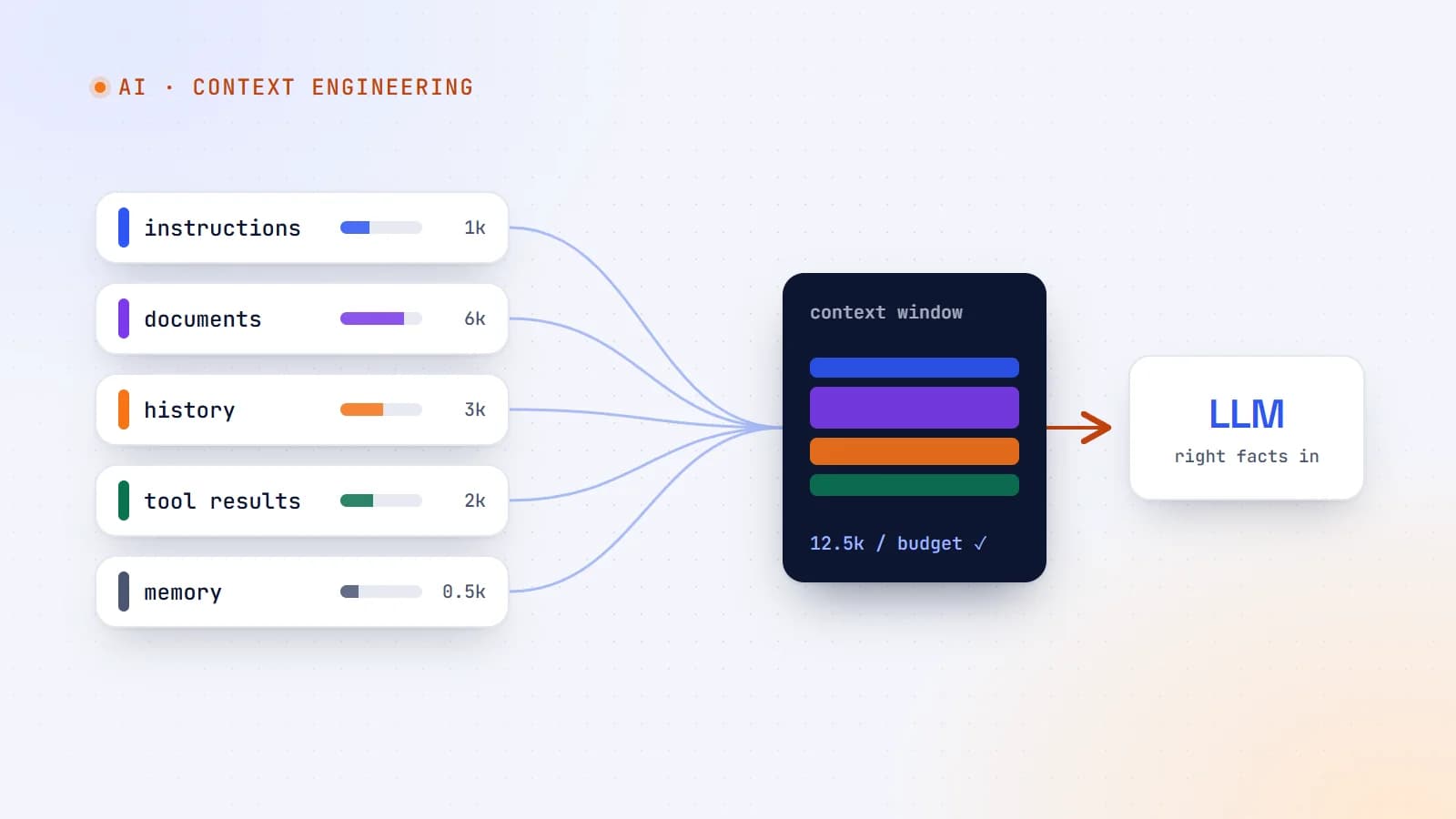
Decide in advance how much of the window each part may use — for example, instructions 1,000 tokens, retrieved documents 6,000, history 3,000 — and enforce it in code. Budgets prevent one runaway section (usually history or tool output) from crowding out the rest.
Version your context pipeline
Changes to chunking, retrieval, ranking, summarization or templates change behavior as much as prompt edits do. Version them, review them and test them like code.
Evaluate with real cases
Build a set of real questions or tasks with known good answers. Re-run it whenever you change the model, retrieval or templates. Track both answer quality and cost per request.
Keep freshness visible
Include dates in retrieved content and tell the model to prefer the newest source when facts conflict. Re-index content when it changes rather than on a fixed slow schedule.
Protect private data
Context is sent to your model provider. Only include personal or sensitive data that the task truly needs, apply permission filters before retrieval results reach the context, and check your provider’s data-retention terms.
Design for “I don’t know”
When retrieval finds nothing relevant, say so in the context (“No matching documents were found”) and instruct the model to admit it rather than improvise. An honest “I couldn’t find that” is better than a fluent invention.
A quick before-and-after
Before: a support assistant pastes the 40 most recent help articles, the full chat history and every available tool into every request. It’s slow, expensive, and sometimes answers from the wrong article.
After:
- Classify the question (billing, technical, account).
- Retrieve the 5 most relevant passages for that category, with titles and dates.
- Include the customer’s plan and region from the database — nothing else from their profile.
- Summarize chat history older than six turns.
- Offer only the 3 tools relevant to that category.
Same model, fewer tokens, faster answers — and noticeably more accurate.
The takeaway
Prompt wording still matters, but it’s no longer the main lever. The quality of an AI feature is mostly decided by what the model sees: the right facts, clearly structured, within a budget, with history and tool output kept under control. Treat context as a system you design, measure and test — and the model you already have will look a lot smarter.
- AI
- Context Engineering
- LLMs
- AI Agents
Keep reading
7 min read
AI agents, tool use and MCP: how AI goes from talking to doing
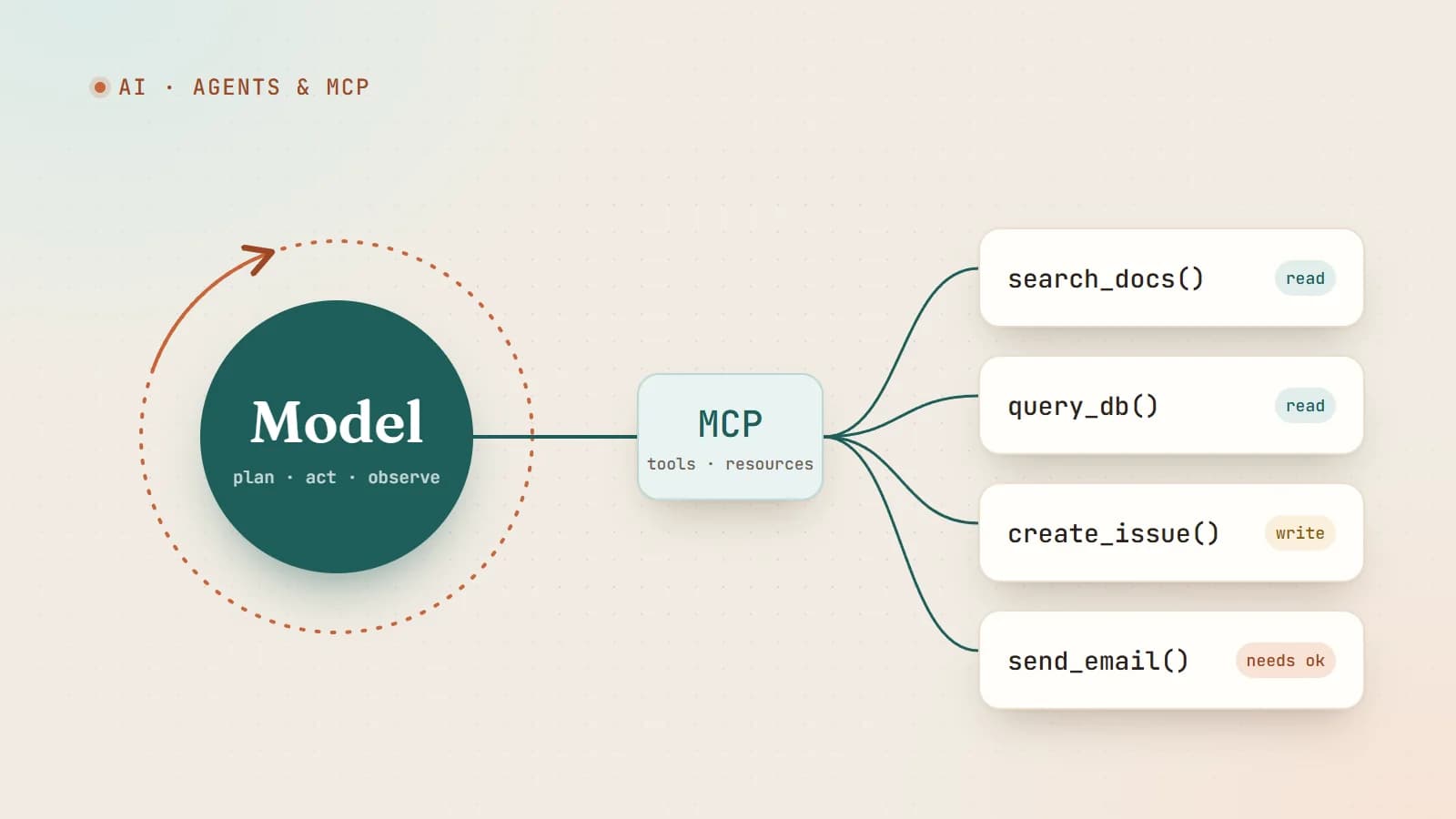
An AI agent is a language model in a loop with tools. Here’s how tool calling works, what the Model Context Protocol (MCP) standardizes, and how to build agents that are useful without being dangerous.
- AI
- AI Agents
- MCP
- LLMs
6 min read
AI coding agents on a real codebase: a production playbook
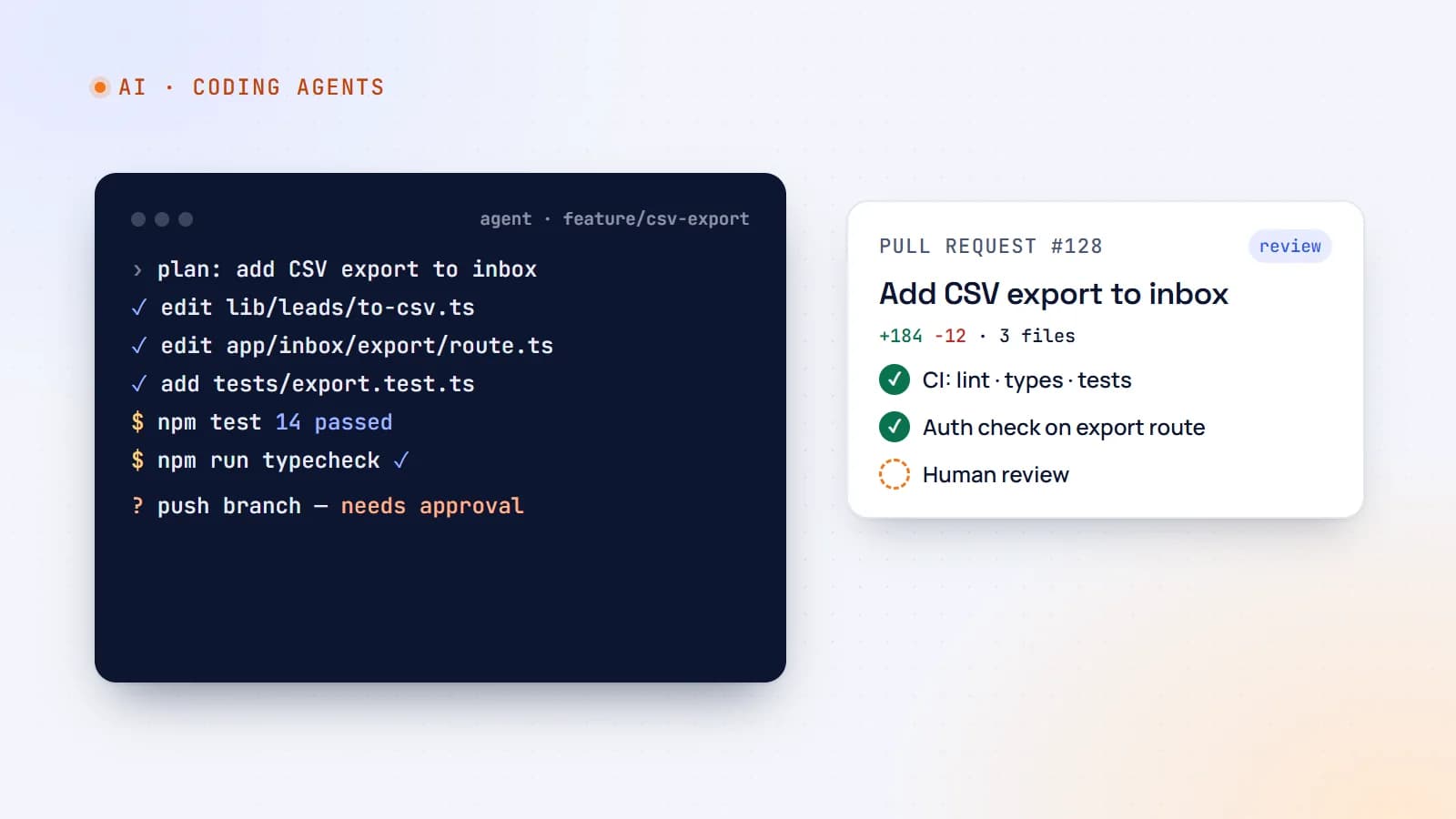
Tools like Claude Code, Cursor and GitHub Copilot can now plan, edit files, run tests and open pull requests. Here’s how to use AI coding agents on production code without losing quality, security or understanding — with concrete team guidelines.
- AI
- AI Agents
- Developer Workflow
- Code Quality
6 min read
Shipping LLM features to production: evals, guardrails, cost and monitoring
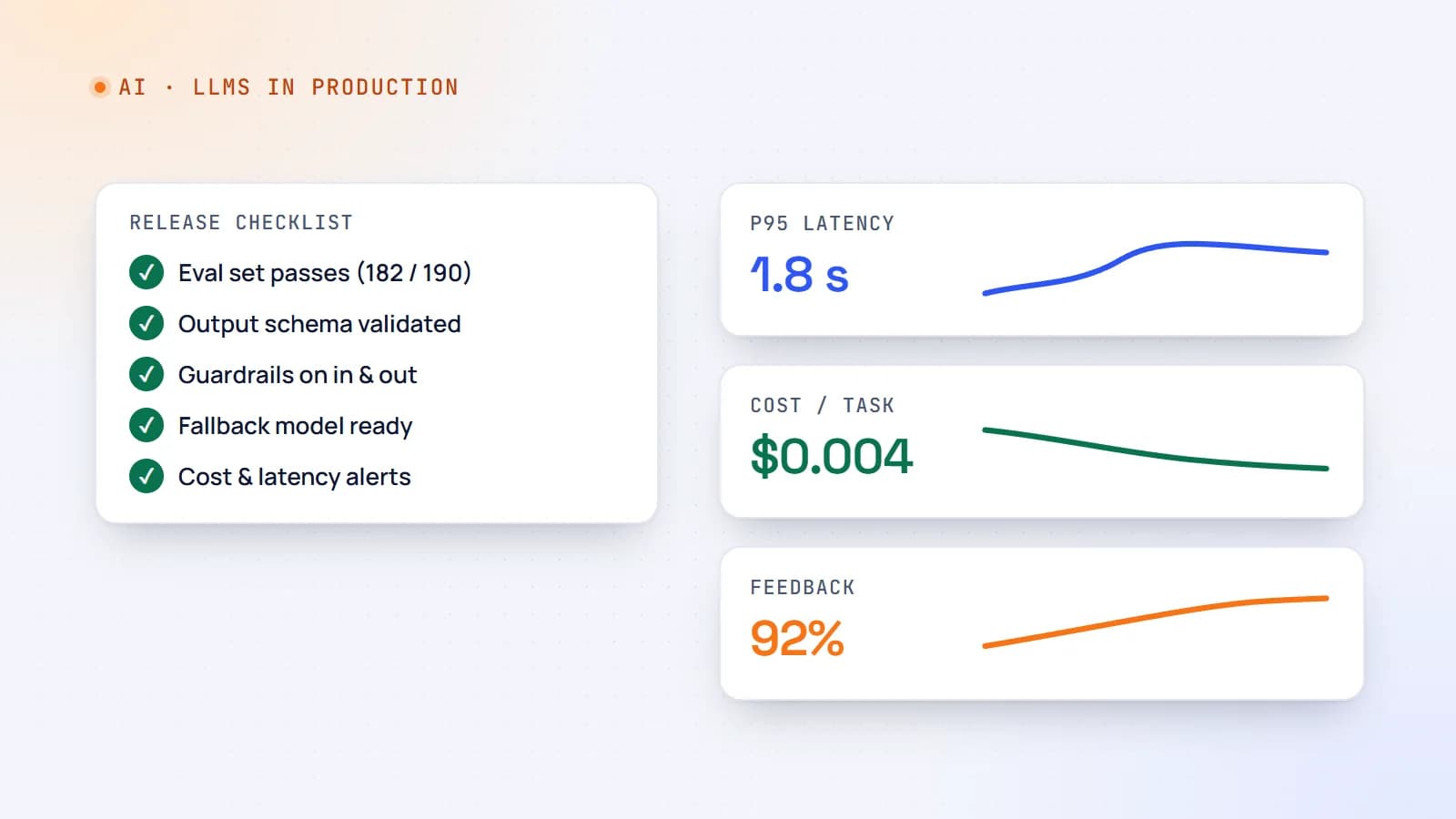
A demo that works on ten examples is not a product. Here’s a practical production checklist for AI features — evaluation sets, guardrails, fallbacks, cost and latency control, monitoring and rollout — so your LLM feature stays reliable after launch.
- AI
- LLMs
- DevOps
- Production
Building something? Let’s talk.
If you’re planning a web app, a website or a new feature, a free call is a good place to start — you’ll get honest options, a fixed price and a timeline.