Prompt engineering that actually works: a practical guide
Forget magic phrases. Good prompts are clear briefs — context, a precise task, examples, structure and a way to check the result. Here are the techniques that consistently make AI output better.
 Nasir Mollah
7 min read
On this page14 sections
“Prompt engineering” sounds like a dark art: secret phrases, special incantations, threats and bribes typed into a chat box. In reality, the techniques that work are much less mysterious. A good prompt is a good brief — the kind you would give a smart new colleague who knows a lot about the world but nothing about your project.
This guide covers the techniques that make a real, repeatable difference, whether you are chatting with an assistant or writing prompts that run inside your own software.
Why prompts matter so much
A language model produces the most plausible continuation of the text it is given (here’s how that works). Your prompt is that text. Everything the model knows about your situation, your goal, your audience and your standards has to be in there.
Vague prompts get generic answers because generic answers are the most plausible continuation of a vague request. Specific prompts narrow the space of plausible answers down to the ones you actually want.
1. Start with context, not just a command
Compare these two prompts:
Write a product description for our booking app.
I run a small software studio. We're launching a booking app for independent
therapy practices (1–10 clinicians) in the US. Their biggest pains are phone
tag with new clients and no-shows. The app handles online consultation
requests, reminders by SMS and email, and a simple calendar.

Write a product description for the homepage. Audience: practice owners who
are not technical. Tone: calm, warm, plain English, no hype. Length: about
120 words.
The second prompt doesn’t use any special tricks. It simply supplies what a human copywriter would ask for: who it’s for, what it does, why it matters, the tone and the length.
A useful checklist for context:
- Who is the audience?
- What is the goal of the output — what will happen with it?
- What background does the model need (product, constraints, prior decisions)?
- What does “good” look like?
2. Be explicit about the task and the format
Models follow instructions well — but only the instructions you actually give. If you want a table, a JSON object, three options, or no preamble, say so.
Return exactly three headline options as a numbered list.
Each headline: under 60 characters, no exclamation marks.
Don't add any explanation before or after the list.
Tell the model what to do rather than only what not to do. “Write in short paragraphs of two or three sentences” works better than “don’t write long paragraphs”, because it describes the target instead of the thing to avoid.
3. Show examples (few-shot prompting)
Examples are the most powerful way to communicate a style or format that is hard to describe. This is called few-shot prompting.
Rewrite technical release notes as friendly, one-sentence updates for customers.

Example
Technical: "Fixed race condition in booking slot allocation under concurrent requests."
Friendly: "Two people can no longer accidentally book the same appointment slot."

Example
Technical: "Reduced LCP on mobile from 3.8s to 1.9s by preloading hero image."
Friendly: "Pages now load about twice as fast on phones."

Now rewrite:
Technical: "Added idempotency keys to payment webhook handler."
A few tips for examples:
- Vary them. If every example has the same length or structure, the model will copy that too closely.
- Make them realistic. Examples teach the model what real input looks like.
- Label them clearly so the model can tell examples apart from the real task.
4. Structure long prompts with clear sections
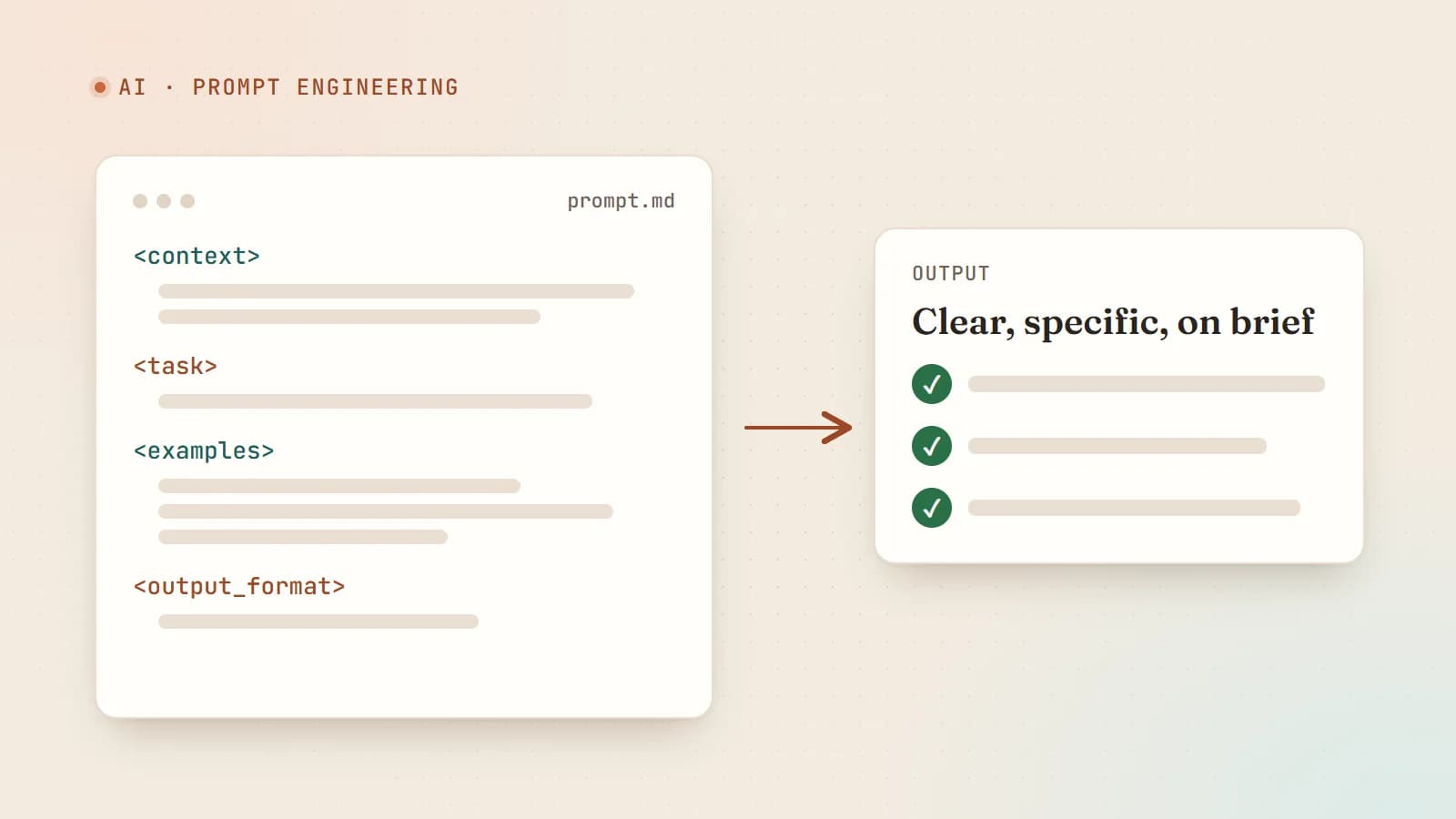
When a prompt includes instructions, documents, examples and data, mark each part clearly. Headings or XML-style tags work very well:
<instructions>
Summarize the customer emails below for the support lead.
Group them by issue, count how many emails mention each issue,
and quote one representative sentence per issue.
</instructions>

<emails>
...
</emails>

<output_format>
A markdown list. One item per issue, sorted by count (highest first).
</output_format>
Clear boundaries prevent the model from confusing your instructions with the content you want it to work on — which also makes it harder for text inside a document to hijack your instructions.
For very long documents, put the documents first and your question or instructions after them. Models tend to handle long inputs better when the task comes at the end.
5. Give it room to think
For multi-step problems — analysis, math, debugging, planning — asking the model to work through the problem before giving a final answer often improves accuracy. This is sometimes called chain-of-thought prompting.
Before answering, work through the problem step by step:
1. List the facts from the bug report that matter.
2. List the possible causes.
3. Rule causes in or out based on the logs.
Then give your conclusion in a section titled "Most likely cause".
Many current models have built-in “reasoning” or “extended thinking” modes that do this automatically. Even then, telling the model what to consider is valuable. And if you need a clean answer for software to parse, ask for the reasoning and the answer in separate, clearly labeled sections.
6. Break big tasks into a chain
One huge prompt that researches, outlines, writes, edits and formats tends to do every step a little worse. Splitting the work into a chain of smaller prompts — each with a focused job — usually gives better and more debuggable results:
- Extract the key facts from the source documents.
- Draft an outline from those facts.
- Write each section from the outline.
- Review the draft against a checklist and fix problems.
Each step’s output becomes the next step’s input. When something goes wrong, you can see exactly which step failed.
7. Use roles — sparingly and specifically
A role in the system prompt can set useful defaults for tone and expertise:
You are a senior accessibility specialist reviewing a pull request for a
public-sector website. You care about WCAG 2.2 AA compliance and practical,
prioritized fixes.
The value comes from the specifics — what the role cares about and how it should behave — not from the title alone. “You are a world-class genius” adds nothing; “you prioritize fixes by user impact and explain them to junior developers” adds a lot.
8. Ask for honesty and uncertainty
Models are trained to be helpful, which can push them to answer even when they shouldn’t. You can explicitly allow and encourage uncertainty:
Answer only from the documents provided. If the documents don't contain
the answer, say "I can't find that in the documents" instead of guessing.
For each claim, quote the sentence that supports it.
Asking for quotes or citations from provided material is one of the most effective ways to reduce made-up details, because it ties every claim to visible evidence you can check.
9. Control the output for software
When a prompt runs inside an application, the output must be predictable enough for code to handle.
- Request a strict format (JSON with named fields) and describe every field.
- Use the API’s structured-output or tool-calling features when available — they constrain the model to a schema.
- Validate the result in code (for example with a schema library such as Zod) and retry or fall back when it fails.
- Use a low temperature for extraction and classification tasks.
const Result = z.object({
  sentiment: z.enum(["positive", "neutral", "negative"]),
  topics: z.array(z.string()).max(5),
  needsReply: z.boolean(),
});

const parsed = Result.safeParse(JSON.parse(modelOutput));
if (!parsed.success) {
  // retry once with the validation errors, or route to a human
}
10. Treat prompts like code: test them
The biggest difference between hobby prompting and professional prompt engineering is evaluation. A prompt that worked once on one input proves very little.
- Collect a set of test inputs — typical cases, edge cases and past failures.
- Define what a good output looks like for each, as concretely as you can.
- Run every prompt change against the whole set and compare results before shipping.
- Version your prompts alongside your code, with notes on why they changed.
For subjective qualities (tone, helpfulness), you can use a second model call as a grader with a clear rubric — but spot-check its judgments yourself.
A note on security: prompt injection
If your prompt includes text you don’t control — web pages, emails, uploaded documents, user messages — that text can contain instructions of its own: “Ignore previous instructions and…”. This is prompt injection, and no prompt wording fully prevents it.
Design defensively:
- Clearly separate untrusted content from your instructions (the tags above help).
- Give the model only the permissions it needs. A summarizer shouldn’t be able to send emails.
- Require human confirmation for consequential actions.
- Validate outputs before acting on them.
Common mistakes to avoid
- Being vague and hoping the model guesses what you want.
- Overloading one prompt with several unrelated tasks.
- Relying on capital letters and threats (“YOU MUST NEVER…”) instead of explaining why a rule matters. A short reason usually works better than shouting.
- Never looking at failures. Read bad outputs carefully; they tell you exactly what your prompt failed to say.
- Copying “magic prompts” from the internet without understanding or testing them.
A reusable template
## Context
Who I am, what the project is, who the output is for.

## Task
Exactly what to produce, in one or two sentences.

## Requirements
- Tone, length, format
- Must include / must avoid (with reasons)

## Examples
One to three examples of good output.

## Input
<the document, data or question>

## Output format
Precisely how the answer should be structured.
Prompt engineering isn’t about tricks. It’s about communicating clearly, giving the model what it needs, and checking the results. Those habits will stay useful no matter how much the models improve.
- AI
- Prompt Engineering
- LLMs
- Productivity
Keep reading
6 min read
Shipping LLM features to production: evals, guardrails, cost and monitoring
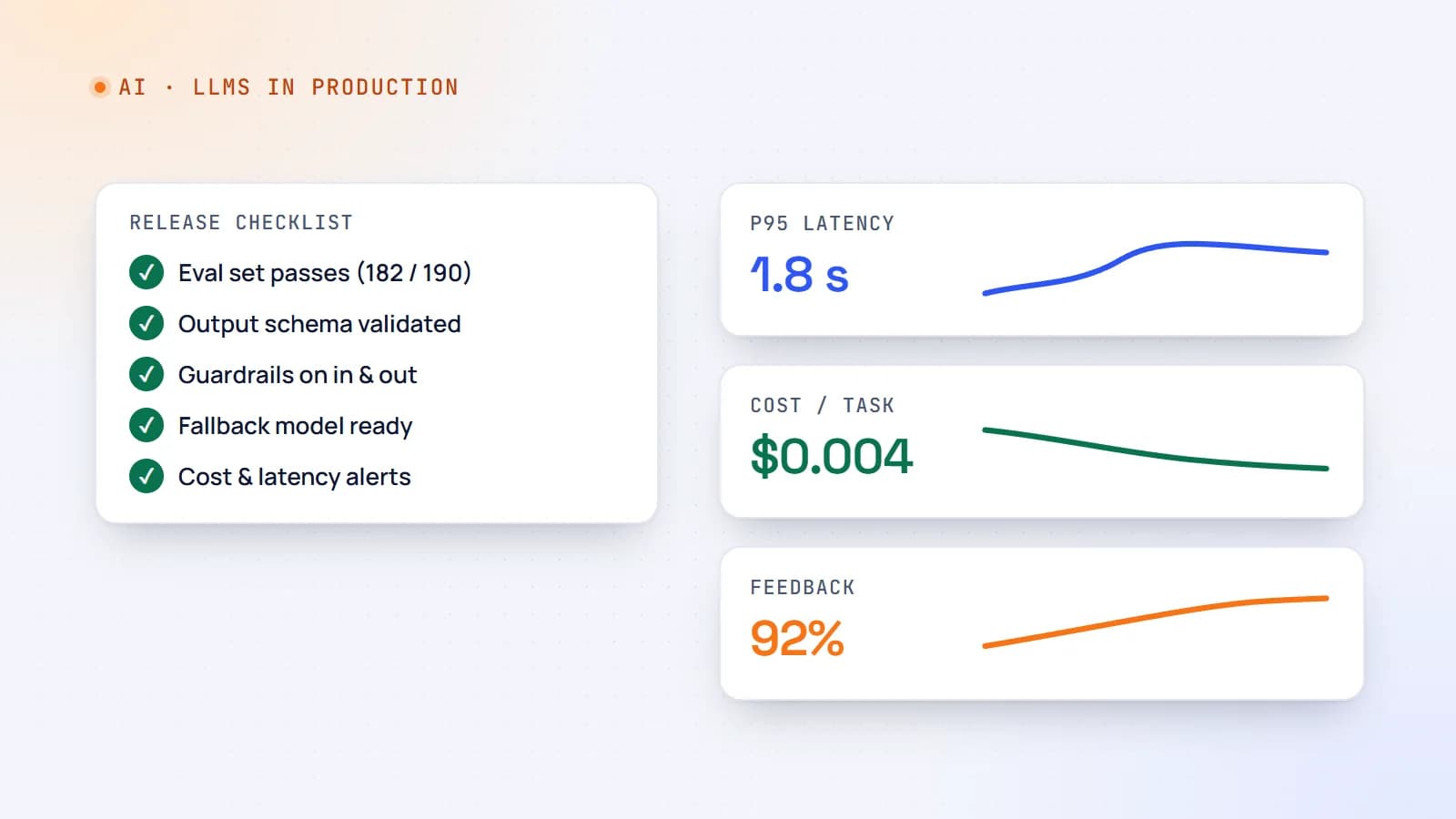
A demo that works on ten examples is not a product. Here’s a practical production checklist for AI features — evaluation sets, guardrails, fallbacks, cost and latency control, monitoring and rollout — so your LLM feature stays reliable after launch.
- AI
- LLMs
- DevOps
- Production
6 min read
Context engineering: the skill that’s replacing prompt engineering
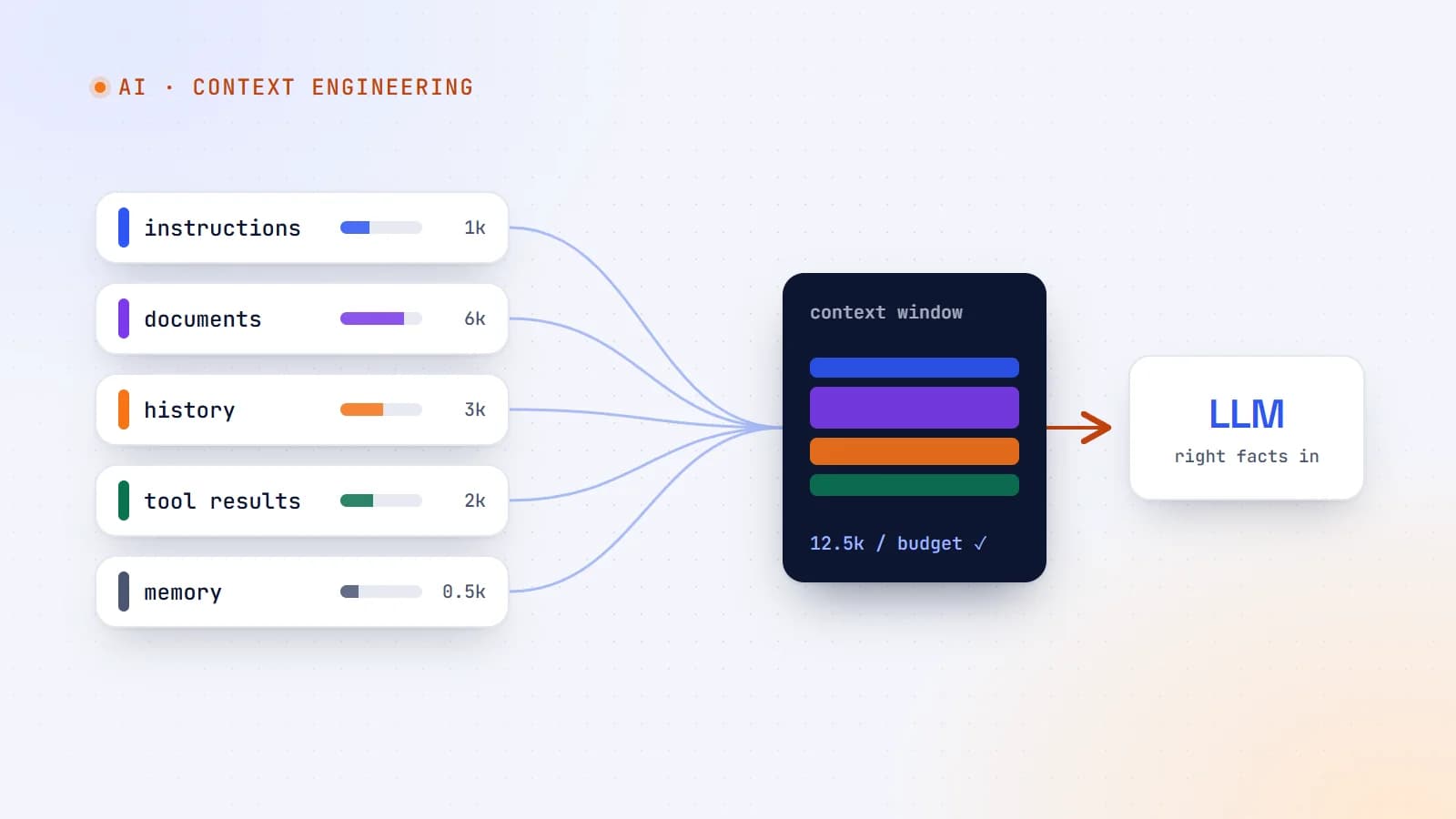
The best AI features aren’t built on clever prompts — they’re built on giving the model exactly the right information at the right moment. Here’s what context engineering is, why it matters more as models get smarter, and production guidelines for doing it well.
- AI
- Context Engineering
- LLMs
- AI Agents
9 min read
How large language models actually work — a plain-English guide for developers
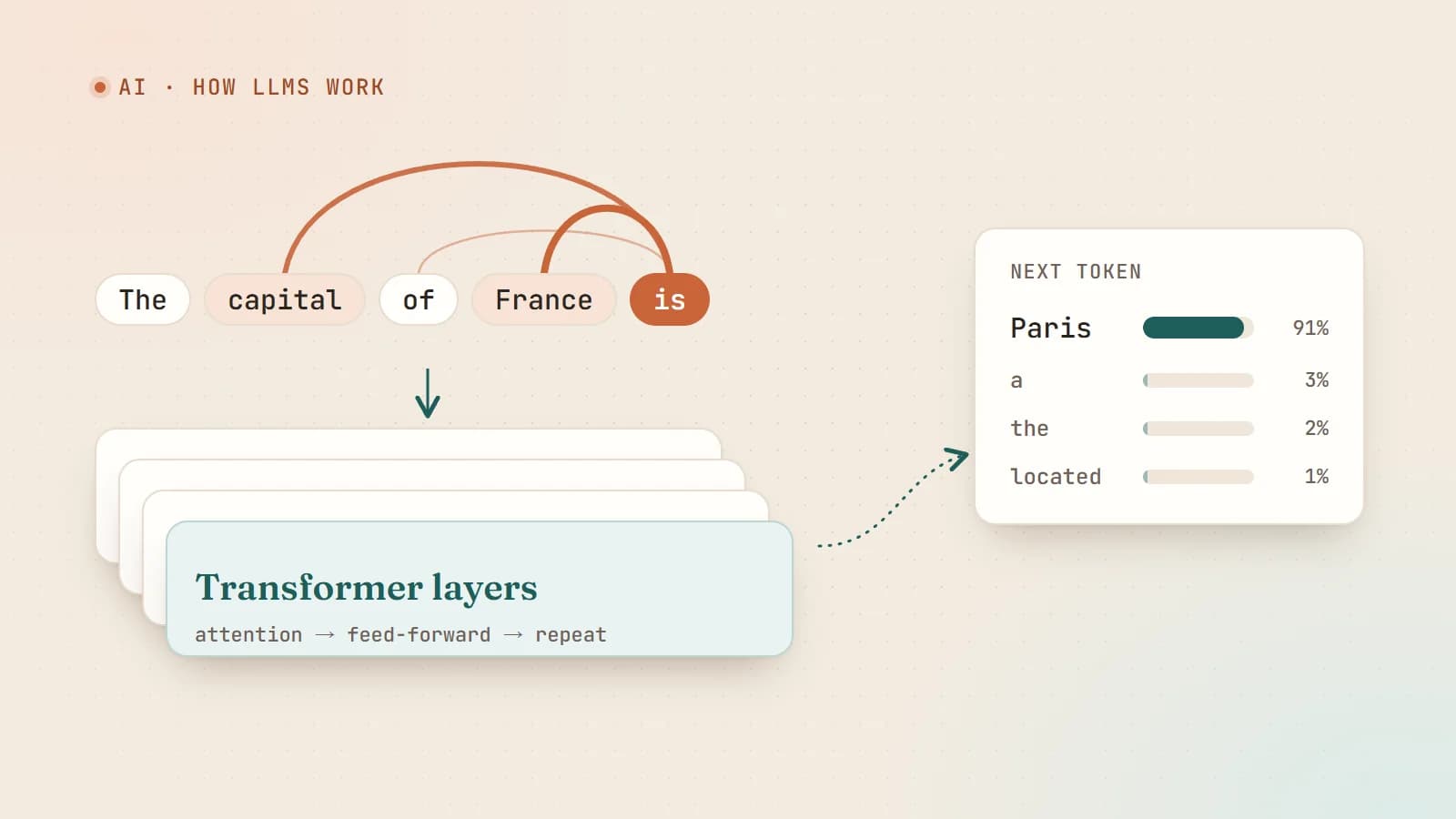
Tokens, embeddings, attention, training and sampling — what really happens between your prompt and the model’s answer, explained without the hype and without a math degree.
- AI
- LLMs
- Machine Learning
- Fundamentals
Building something? Let’s talk.
If you’re planning a web app, a website or a new feature, a free call is a good place to start — you’ll get honest options, a fixed price and a timeline.