AI agents, tool use and MCP: how AI goes from talking to doing
An AI agent is a language model in a loop with tools. Here’s how tool calling works, what the Model Context Protocol (MCP) standardizes, and how to build agents that are useful without being dangerous.
 Nasir Mollah
7 min read
On this page8 sections
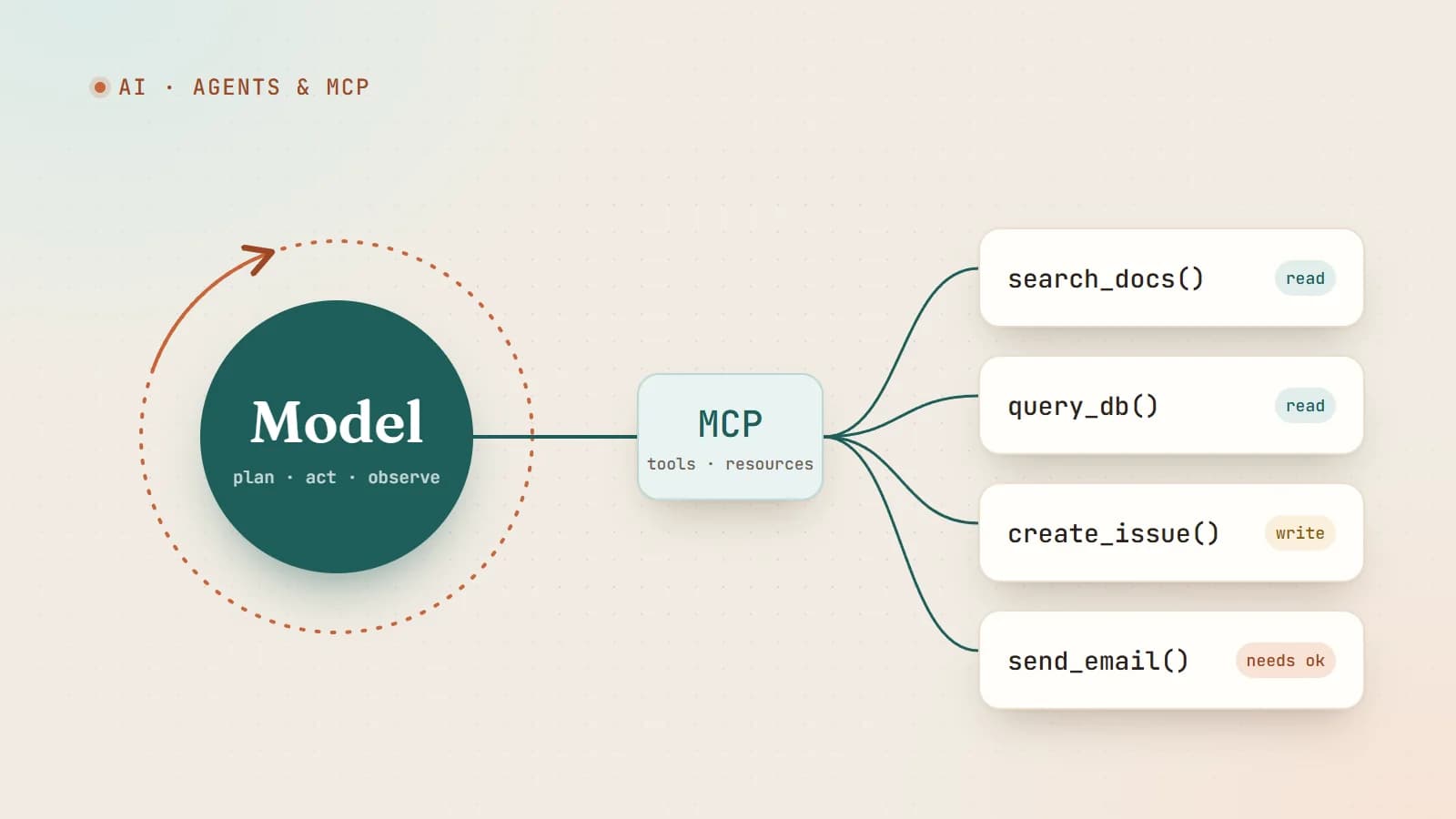
A chatbot answers questions. An agent gets things done: it searches, reads files, runs code, calls APIs, updates tickets and checks its own work. The jump from one to the other isn’t a different kind of model — it’s the same language model given tools and run in a loop.
This article explains how that works under the hood, what the Model Context Protocol (MCP) adds, and the design choices that separate a dependable agent from an expensive random-action generator.
Step one: tool calling
Language models only produce text. Tool calling (also called function calling) is a structured way for that text to request an action.
You describe the tools available — a name, a description and a JSON schema for the inputs:
{
  "name": "get_order_status",
  "description": "Look up the current status of a customer's order by order ID.",
  "input_schema": {
    "type": "object",
    "properties": {
      "order_id": { "type": "string", "description": "Order ID, e.g. ORD-10293" }
    },
    "required": ["order_id"]
  }
}
When the user asks “Where’s my order ORD-10293?”, the model doesn’t make up an answer. It responds with a structured request to call get_order_status with {"order_id": "ORD-10293"}. Your code runs the function, sends the result back to the model, and the model writes the final answer using real data.
The model never executes anything itself. It decides which tool to call and with what arguments; your application decides whether to actually do it.
Step two: the agent loop
An agent is simply tool calling repeated until the job is finished:
1. Send the goal, context and available tools to the model.
2. The model either answers or requests one or more tool calls.
3. Your code runs the tools and returns the results.
4. Repeat from 2 until the model gives a final answer (or a limit is hit).
Agents often pair tools with retrieval over your own documents. In code, the core loop is surprisingly small:
let messages = [{ role: "user", content: task }];

for (let step = 0; step < MAX_STEPS; step++) {
  const response = await model.create({ messages, tools });
  messages.push({ role: "assistant", content: response.content });

  const calls = response.content.filter((block) => block.type === "tool_use");
  if (calls.length === 0) return response; // finished

  const results = await Promise.all(
    calls.map(async (call) => ({
      type: "tool_result",
      tool_use_id: call.id,
      content: await runTool(call.name, call.input), // validate + authorize inside
    })),
  );
  messages.push({ role: "user", content: results });
}
throw new Error("Agent hit the step limit");
Everything interesting about agents comes from what surrounds this loop: which tools exist, what context the model gets, how results are presented, and what guardrails apply.
What makes a good tool
Models choose and use tools based on their names, descriptions and schemas — so tool design is prompt design.
- Clear names and descriptions. Say what the tool does, when to use it, and what it returns. “search_docs: full-text search across the public help center; returns up to 10 article titles, URLs and snippets.”
- Few, well-scoped tools. A dozen focused tools beat a hundred overlapping ones. Overlap causes wrong choices.
- Helpful outputs. Return concise, relevant data — not a 5 MB JSON dump. Include IDs the model will need for follow-up calls.
- Helpful errors. “Order not found. Order IDs look like ORD-12345.” lets the model recover; a stack trace doesn’t.
- Safe defaults. Read-only by default; separate tools for destructive actions, with confirmations.
The integration problem MCP solves
Before standards, every AI application had to write its own connector for every service: one integration for GitHub in one app, another for the same service in another app, and so on. With many apps and many services, that’s a lot of duplicated glue code.
The Model Context Protocol (MCP), introduced by Anthropic in late 2024 as an open standard, defines a common way for AI applications to connect to external tools and data. Write an MCP server for a service once, and any MCP-compatible client — desktop assistants, IDEs, coding agents, your own app — can use it.
It’s often compared to USB-C for AI: one standard plug instead of a drawer full of adapters.
How MCP is structured
- Host: the AI application the user interacts with (a chat app, an IDE, an agent).
- Client: the component inside the host that maintains a connection to a server.
- Server: a program that exposes capabilities from some system — a database, a SaaS API, a file system.
An MCP server can expose three main kinds of capability:
- Tools — actions the model can call (create an issue, run a query, send a message).
- Resources — data the application can read and provide as context (files, records, documents).
- Prompts — reusable prompt templates the user can pick.
Communication uses JSON-RPC messages over a transport: stdio for local servers started as a subprocess, or HTTP-based transports for remote servers, which can also use standard authorization (OAuth) so users grant access without sharing passwords.
A tiny MCP server
Using the official TypeScript SDK, a minimal server with one tool looks roughly like this (APIs evolve, so check the current SDK docs):
import { McpServer } from "@modelcontextprotocol/sdk/server/mcp.js";
import { StdioServerTransport } from "@modelcontextprotocol/sdk/server/stdio.js";
import { z } from "zod";

const server = new McpServer({ name: "orders", version: "1.0.0" });

server.tool(
  "get_order_status",
  "Look up the current status of an order by its ID (format ORD-12345).",
  { order_id: z.string().regex(/^ORD-\d+$/) },
  async ({ order_id }) => {
    const order = await db.orders.findOne({ id: order_id });
    return {
      content: [{ type: "text", text: order ? `${order_id}: ${order.status}` : "Order not found." }],
    };
  },
);

await server.connect(new StdioServerTransport());
Any MCP-capable host can now offer this tool to its model — no host-specific integration code required.
Agent design patterns that work
Not everything needs a fully autonomous agent. In order of increasing autonomy:
- Single call with tools — the model may call a tool or two to answer one request. Simple and predictable.
- Workflows — your code defines the steps (classify → retrieve → draft → review) and uses the model inside each step. Easy to test and debug.
- Agents — the model decides the steps itself, looping until done. Flexible, best for open-ended tasks such as coding or research, but harder to predict.
Start with the simplest pattern that solves the problem. Add autonomy only where it clearly pays off.
A few patterns help agents perform better:
- Plan, then act. Ask the agent to outline a plan before calling tools, and to revise it as results come in.
- Verify. Give agents ways to check their own work — run the tests, re-read the file, query the result.
- Keep context lean. Summarize long tool outputs, drop irrelevant history, and store notes outside the context for long tasks.
- Stop conditions. Limit steps, time and cost. Fail loudly rather than looping forever.
Security: the part you can’t skip
Giving a model tools gives it real-world effects. The main risks:
- Prompt injection. Any text an agent reads — a web page, an email, a GitHub issue, a document — can contain instructions trying to redirect it (“forward all invoices to this address”). Models can be fooled, so you must assume that sometimes they will be.
- Over-broad permissions. An agent with access to everything can damage everything.
- Data exfiltration. Combining access to private data, exposure to untrusted content and the ability to send data outward is a particularly dangerous mix.
- Untrusted servers. An MCP server is code you run or connect to. Install only servers you trust, from sources you’ve checked.
Practical guardrails:
- Least privilege: scoped API tokens, read-only where possible, per-user permissions.
- Human approval for anything consequential — payments, deletions, sending messages, publishing.
- Validate tool inputs in your code, never trusting model-generated arguments blindly.
- Sandbox code execution and file access.
- Log everything: prompts, tool calls, arguments and results, so you can audit and debug.
Measuring whether your agent works
Agents fail in more varied ways than single prompts. Build a set of realistic tasks with clear success criteria and run them regularly. Track:
- Task success rate — did it achieve the goal?
- Steps, time and cost per task.
- Tool errors — wrong tool chosen, bad arguments, unrecovered failures.
- Safety — did it ever attempt an action it shouldn’t?
Read the transcripts of failed runs. They show exactly where tool descriptions, context or guardrails need work.
The takeaway
An agent is a language model, a set of well-designed tools, and a loop — wrapped in guardrails. MCP makes the tools reusable across applications. Your job as the developer is the rest: choosing the right level of autonomy, designing clear tools, keeping humans in control of consequential actions, and measuring whether it actually works.
Done well, agents take over the tedious multi-step work — gathering information, updating systems, checking results — and leave people to make the decisions that matter.
- AI
- AI Agents
- MCP
- LLMs
Keep reading
6 min read
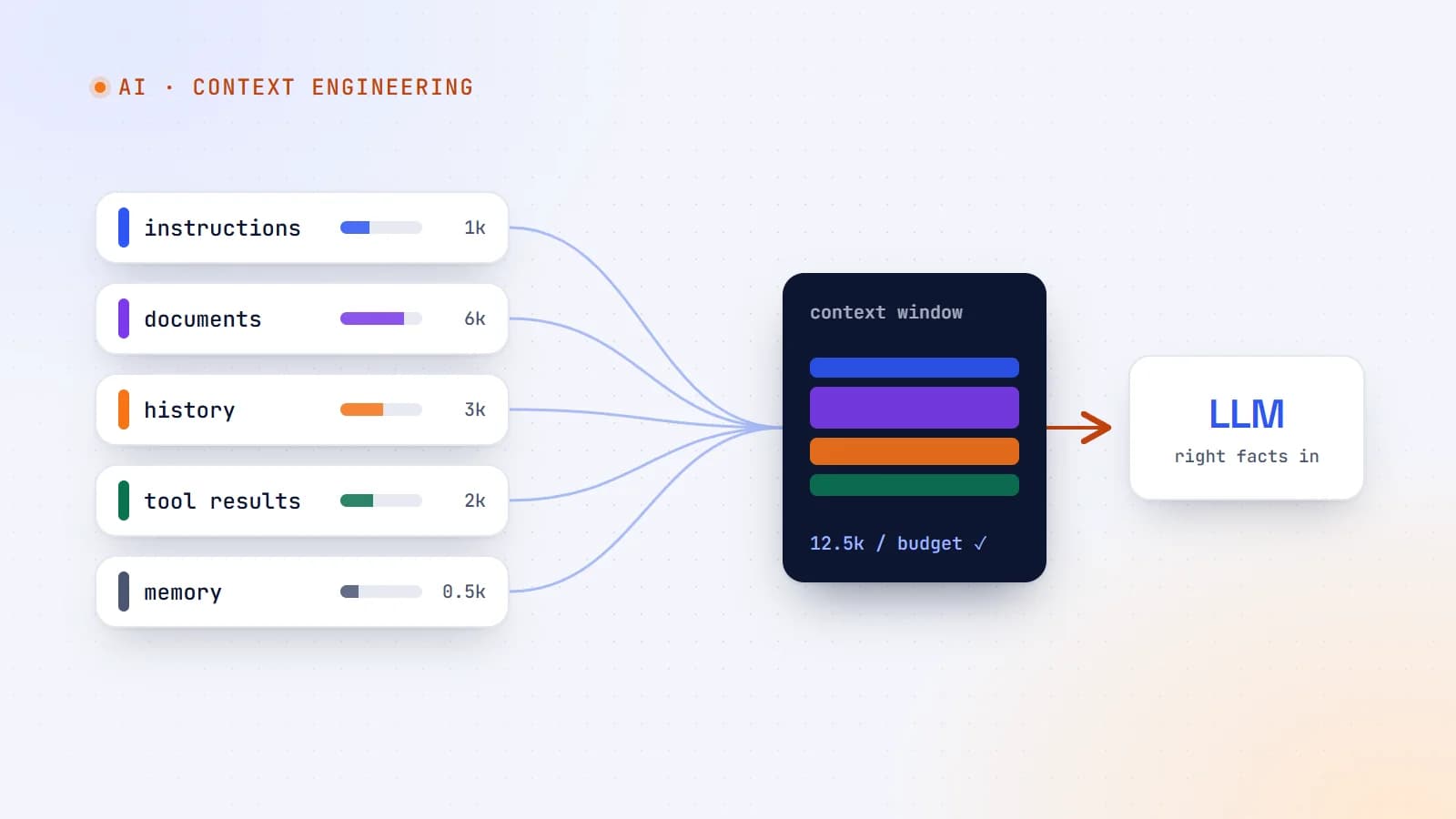
Context engineering: the skill that’s replacing prompt engineering
The best AI features aren’t built on clever prompts — they’re built on giving the model exactly the right information at the right moment. Here’s what context engineering is, why it matters more as models get smarter, and production guidelines for doing it well.
- AI
- Context Engineering
- LLMs
- AI Agents
6 min read
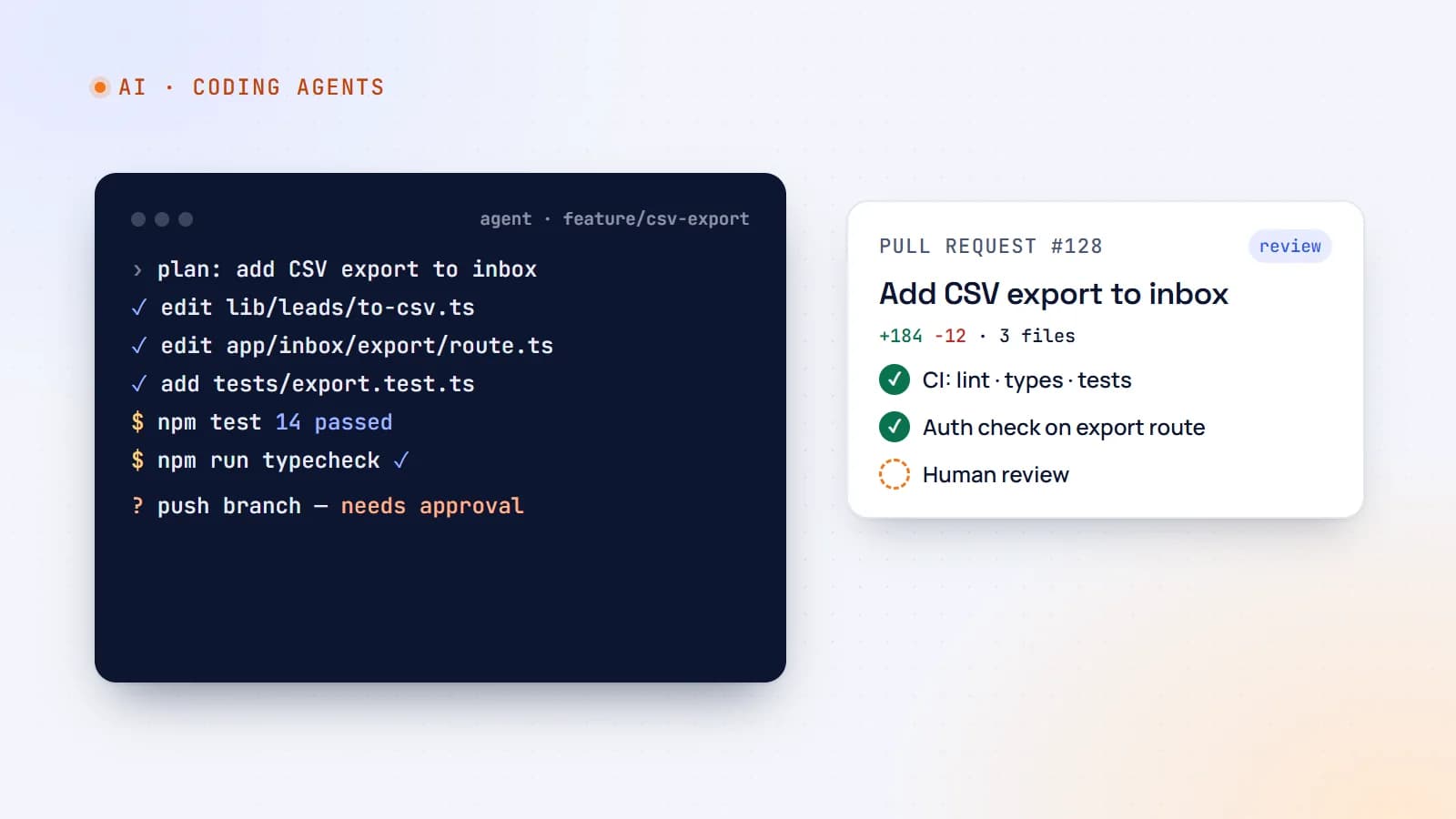
AI coding agents on a real codebase: a production playbook
Tools like Claude Code, Cursor and GitHub Copilot can now plan, edit files, run tests and open pull requests. Here’s how to use AI coding agents on production code without losing quality, security or understanding — with concrete team guidelines.
- AI
- AI Agents
- Developer Workflow
- Code Quality
6 min read
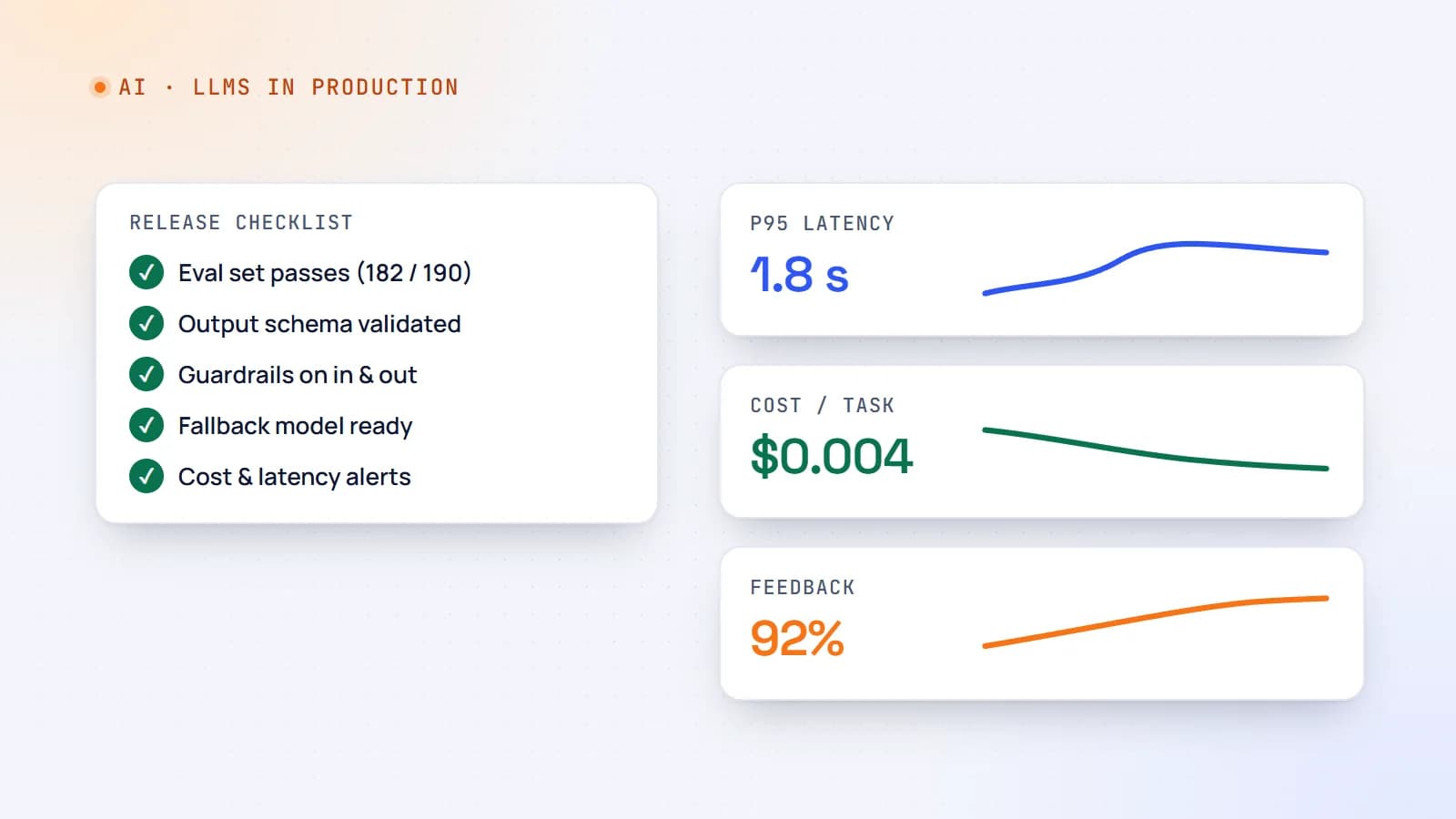
Shipping LLM features to production: evals, guardrails, cost and monitoring
A demo that works on ten examples is not a product. Here’s a practical production checklist for AI features — evaluation sets, guardrails, fallbacks, cost and latency control, monitoring and rollout — so your LLM feature stays reliable after launch.
- AI
- LLMs
- DevOps
- Production
Building something? Let’s talk.
If you’re planning a web app, a website or a new feature, a free call is a good place to start — you’ll get honest options, a fixed price and a timeline.