CI/CD with GitHub Actions: automate testing and deployment for your web app
Every manual deployment is a chance to forget a step. Here’s what CI/CD really means, how GitHub Actions works, and complete workflows that lint, test, build and deploy a web app automatically — safely.
 Nasir Mollah
6 min read
On this page10 sections
Picture a typical manual deployment: pull the latest code on the server, install dependencies, run the build, restart the app — and hope nobody forgot to run the tests first. It works until the day someone deploys a broken build on a Friday evening.
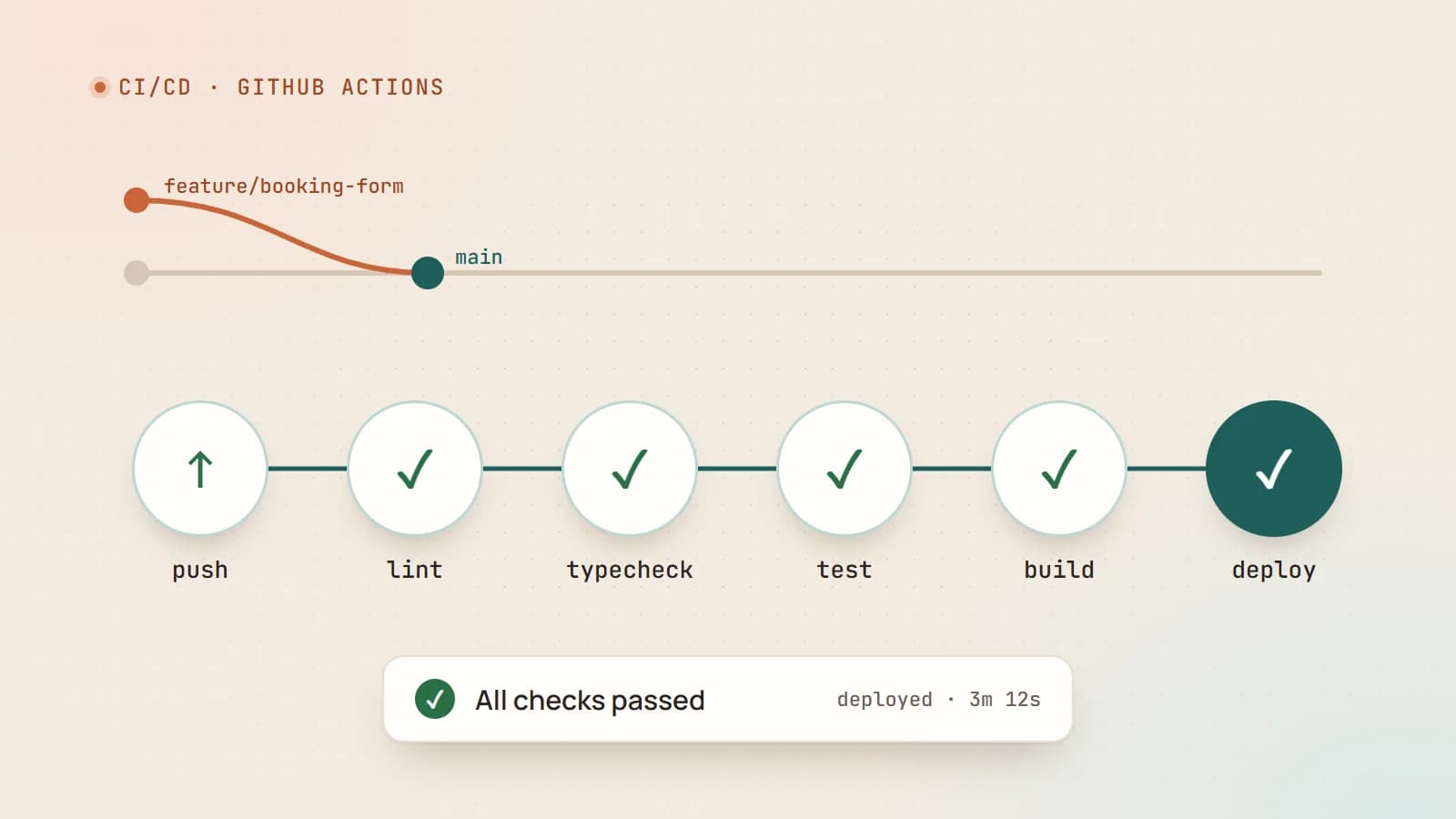
CI/CD replaces that ritual with an automated, repeatable pipeline. Every change is checked automatically, and deployment becomes a non-event. This guide explains the concepts and walks through real GitHub Actions workflows you can adapt.
What CI/CD actually means
- Continuous Integration (CI): every push and pull request is automatically built and tested. Problems are caught minutes after they’re introduced, while the change is still fresh in the author’s mind.
- Continuous Delivery (CD): every change that passes CI is automatically prepared for release, so deploying is a single click or approval.
- Continuous Deployment: every change that passes the pipeline goes to production automatically, with no manual step.
Most small teams benefit from CI on every pull request plus automated deployment from the main branch.
Why it’s worth the setup
- Fewer broken releases. Code that fails linting, type checks, tests or the build never reaches production.
- Faster reviews. Reviewers see green checks and focus on logic instead of style or obvious errors.
- Consistent deployments. The same steps run in the same order every time.
- Confidence. Smaller, frequent releases are easier to understand and easier to roll back.
GitHub Actions in five concepts
GitHub Actions runs automation defined in YAML files inside your repository, under .github/workflows/.
- Workflow: an automated process defined in one YAML file.
- Event (trigger): what starts it — a push, a pull request, a schedule, a manual button.
- Job: a set of steps that runs on one machine (a runner). Jobs run in parallel unless you declare dependencies.
- Step: a single shell command or a reusable action.
- Action: a packaged, reusable step, such as
actions/checkoutto fetch your code oractions/setup-nodeto install Node.js.
A complete CI workflow
Here’s a CI workflow for a Node.js or Next.js project. It runs on every pull request and every push to main:
# .github/workflows/ci.yml
name: CI

on:
  pull_request:
  push:
    branches: [main]

concurrency:
  group: ci-${{ github.ref }}
  cancel-in-progress: true

jobs:
  check:
    runs-on: ubuntu-latest
    timeout-minutes: 15
    steps:
      - uses: actions/checkout@v4

      - uses: actions/setup-node@v4
        with:
          node-version: 22
          cache: npm

      - run: npm ci
      - run: npm run lint
      - run: npm run typecheck
      - run: npm test --if-present
      - run: npm run build
        env:
          NEXT_TELEMETRY_DISABLED: 1
A few details that make a big difference:
npm ciinstalls exactly what’s in your lockfile — reproducible, and faster thannpm installin CI.cache: npmcaches downloaded packages between runs, which can cut minutes off each run.concurrencycancels an older run when you push again to the same branch, so you don’t waste time on outdated commits.timeout-minutesstops a stuck job from running for hours.
Make checks required
In your repository settings, add a branch protection rule (or ruleset) for main that requires the CI check to pass before merging. Now broken code physically can’t be merged without someone overriding the rule.
Adding automated deployment
Deployment depends on where your app runs. Two common patterns are deploying to a platform (many hosting platforms build directly from your repository) and deploying to your own server over SSH. Here’s the second, for a Node.js app managed by PM2 on a VPS:
# .github/workflows/deploy.yml
name: Deploy

on:
  push:
    branches: [main]
  workflow_dispatch:   # adds a manual "Run workflow" button

concurrency:
  group: deploy-production
  cancel-in-progress: false   # never interrupt a deployment halfway

jobs:
  deploy:
    runs-on: ubuntu-latest
    environment: production
    timeout-minutes: 20
    steps:
      - name: Deploy over SSH
        uses: appleboy/ssh-action@v1
        with:
          host: ${{ secrets.SSH_HOST }}
          username: ${{ secrets.SSH_USER }}
          key: ${{ secrets.SSH_PRIVATE_KEY }}
          script: |
            set -e
            cd /var/www/my-app
            git fetch --depth=1 origin main
            git reset --hard origin/main
            npm ci
            npm run build
            pm2 reload my-app --update-env
Notes:
set -estops the script at the first failing command, so a failed build never leads to a restart.pm2 reloadrestarts processes gracefully where possible, instead of stopping everything at once.environment: productionlinks the job to a GitHub environment, where you can store production-only secrets and optionally require a manual approval before the job runs.- Using
concurrencywithcancel-in-progress: falsequeues deployments instead of running two at the same time.
Only deploy what passed CI
You can make deployment depend on the checks by putting both in one workflow with needs:
jobs:
  check:
    # ...the CI steps from above
  deploy:
    needs: check
    if: github.ref == 'refs/heads/main' && github.event_name == 'push'
    # ...the deploy steps
The deploy job now runs only if check succeeded, and only for pushes to main — never for pull requests.
Secrets: handle them carefully
- Store credentials in repository or environment secrets (Settings → Secrets and variables → Actions), never in the YAML or the code.
- Secrets are masked in logs, but don’t print them deliberately or write them to files that get uploaded.
- Use a dedicated deploy SSH key with access to only what’s needed, not your personal key.
- Workflows triggered by pull requests from forks don’t receive your secrets by default. Be very careful with triggers such as
pull_request_targetthat change this. - Where your cloud provider supports it, prefer OpenID Connect (OIDC) — short-lived credentials issued per run — over long-lived access keys.
- Set minimal permissions for the workflow’s built-in token:
permissions:
  contents: read
Speeding up pipelines
- Cache dependencies (
setup-nodewithcache) and build caches where your framework supports it. - Run independent jobs in parallel — lint, unit tests and type checks don’t need to wait for each other.
- Use path filters so documentation-only changes don’t trigger a full build.
- Split slow test suites across multiple jobs with a matrix.
- Build once, deploy the artifact for larger apps: build in CI, upload the result (or a Docker image), and deploy that exact output instead of rebuilding on the server.
Making deployments safe
- Health checks: after deploying, call a health endpoint and fail the workflow if the app isn’t responding.
- Rollbacks: keep the previous release available. With release folders or Docker image tags, rolling back is switching a symlink or a tag.
- Database migrations: make them backwards-compatible (add before remove) so the old and new versions of the app can both run during the switch.
- Notifications: post the result to Slack, Discord or email so failures don’t go unnoticed.
- Staging first: for bigger projects, deploy automatically to a staging environment and promote to production after checks.
A healthy CI/CD checklist
- Lint, type-check, test and build on every pull request.
- Required checks before merging to
main. - Automatic deployment from
main, with a manual trigger as backup. - Secrets in GitHub secrets or environments, with least-privilege credentials.
- One deployment at a time; failures stop the script.
- Health check and an easy rollback path.
- Pipeline fast enough that people don’t try to bypass it — aim for a few minutes.
The takeaway
CI/CD isn’t just for large companies. A single workflow file that lints, type-checks, tests and builds every change — plus a second that deploys main — removes a whole category of human error. Start small, make the checks required, and improve the pipeline as the project grows. The best deployment is the one nobody has to think about.
- CI/CD
- GitHub Actions
- DevOps
- Deployment
Keep reading
6 min read
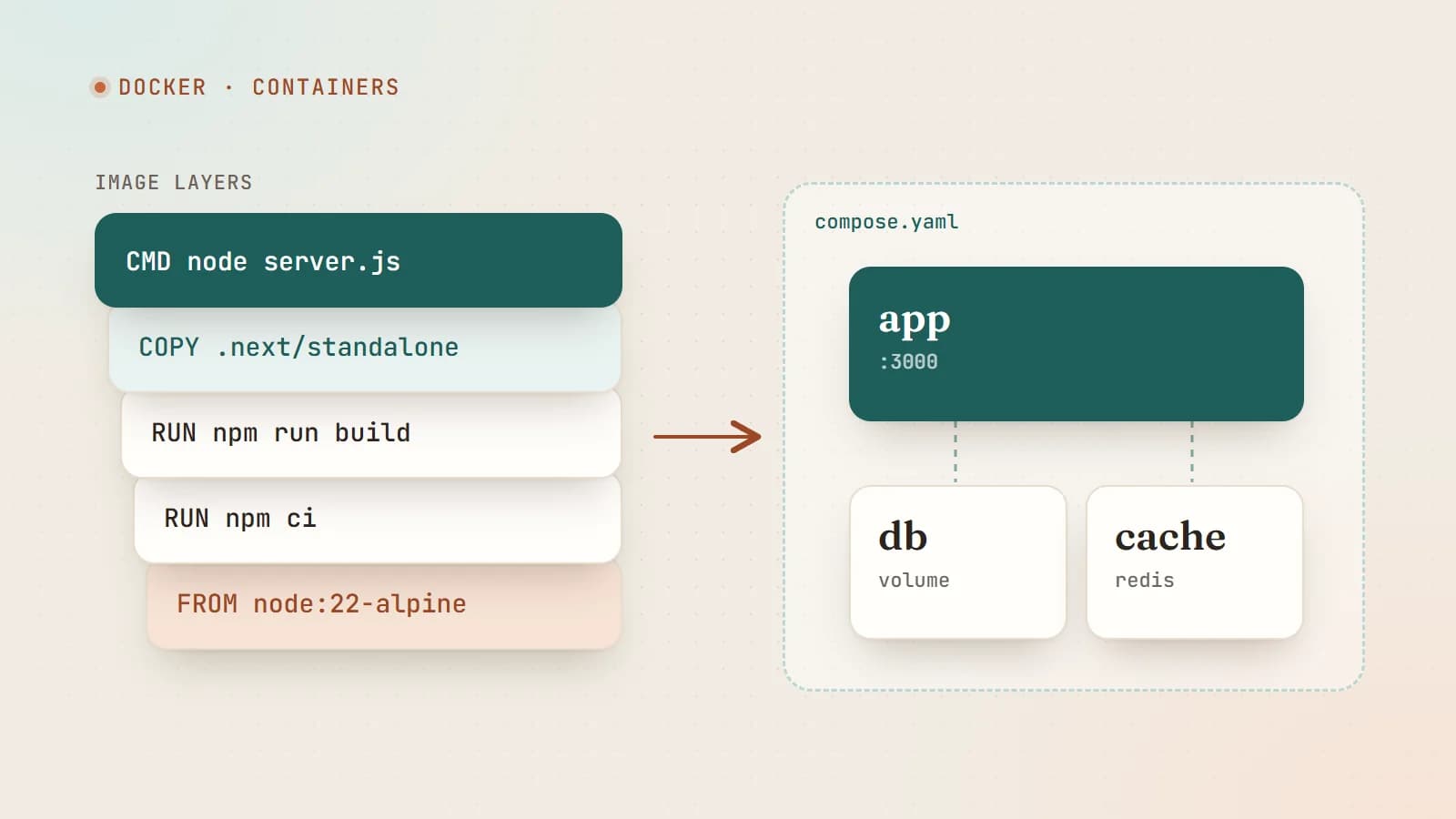
Docker for web developers: from “works on my machine” to production
Docker packages your app with everything it needs to run, so it behaves the same on your laptop, your teammate’s laptop and your server. Here’s how images, containers and Compose work — with a production-ready Dockerfile for a Node.js app.
- Docker
- DevOps
- Node.js
- Deployment
5 min read
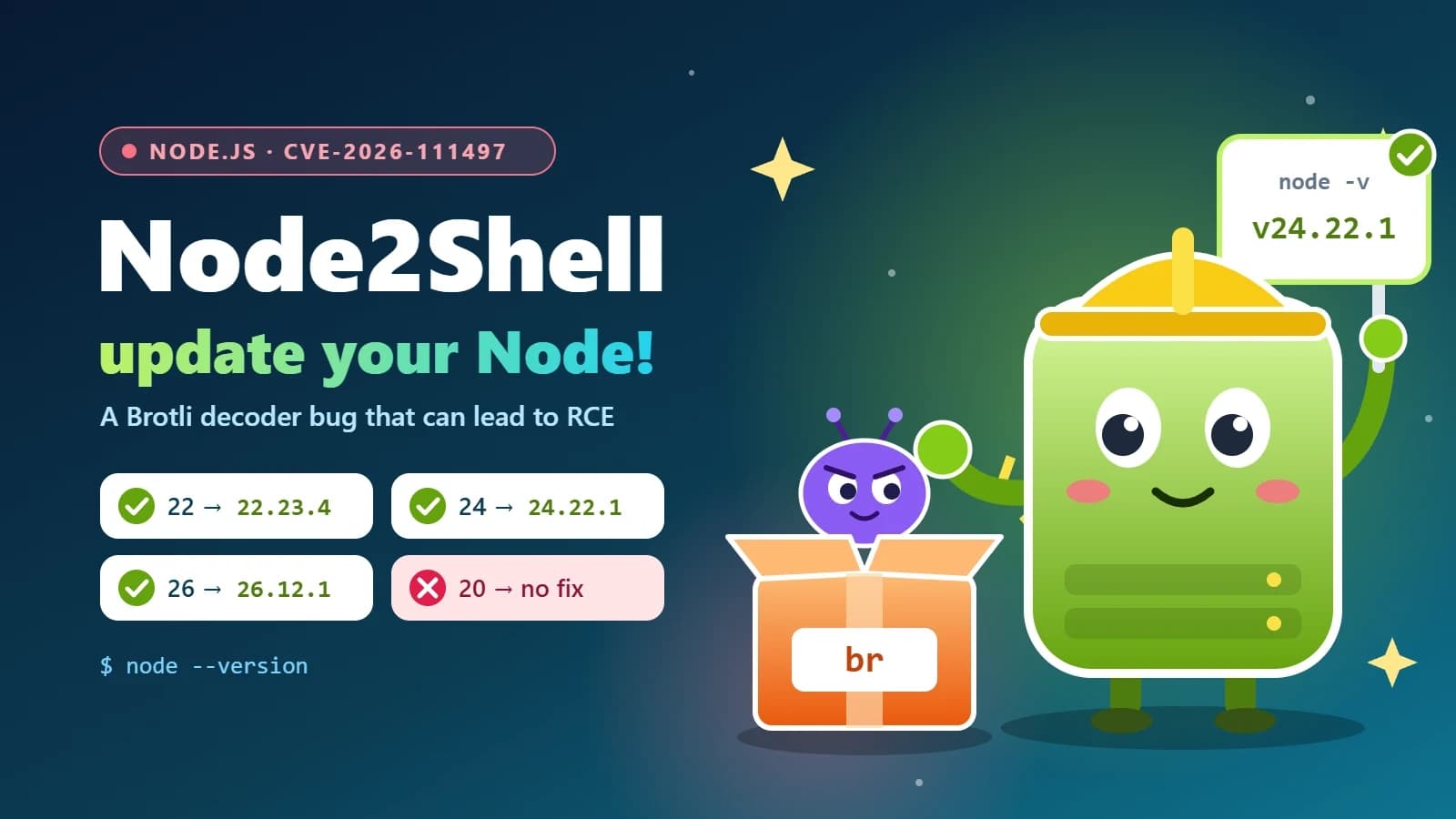
Node2Shell (CVE-2026-111497) explained: is your Node.js app exposed, and how to patch it
Node2Shell is a high-severity bug in the Brotli decoder bundled with Node.js that can lead to remote code execution. Here’s who is exposed, how to check your servers, Docker images and CI, and which versions fix it.
- Node.js
- Security
- DevOps
- Docker
6 min read
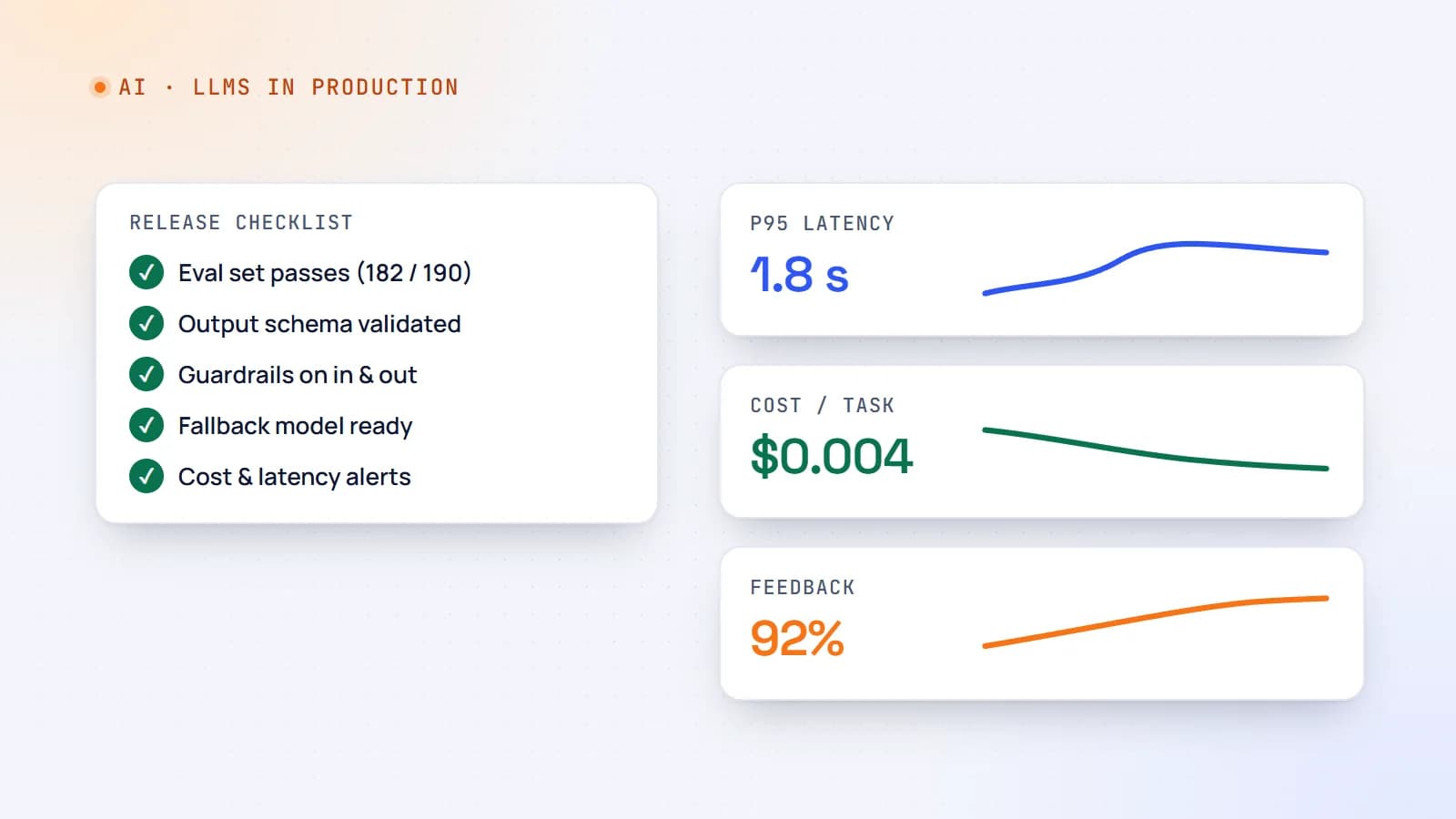
Shipping LLM features to production: evals, guardrails, cost and monitoring
A demo that works on ten examples is not a product. Here’s a practical production checklist for AI features — evaluation sets, guardrails, fallbacks, cost and latency control, monitoring and rollout — so your LLM feature stays reliable after launch.
- AI
- LLMs
- DevOps
- Production
Building something? Let’s talk.
If you’re planning a web app, a website or a new feature, a free call is a good place to start — you’ll get honest options, a fixed price and a timeline.