TypeScript for JavaScript developers: the parts that matter most
TypeScript catches whole categories of bugs before your code runs and makes large codebases far easier to change. Here’s a practical tour of the features you’ll use every day — and how to adopt it without slowing your team down.
 Nasir Mollah
6 min read
On this page12 sections
JavaScript lets you move fast. It also lets you call a function with the wrong arguments, misspell a property, forget that a value might be undefined, and only find out when a user hits the bug in production.
TypeScript is JavaScript with a type system layered on top. You write almost the same code, add type information where it helps, and a compiler checks your whole project for mistakes before it runs. It has become the default for most serious frontend and Node.js projects — and for good reason.
What TypeScript is (and isn’t)
- TypeScript is a superset of JavaScript: every valid JavaScript program is (almost always) valid TypeScript.
- Types exist only at compile time. They’re removed when TypeScript is compiled to JavaScript. Browsers and Node.js run plain JavaScript.
- Because types disappear at runtime, TypeScript can’t validate data coming from outside your program — API responses, form submissions, environment variables. You still need runtime validation for those (more on that below).
Why it’s worth it
- Bugs caught early. Typos, wrong argument types, missing null checks and impossible states are flagged in your editor as you type.
- Better editor support. Autocomplete, inline documentation, go-to-definition and safe automated renames work far better with types.
- Confident refactoring. Rename a field or change a function signature and the compiler lists every place that needs updating.
- Self-documenting code. Function signatures tell you what goes in and what comes out without reading the implementation.
- Easier collaboration. Types are a contract between parts of a codebase — and between team members.
The basics
let title: string = "Booking confirmed";
let count: number = 3;
let isPaid: boolean = false;
let tags: string[] = ["new", "vip"];

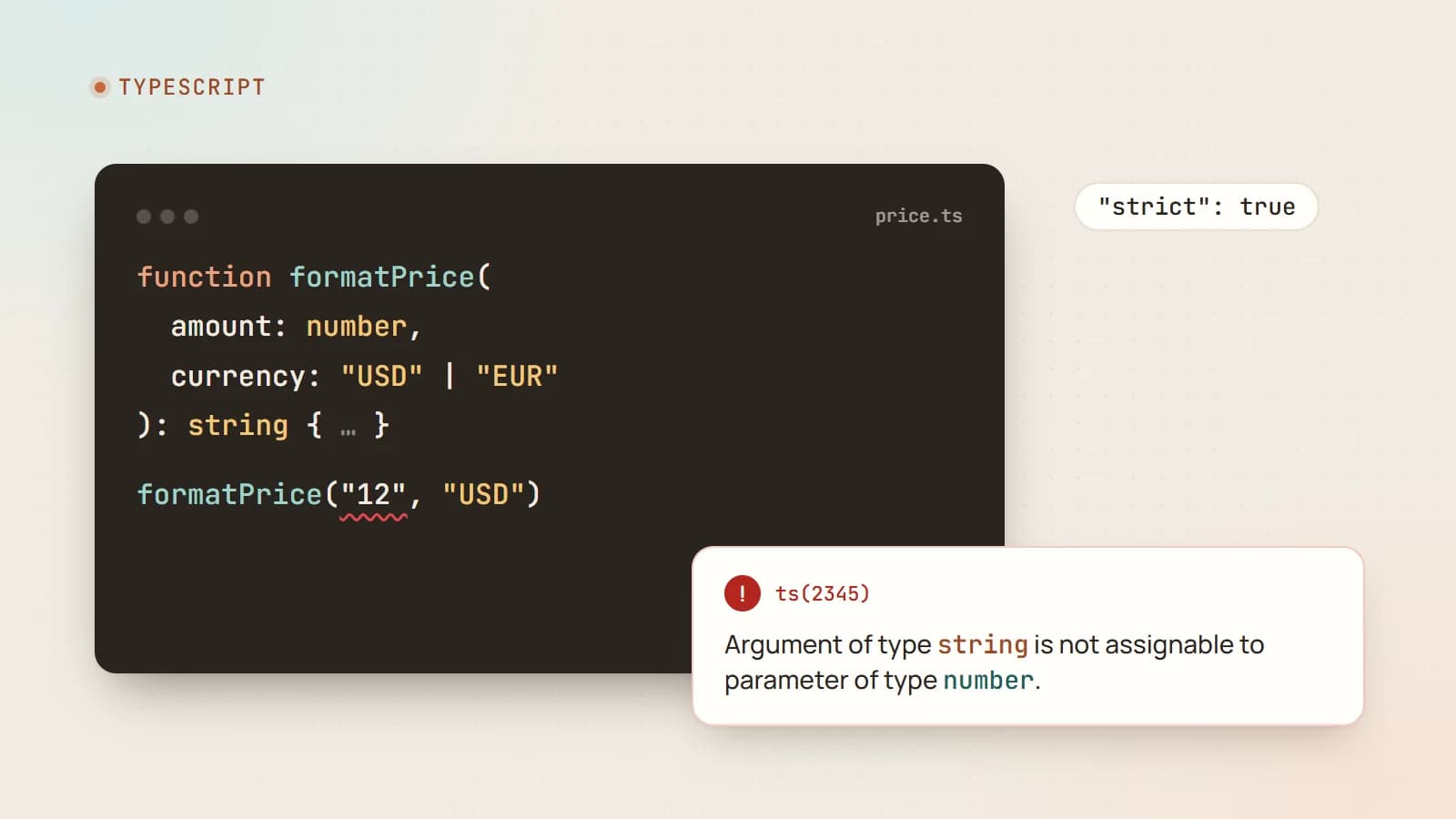
function formatPrice(amount: number, currency: string): string {
  return new Intl.NumberFormat("en-US", { style: "currency", currency }).format(amount);
}

formatPrice("12", "USD"); // ❌ Error: Argument of type 'string' is not assignable to parameter of type 'number'.
Type inference: you write fewer types than you think
TypeScript infers types from values, so most variables don’t need annotations:
let title = "Booking confirmed"; // inferred as string
const total = items.reduce((sum, item) => sum + item.price, 0); // inferred as number
A good rule of thumb: annotate function parameters and public boundaries; let inference handle the rest.
Object types: interfaces and type aliases
interface User {
  id: string;
  name: string;
  email: string;
  phone?: string;            // optional
  readonly createdAt: Date;  // can't be reassigned
}

type Booking = {
  id: string;
  userId: User["id"];
  startsAt: Date;
  status: "pending" | "confirmed" | "cancelled";
};
interface and type overlap heavily. Many teams use interface for object shapes and type for unions and more complex compositions — pick a convention and stay consistent.
Union types and narrowing: TypeScript’s superpower
A union says a value can be one of several types:
type Status = "pending" | "confirmed" | "cancelled";
let status: Status = "confirmd"; // ❌ Error — typo caught
When a value could be several things, TypeScript makes you narrow it before use:
function greet(name: string | undefined) {
  return `Hello, ${name.toUpperCase()}`; // ❌ 'name' is possibly 'undefined'.
}

function greetSafely(name: string | undefined) {
  if (!name) return "Hello there";
  return `Hello, ${name.toUpperCase()}`; // ✅ name is a string here
}
This single check eliminates the most common JavaScript runtime error: “Cannot read properties of undefined”.
Discriminated unions: modeling states precisely
Combine unions with a shared “tag” field to model states where impossible combinations simply can’t be expressed:
type RequestState<T> =
  | { status: "idle" }
  | { status: "loading" }
  | { status: "success"; data: T }
  | { status: "error"; message: string };

function render(state: RequestState<User[]>) {
  switch (state.status) {
    case "idle":
      return "Search for a user";
    case "loading":
      return "Loading…";
    case "success":
      return `${state.data.length} users`;   // data only exists here
    case "error":
      return `Error: ${state.message}`;      // message only exists here
  }
}
There’s no way to have data and message at the same time, or to forget to handle a state without TypeScript noticing (with an exhaustiveness check). This pattern prevents an entire class of UI bugs.
Generics: reusable, type-safe code
Generics let functions and types work with many types while keeping type information:
function first<T>(items: T[]): T | undefined {
  return items[0];
}

const user = first(users);     // User | undefined
const price = first([10, 20]); // number | undefined
You’ll use generics constantly through libraries — useState<User | null>(null), Promise<Booking>, Map<string, number> — even if you rarely write your own.
Utility types worth knowing
TypeScript ships with helpers that transform existing types:
type UserPreview = Pick<User, "id" | "name">;  // only some fields
type UserUpdate = Partial<Omit<User, "id" | "createdAt">>; // all optional, minus some
type StatusLabels = Record<Booking["status"], string>; // an object with a key per status

const labels: StatusLabels = {
  pending: "Waiting for confirmation",
  confirmed: "Confirmed",
  cancelled: "Cancelled",
}; // ❌ if you forget a status, TypeScript tells you
Others you’ll meet often: Required<T>, Readonly<T>, ReturnType<typeof fn> and Awaited<T>.
The satisfies operator
satisfies checks that a value matches a type without widening it, so you keep precise inferred types:
const routes = {
  home: "/",
  work: "/work",
  contact: "/contact",
} satisfies Record<string, `/${string}`>;

routes.work; // type is "/work", not just string
Types stop at the boundary: validate runtime data
Because types disappear at runtime, this compiles but can still crash:
const res = await fetch("/api/user");
const user = (await res.json()) as User; // just a promise to the compiler, not a check
For data from outside — API responses, forms, process.env, webhooks (Server Actions included) — validate at runtime with a schema library such as Zod, and derive the TypeScript type from the schema so they never drift apart:
import { z } from "zod";

const UserSchema = z.object({
  id: z.string(),
  name: z.string().min(1),
  email: z.string().email(),
});

type User = z.infer<typeof UserSchema>;

const user = UserSchema.parse(await res.json()); // throws if the data is wrong
Configure strictness properly
TypeScript’s protection depends on its settings. In tsconfig.json, enable "strict": true for new projects. It turns on checks such as strictNullChecks (the undefined checks above) and noImplicitAny.
A few extra options worth considering:
noUncheckedIndexedAccess— treatsarray[i]andrecord[key]as possiblyundefined, which they are.noImplicitOverride,noFallthroughCasesInSwitch— catch subtle mistakes.
Habits that keep types useful
- Avoid
any. It switches type checking off and spreads silently. Useunknownfor values you don’t know yet, then narrow them. - Don’t fight the compiler with
as. Type assertions tell TypeScript “trust me”. Each one is a place where a bug can hide. Prefer narrowing or validation. - Avoid the non-null assertion
!except where you’re certain — it’s anasin disguise. - Model your domain. Use unions of literal strings instead of plain
stringfor statuses, roles and modes. - Type your boundaries. Function signatures, API handlers and component props should be explicit.
Migrating an existing JavaScript project
You don’t need a big-bang rewrite:
- Add TypeScript and a
tsconfig.jsonwith"allowJs": trueso JavaScript and TypeScript files can coexist. - Optionally enable
"checkJs": trueto get type checking in.jsfiles using inference and JSDoc comments. - Convert files gradually, starting with shared utilities and data models — they give the biggest benefit to everything that uses them.
- Start lenient, then tighten: enable
strictonce most files are converted, fixing errors module by module. - Add type checking to CI (
tsc --noEmit) so new errors can’t creep in.
Does TypeScript slow you down?
There’s a small learning curve, and occasionally a complex library type will be confusing. But for anything bigger than a small script, most teams find they move faster overall: less time debugging, fewer regressions, safer refactors and much better autocomplete.
The takeaway
TypeScript doesn’t change what JavaScript can do — it changes how confidently you can do it. Start with strict mode, lean on inference, model states with unions, validate data at the boundaries, and avoid any. Your editor becomes a constant code reviewer, and a whole category of production bugs simply stops happening.
- TypeScript
- JavaScript
- Web Development
- Code Quality
Keep reading

5 min read
Web security essentials: the OWASP Top 10 explained for developers
Most web breaches don’t need genius hackers — they exploit a familiar list of mistakes. Here’s a practical tour of the OWASP Top 10 risks, with concrete examples and the habits that prevent them.
- Security
- Web Development
- Node.js
- Code Quality
5 min read
Web accessibility for developers: a practical WCAG 2.2 guide
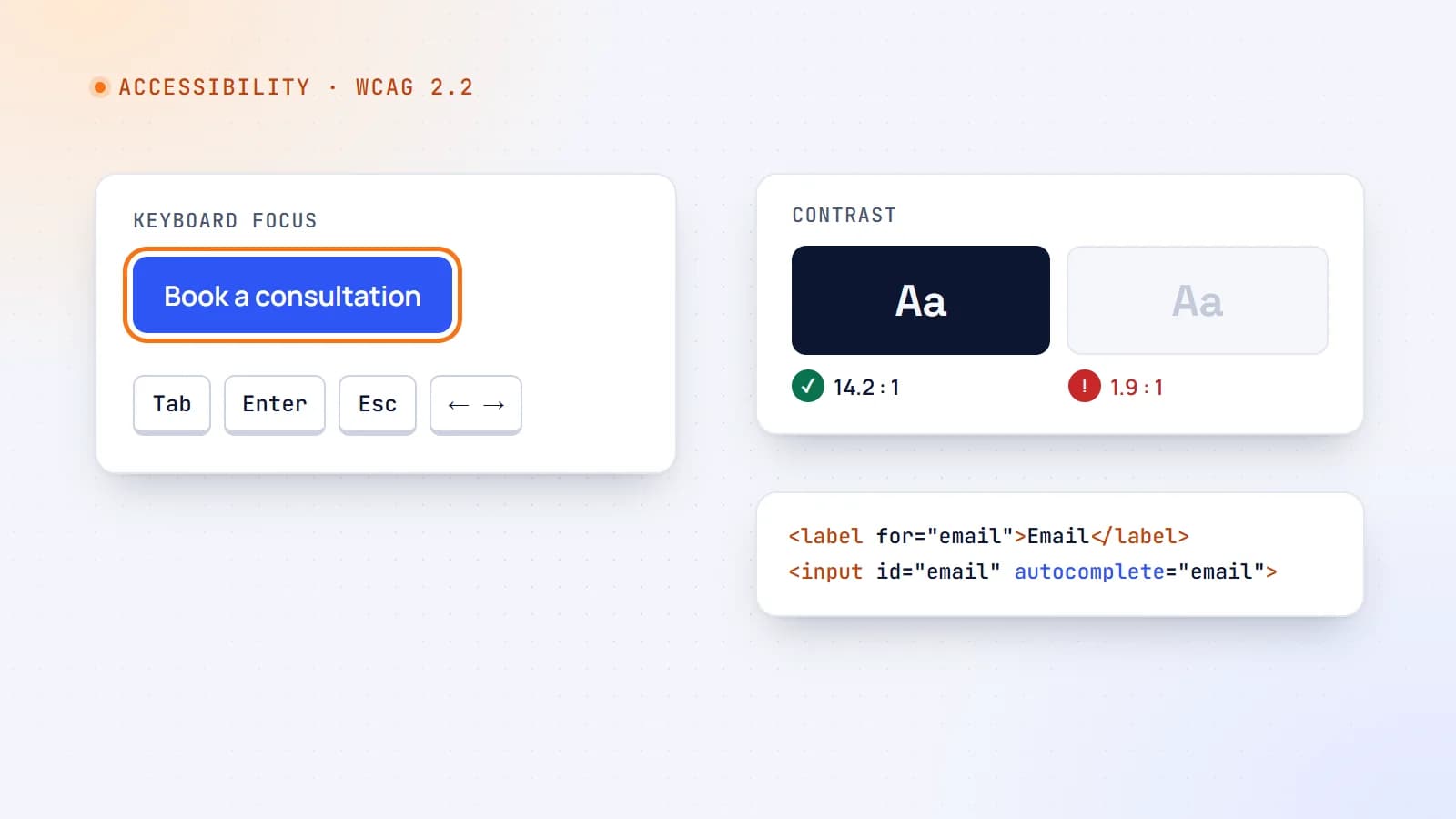
Around one in six people lives with a significant disability — and accessible sites work better for everyone. Here’s what WCAG 2.2 asks for, the issues that matter most, and how to build and test accessible interfaces in everyday work.
- Accessibility
- Web Development
- React
- Code Quality

6 min read
Next.js security update October 2026: which versions are vulnerable and how to upgrade
Next.js 16.4.1 and 15.5.28 fix two critical remote code execution bugs and a Server Actions denial of service. Here’s how to tell if your app is affected, how to upgrade safely, and what the November 3 security release means for you.
- Next.js
- Security
- Web Development
- Node.js
Building something? Let’s talk.
If you’re planning a web app, a website or a new feature, a free call is a good place to start — you’ll get honest options, a fixed price and a timeline.