Monorepos with Turborepo: share code between your website, dashboard and API
When a project grows into a website, an admin dashboard and an API, keeping them in separate repositories gets painful. Here’s how a Turborepo monorepo works, how to set one up, and the caching that makes it fast.
 Nasir Mollah
5 min read
On this page10 sections
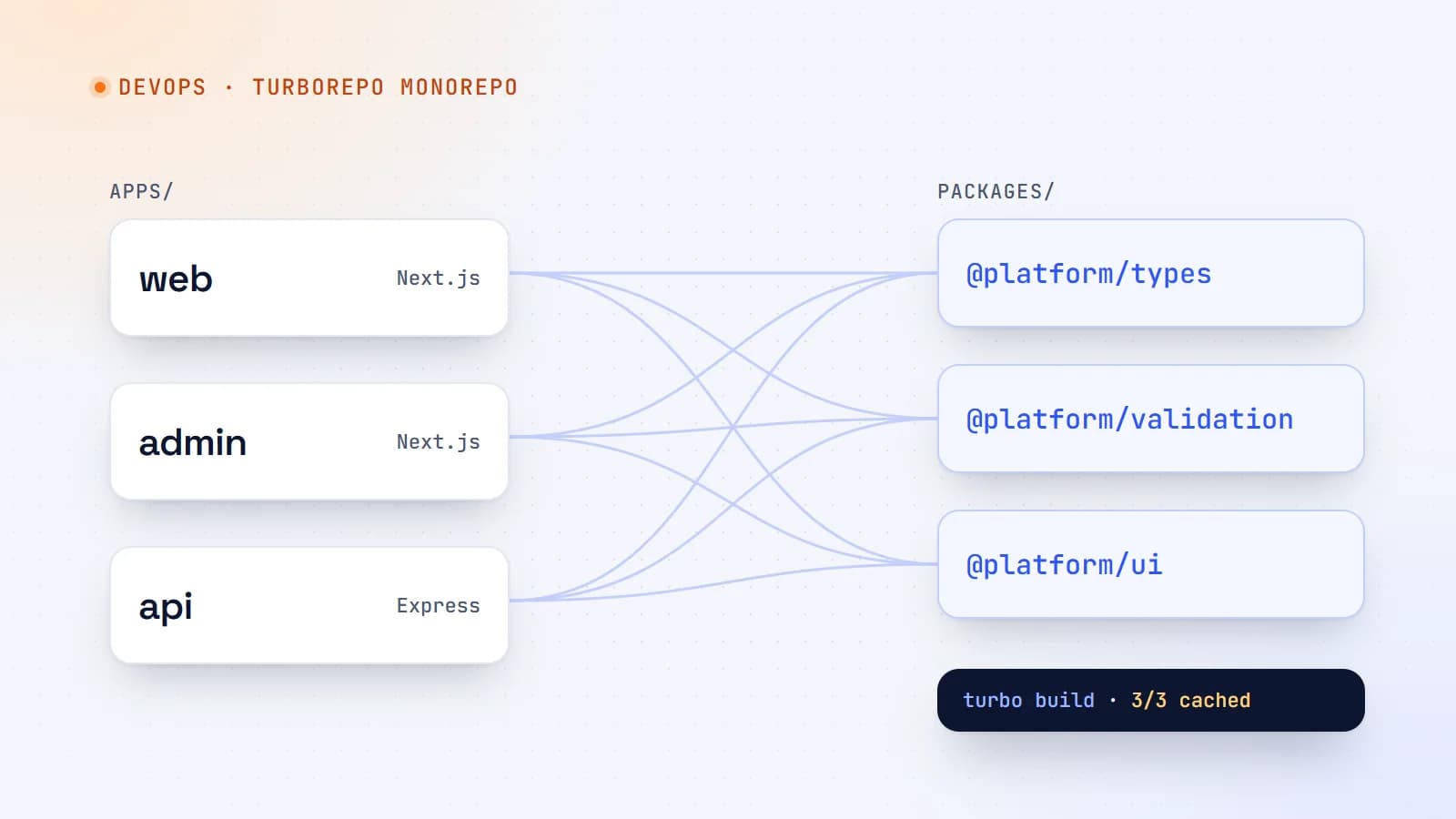
Many real products aren’t one app. A typical business platform might have a public website, an admin dashboard for the team and an API that both use — plus shared things like TypeScript types, validation schemas, UI components and configuration.
Put each app in its own repository and you’ll soon be copying types between projects, publishing internal packages just to share a function, and coordinating releases across three pull requests. A monorepo keeps everything in one repository, and Turborepo makes working in it fast.
What a monorepo is (and isn’t)
A monorepo is a single repository containing multiple projects that can depend on each other. It is not the same as a monolith: each app can still be built and deployed independently.
Benefits:
- Share code directly — types, schemas, utilities, UI components — without publishing packages.
- Atomic changes — change the API and the website that uses it in one commit and one pull request.
- Consistent tooling — one TypeScript, ESLint and Prettier setup for everything.
- Easier refactoring — your editor and compiler see all usages across apps.
Costs:
- More moving parts in the build setup.
- CI can get slow if every change rebuilds everything — which is the problem Turborepo solves.
A typical structure
my-platform/
├── apps/
│   ├── web/          # public Next.js website
│   ├── admin/        # Next.js admin dashboard
│   └── api/          # Express or Fastify API
├── packages/
│   ├── types/        # shared TypeScript types
│   ├── validation/   # shared Zod schemas
│   ├── ui/           # shared React components
│   └── config/       # shared tsconfig / eslint config
├── package.json
├── pnpm-workspace.yaml   # or "workspaces" in package.json for npm/yarn
└── turbo.json
Apps are things you deploy. Packages are code the apps share.
Workspaces: the foundation
Package managers (npm, pnpm, Yarn, Bun) support workspaces: multiple packages in one repository, installed together and linked to each other. With pnpm:
# pnpm-workspace.yaml
packages:
  - "apps/*"
  - "packages/*"
A shared package has its own package.json:
{
  "name": "@platform/validation",
  "version": "0.0.0",
  "private": true,
  "main": "./src/index.ts",
  "types": "./src/index.ts",
  "dependencies": { "zod": "^3.23.0" }
}
And an app depends on it like any other package:
{
  "name": "web",
  "dependencies": {
    "@platform/validation": "workspace:*"
  }
}
Now the website, the dashboard and the API can all import the same schema:
import { bookingSchema } from "@platform/validation";
Change the schema once and every app — front end and back end — validates the same way. TypeScript flags every place that needs updating.
Where Turborepo comes in
Workspaces handle linking. Turborepo handles running tasks — build, lint, test, dev — across all those packages, in the right order, in parallel, and without repeating work it has already done.
The configuration lives in turbo.json:
{
  "$schema": "https://turborepo.com/schema.json",
  "tasks": {
    "build": {
      "dependsOn": ["^build"],
      "outputs": [".next/**", "!.next/cache/**", "dist/**"]
    },
    "lint": {},
    "typecheck": { "dependsOn": ["^typecheck"] },
    "test": { "dependsOn": ["^build"] },
    "dev": { "cache": false, "persistent": true }
  }
}
Key ideas:
dependsOn: ["^build"]— the^means “first runbuildin the packages this one depends on”. Turborepo works out the order from your dependency graph.outputs— which files a task produces, so Turborepo can cache and restore them.cache: false/persistent: true— for long-running dev servers that shouldn’t be cached.
Run tasks from the root:
npx turbo run build          # build everything, in dependency order, in parallel
npx turbo run dev            # start all dev servers
npx turbo run lint typecheck # run several tasks
Caching: the reason it’s fast
Before running a task, Turborepo computes a hash of everything that affects it: the package’s source files, its dependencies, relevant environment variables and the task configuration. If it has seen that exact hash before, it replays the cached output and logs instead of running the task again.
In practice:
- Change only the dashboard? The website and API builds come from cache in milliseconds.
- Re-run CI on the same commit? Almost everything is a cache hit.
With remote caching, the cache is shared between teammates and CI machines, so work done once on one machine is reused everywhere.
Environment variables and caching
If a build depends on environment variables, declare them so they’re part of the hash — otherwise you could get a cached build made with different values:
{
  "tasks": {
    "build": {
      "dependsOn": ["^build"],
      "env": ["NEXT_PUBLIC_SITE_URL", "DATABASE_URL"],
      "outputs": [".next/**", "!.next/cache/**"]
    }
  }
}
Filtering: work on just what you need
npx turbo run dev --filter=web            # only the website (and what it needs)
npx turbo run build --filter=admin...     # admin and its dependencies
npx turbo run test --filter=...[origin/main]   # only packages changed since main
Filtering keeps local development focused and CI fast.
Internal packages: two approaches
- Just-in-time (source) packages — the package exports TypeScript source directly (like the example above), and each app’s bundler compiles it. Simple, no build step, great for apps built with Next.js or Vite. (Next.js may need the package listed in
transpilePackages.) - Compiled packages — the package has its own build step producing JavaScript and type declarations in
dist/. More setup, but works with any consumer, including plain Node.js services.
Start with source packages where your tooling supports them; switch to compiled packages when a consumer needs plain JavaScript.
Monorepos in CI and deployment
- Run
turbo run lint typecheck test buildin CI, with remote caching enabled. - Deploy each app independently. Many hosting platforms detect monorepos and let you set the app’s root directory; for your own servers, build the specific app with
--filter. - Use Turborepo’s prune feature (
turbo prune <app> --docker) to create a minimal subset of the monorepo for an app’s Docker image.
When a monorepo is worth it
A monorepo pays off when you have several apps that share code and change together — a website, dashboard and API for one product is the classic case. For a single small app, a normal repository is simpler. For unrelated projects with different teams and release cycles, separate repositories may be the better fit.
The takeaway
A monorepo lets your website, dashboard and API share types, validation and components directly, and ship coordinated changes in one pull request. Workspaces link the packages; Turborepo runs tasks in the right order and caches results so you never build the same thing twice. Start small — a shared types and validation package is often enough to feel the difference.
- Turborepo
- Monorepo
- DevOps
- TypeScript
Keep reading
5 min read
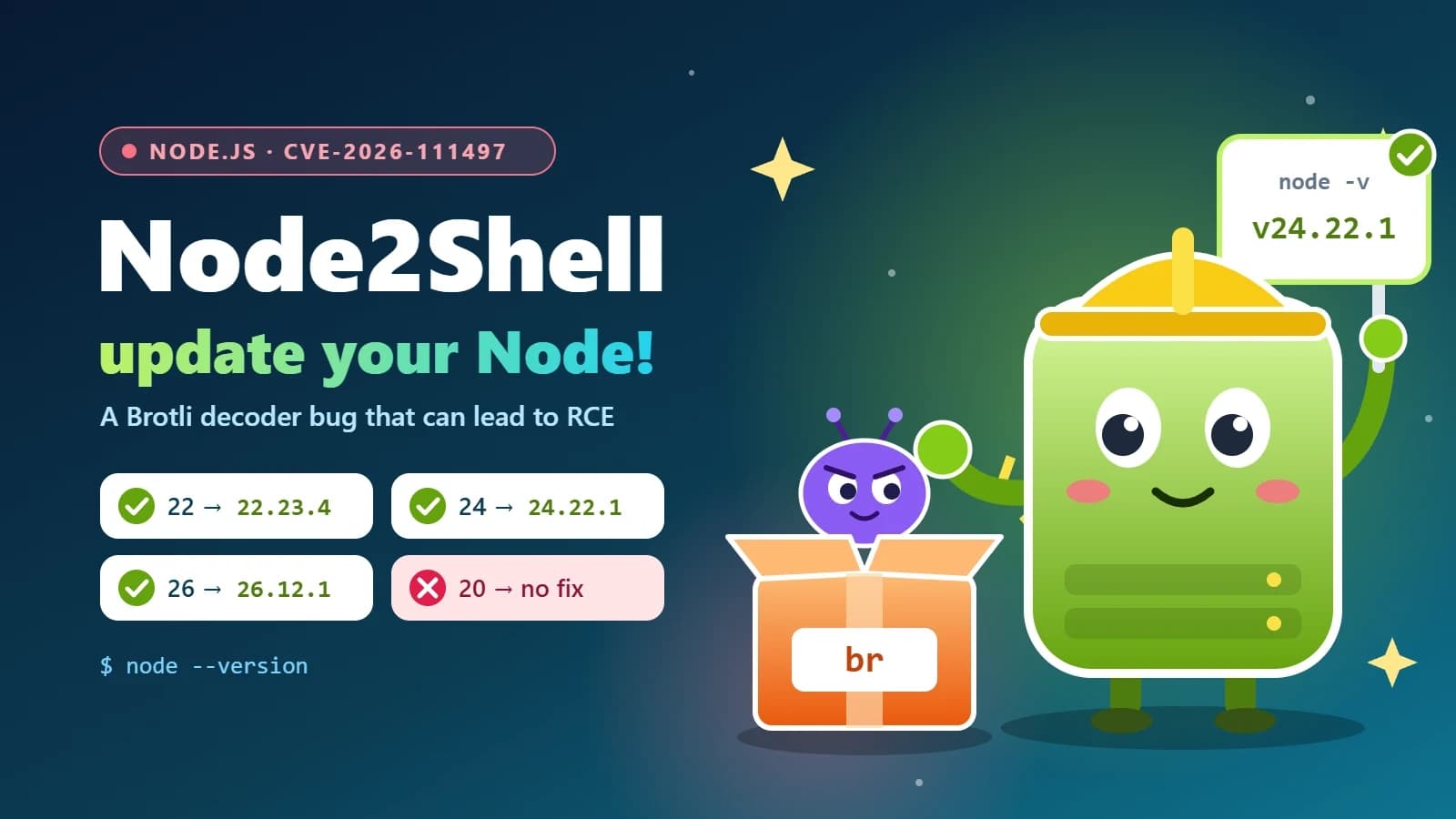
Node2Shell (CVE-2026-111497) explained: is your Node.js app exposed, and how to patch it
Node2Shell is a high-severity bug in the Brotli decoder bundled with Node.js that can lead to remote code execution. Here’s who is exposed, how to check your servers, Docker images and CI, and which versions fix it.
- Node.js
- Security
- DevOps
- Docker
6 min read
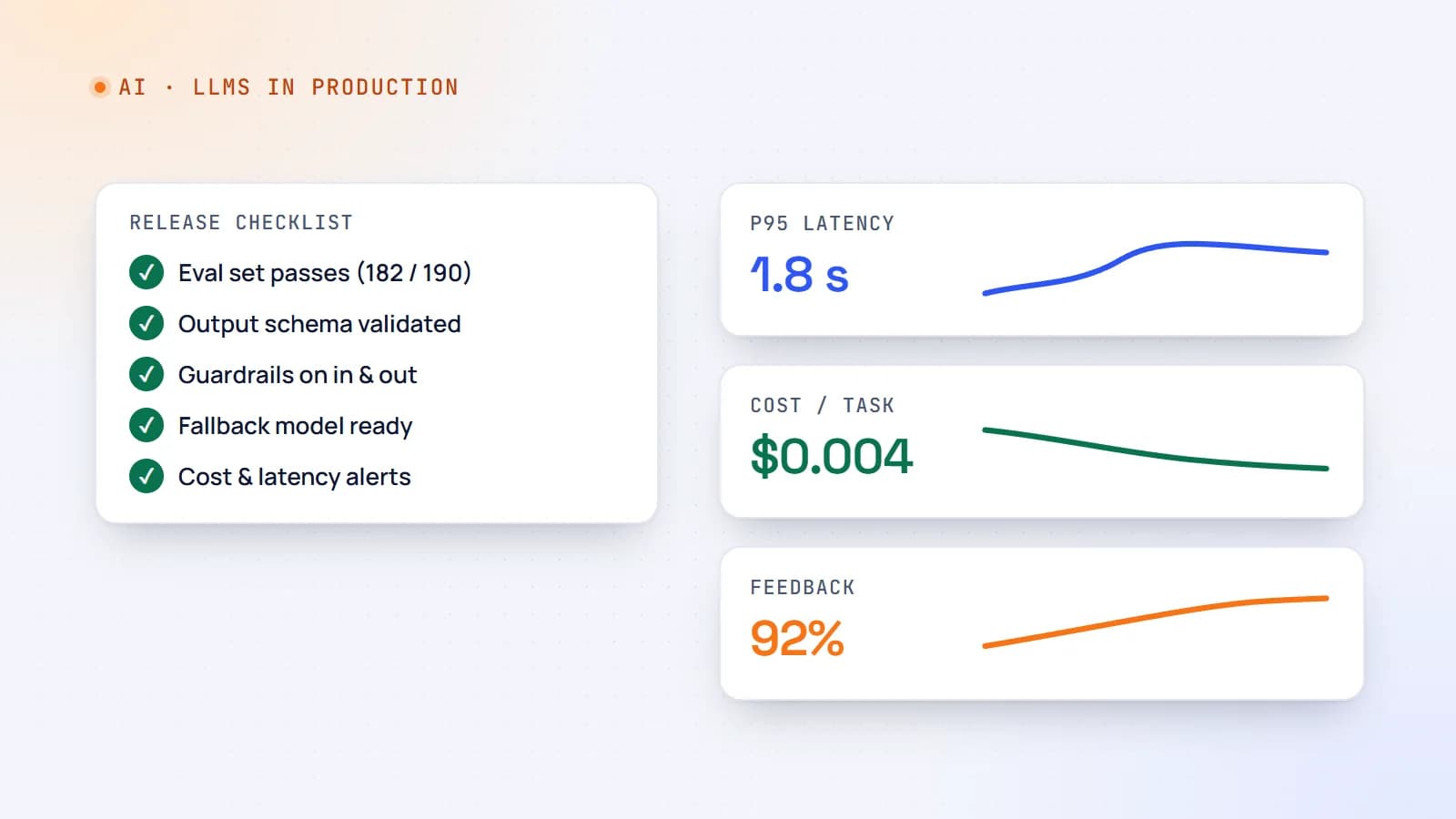
Shipping LLM features to production: evals, guardrails, cost and monitoring
A demo that works on ten examples is not a product. Here’s a practical production checklist for AI features — evaluation sets, guardrails, fallbacks, cost and latency control, monitoring and rollout — so your LLM feature stays reliable after launch.
- AI
- LLMs
- DevOps
- Production
6 min read
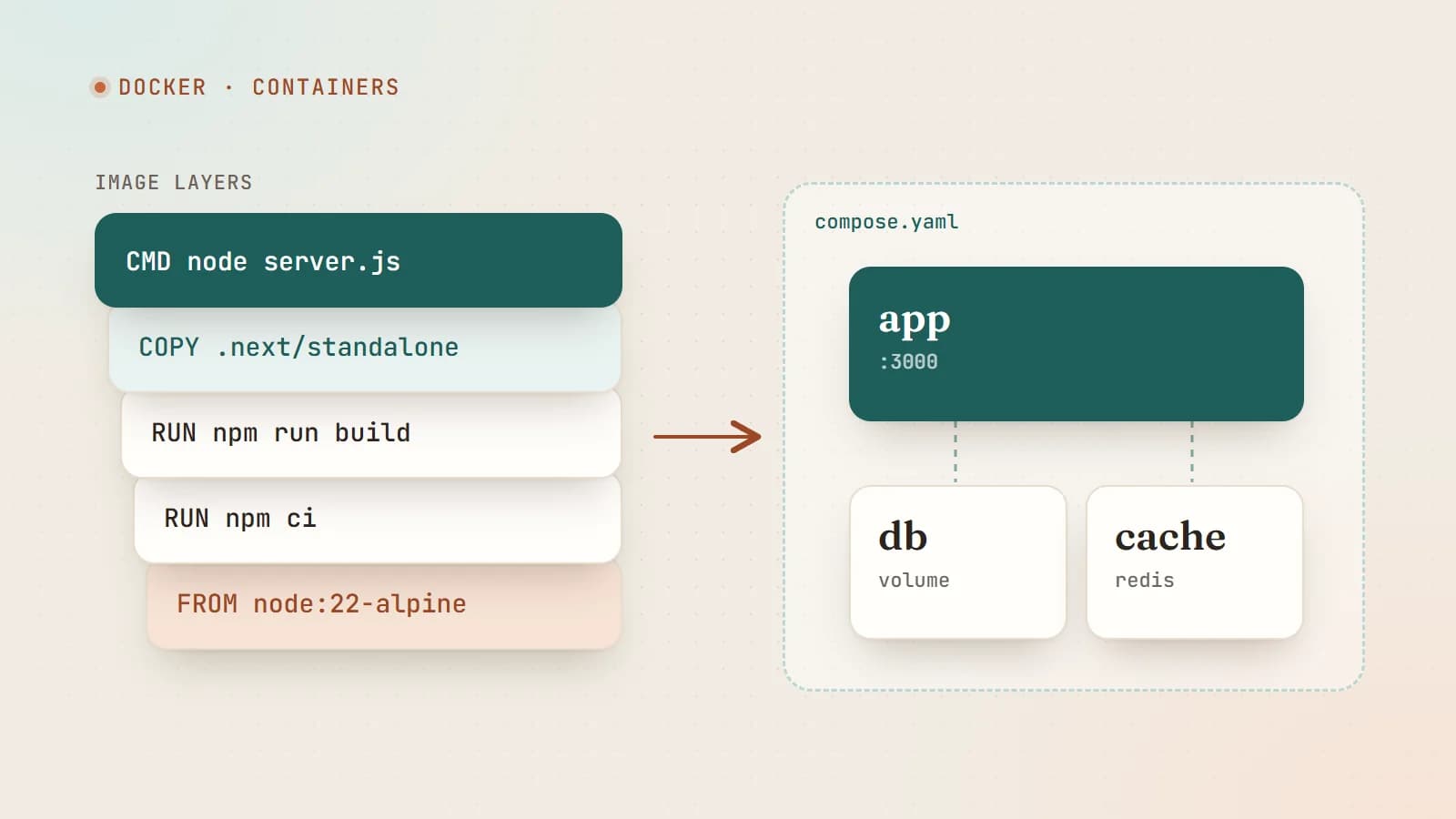
Docker for web developers: from “works on my machine” to production
Docker packages your app with everything it needs to run, so it behaves the same on your laptop, your teammate’s laptop and your server. Here’s how images, containers and Compose work — with a production-ready Dockerfile for a Node.js app.
- Docker
- DevOps
- Node.js
- Deployment
Building something? Let’s talk.
If you’re planning a web app, a website or a new feature, a free call is a good place to start — you’ll get honest options, a fixed price and a timeline.