Core Web Vitals explained: how to make your website feel fast
Google measures how fast your pages load, how quickly they respond and how stable they look — and visitors notice all three. Here’s what LCP, INP and CLS mean, how to measure them properly, and the fixes that make the biggest difference.
 Nasir Mollah
6 min read
On this page9 sections
A slow website costs you twice. Visitors leave before the page appears, and the ones who stay find it frustrating to use. Search engines notice too: Google uses page experience signals, including Core Web Vitals, as part of how it evaluates pages.
Core Web Vitals are three measurements that capture what “fast” actually feels like to a real person. This guide explains each one, how to measure them correctly, and the fixes that usually matter most.
The three Core Web Vitals
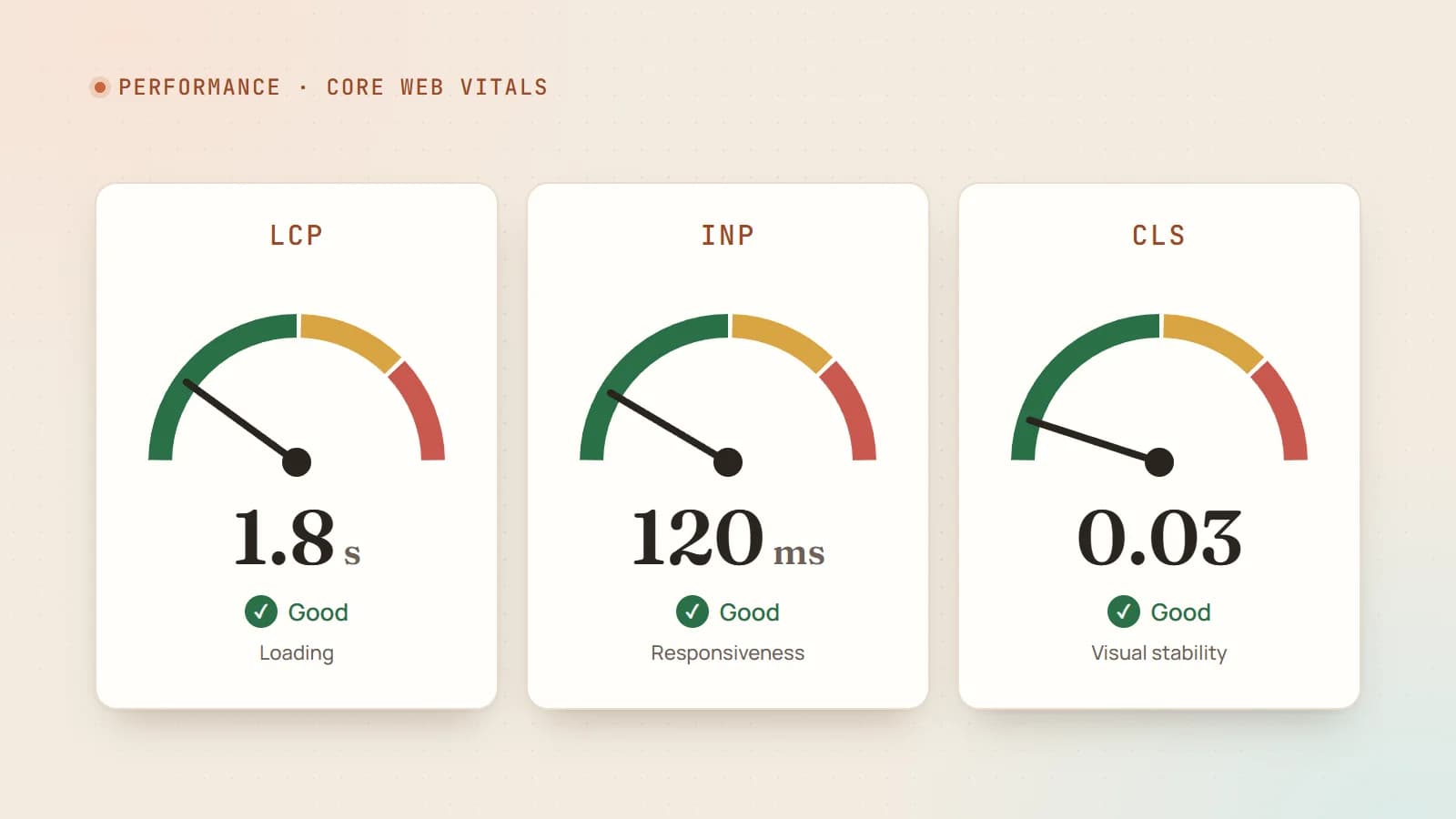
LCP — Largest Contentful Paint (loading)
LCP measures how long it takes for the largest visible element — usually a hero image, a video poster or a big heading — to appear on screen.
- Good: 2.5 seconds or less
- Needs improvement: up to 4 seconds
- Poor: more than 4 seconds
It answers the visitor’s first question: “Is this page actually loading?”
INP — Interaction to Next Paint (responsiveness)
INP measures how quickly the page visibly responds when someone clicks, taps or types — across all their interactions during the visit. It replaced First Input Delay (FID) as a Core Web Vital in March 2024, because FID only measured the first interaction and only part of the delay.
- Good: 200 milliseconds or less
- Needs improvement: up to 500 ms
- Poor: more than 500 ms
It answers: “When I do something, does the page react?”
CLS — Cumulative Layout Shift (visual stability)
CLS measures how much the content jumps around unexpectedly while the page is in use — the button that moves just as you tap it, the text that drops down when an ad loads.
- Good: 0.1 or less
- Needs improvement: up to 0.25
- Poor: more than 0.25
It answers: “Can I trust where things are?”
How they’re judged: real users, 75th percentile
Google assesses Core Web Vitals using field data from real Chrome users (the Chrome User Experience Report, or CrUX). A page passes when at least 75% of visits meet the “good” threshold for each metric — measured separately for mobile and desktop.
That 75th-percentile detail matters: your site has to be fast for most visitors on real phones and real networks, not just on your office Wi-Fi.
Field data vs lab data
- Field data (real users): Google Search Console’s Core Web Vitals report, PageSpeed Insights’ “Discover what your real users are experiencing” section, and your own real-user monitoring. This is what counts.
- Lab data (simulated): Lighthouse, PageSpeed Insights’ diagnostics and Chrome DevTools. Great for diagnosing problems and testing fixes, but it’s one simulated device on one simulated network.
Note that lab tools can’t measure INP directly, because it requires real interactions. Lighthouse reports Total Blocking Time (TBT) as a lab proxy: lots of blocking JavaScript in the lab usually means poor INP in the field.
Use lab tools to find and fix issues; use field data to confirm they’re fixed for real users. Field data in CrUX is aggregated over a rolling 28-day window, so improvements take a few weeks to show fully.
Improving LCP
LCP is usually about getting one important resource to the screen quickly. Break it down: server response → discovering the resource → downloading it → rendering it.
1. Make the server respond fast
- Use a CDN and caching so HTML is served close to the visitor.
- Pre-render or statically generate pages where content doesn’t change per visitor.
- Avoid slow database queries and redirect chains on the critical path.
2. Make the LCP image discoverable early
The browser can only start downloading what it knows about. Problems include images set via CSS backgrounds, images inserted by JavaScript, and lazy-loaded hero images.
<!-- Do: a normal <img> in the HTML, high priority, NOT lazy-loaded -->
<img src="/hero-1200.avif" alt="…" width="1200" height="800" fetchpriority="high" />

<!-- Don't: lazy-load the hero -->
<img src="/hero.jpg" loading="lazy" />
Frameworks help: in Next.js, <Image priority /> (or the equivalent preload option in newer versions) handles this for above-the-fold images.
3. Make it small
- Use modern formats — AVIF or WebP.
- Serve responsive sizes with
srcset/sizesso phones don’t download desktop images. - Compress sensibly; most hero images don’t need maximum quality.
4. Don’t block rendering
- Keep critical CSS small; load non-critical styles and scripts later.
- Use
font-display: swap(or optional) and preload only the fonts needed above the fold. - If your LCP element is text, fonts and CSS are often the bottleneck rather than images.
Improving INP
Poor INP almost always means the browser’s main thread is busy running JavaScript when the user interacts.
1. Ship less JavaScript
- Audit your bundles. Remove unused libraries and large dependencies for small features.
- Render on the server where possible (server-side rendering, server components), sending HTML instead of JavaScript that builds HTML.
- Load non-essential widgets — chat bubbles, heavy analytics, social embeds — after the page is interactive, or on demand.
2. Break up long tasks
Any task longer than 50 ms blocks interactions. Split heavy work into smaller chunks and yield back to the browser in between:
async function processItems(items) {
  for (const item of items) {
    process(item);
    // let the browser handle input and paint between chunks
    await new Promise((resolve) => setTimeout(resolve, 0));
  }
}
Newer browser APIs such as scheduler.yield() make this more efficient where supported.
3. Give immediate feedback
When an interaction triggers expensive work, update the UI first (a pressed state, a spinner), then do the heavy work. In React, transitions (startTransition) let urgent updates such as typing stay responsive while heavier updates render in the background.
4. Watch third-party scripts
Tag managers, A/B testing tools, ads and chat widgets often dominate main-thread time. Each one should earn its place.
Improving CLS
Layout shifts happen when the browser doesn’t know how much space something will take until it loads.
- Always set dimensions on images and videos (
widthandheightattributes, or CSSaspect-ratio), so space is reserved before they load. - Reserve space for embeds, ads and banners with a fixed-height container.
- Don’t insert content above existing content — cookie notices and promo bars should overlay or reserve their space from the start.
- Load fonts carefully. Fallback and web fonts with very different sizes cause text to reflow; size-adjusted fallbacks (which frameworks such as
next/fontgenerate) reduce this. - Animate with
transformandopacity, not properties such astop,heightormarginthat trigger layout.
A practical workflow
- Check Search Console’s Core Web Vitals report to see which page groups fail, on mobile and desktop.
- Run PageSpeed Insights on representative URLs. Look at both field data and the lab diagnostics.
- Identify the LCP element and any long tasks and layout shifts in the diagnostics or Chrome DevTools’ Performance panel.
- Fix the biggest problem first — usually the hero image, a heavy script or missing image dimensions.
- Re-test in the lab, deploy, then watch field data over the following weeks.
- Keep it fast: add performance budgets or Lighthouse checks to your CI so regressions are caught before release.
Do Core Web Vitals really affect rankings?
They are one of many signals, and relevance and content quality matter more — as do clear signals such as structured data. A brilliant, slow page can still outrank a fast, thin one. But when pages are otherwise similar, experience can tip the balance — and the business impact is more direct: faster, more stable pages generally keep more visitors and convert better.
The takeaway
Core Web Vitals turn “make the site faster” into three concrete targets: show the main content quickly (LCP ≤ 2.5 s), respond to interactions quickly (INP ≤ 200 ms), and keep the layout stable (CLS ≤ 0.1) — for at least 75% of real visits. Prioritize the hero image, ship less JavaScript, reserve space for everything, and measure with real-user data. Your visitors will feel the difference even if they never hear the term.
- Performance
- Core Web Vitals
- SEO
- Web Development
Keep reading
5 min read
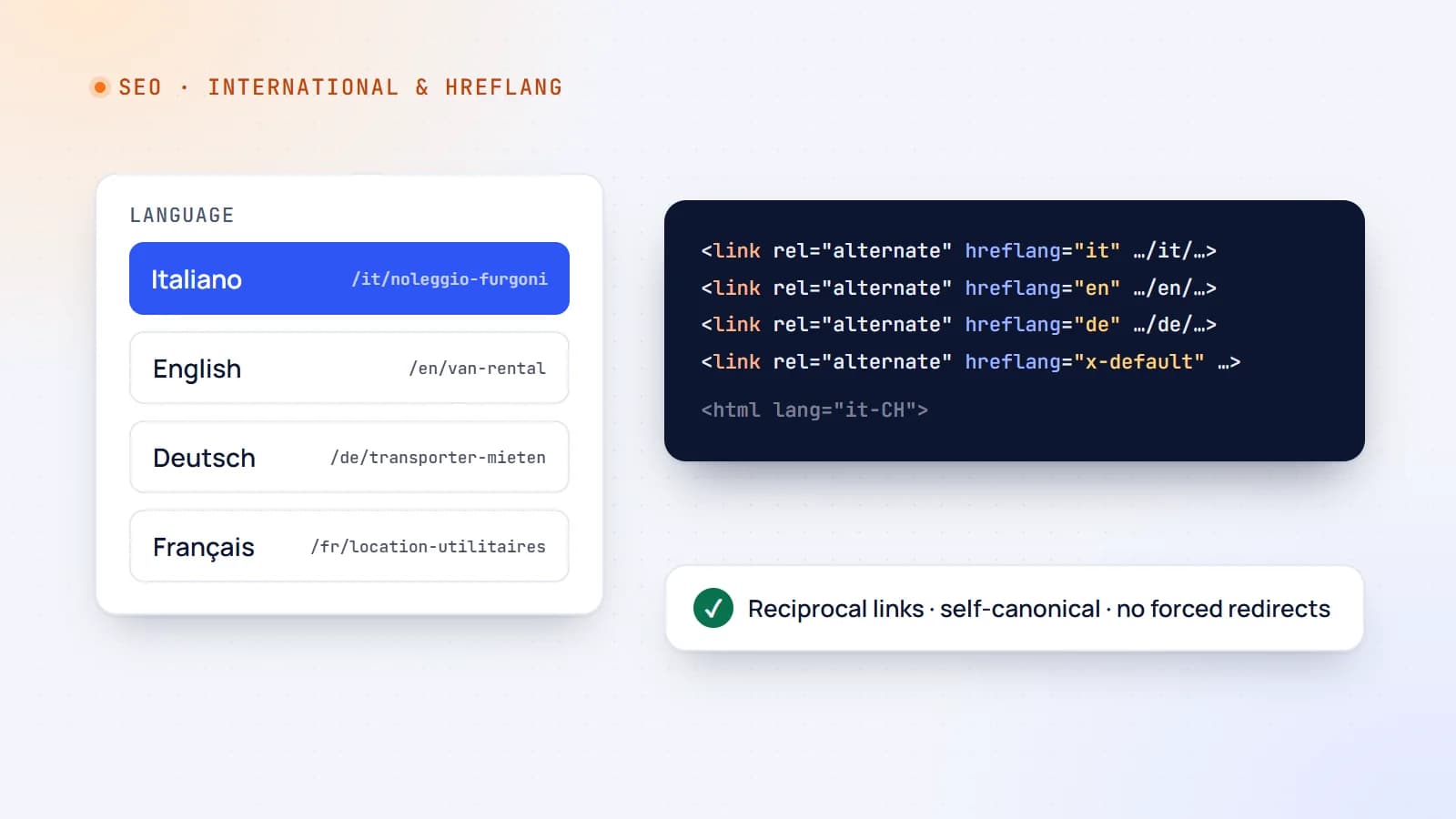
Multilingual websites done right: URLs, hreflang and international SEO
Translating your website can open new markets — or quietly confuse Google and frustrate visitors. Here’s how to structure a multilingual site, use hreflang correctly and avoid the mistakes that cost international traffic.
- International SEO
- SEO
- Web Development
- Next.js
5 min read
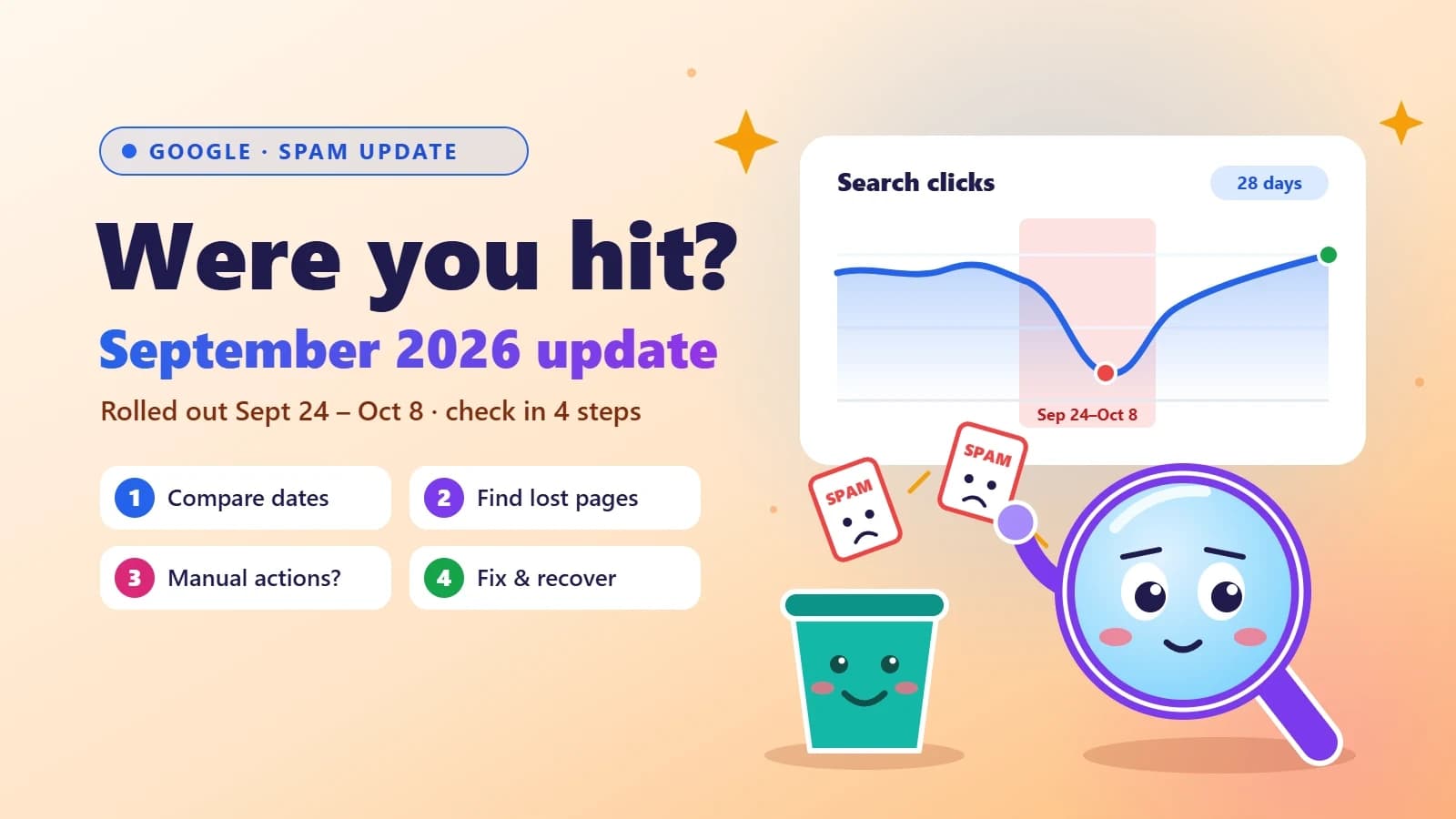
Google’s September 2026 spam update is done: how to check if your site was hit
Google’s fourth spam update of 2026 took almost 14 days to roll out — far longer than the others. Here’s a simple Search Console check to see if your traffic was affected, what spam policies usually trip up small business sites, and how to recover.
- SEO
- Google Updates
- Search Console
- Small Business

6 min read
Next.js security update October 2026: which versions are vulnerable and how to upgrade
Next.js 16.4.1 and 15.5.28 fix two critical remote code execution bugs and a Server Actions denial of service. Here’s how to tell if your app is affected, how to upgrade safely, and what the November 3 security release means for you.
- Next.js
- Security
- Web Development
- Node.js
Building something? Let’s talk.
If you’re planning a web app, a website or a new feature, a free call is a good place to start — you’ll get honest options, a fixed price and a timeline.