Multilingual websites done right: URLs, hreflang and international SEO
Translating your website can open new markets — or quietly confuse Google and frustrate visitors. Here’s how to structure a multilingual site, use hreflang correctly and avoid the mistakes that cost international traffic.
 Nasir Mollah
5 min read
On this page10 sections
If your customers speak more than one language — tourists renting a car in Switzerland, expats looking for a therapist, international buyers — a multilingual website can be one of your best investments. Done badly, though, it creates duplicate content, sends people to the wrong language and splits your search visibility.
This guide covers the decisions that matter: URL structure, hreflang, translated content and metadata, language switching and the mistakes to avoid.
Languages vs countries
First, be clear about what you’re targeting:
- Language targeting — the same content for everyone who speaks Italian, wherever they are.
- Country (regional) targeting — content that differs by country: prices in CHF vs EUR, different legal information, local phone numbers.
Many small businesses only need language targeting. Add regional versions only when the content genuinely differs.
Step 1: Give every language its own URL
Search engines index URLs. If your site switches language with JavaScript or cookies while the URL stays the same, Google will usually only ever see one version.
Each language needs its own crawlable URL. Common structures:
- Subdirectories:
example.com/it/,example.com/en/,example.com/de/ - Subdomains:
it.example.com,en.example.com - Country domains:
example.it,example.ch - URL parameters (
?lang=it) — possible, but not recommended.
For most businesses, subdirectories are the best default: one domain builds authority for every language, setup is simple, and frameworks like Next.js support them well. Country domains make sense mainly for strong country-specific businesses with resources to maintain each site.
Step 2: Tell search engines about alternates with hreflang
The hreflang annotation tells search engines: “this page also exists in these languages, here are the URLs.” Google then shows each searcher the version that matches their language or region.
In the HTML <head> of each version:
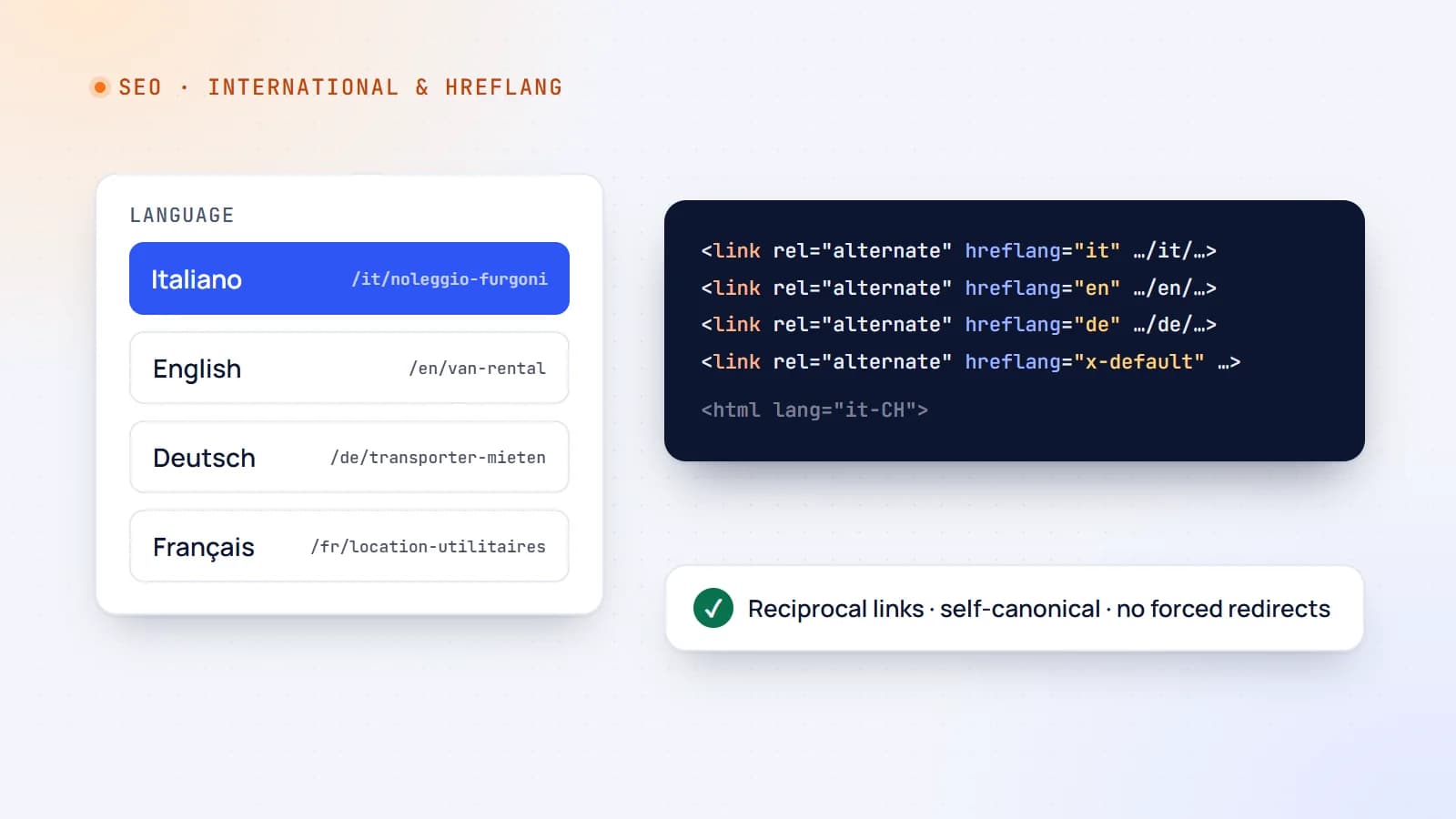
<link rel="alternate" hreflang="it" href="https://example.com/it/noleggio-furgoni" />
<link rel="alternate" hreflang="en" href="https://example.com/en/van-rental" />
<link rel="alternate" hreflang="de" href="https://example.com/de/transporter-mieten" />
<link rel="alternate" hreflang="x-default" href="https://example.com/en/van-rental" />
The rules that trip people up:
- Every version lists all versions — including itself. The Italian page lists Italian, English and German; so does the English page.
- Links must be reciprocal. If page A points to page B as an alternate, page B must point back to A, or the annotation may be ignored.
- Use valid codes: ISO 639-1 language codes (
it,en,de), optionally with an ISO 3166-1 region (it-CH,de-CH,en-GB).en-UKis wrong — the code isGB. x-defaultnames the fallback for visitors whose language you don’t offer — often your main language version or a language picker page.- Use absolute URLs, and point to the canonical version of each page.
You can also declare hreflang in an XML sitemap instead of the HTML — handy for large sites:
<url>
  <loc>https://example.com/it/noleggio-furgoni</loc>
  <xhtml:link rel="alternate" hreflang="it" href="https://example.com/it/noleggio-furgoni" />
  <xhtml:link rel="alternate" hreflang="en" href="https://example.com/en/van-rental" />
  <xhtml:link rel="alternate" hreflang="x-default" href="https://example.com/en/van-rental" />
</url>
(The xhtml namespace must be declared on the <urlset> element.)
Step 3: Canonical tags per language
Each language version should have a self-referencing canonical tag:
<!-- on the Italian page -->
<link rel="canonical" href="https://example.com/it/noleggio-furgoni" />
A common mistake is pointing every translation’s canonical at the main-language page. That tells Google the translations are duplicates — and they may disappear from search results.
Step 4: Translate everything that matters — properly
- Translate the whole page, not just the main text: navigation, buttons, forms, error messages, footer.
- Translate metadata: title tags, meta descriptions, image
alttext and structured data. - Localize URLs where practical (
/it/noleggio-furgonirather than/it/van-rental) — it helps users and click-through rates. - Localize details: currency, date formats, phone formats, units, local payment methods and examples.
- Research keywords in each language. People don’t search with literal translations. Italian speakers might search “noleggio furgone 9 posti”, not a word-for-word translation of your English keyword.
- Use quality translation. Machine translation is a good start; have a fluent speaker review key pages — especially anything legal, medical or price-related.
Set the page language in HTML so browsers, screen readers and search engines know it:
<html lang="it-CH">
Step 5: Let users choose — don’t force redirects
It’s tempting to detect a visitor’s location or browser language and redirect them automatically. Be careful:
- Search engine crawlers often crawl from one country (frequently the US) and may never see your other versions if you redirect by IP.
- People aren’t their location: an English-speaking tourist in Lugano doesn’t want to be forced into Italian.
Better approaches:
- Serve the requested URL as-is.
- Show a non-intrusive banner suggesting another language when the browser language differs (“Questa pagina è disponibile in italiano”).
- Provide a clear language switcher that links to the equivalent page in each language, not to the home page.
- Remember the user’s choice.
In the switcher, label languages in their own language — “Italiano”, “Deutsch”, “English” — and don’t rely on flags alone (flags represent countries, not languages).
Step 6: Keep versions in sync
Multilingual sites drift: a price changes in English but not in German, a new service appears in one language only. Plan for it:
- Use a CMS or content structure where translations are linked, so editors see which versions are missing or outdated.
- Prefer one shared source for non-text facts (prices, hours, phone numbers) used by every language.
- Include translation updates in your publishing checklist.
Implementation notes for modern frameworks
Frameworks like Next.js make subdirectory routing straightforward: a [lang] route segment (for example app/[lang]/…), dictionaries or a translation library for UI strings, and metadata generated per language — including alternates.languages for hreflang and a per-language canonical. Generate hreflang from the same data that defines your routes, so a new page automatically gets correct annotations in every language.
Common mistakes checklist
- ❌ One URL for all languages, switched by JavaScript or cookies.
- ❌ hreflang without return links, or with invalid codes.
- ❌ Canonicals on translations pointing to the main language.
- ❌ Automatic IP-based redirects that hide versions from users and crawlers.
- ❌ Translated body text with untranslated titles and descriptions.
- ❌ Language switcher that always goes to the home page.
- ❌ Thin, auto-translated pages nobody has reviewed.
The takeaway
A multilingual website works when each language has its own URL, every version declares its siblings with correct, reciprocal hreflang, each page is canonical to itself, content and metadata are genuinely translated and localized, and users — not IP addresses — choose their language. Get those foundations right and every new language becomes a new market, not a new SEO problem.
- International SEO
- SEO
- Web Development
- Next.js
Keep reading

6 min read
Next.js security update October 2026: which versions are vulnerable and how to upgrade
Next.js 16.4.1 and 15.5.28 fix two critical remote code execution bugs and a Server Actions denial of service. Here’s how to tell if your app is affected, how to upgrade safely, and what the November 3 security release means for you.
- Next.js
- Security
- Web Development
- Node.js
6 min read
Core Web Vitals explained: how to make your website feel fast
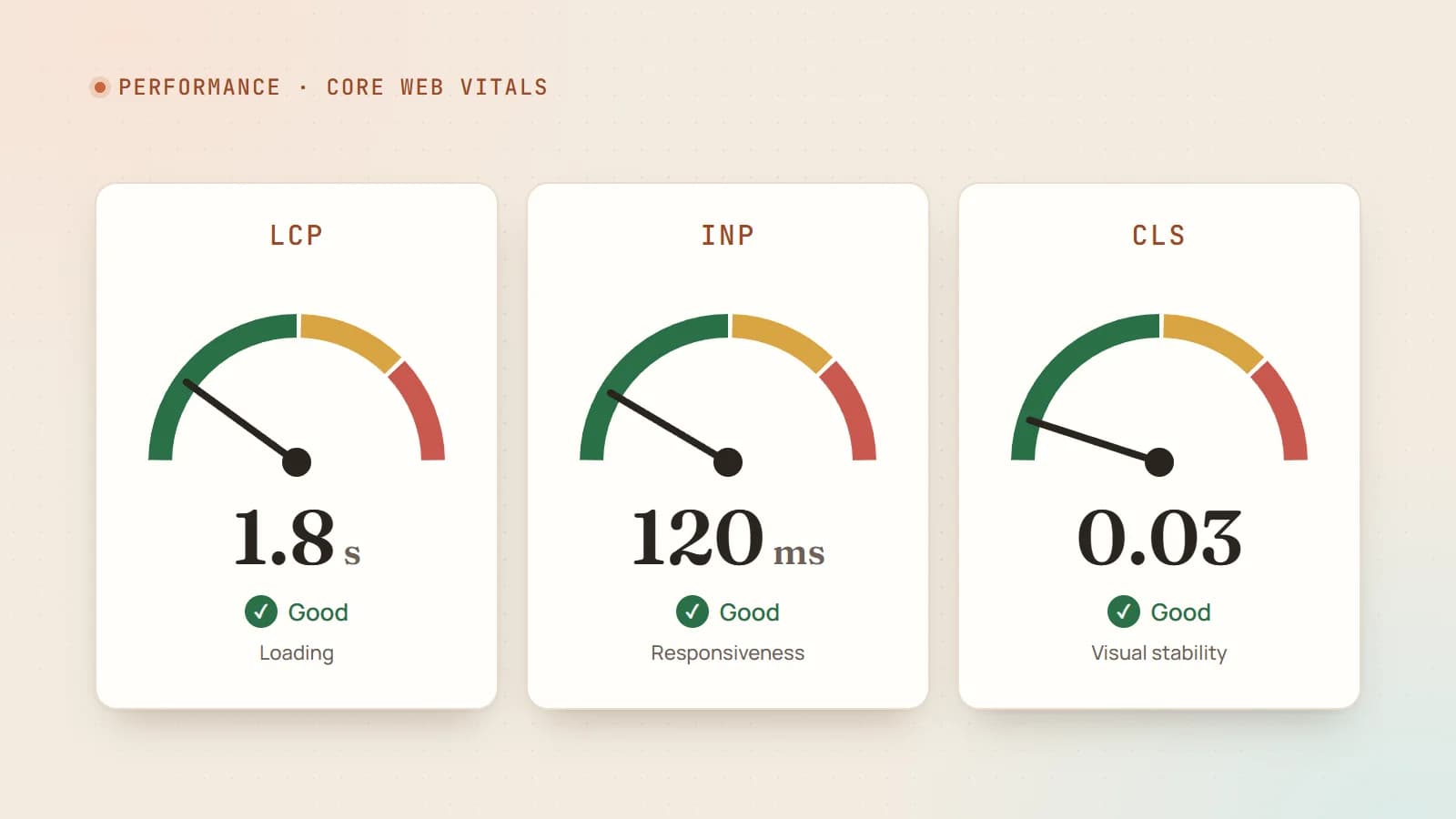
Google measures how fast your pages load, how quickly they respond and how stable they look — and visitors notice all three. Here’s what LCP, INP and CLS mean, how to measure them properly, and the fixes that make the biggest difference.
- Performance
- Core Web Vitals
- SEO
- Web Development
5 min read
Google’s September 2026 spam update is done: how to check if your site was hit
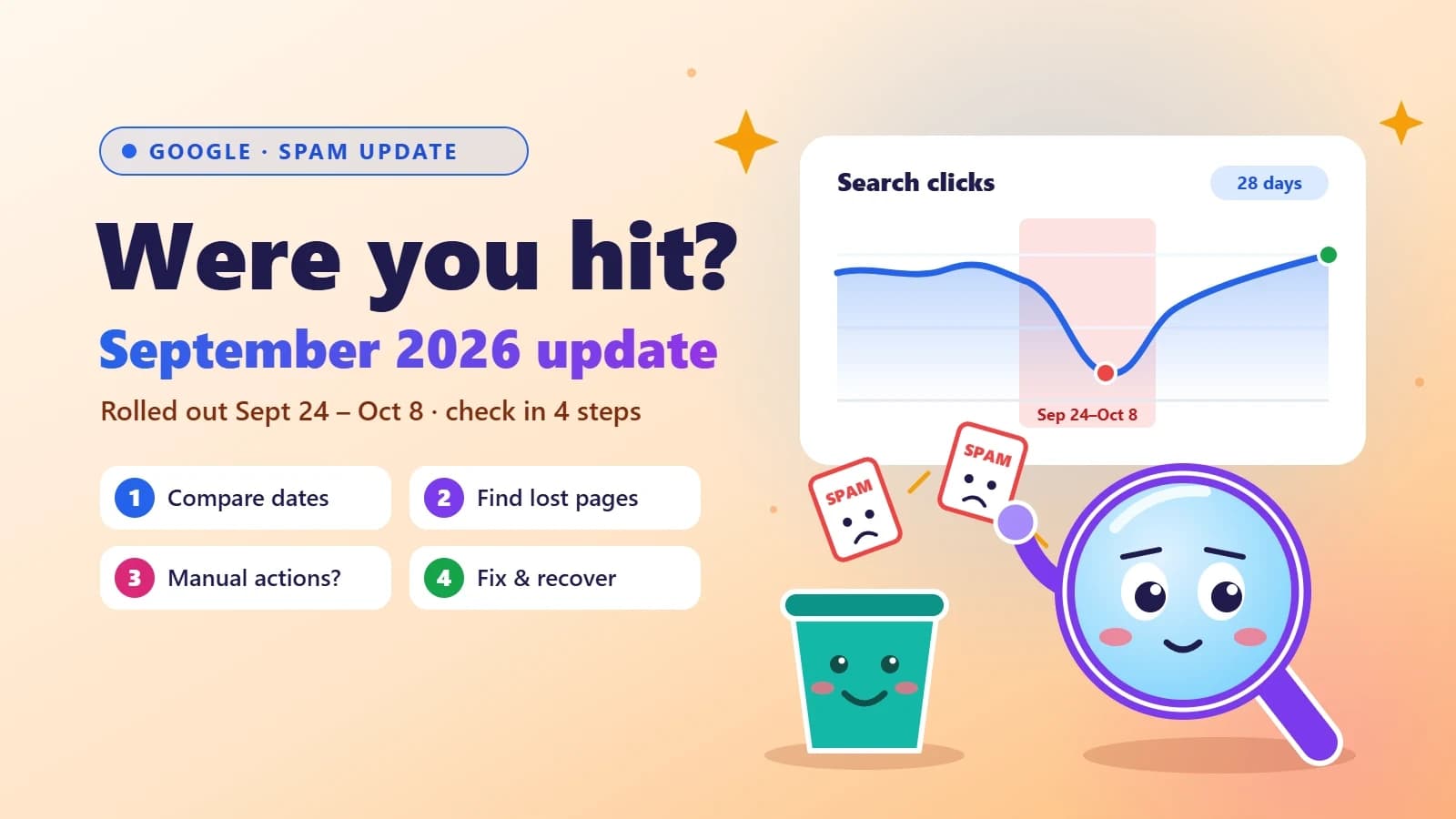
Google’s fourth spam update of 2026 took almost 14 days to roll out — far longer than the others. Here’s a simple Search Console check to see if your traffic was affected, what spam policies usually trip up small business sites, and how to recover.
- SEO
- Google Updates
- Search Console
- Small Business
Building something? Let’s talk.
If you’re planning a web app, a website or a new feature, a free call is a good place to start — you’ll get honest options, a fixed price and a timeline.