Structured data and JSON-LD: help Google and AI understand your website
Structured data tells search engines and AI systems exactly what your page is about — your business, services, articles and reviews — in a format machines can’t misread. Here’s how JSON-LD works, which types matter, and how to add it correctly.
 Nasir Mollah
6 min read
On this page10 sections
When a person reads your website, they understand instantly that “Mon–Fri 9–5” is your opening hours, that the number at the top is your phone number, and that the name in the footer is your business. A machine has to guess.
Structured data removes the guesswork. It’s a small block of code that describes your page in a standard vocabulary — this is a local business, here’s its address, here are its opening hours; this is an article, written by this person, published on this date. Search engines use it to understand pages better and to show richer results, and it gives AI systems clear, unambiguous facts about you. (Speed matters for search too — see Core Web Vitals explained.)
The vocabulary: schema.org
Structured data uses the schema.org vocabulary, a shared standard backed by the major search engines. It defines hundreds of types — Organization, LocalBusiness, Person, Article, Product, Event, FAQPage, BreadcrumbList — each with properties such as name, address, author or datePublished.
The format: JSON-LD
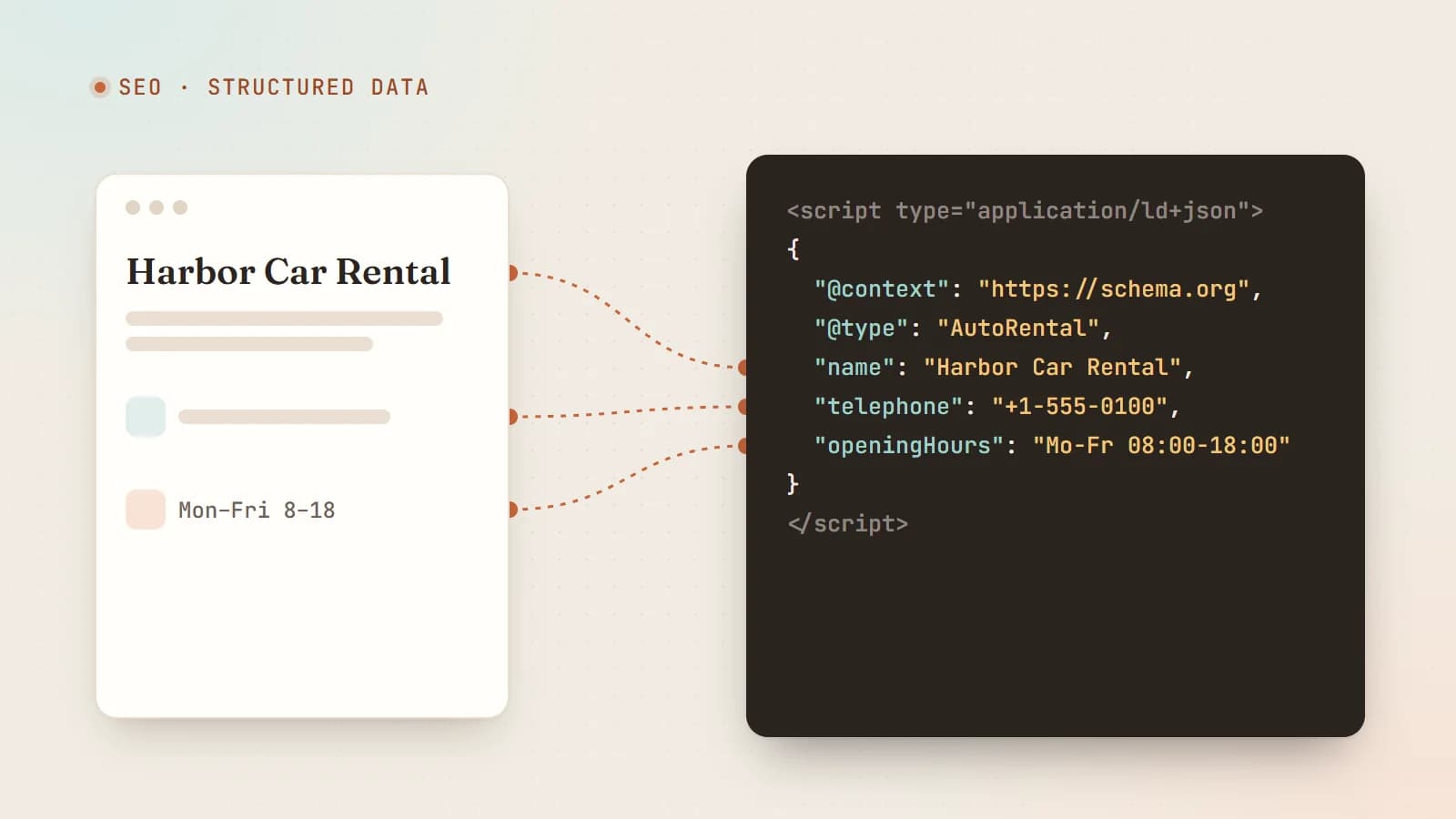
There are several ways to add structured data, but JSON-LD is the format Google recommends and by far the easiest to maintain. It’s a <script> tag containing JSON, separate from your visible HTML:
<script type="application/ld+json">
{
  "@context": "https://schema.org",
  "@type": "LocalBusiness",
  "name": "Harbor Car Rental",
  "url": "https://www.example.com",
  "telephone": "+1-555-0100",
  "address": {
    "@type": "PostalAddress",
    "streetAddress": "12 Harbor Road",
    "addressLocality": "Portland",
    "addressRegion": "ME",
    "postalCode": "04101",
    "addressCountry": "US"
  },
  "openingHoursSpecification": [{
    "@type": "OpeningHoursSpecification",
    "dayOfWeek": ["Monday", "Tuesday", "Wednesday", "Thursday", "Friday"],
    "opens": "08:00",
    "closes": "18:00"
  }]
}
</script>
@contextsays which vocabulary you’re using.@typesays what kind of thing this is.- The other keys are properties of that type, and values can be nested objects with their own types.
What structured data does for you
1. Rich results in Google
Some types make pages eligible for enhanced search results — review stars, product prices and availability, event dates, recipe details, breadcrumbs, article information and more. Rich results take up more space and give searchers useful information before they click.
Eligibility isn’t a guarantee: Google decides when to show rich results, and the available features change over time. For example, Google restricted FAQ rich results in 2023 to a small set of authoritative government and health websites, and retired HowTo rich results. Check Google’s current search gallery documentation before relying on a specific feature.
2. Clearer understanding of entities
Structured data connects your pages to entities — your business, your people, your services — with unambiguous facts: official name, logo, address, contact details, social profiles (sameAs). That helps search engines build an accurate picture of who you are and how your pages relate.
3. Clean facts for AI systems
AI assistants and AI search features try to answer questions such as “Which car rental near Portland airport is open on Sundays?”. Clear, consistent, machine-readable facts — in structured data and in your visible text — make it easier for any system processing your pages to get those details right. Structured data isn’t a magic switch for AI visibility, but it’s part of being an easy source to understand and cite.
The types most businesses should consider
Organization or LocalBusiness (home page)
Describe the business itself: name, URL, logo, contact details and social profiles. If you serve customers at a physical location or in a defined area, use LocalBusiness or a more specific subtype (for example Dentist, AutoRental, LegalService) with address, geo-coordinates, opening hours and price range.
WebSite (home page)
Identifies your site and its name, which helps search engines display your site name correctly.
BreadcrumbList (inner pages)
Describes where a page sits in your site hierarchy and can appear as breadcrumbs in search results:
{
  "@context": "https://schema.org",
  "@type": "BreadcrumbList",
  "itemListElement": [
    { "@type": "ListItem", "position": 1, "name": "Home", "item": "https://www.example.com/" },
    { "@type": "ListItem", "position": 2, "name": "Services", "item": "https://www.example.com/services" },
    { "@type": "ListItem", "position": 3, "name": "Airport pick-up" }
  ]
}
Article or BlogPosting (blog posts)
Headline, author, dates and image help search engines understand articles and show accurate dates and bylines:
{
  "@context": "https://schema.org",
  "@type": "BlogPosting",
  "headline": "How to choose a rental car for a family road trip",
  "image": "https://www.example.com/images/road-trip.webp",
  "datePublished": "2026-06-02T09:00:00Z",
  "dateModified": "2026-06-10T09:00:00Z",
  "author": { "@type": "Person", "name": "Jane Doe", "url": "https://www.example.com/about" }
}
Service, Product and Offer
Describe what you sell. Product with Offer (price, currency, availability) is important for e-commerce. Service can describe services and the area they’re provided in.
Person (about pages, author pages)
For consultants, freelancers and authors: name, job title, image, the organization they work for and sameAs links to professional profiles.
FAQPage
Even where FAQ rich results aren’t shown, marking up a genuine question-and-answer section can still describe your content clearly. Only use it for real FAQs visible on the page.
Connecting entities with @id
On larger sites, give key entities a stable identifier with @id and reference them instead of repeating details everywhere:
{
  "@context": "https://schema.org",
  "@graph": [
    {
      "@type": "Organization",
      "@id": "https://www.example.com/#organization",
      "name": "Harbor Car Rental",
      "logo": "https://www.example.com/logo.png"
    },
    {
      "@type": "WebSite",
      "@id": "https://www.example.com/#website",
      "url": "https://www.example.com/",
      "name": "Harbor Car Rental",
      "publisher": { "@id": "https://www.example.com/#organization" }
    }
  ]
}
This builds a small, consistent graph of facts about your business across the site.
Adding JSON-LD in a modern framework
In React frameworks such as Next.js, render a script tag with the serialized object in your page component:
export default function ServicePage() {
  const jsonLd = {
    "@context": "https://schema.org",
    "@type": "Service",
    name: "Airport car rental",
    provider: { "@type": "AutoRental", name: "Harbor Car Rental" },
    areaServed: "Portland, ME",
  };

  return (
    <>
      <script
        type="application/ld+json"
        dangerouslySetInnerHTML={{ __html: JSON.stringify(jsonLd).replace(/</g, "\\u003c") }}
      />
      {/* page content */}
    </>
  );
}
Escaping < prevents content inside the JSON (for example a title containing </script>) from breaking out of the script tag. Generate structured data from the same data that renders the page, so the markup and the visible content can never drift apart.
The rules that keep you out of trouble
Google’s structured-data guidelines boil down to honesty and consistency:
- Mark up only what’s visible on the page. Don’t describe reviews, prices or FAQs that users can’t see.
- Be accurate and current. Wrong opening hours or outdated prices hurt trust — and can make rich results disappear.
- Don’t fake reviews or ratings. Self-serving or invented reviews violate the guidelines and can lead to manual actions.
- Use the most specific type that fits, and include the properties Google lists as required for any rich result you’re targeting.
- Keep facts consistent across your site, your structured data, your Google Business Profile and other listings.
Testing and monitoring
- Google’s Rich Results Test shows which rich results a page is eligible for and flags errors.
- The Schema Markup Validator (validator.schema.org) checks general schema.org validity, including types Google doesn’t use for rich results.
- Google Search Console reports structured-data errors and rich-result status across your whole site over time.
Test after every template change. A broken JSON-LD block fails silently for visitors, so you’ll only notice through these tools.
A starter plan
- Home page:
Organizationor a specificLocalBusinesstype, plusWebSite. - Service or product pages:
ServiceorProductwithOffer, plusBreadcrumbList. - Blog posts:
BlogPostingwith author, dates and image, plusBreadcrumbList. - About page:
Person(for individuals) or richerOrganizationdetails. - Validate everything, then monitor in Search Console.
The takeaway
Structured data is one of the highest-value, lowest-effort improvements you can make to a website. It doesn’t replace good content — it makes good content easier to understand. Describe your business and pages honestly with JSON-LD, keep it in sync with what visitors see, validate it, and you give search engines and AI systems the clearest possible picture of who you are and what you offer.
- SEO
- Structured Data
- JSON-LD
- AI Search
Keep reading
6 min read
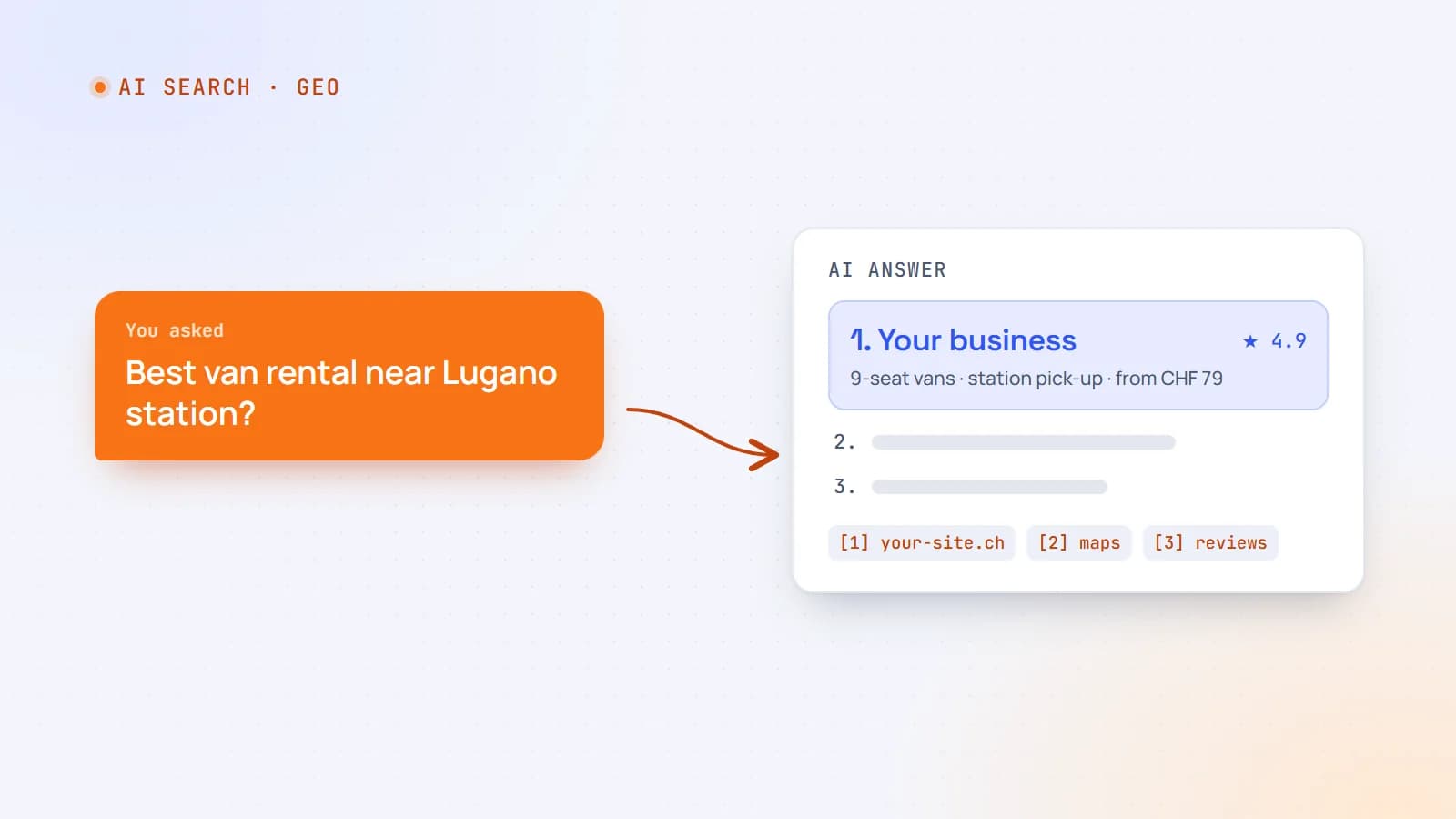
How to get your business recommended by ChatGPT, Perplexity and Google’s AI answers
More customers now ask an AI assistant instead of scrolling through search results. Here’s how AI search actually finds and chooses businesses — and the practical steps that make yours easy to recommend.
- AI Search
- SEO
- GEO
- Structured Data
5 min read
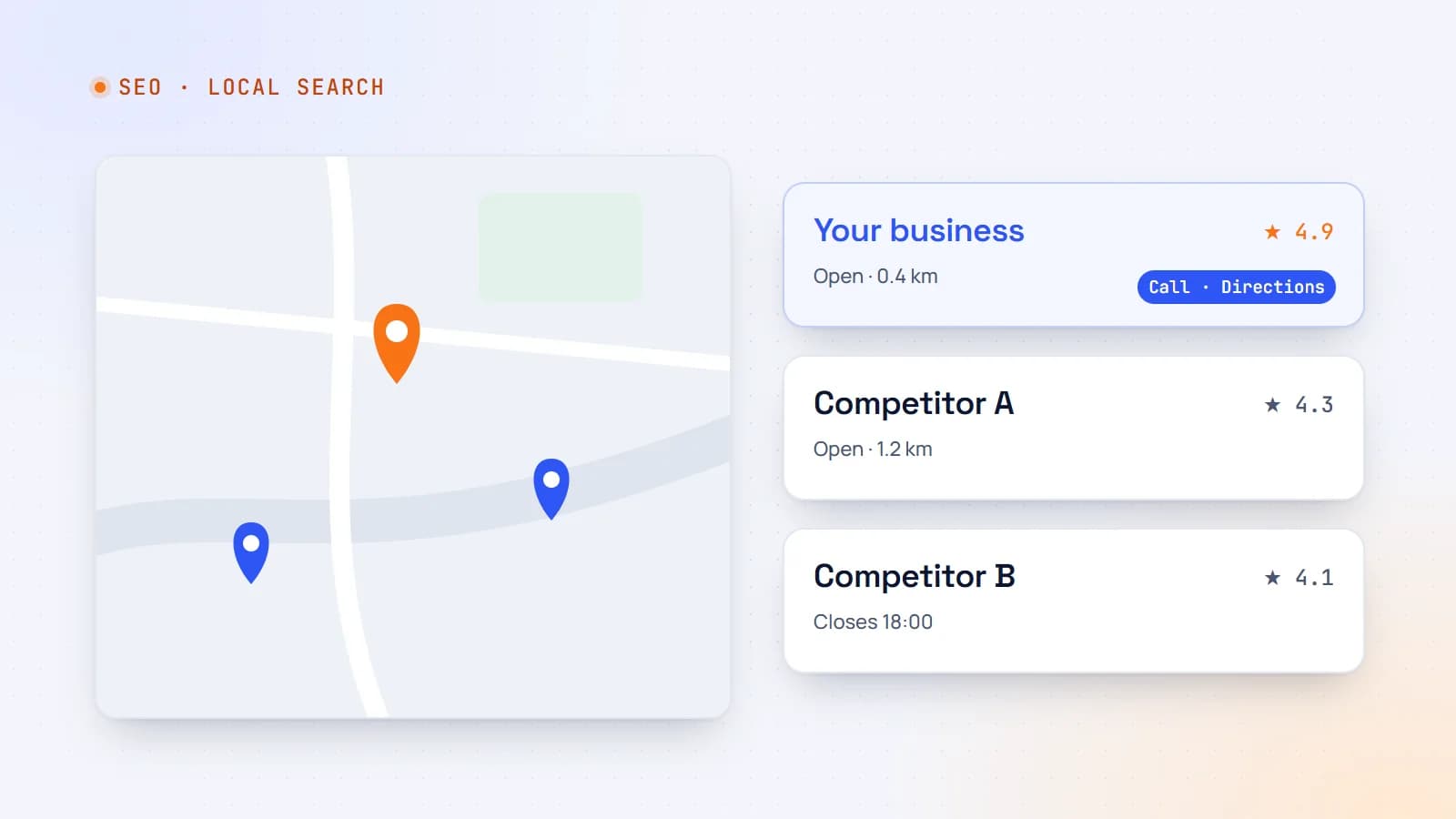
Local SEO for small businesses: how to show up when people search nearby
When someone searches “therapist near me” or “car rental Lugano”, Google shows a map and a handful of businesses. Here’s how local search works and a practical plan to make your business one of them.
- Local SEO
- SEO
- Small Business
- Structured Data
5 min read
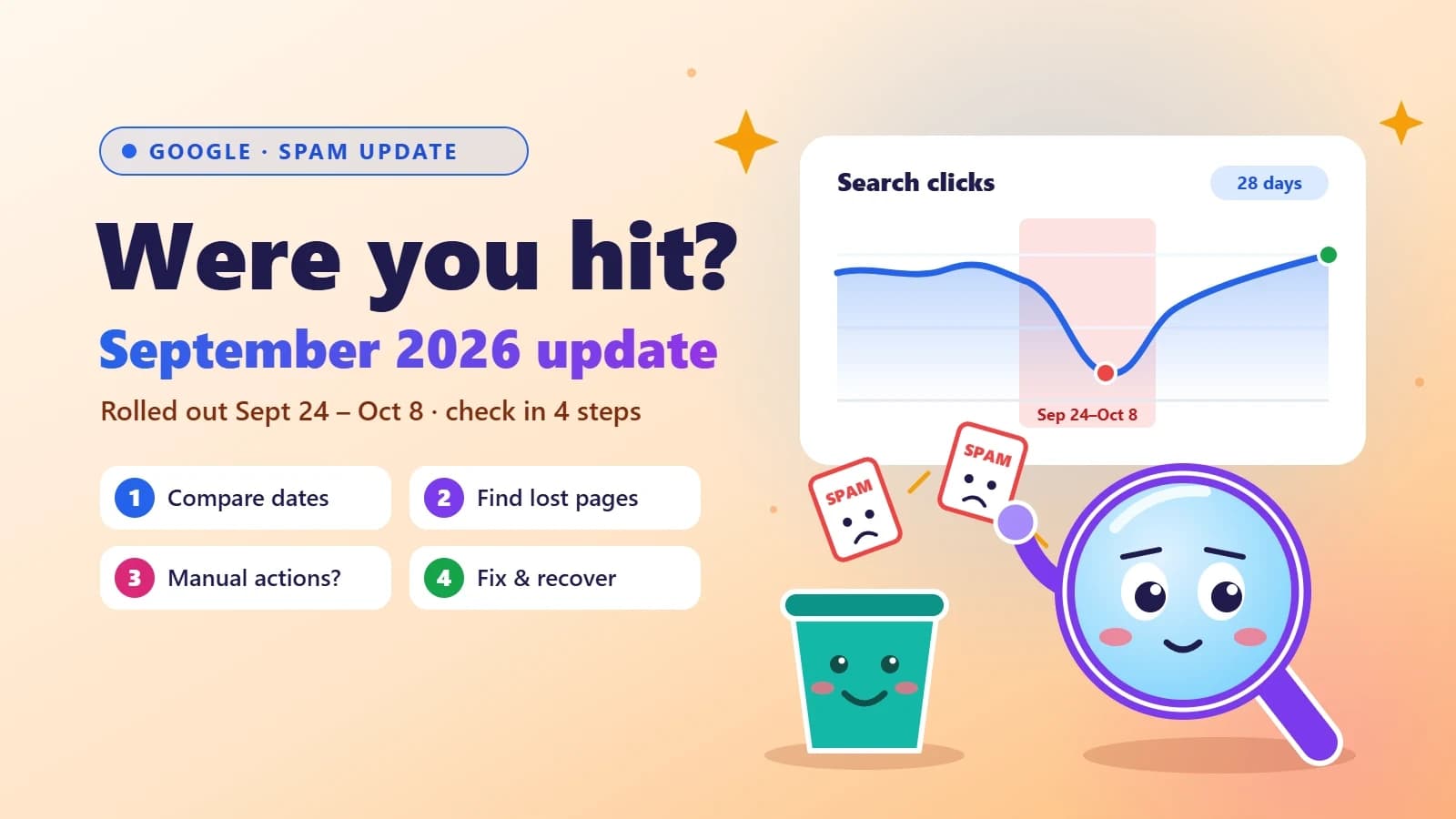
Google’s September 2026 spam update is done: how to check if your site was hit
Google’s fourth spam update of 2026 took almost 14 days to roll out — far longer than the others. Here’s a simple Search Console check to see if your traffic was affected, what spam policies usually trip up small business sites, and how to recover.
- SEO
- Google Updates
- Search Console
- Small Business
Building something? Let’s talk.
If you’re planning a web app, a website or a new feature, a free call is a good place to start — you’ll get honest options, a fixed price and a timeline.