Local SEO for small businesses: how to show up when people search nearby
When someone searches “therapist near me” or “car rental Lugano”, Google shows a map and a handful of businesses. Here’s how local search works and a practical plan to make your business one of them.
 Nasir Mollah
5 min read
On this page11 sections
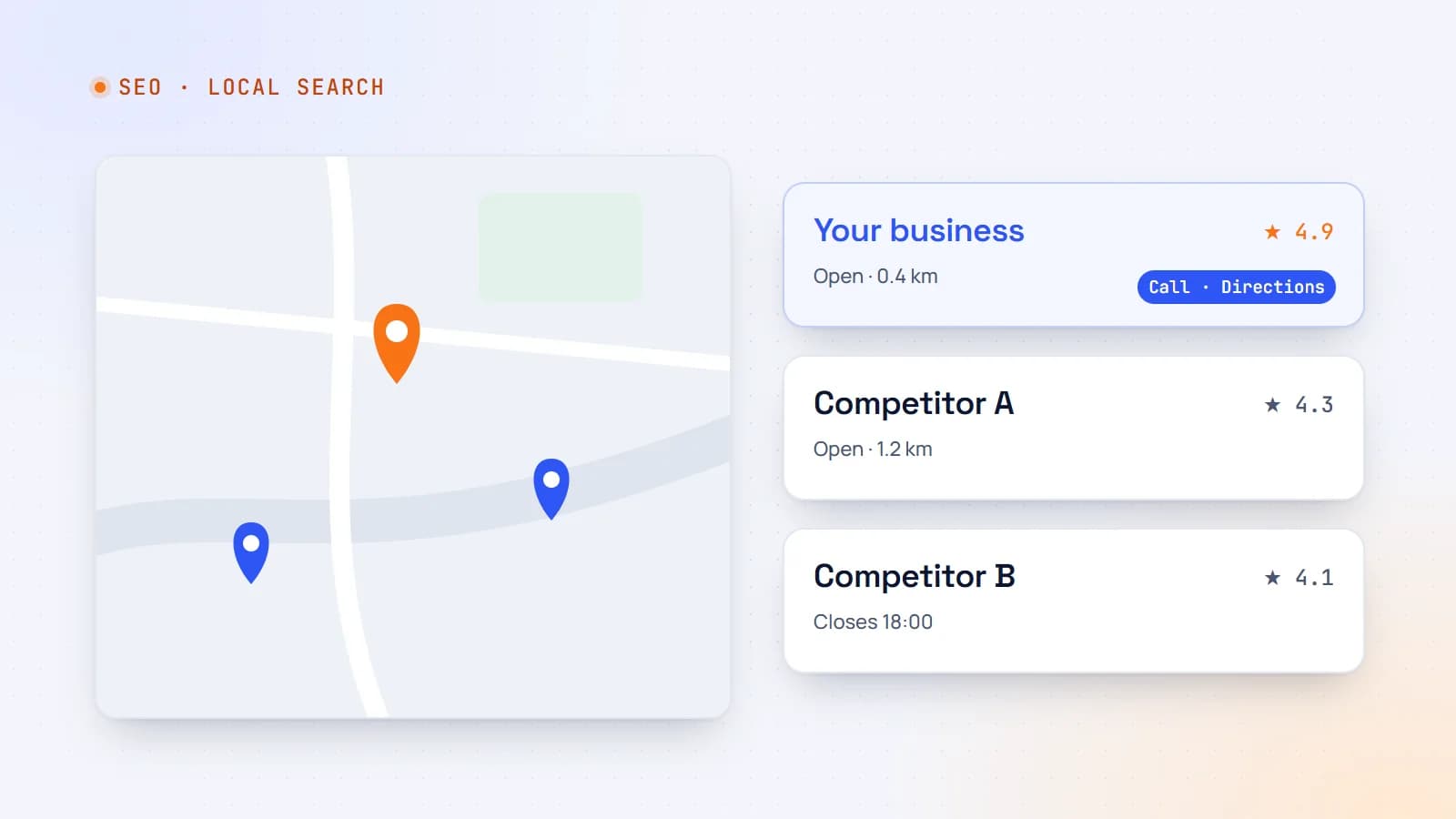
For a therapy practice, a car rental company, a dentist or a plumber, the most valuable searches are local: “trauma therapist in Denver”, “van rental near Lugano station”, “emergency plumber open now”. These searches usually show a map with a few businesses (the “local pack”) above the regular results — and the businesses in that box get a large share of the calls and clicks.
Local SEO is the work of getting into that box and the results around it. Most of it is straightforward — and many competitors still don’t do it well.
How Google ranks local results
Google says local results are based mainly on three factors:
- Relevance — how well your business matches what the person searched for.
- Distance — how far your business is from the searcher or the location in the search.
- Prominence — how well known and trusted your business is, based on reviews, links, articles, directories and overall web presence.
You can’t change distance. You can improve relevance and prominence — and that’s where the plan below focuses.
Step 1: Claim and complete your Google Business Profile
Your Google Business Profile (formerly Google My Business) is the single most important local SEO asset. It powers your listing in Maps and the local pack.
- Verify the profile and make sure you control it.
- Choose the most accurate primary category (for example “Psychotherapist” or “Car rental agency”) and add relevant secondary categories.
- Complete everything: address or service area, hours (including holiday hours), phone, website, services, attributes, and a clear description.
- Add real photos: premises, team, vehicles, the entrance people will look for.
- Use products/services to list what you offer, with prices where it makes sense.
- Post occasional updates and answer common questions.
Accuracy matters more than anything: wrong hours or a disconnected phone number cost you customers and trust.
Step 2: Get reviews — and reply to them
Reviews influence both rankings and decisions. People read them before calling.
- Ask every happy customer at the right moment — after a successful rental return, after a completed project. Make it easy with a direct review link or QR code.
- Reply to every review, positive and negative, politely and specifically. A calm, helpful reply to a bad review can win more trust than ten five-star ratings.
- Never buy or fake reviews, and don’t offer incentives in exchange for positive ones — it violates platform policies and can get your listing penalized.
For health practices, be careful not to confirm that a reviewer is a patient or share any personal details in replies.
Step 3: Keep your details consistent everywhere
Your business name, address and phone number (NAP), plus website and hours, should be identical across:
- your website;
- Google Business Profile, Apple Business Connect and Bing Places;
- industry directories (therapy directories, rental marketplaces, local chambers of commerce);
- social profiles.
Inconsistent details confuse search engines and AI assistants — and customers. Do an audit: search your business name and fix outdated listings.
Step 4: Build pages that match local searches
Your website should give Google clear, specific pages to show for local searches:
- A page for each main service — “EMDR therapy”, “Couples therapy”, “Van rental”, “Airport pick-up”.
- A page for each location you genuinely serve — with real, specific content: address and directions, parking, nearby landmarks, which services are available there, local photos.
- Clear contact and booking on every page.
Avoid thin “city pages” that swap the town name into the same template. They don’t help users and can be treated as spam. Each location page should be genuinely useful on its own.
On each page:
- a descriptive title tag, e.g. “Van Rental in Lugano — Station & Hotel Pick-Up | Example Rentals”;
- a clear H1 and content that answers what people want to know (prices, process, hours, what to bring);
- an embedded map and directions where relevant;
- internal links between related services and locations.
Step 5: Add local structured data
Structured data tells search engines exactly who and where you are. Use the most specific LocalBusiness subtype that fits:
{
  "@context": "https://schema.org",
  "@type": "MedicalBusiness",
  "name": "Example Therapy Center",
  "url": "https://www.example.com",
  "telephone": "+1-303-555-0100",
  "address": {
    "@type": "PostalAddress",
    "streetAddress": "100 Main Street, Suite 200",
    "addressLocality": "Denver",
    "addressRegion": "CO",
    "postalCode": "80202",
    "addressCountry": "US"
  },
  "openingHoursSpecification": [{
    "@type": "OpeningHoursSpecification",
    "dayOfWeek": ["Monday", "Tuesday", "Wednesday", "Thursday", "Friday"],
    "opens": "09:00",
    "closes": "18:00"
  }],
  "areaServed": ["Denver", "Lakewood"]
}
Match the details exactly to what’s on the page and on your Google Business Profile, and validate with Google’s Rich Results Test.
Step 6: Earn local mentions and links
Prominence grows when other local sites mention you:
- local business associations and chambers of commerce;
- partnerships (hotels recommending your rental service, physicians referring to your practice);
- local news, events and sponsorships;
- helpful guides other people want to link to (“How to get from Lugano airport to the city”, “What to expect in your first therapy session”).
A few relevant local links are worth more than many random ones.
Step 7: Make the website fast and mobile-friendly
Most local searches happen on phones, often on the move. Your site should:
- load quickly on mobile data;
- show the phone number, address and booking button without hunting;
- use tap-to-call and tap-for-directions links;
- make booking or requesting a quote possible in a few taps.
Step 8: Measure what matters
- Google Business Profile insights: searches, views, calls, direction requests and website clicks.
- Search Console: queries and pages driving impressions and clicks, filtered for local terms.
- Analytics: calls, form submissions and bookings — tag them as conversions.
- Ask new customers how they found you.
Track monthly. Local SEO compounds: reviews, pages and mentions keep working long after you add them.
Common mistakes
- Keyword-stuffing the business name on Google (“Best Cheap Car Rental Lugano Airport”) — against the guidelines and risky.
- Listing a virtual office or address you don’t actually serve customers from.
- Duplicate listings for the same location.
- Ignoring reviews for months.
- A website with no clear address, hours or phone number.
A 30-day starter plan
- Week 1: claim, verify and fully complete your Google Business Profile; fix your website’s contact details.
- Week 2: audit and correct your listings on major directories; set up a simple review request process.
- Week 3: create or improve one page per main service and per real location; add structured data.
- Week 4: set up conversion tracking, reply to all reviews, and plan one genuinely useful local guide.
The same foundations help with AI search recommendations. Local SEO isn’t about tricks. It’s about being accurate, specific, trusted and easy to choose — everywhere a nearby customer might look.
- Local SEO
- SEO
- Small Business
- Structured Data
Keep reading
5 min read
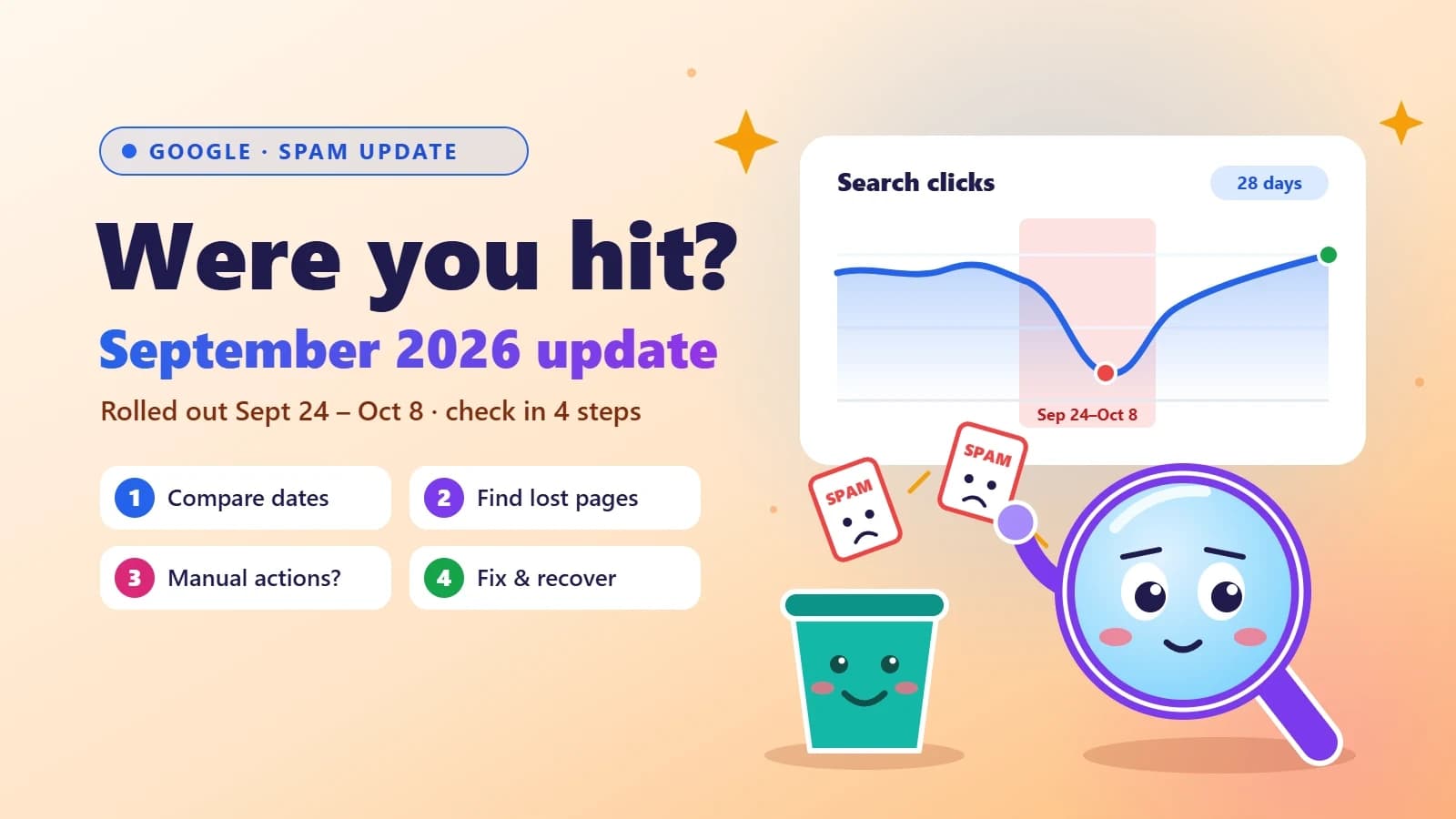
Google’s September 2026 spam update is done: how to check if your site was hit
Google’s fourth spam update of 2026 took almost 14 days to roll out — far longer than the others. Here’s a simple Search Console check to see if your traffic was affected, what spam policies usually trip up small business sites, and how to recover.
- SEO
- Google Updates
- Search Console
- Small Business
6 min read
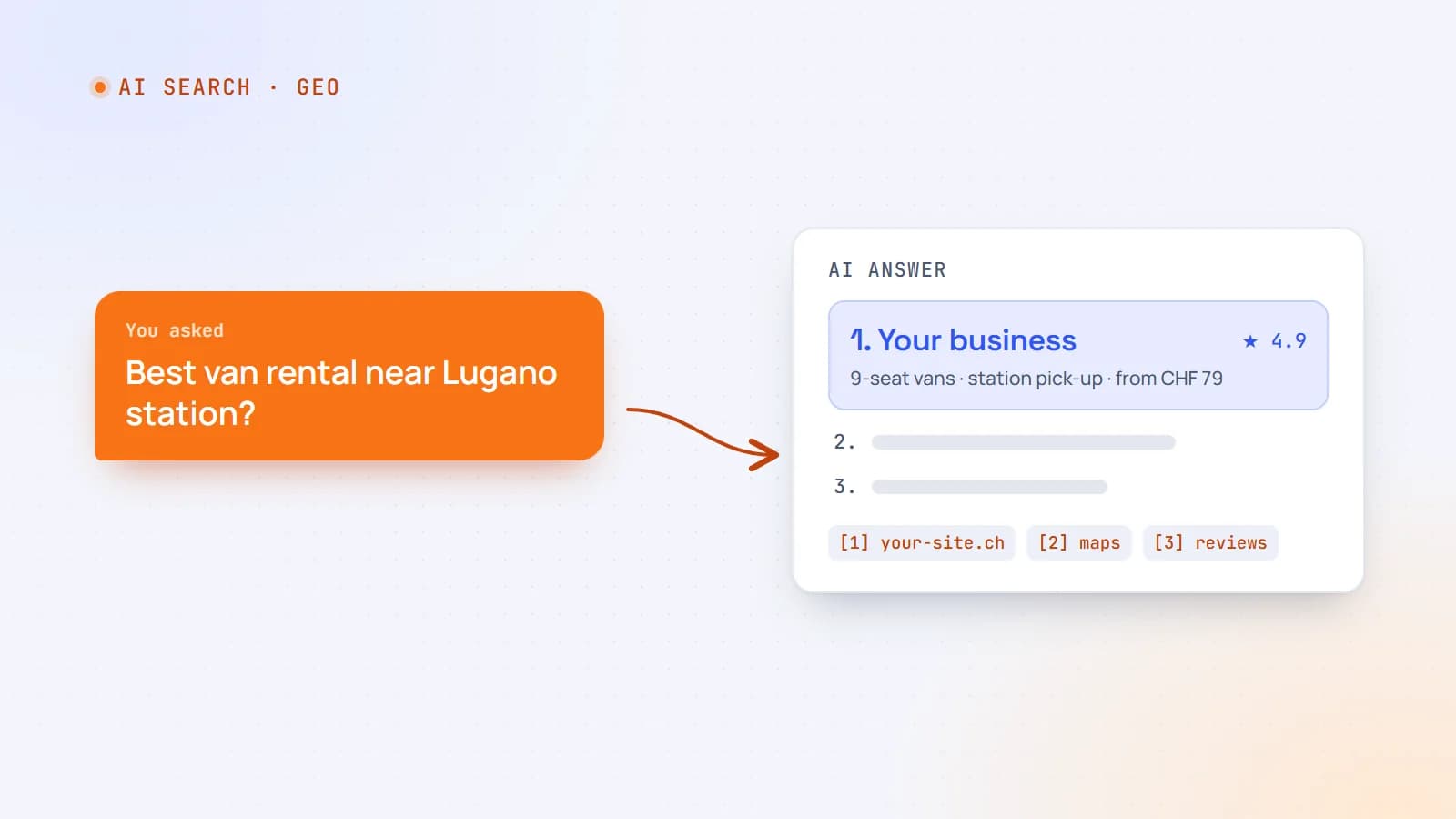
How to get your business recommended by ChatGPT, Perplexity and Google’s AI answers
More customers now ask an AI assistant instead of scrolling through search results. Here’s how AI search actually finds and chooses businesses — and the practical steps that make yours easy to recommend.
- AI Search
- SEO
- GEO
- Structured Data
6 min read
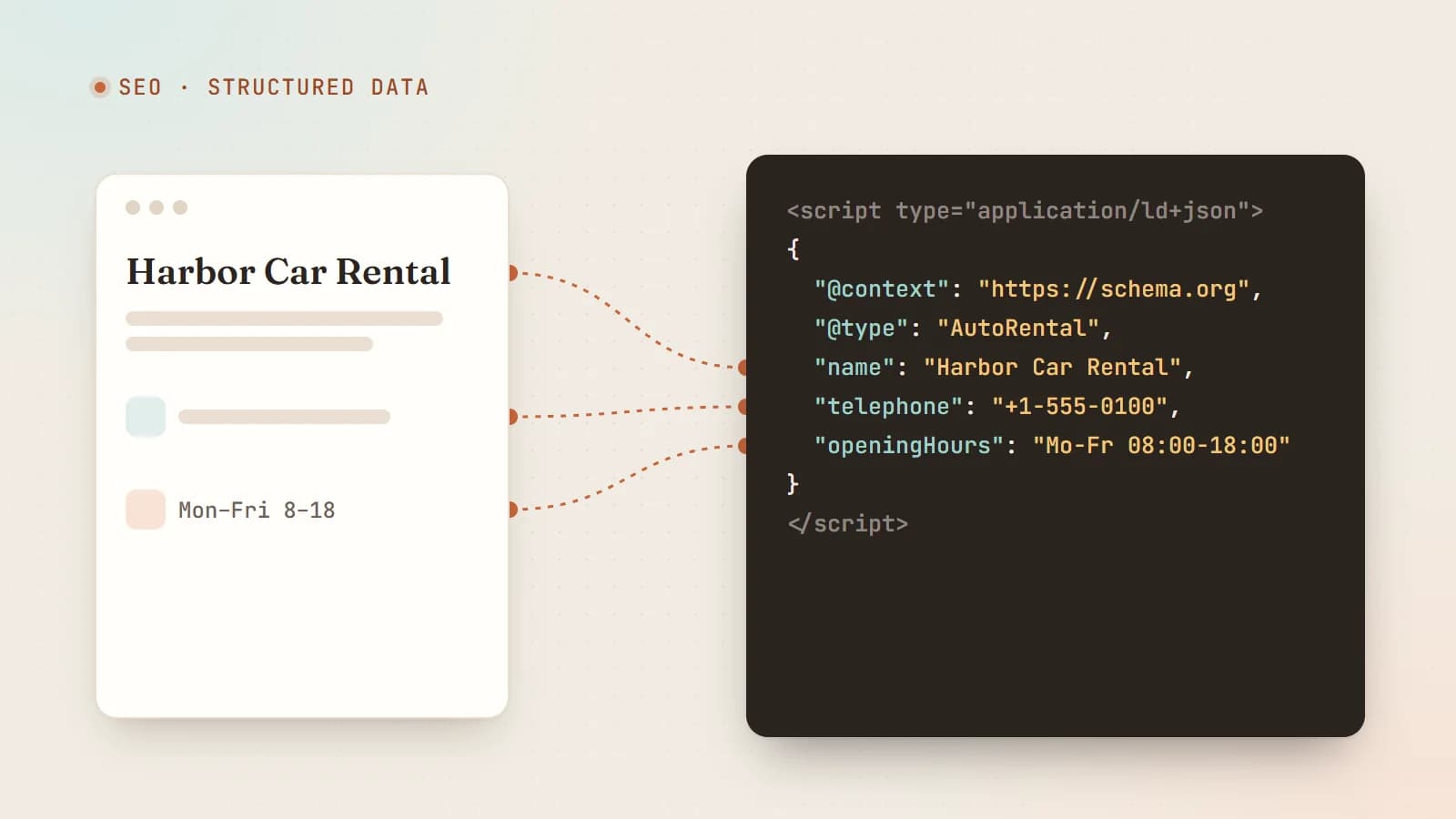
Structured data and JSON-LD: help Google and AI understand your website
Structured data tells search engines and AI systems exactly what your page is about — your business, services, articles and reviews — in a format machines can’t misread. Here’s how JSON-LD works, which types matter, and how to add it correctly.
- SEO
- Structured Data
- JSON-LD
- AI Search
Building something? Let’s talk.
If you’re planning a web app, a website or a new feature, a free call is a good place to start — you’ll get honest options, a fixed price and a timeline.