Google’s September 2026 spam update is done: how to check if your site was hit
Google’s fourth spam update of 2026 took almost 14 days to roll out — far longer than the others. Here’s a simple Search Console check to see if your traffic was affected, what spam policies usually trip up small business sites, and how to recover.
 Nasir Mollah
5 min read
On this page11 sections
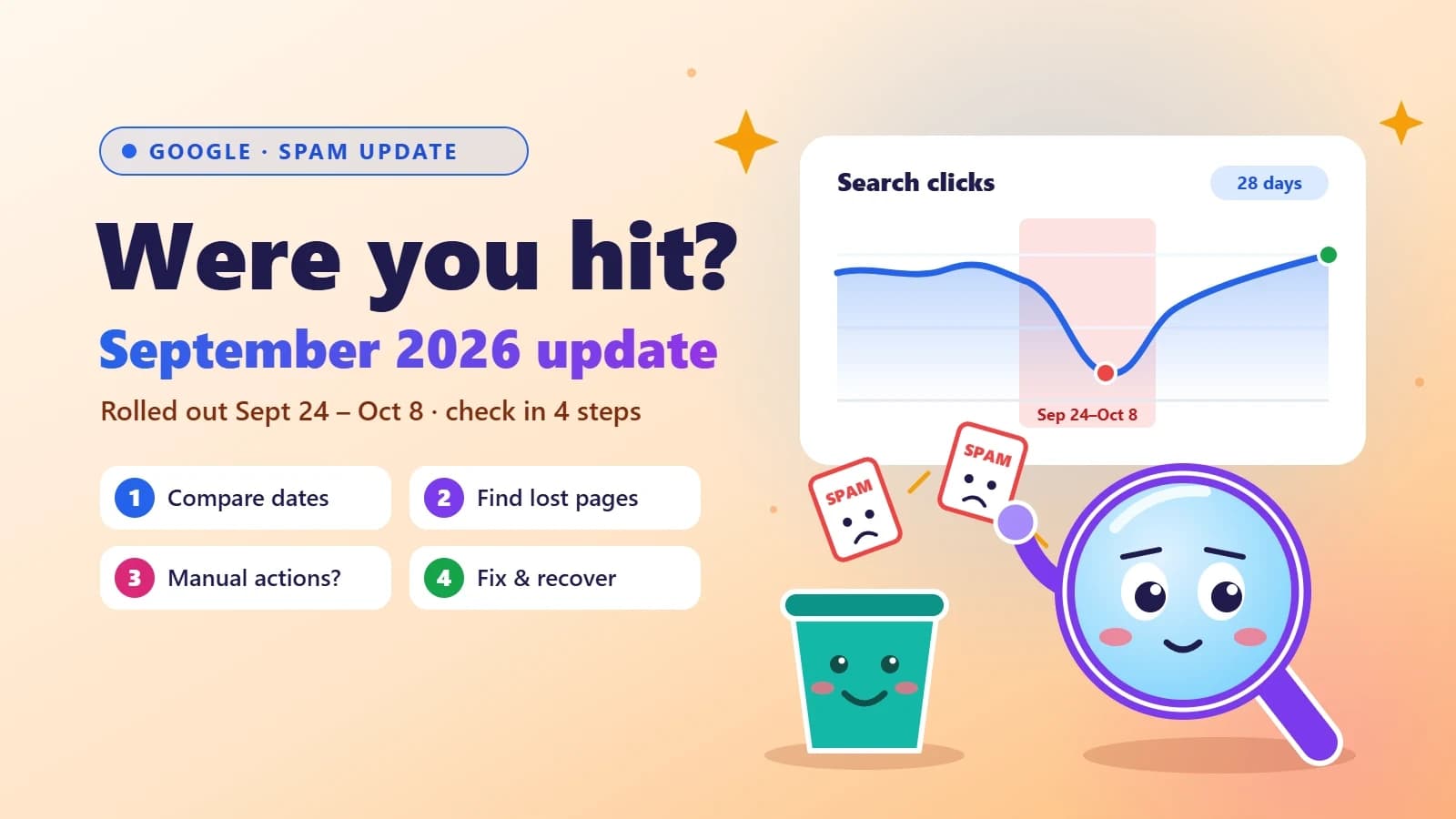
Google’s September 2026 spam update started on September 24 and finished on October 8, 2026 — about 13 days and 16 hours later. That’s unusually long. The three earlier spam updates this year (March, June and August) each wrapped up in roughly two days or less.
If your traffic dipped in early October, you’re probably wondering whether this update is the reason. This guide gives you a simple way to check in Google Search Console, explains which spam policies tend to catch ordinary business websites, and what to do if you were hit.
What we know about the update
Started: September 24, 2026, around 9:15 a.m. Pacific time.
Finished: October 8, 2026.
Scope: global, all languages.
Count: the fourth spam update of 2026, after March, June and August. For comparison, 2025 had only one.
What it targeted: Google called it “a normal spam update” and didn’t say more. Spam updates improve how Google detects sites that break its spam policies.
The update is different from a core update. A core update re-evaluates overall quality and relevance; a spam update targets specific rule-breaking. If you lost rankings in a spam update, the question isn’t “is my content good enough?” but “am I doing something Google’s policies forbid?”
Step 1: Check if the timing matches
A dip during those two weeks doesn’t automatically mean the update caused it. Here’s a clean way to test it:
Open Google Search Console → Performance → Search results.
Click Date → Compare, and use a custom range.
Compare the 14 days before September 24 with the 14 days after October 8. Skipping the rollout itself avoids the day-to-day noise.
Look at clicks and average position, not just impressions.
If the “after” window is clearly worse and the rest of your setup didn’t change (no redesign, no migration, no hosting outage), the update is a likely suspect.
Step 2: Find which pages lost traffic
In the same comparison, open the Pages tab and sort by the clicks difference.
Losses spread evenly across the whole site point to a site-wide signal — for example, a pattern of thin or mass-produced pages.
Losses concentrated on one URL pattern (like
/locations/,/services/or/blog/) point to that section or template.
Step 3: Rule out a manual action
Algorithmic spam updates and manual actions are different things. In Search Console, open Security & Manual actions → Manual actions. If there’s a message there, a human reviewer flagged your site — fix the issue they describe and submit a reconsideration request. It takes a minute to check and rules out a whole category of problems.
Step 4: Don’t confuse it with later volatility
Search Engine Roundtable reported heated ranking volatility around October 20–21 and again on October 24. Google didn’t confirm those as an update. If your drop started then, it’s probably something else — keep watching the Google Search Status Dashboard for confirmed updates.
The spam policies that catch normal business sites
Most small business owners aren’t trying to spam Google. But a few common shortcuts fall under Google’s spam policies:
Scaled content abuse
Publishing lots of pages mainly to rank, with little value for readers — whether written by AI, freelancers or templates. Classic example: a hundred “plumber in [city]” pages with the same text and only the city name changed.
Doorway pages
Near-identical pages that funnel visitors to the same place. Location pages are fine when each one has genuinely local information (address, team, reviews, directions, services offered there). See local SEO for small businesses.
Link spam
Buying links, large-scale link exchanges, or “guest posts” that exist only to pass links. Links from a web designer’s footer credit are fine; paid links without rel="sponsored" are not.
Site reputation abuse
Hosting third-party content (coupon sections, casino reviews, unrelated product roundups) on a trusted domain to borrow its ranking power.
Expired domain abuse
Buying an old domain and filling it with unrelated content to exploit its history.
Hacked content
Sometimes the “spam” isn’t yours. Outdated plugins or frameworks can let attackers inject hidden pages. If Search Console shows URLs you never created, check for a compromise first — and keep your stack patched (see the latest Next.js security update).
If you were hit: how to recover
Find the violation, honestly. Look at the section that lost traffic and ask which policy it could break.
Fix or remove it. Merge thin pages into fewer, stronger ones. Remove or
noindexpages that exist only for search. Disavow or remove paid links.Improve what remains. Clear authorship, real experience, original photos and specifics. Google also warned in early October against deceptive authorship information — don’t invent experts or fake bylines.
Be patient. Google says sites that fix spam issues may see improvement as its systems learn over time — often months, not days. There’s no “recovery switch”.
Don’t chase quick fixes. Changing domains or rewriting everything at once usually makes things harder to diagnose.
How to stay safe in future updates
Publish for people first. Every page should answer a real question better than what already ranks.
Use structured data honestly. It helps search engines and AI understand your business — see structured data and JSON-LD.
Keep your site fast and healthy. Spam updates don’t target speed, but a solid technical base makes every other signal stronger — see Core Web Vitals explained.
Think beyond blue links. More searches now end in AI answers. Being clearly described and trustworthy helps there too — see how to get recommended by AI search.
FAQ
When did the Google September 2026 spam update start and end?
It started on September 24, 2026 and finished rolling out on October 8, 2026 — almost 14 days.
How is a spam update different from a core update?
A core update re-ranks pages based on overall quality and relevance. A spam update improves Google’s detection of sites that break its spam policies, such as scaled content abuse, link spam or doorway pages.
How long does recovery take?
After you fix the problem, improvements can take months as Google’s systems re-evaluate your site. There’s no way to request a re-review for an algorithmic update — only for manual actions.
My traffic dropped but I don’t break any policy. What now?
Check other causes: a site migration, tracking changes, seasonality, technical errors, or competitors improving. Compare the same period last year and check the Pages and Queries reports for where the drop actually happened.
The takeaway
Use the before-and-after comparison in Search Console, find which section lost traffic, rule out a manual action, and check that section against Google’s spam policies. If you find a problem, fix it properly and give it time. If you don’t, your drop probably has a different cause — and that’s worth diagnosing too.
Saw a traffic drop and want a second pair of eyes? Get in touch for a site check.
Sources
- SEO
- Google Updates
- Search Console
- Small Business
Keep reading
5 min read
Local SEO for small businesses: how to show up when people search nearby
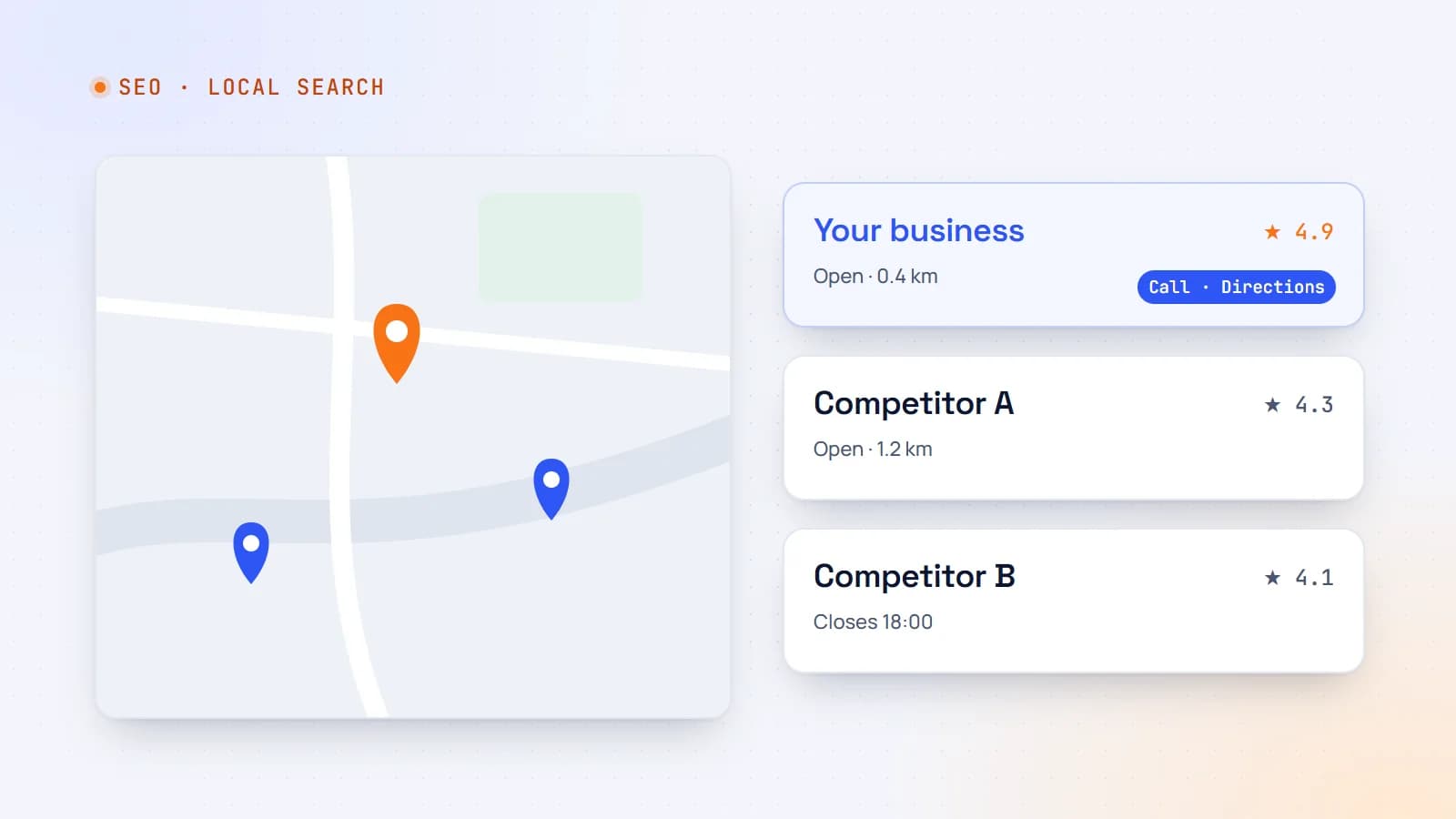
When someone searches “therapist near me” or “car rental Lugano”, Google shows a map and a handful of businesses. Here’s how local search works and a practical plan to make your business one of them.
- Local SEO
- SEO
- Small Business
- Structured Data
6 min read
How to get your business recommended by ChatGPT, Perplexity and Google’s AI answers
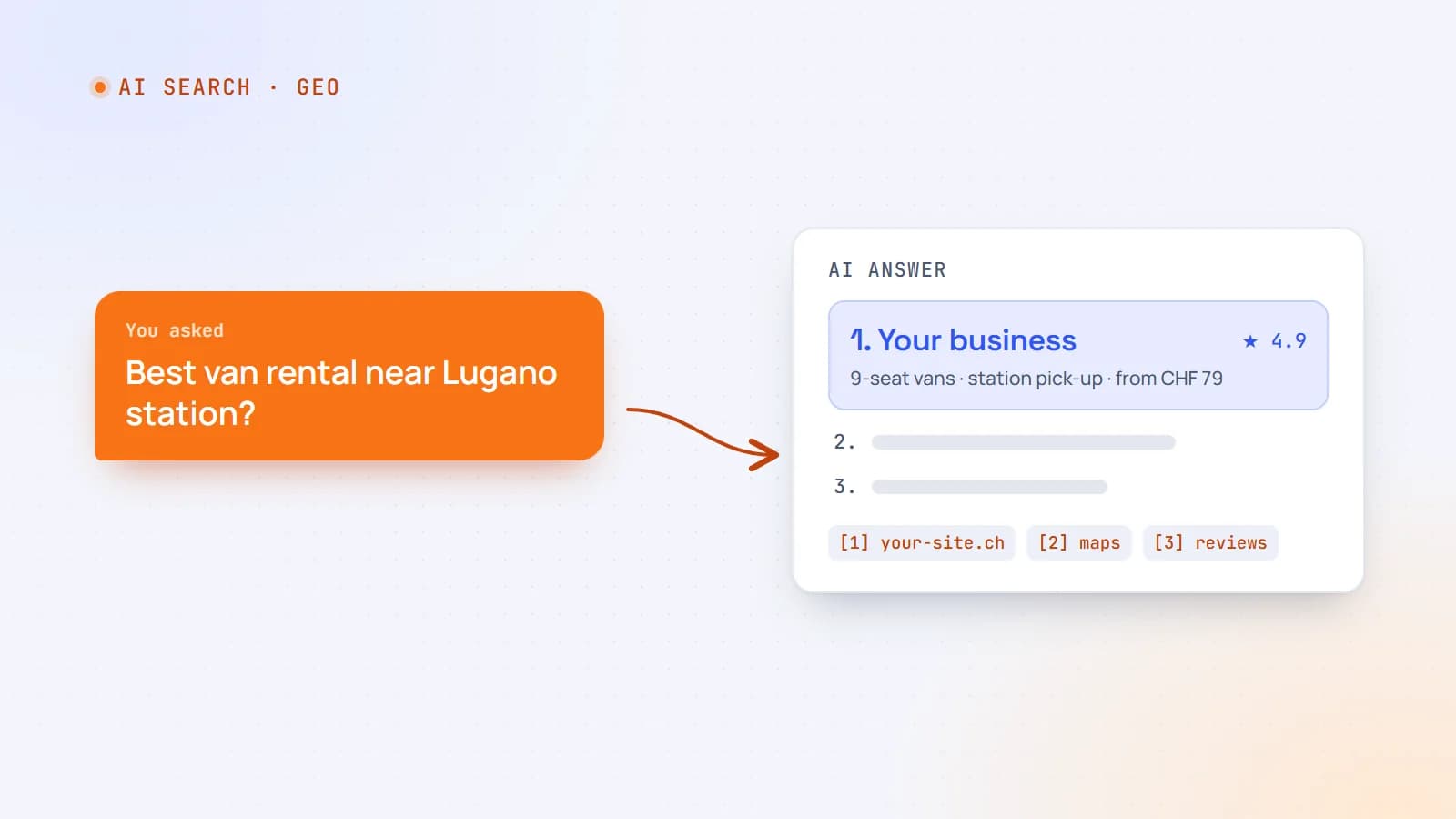
More customers now ask an AI assistant instead of scrolling through search results. Here’s how AI search actually finds and chooses businesses — and the practical steps that make yours easy to recommend.
- AI Search
- SEO
- GEO
- Structured Data
5 min read
Multilingual websites done right: URLs, hreflang and international SEO
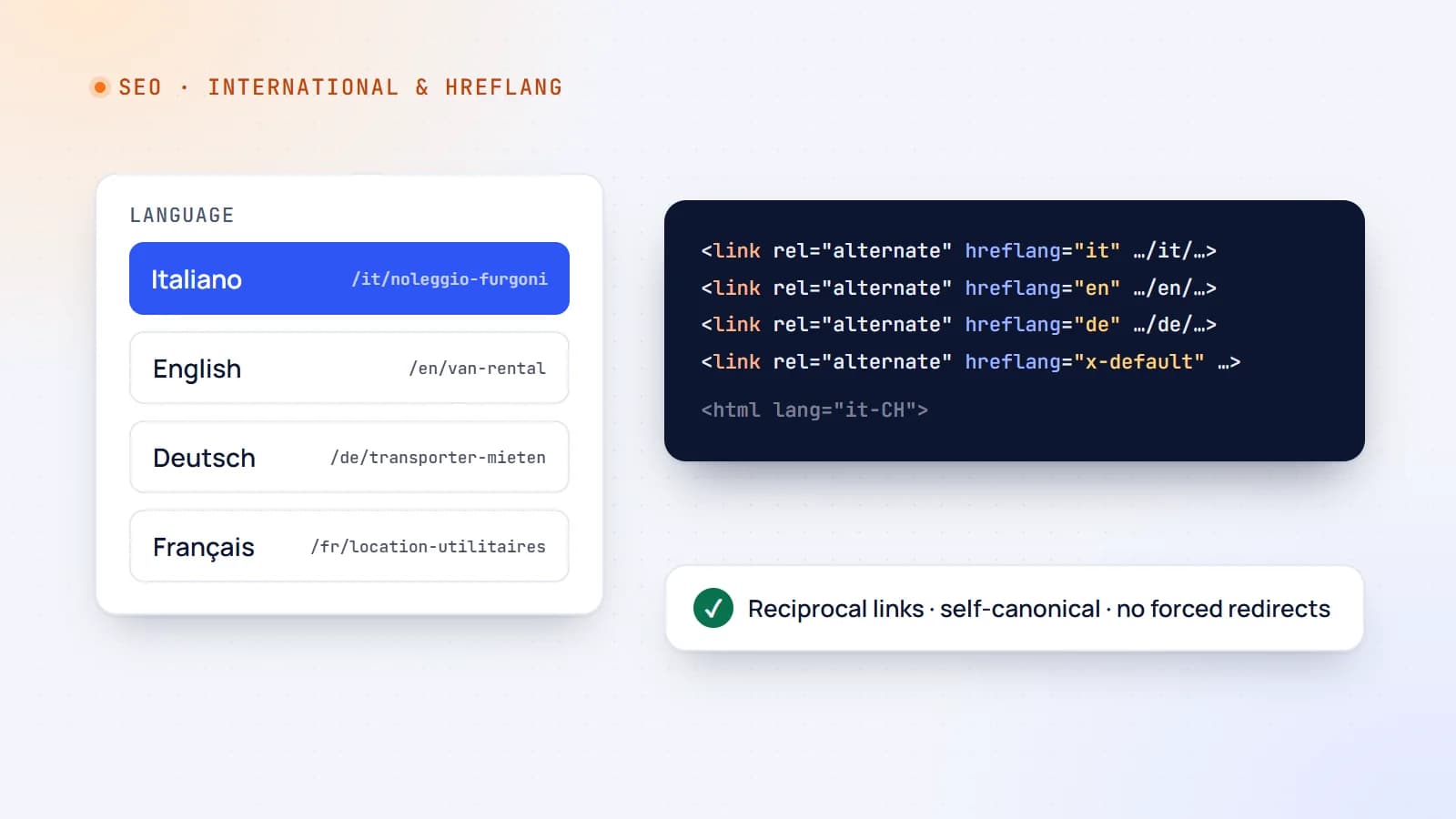
Translating your website can open new markets — or quietly confuse Google and frustrate visitors. Here’s how to structure a multilingual site, use hreflang correctly and avoid the mistakes that cost international traffic.
- International SEO
- SEO
- Web Development
- Next.js
Building something? Let’s talk.
If you’re planning a web app, a website or a new feature, a free call is a good place to start — you’ll get honest options, a fixed price and a timeline.