Building real-time apps with Socket.IO: a practical guide
Live chat, notifications, dashboards and collaborative tools all need the server to push updates instantly. Here’s how Socket.IO works, the core concepts — events, rooms, acknowledgements — and how to secure and scale it in production.
 Nasir Mollah
6 min read
On this page10 sections
Most of the web works on a simple pattern: the browser asks, the server answers. That’s perfect for loading pages, but awkward when the server has something new to say — a new chat message, a booking that just came in, a price that changed, a teammate editing the same document.
Real-time features need a connection that stays open so the server can push updates the moment they happen. Socket.IO is one of the most popular ways to build that in JavaScript, and this guide covers how it works and how to use it well.
Polling, WebSockets and Socket.IO
There are three common approaches to “live” data:
- Polling: the browser asks “anything new?” every few seconds. Simple, but wasteful and never truly instant.
- WebSockets: a standard protocol that keeps one connection open in both directions. Efficient and fast, but low-level — you handle reconnection, message formats and grouping yourself.
- Socket.IO: a library built on top of WebSockets (with an HTTP long-polling fallback) that adds the features almost every real-time app needs.
What Socket.IO adds on top of raw WebSockets:
- Automatic reconnection with back-off when the network drops.
- Named events with structured data instead of raw strings.
- Acknowledgements — request/response style callbacks over the socket.
- Rooms for broadcasting to groups of clients.
- Namespaces to split one server into separate channels.
- Middleware for authentication.
- Fallback transport when WebSockets are blocked by a proxy or firewall.
One important detail: Socket.IO uses its own protocol on top of WebSocket. A Socket.IO client can’t talk to a plain WebSocket server and vice versa — both sides need Socket.IO.
A minimal server and client
Install the packages:
npm install socket.io socket.io-client
The server attaches to a regular Node.js HTTP server:
// server.js
import { createServer } from "node:http";
import { Server } from "socket.io";

const httpServer = createServer();
const io = new Server(httpServer, {
  cors: { origin: ["https://app.example.com"] },
});

io.on("connection", (socket) => {
  console.log("connected", socket.id);

  socket.on("chat:message", (text) => {
    // send to everyone, including the sender
    io.emit("chat:message", { id: socket.id, text, at: Date.now() });
  });

  socket.on("disconnect", (reason) => {
    console.log("disconnected", socket.id, reason);
  });
});

httpServer.listen(4000);
And the browser client:
// client.js
import { io } from "socket.io-client";

const socket = io("https://realtime.example.com");

socket.on("connect", () => console.log("connected as", socket.id));

socket.on("chat:message", (msg) => {
  renderMessage(msg);
});

function send(text) {
  socket.emit("chat:message", text);
}
That’s a working chat. Everything else is about structure, safety and scale.
Core concepts
Events
Everything in Socket.IO is an event with a name and a payload. Both sides can emit and listen. A naming convention like resource:action (chat:message, booking:created, cursor:move) keeps larger apps readable.
Payloads can be any JSON-serializable data, and binary data such as Buffer or ArrayBuffer is supported too.
Who receives a message
Socket.IO gives you precise control over who gets an event:
socket.emit("welcome", data);          // only this client
socket.broadcast.emit("joined", data); // everyone except this client
io.emit("announcement", data);         // everyone
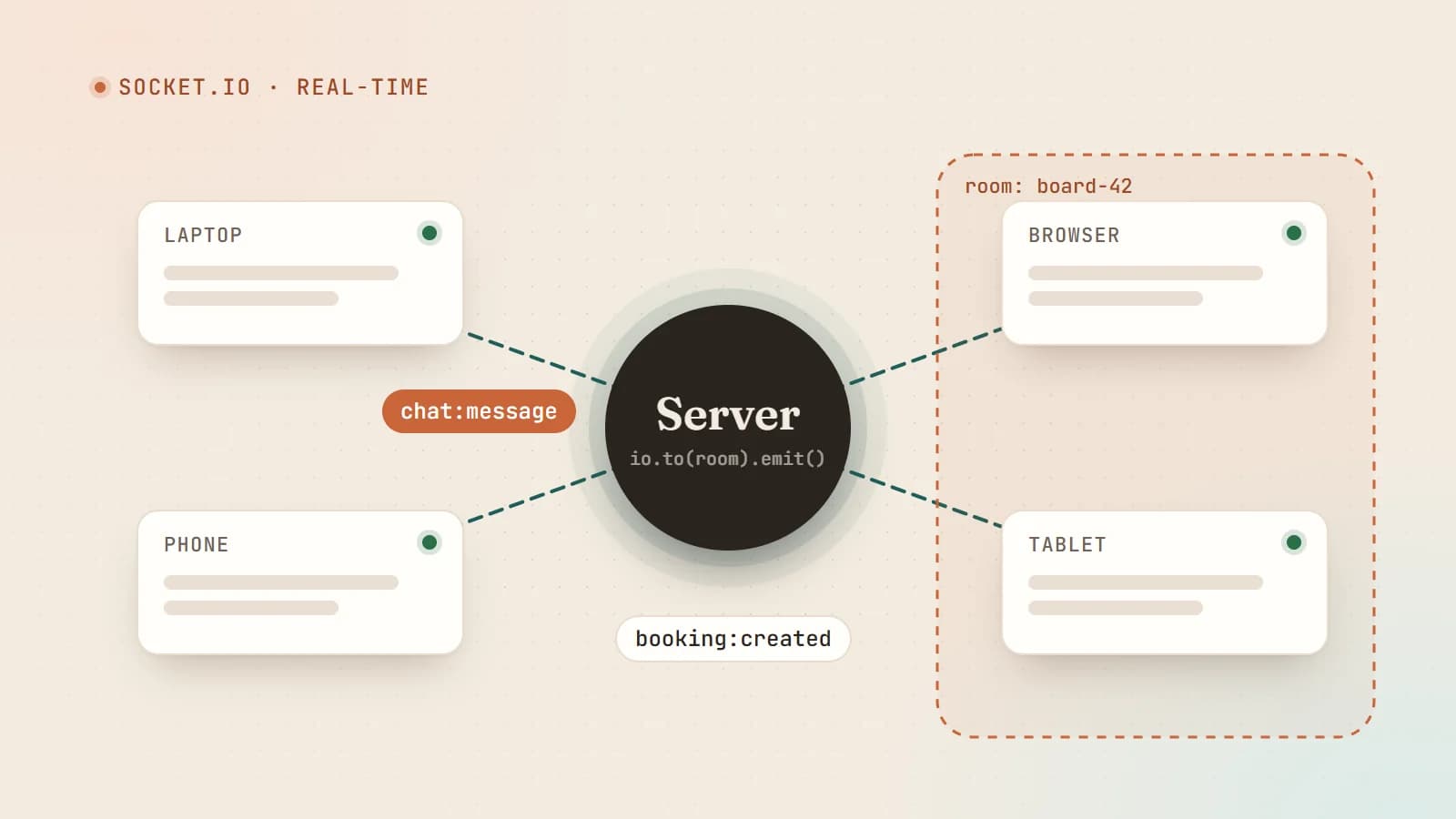
io.to("room-42").emit("update", data); // everyone in a room
socket.to("room-42").emit("typing");   // everyone in the room except the sender
Rooms
Rooms are named groups of sockets, managed entirely on the server. A socket can be in many rooms. They’re perfect for chat channels, documents being edited, or “all devices of this user”.
socket.on("board:join", async (boardId) => {
  if (!(await canAccessBoard(socket.data.userId, boardId))) return;
  socket.join(`board:${boardId}`);
});

// later, when something changes on that board:
io.to(`board:${boardId}`).emit("board:updated", changes);
A useful pattern is to join every socket to a room named after its user ID on connection. Then you can notify a user on all their devices with io.to(`user:${userId}`).emit(...).
Acknowledgements
Sometimes the client needs to know the server received and processed something — and whether it worked. Acknowledgements add a callback:
// client
const response = await socket.timeout(5000).emitWithAck("booking:create", payload);
if (!response.ok) showError(response.error);

// server
socket.on("booking:create", async (payload, ack) => {
  try {
    const booking = await createBooking(socket.data.userId, payload);
    ack({ ok: true, booking });
  } catch (err) {
    ack({ ok: false, error: "Could not create booking" });
  }
});
Namespaces
Namespaces split one server into separate communication channels with their own event handlers, rooms and middleware — for example / for the app and /admin for staff tools:
const admin = io.of("/admin");
admin.use(requireAdmin);
admin.on("connection", (socket) => { /* ... */ });
Authentication
Never trust the client to say who it is in an event payload. Authenticate the connection instead, using middleware:
// client
const socket = io("https://realtime.example.com", {
  auth: { token: await getAccessToken() },
});

// server
io.use(async (socket, next) => {
  try {
    const user = await verifyToken(socket.handshake.auth.token);
    socket.data.userId = user.id;
    next();
  } catch {
    next(new Error("unauthorized"));
  }
});
Then, inside handlers, use socket.data.userId — never an ID sent by the client — and check permissions for every action, just as you would in a REST API.
Validate every event
Socket events are API endpoints. Treat their payloads as untrusted input:
import { z } from "zod";

const Message = z.object({ roomId: z.string().min(1), text: z.string().min(1).max(2000) });

socket.on("chat:message", (raw, ack) => {
  const parsed = Message.safeParse(raw);
  if (!parsed.success) return ack?.({ ok: false, error: "Invalid message" });
  // ...authorize, save, broadcast
});
Add rate limiting per socket or per user too. A client in a loop can emit thousands of events per second.
Reconnection and missed messages
Networks drop — especially on mobile. Socket.IO reconnects automatically, but by default events sent while a client was disconnected are lost. Strategies:
- Refetch on reconnect: on the
connectevent, load the current state via a normal HTTP request. Simple and robust. - Connection state recovery: recent Socket.IO versions can restore a socket’s rooms and replay missed events after a short disconnection, when enabled on the server.
- Persist first, notify second: save data to the database, then emit. The socket is a notification channel; the database is the source of truth.
The last principle prevents a whole class of bugs. If a message only exists in a socket event, it can be lost.
Scaling beyond one server
A single Node.js process can handle many concurrent connections, but eventually you’ll run several instances. Two things then become necessary.
1. Sticky sessions
When the long-polling fallback is used, all requests from one client must reach the same server instance. Configure your load balancer (nginx, a cloud load balancer) for sticky sessions, or restrict clients to the WebSocket transport if your environment reliably supports it.
2. An adapter to share events
Server A doesn’t know about sockets connected to server B. An adapter relays broadcasts between instances. The Redis adapter is the classic choice:
import { createClient } from "redis";
import { createAdapter } from "@socket.io/redis-adapter";

const pub = createClient({ url: process.env.REDIS_URL });
const sub = pub.duplicate();
await Promise.all([pub.connect(), sub.connect()]);

io.adapter(createAdapter(pub, sub));
Now io.to("room-42").emit(...) reaches every member of the room, whichever instance they’re connected to.
Socket.IO and serverless platforms
Socket.IO needs a long-running server process that holds connections open. Traditional serverless functions run briefly per request and then stop, so they can’t host a Socket.IO server directly.
If your main app runs on a serverless platform, common options are:
- run a small dedicated Socket.IO service on a VPS, container platform or any host that supports long-lived connections;
- use a managed real-time service;
- use Server-Sent Events if you only need server-to-client updates and your platform supports streaming responses.
If your app already runs as a long-lived Node.js server, you can attach Socket.IO to the same HTTP server.
When to choose something else
- Server-to-client only (live notifications, progress updates): Server-Sent Events are simpler and use plain HTTP.
- Native WebSocket clients (IoT devices, other languages without a Socket.IO client): consider a plain WebSocket library.
- Ultra-high scale with minimal infrastructure: a managed pub/sub or real-time service may be cheaper than running your own fleet.
Production checklist
- Restrict CORS origins to your real domains.
- Authenticate in connection middleware; authorize every action.
- Validate and size-limit every payload; rate-limit events.
- Persist first, then emit; refetch state on reconnect.
- Use rooms instead of filtering broadcasts in client code.
- Configure sticky sessions and the Redis adapter before running multiple instances.
- Set sensible timeouts on acknowledgements and show users connection status.
- Monitor connection counts, event rates and errors.
Socket.IO makes real-time features approachable: a few lines for a demo, and a mature set of tools — rooms, acknowledgements, middleware and adapters — for the production version. Treat sockets like any other API surface, keep your database as the source of truth, and live updates become one of the most satisfying things you can add to an app.
- Socket.IO
- Node.js
- Real-Time
- WebSockets
Keep reading
5 min read
Node2Shell (CVE-2026-111497) explained: is your Node.js app exposed, and how to patch it
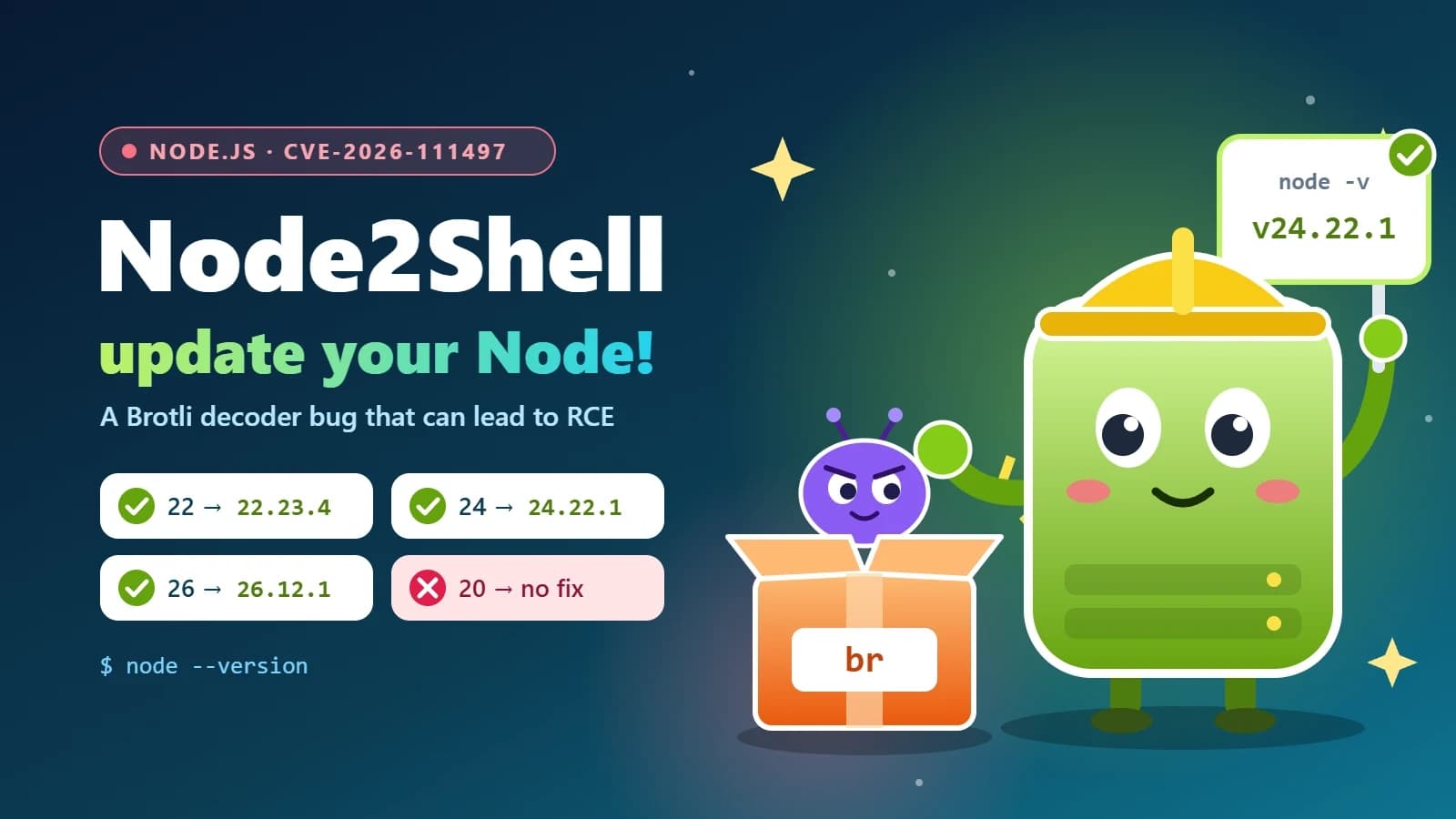
Node2Shell is a high-severity bug in the Brotli decoder bundled with Node.js that can lead to remote code execution. Here’s who is exposed, how to check your servers, Docker images and CI, and which versions fix it.
- Node.js
- Security
- DevOps
- Docker
6 min read
Next.js security update October 2026: which versions are vulnerable and how to upgrade
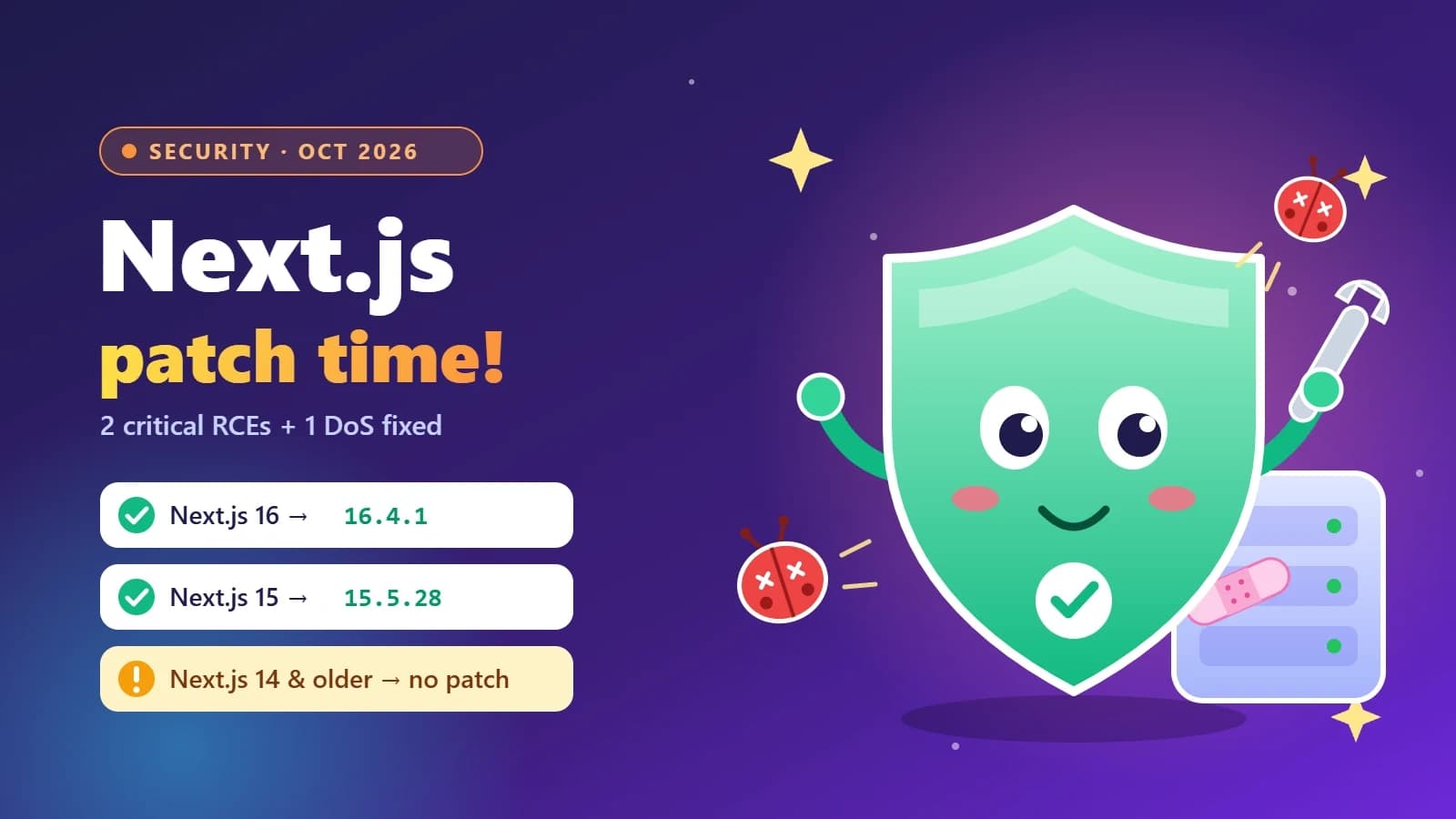
Next.js 16.4.1 and 15.5.28 fix two critical remote code execution bugs and a Server Actions denial of service. Here’s how to tell if your app is affected, how to upgrade safely, and what the November 3 security release means for you.
- Next.js
- Security
- Web Development
- Node.js
6 min read
Authentication explained: sessions, JWTs, OAuth and passkeys
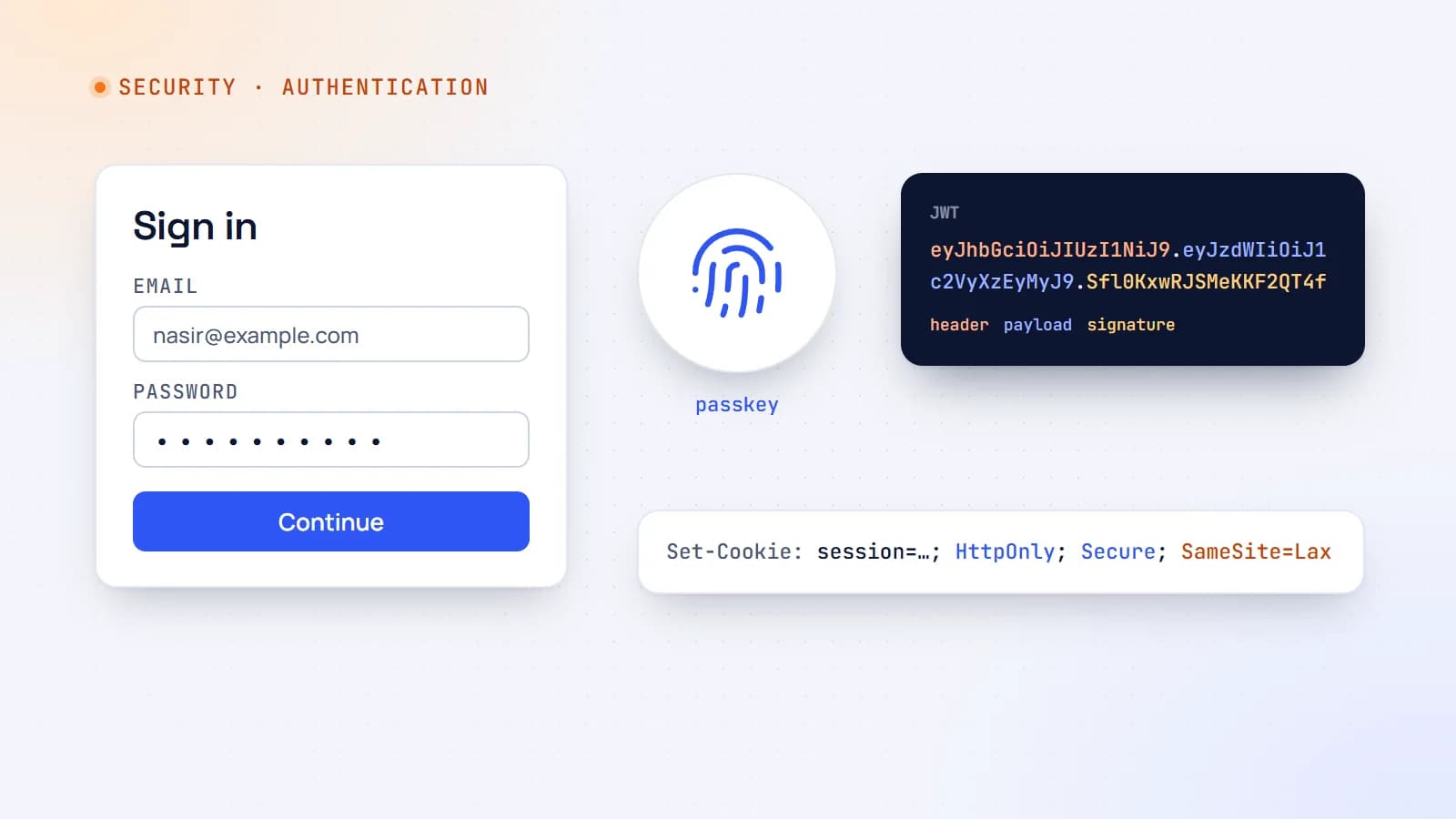
Every login form hides a set of design decisions — sessions or tokens, cookies or headers, passwords or passkeys. Here’s how modern web authentication works and how to choose a setup that’s secure without being complicated.
- Authentication
- Security
- Web Development
- Node.js
Building something? Let’s talk.
If you’re planning a web app, a website or a new feature, a free call is a good place to start — you’ll get honest options, a fixed price and a timeline.