Why learning AI is no longer optional — and what to actually learn
AI isn’t replacing developers or businesses that adapt — it’s raising the bar for everyone else. Here’s why learning AI matters now, what skills are worth your time, and a realistic learning path that doesn’t require a PhD.
 Nasir Mollah
6 min read
On this page8 sections
Every few years, a technology arrives that changes what “being good at your job” means. The web did it. Smartphones did it. Cloud computing did it. AI — and large language models in particular — is doing it now, faster than any of them.
You don’t need to become a machine-learning researcher. But whether you’re a developer, a freelancer or someone running a small business, working effectively with AI has become a basic professional skill, like using search engines or spreadsheets. This article explains why, and what to learn first.
The shift that’s already happened
A few things are now simply true:
- AI is built into the tools people already use — code editors, office suites, design tools, search engines, customer-support platforms.
- Customers expect AI-level convenience — instant answers, smart search, personalized help, and support outside business hours.
- Search itself is changing. People increasingly ask AI assistants for recommendations instead of scrolling through ten blue links, and businesses that are easy for AI to understand get mentioned more often.
- Small teams can do much more. One person with good AI workflows can produce what used to need several.
None of this means AI does everything well. It means the baseline has moved. Those who learn to use AI well get faster and better; those who don’t are competing with people who did.
“Will AI replace me?” — a more useful question
AI is excellent at producing a first draft: code, copy, summaries, analysis, designs. It’s much weaker at knowing what’s worth producing, judging whether it’s correct, understanding a specific customer’s context, and taking responsibility for the result.
So the realistic risk isn’t usually “AI replaces you”. It’s that someone who uses AI well replaces someone who doesn’t — because they deliver in a day what used to take a week, at similar quality.
The better question is: which parts of my work can AI speed up, and how do I get better at the parts it can’t do?
Why developers in particular should invest now
1. Your daily workflow is changing
AI coding assistants now write boilerplate, generate tests, explain unfamiliar code, draft migrations and catch bugs. Developers who know how to guide them — giving clear context, breaking work into steps, reviewing output critically — ship faster. Those who use them carelessly ship bugs faster.
2. AI features are becoming standard requirements
Clients and employers increasingly ask for features like:
- smart search across products, documents or help articles;
- chat assistants that answer from company knowledge;
- automatic summaries, tagging and classification;
- document data extraction (invoices, forms, CVs);
- AI-assisted writing tools inside products.
Building these well requires knowing how models behave, what they cost, how to ground them in real data and how to handle their failures.
3. The hard parts are still engineering
Production AI features need everything good software needs — authentication, validation, error handling, caching, monitoring, security, privacy — plus new concerns such as prompt injection, evaluation and cost control. Developers who combine solid engineering with AI knowledge are in a strong position.
Why business owners should care
You don’t need to code to benefit:
- Time savings: drafting emails, proposals, social posts and documentation; summarizing long documents and meetings.
- Better customer service: faster answers, FAQ assistants, smarter contact forms.
- Visibility in AI search: making sure assistants like ChatGPT, Perplexity and Google’s AI features can find and accurately describe your business — clear facts, structured data and pages that answer real questions.
- Better decisions about vendors: knowing enough to tell real AI value from expensive buzzwords.
Just as importantly, understanding AI helps you avoid its risks: putting confidential client information into tools without checking their data policies, publishing unchecked AI-written claims, or automating customer communication without oversight.
What’s worth learning (and what isn’t)
Worth learning for almost everyone
- How LLMs work at a high level: tokens, context windows, why they hallucinate, why they’re sensitive to wording.
- Prompting as clear communication: context, specific tasks, examples, output formats, iteration.
- Verification habits: checking facts, asking for sources, testing code, never trusting confident tone alone.
- Privacy and data awareness: what you can safely share with which tools.
Worth learning for developers
- Calling model APIs: messages, system prompts, streaming, token limits, temperature, structured outputs.
- Tool calling and agents: letting models use functions safely, with validation and human approval.
- Retrieval-augmented generation (RAG): embeddings, vector search, chunking, citations.
- Evaluation: building test sets and measuring quality before and after changes.
- Security for AI apps: prompt injection, least-privilege tools, output validation, data protection.
- Cost and latency management: caching, choosing appropriately sized models, keeping prompts lean.
Probably not worth your time (unless it’s your specialty)
- Training large models from scratch.
- Memorizing lists of “magic prompts”.
- Chasing every new tool launch. Fundamentals transfer; tool-specific tricks expire quickly.
Deep machine-learning knowledge — linear algebra, training pipelines, model architecture research — is valuable if you want to build models. Most developers want to build with models, and that needs a different, much more accessible skill set.
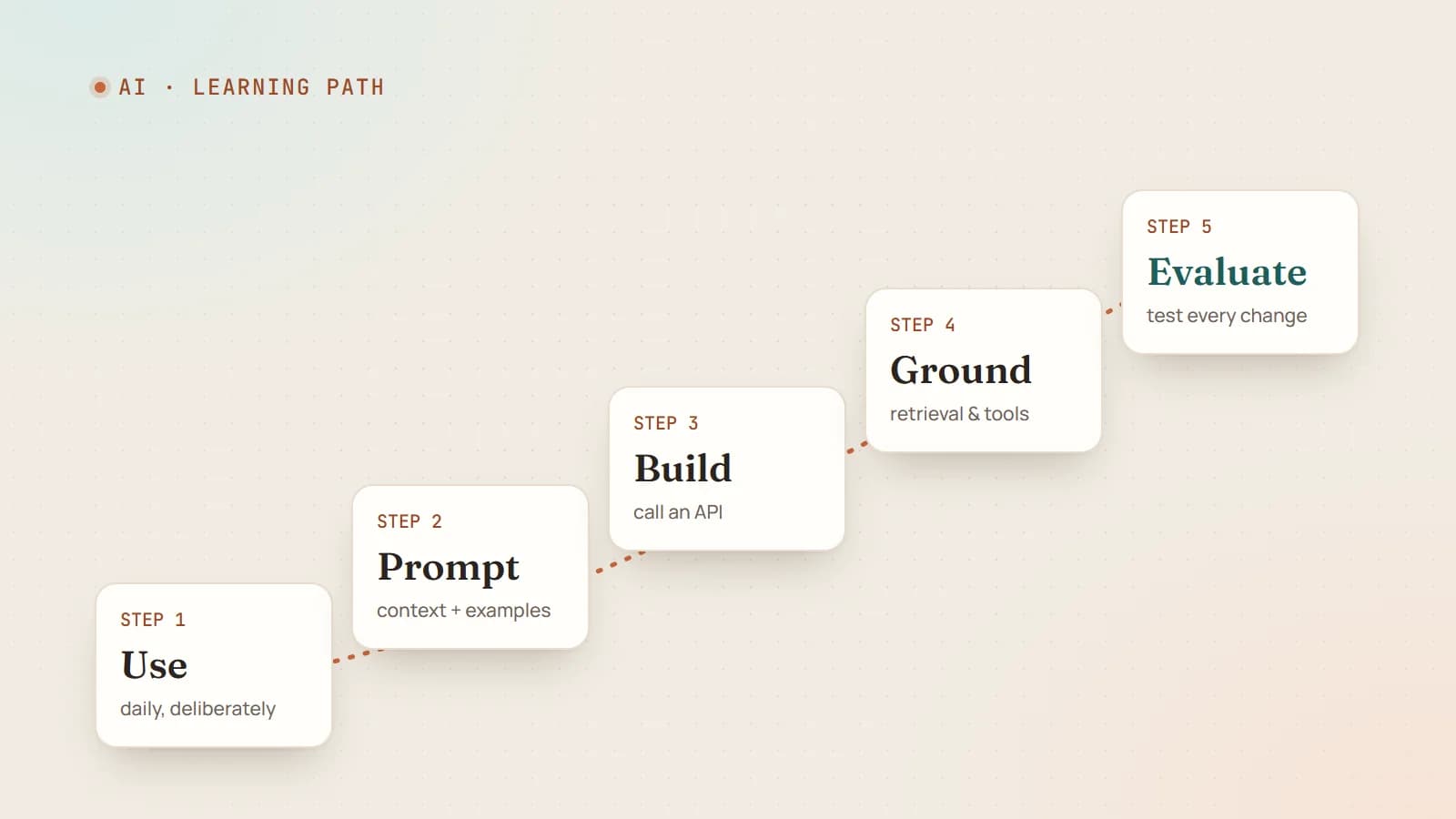
A realistic learning path
You can make meaningful progress in a few weeks of evenings.
Week 1: use AI deliberately every day
Pick two or three real tasks a day — an email, a bug, a summary — and do them with an AI assistant. Notice what works: which instructions help, where it goes wrong, when it’s faster to do it yourself. Read a clear explanation of how LLMs work so the behavior you see makes sense.
Week 2: learn prompting properly
Practice giving context, examples and output formats (this prompt engineering guide covers the essentials). Rewrite a few prompts that gave poor results until they give good ones, and note what changed. Learn to break big tasks into steps.
Week 3: build something small with an API (developers)
Build a tiny app that calls a model API: a tool that summarizes a pasted article into bullet points, or classifies support emails into categories and returns JSON. Handle errors, validate the output and track token usage.
Week 4: ground it in real data
Add retrieval: index a set of documents (your notes, a product’s docs) and answer questions with citations. Then add one tool the model can call. You’ll have touched the core building blocks of most real AI features.
Ongoing: build an evaluation habit
For anything you keep, collect test inputs and expected results, and re-run them when you change prompts or models. This single habit separates hobby projects from reliable products.
Using AI responsibly
Learning AI includes learning its limits:
- Check what matters. AI output can be fluent and wrong.
- Protect sensitive data. Know each tool’s data-retention and training policies before sharing client or personal information.
- Be transparent where it matters — for example, when customers are talking to an AI assistant rather than a person.
- Keep humans accountable for decisions affecting people, money, health or legal rights.
The bottom line
AI isn’t a passing trend or a magic replacement for skill. It’s a powerful, imperfect tool that is quickly becoming part of every knowledge job. Learning to use it well — clearly, critically and responsibly — is one of the highest-return investments you can make right now.
The best time to start was a couple of years ago. The second-best time is this week, with one real task.
- AI
- Career
- Learning
- LLMs
Keep reading
6 min read
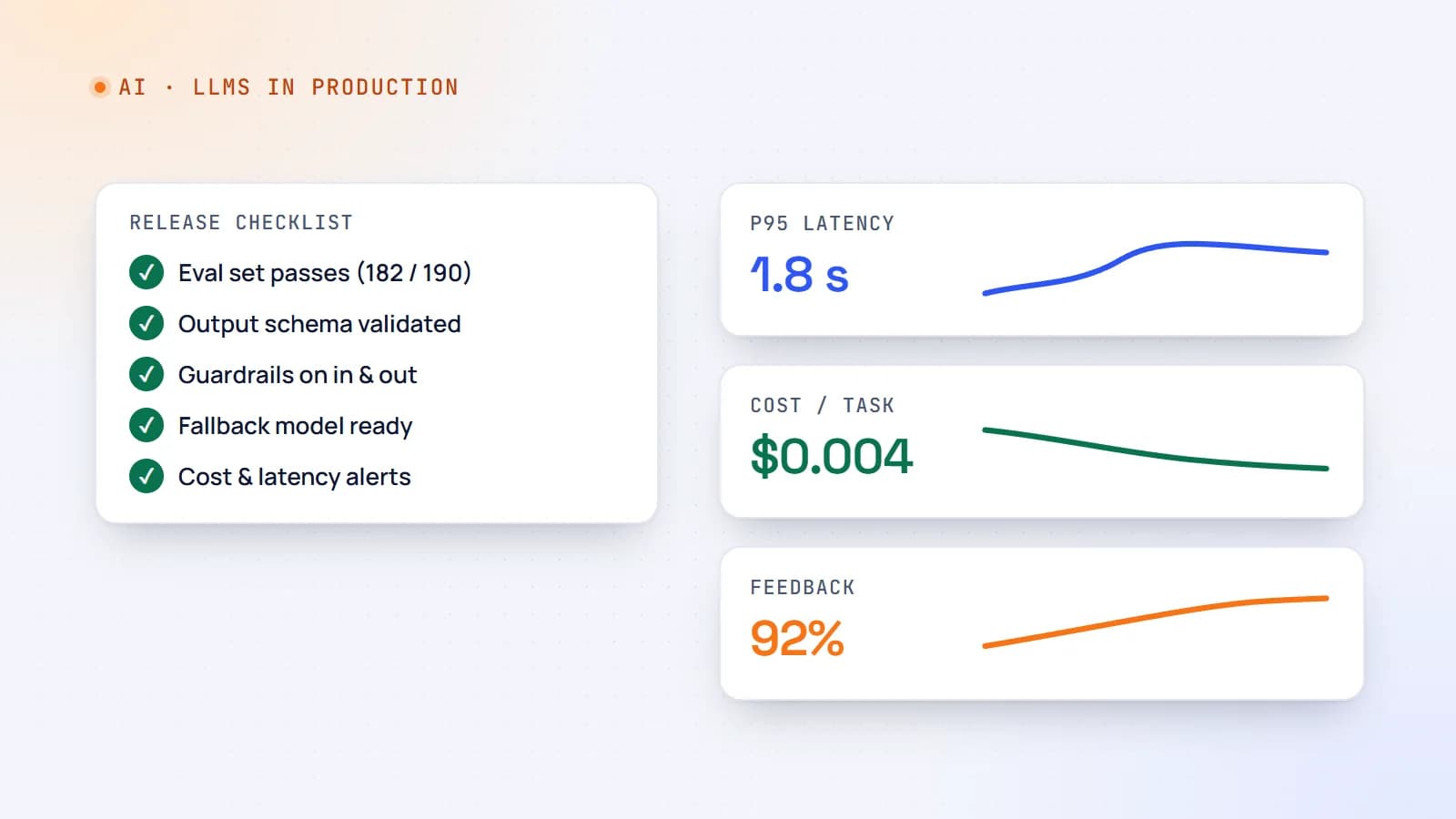
Shipping LLM features to production: evals, guardrails, cost and monitoring
A demo that works on ten examples is not a product. Here’s a practical production checklist for AI features — evaluation sets, guardrails, fallbacks, cost and latency control, monitoring and rollout — so your LLM feature stays reliable after launch.
- AI
- LLMs
- DevOps
- Production
6 min read
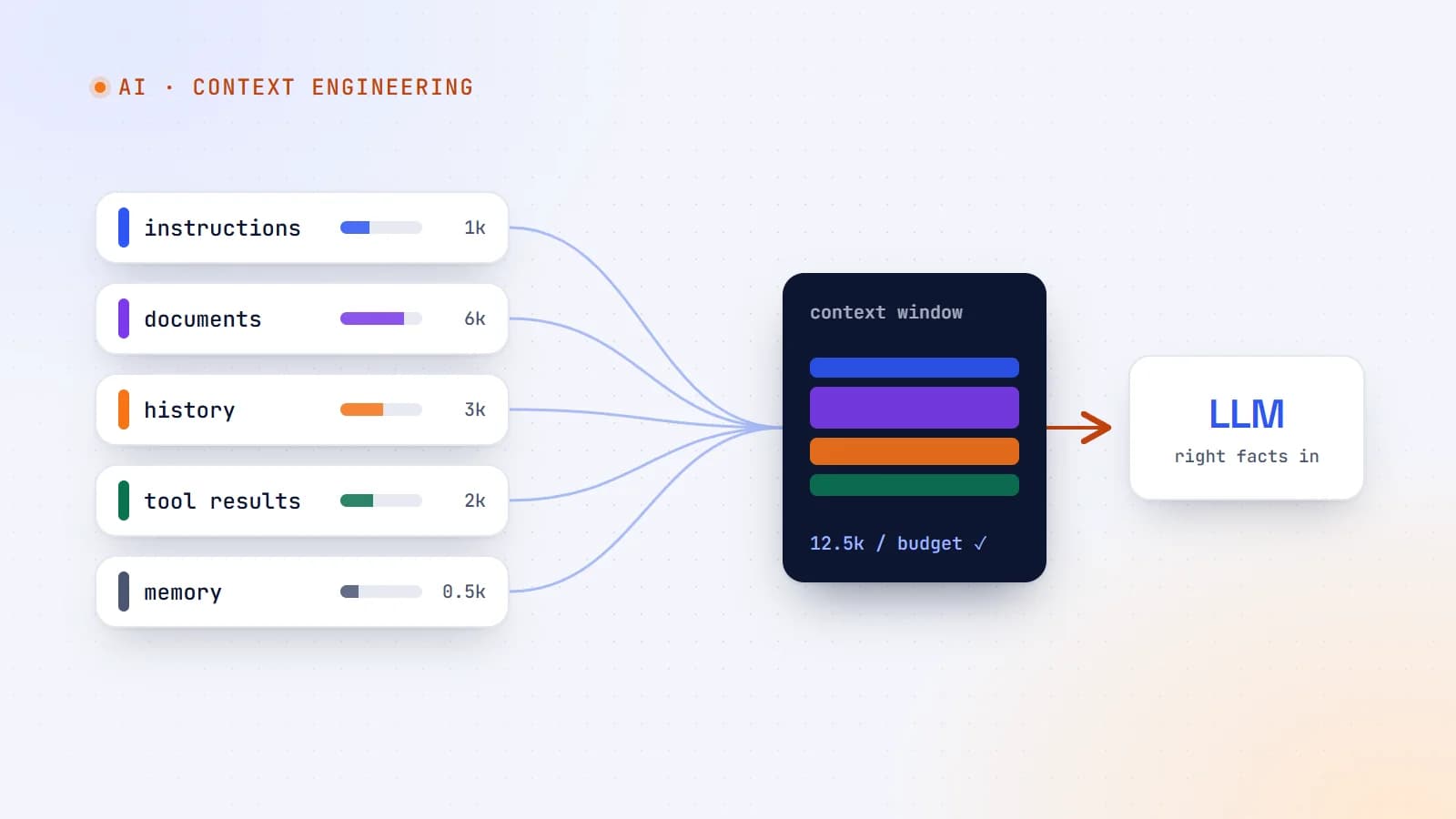
Context engineering: the skill that’s replacing prompt engineering
The best AI features aren’t built on clever prompts — they’re built on giving the model exactly the right information at the right moment. Here’s what context engineering is, why it matters more as models get smarter, and production guidelines for doing it well.
- AI
- Context Engineering
- LLMs
- AI Agents
9 min read
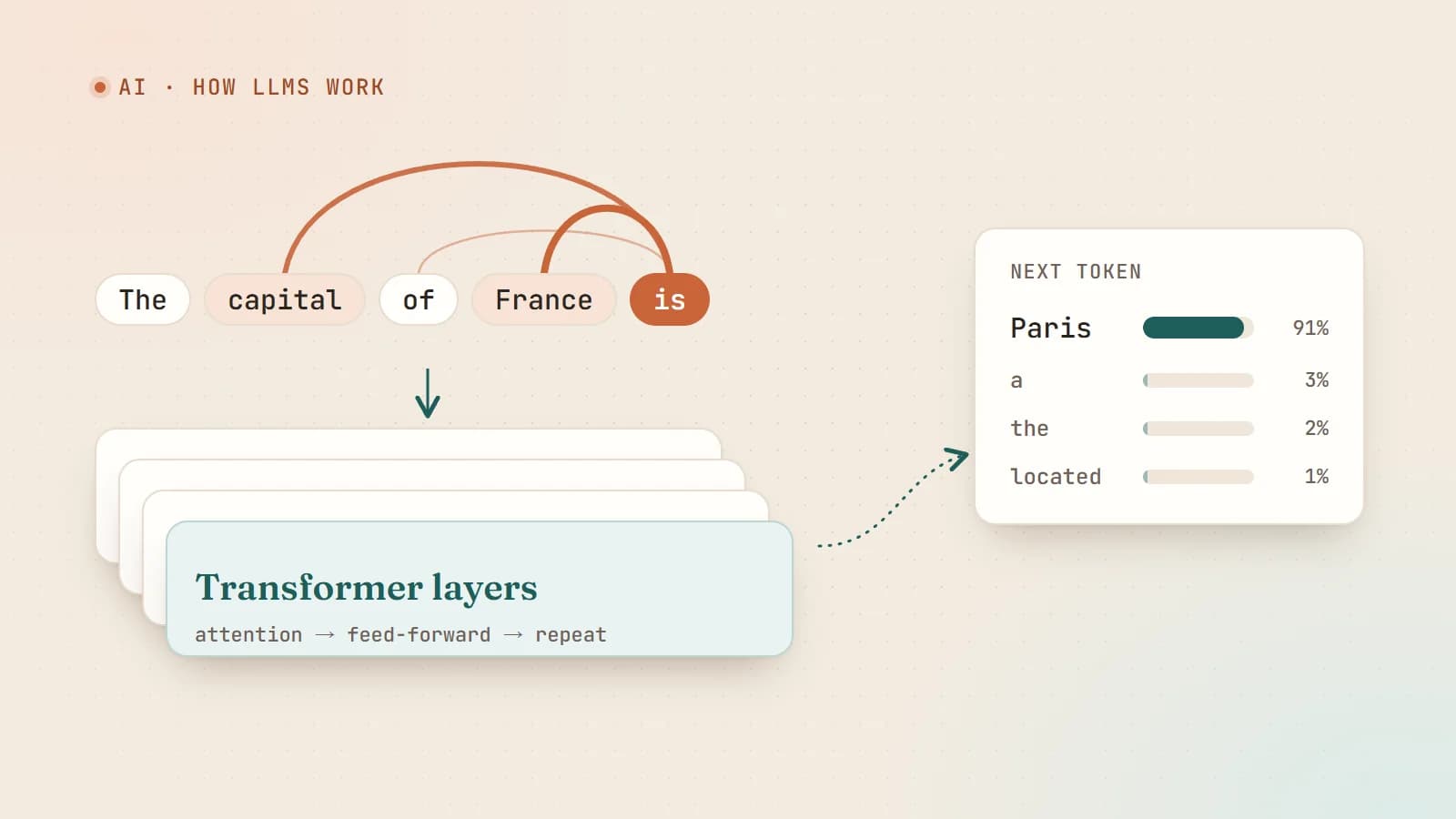
How large language models actually work — a plain-English guide for developers
Tokens, embeddings, attention, training and sampling — what really happens between your prompt and the model’s answer, explained without the hype and without a math degree.
- AI
- LLMs
- Machine Learning
- Fundamentals
Building something? Let’s talk.
If you’re planning a web app, a website or a new feature, a free call is a good place to start — you’ll get honest options, a fixed price and a timeline.